You can book a JioFiber connection online in a few minutes on jio.com or in the MyJio app. You enter your name and mobile number, verify the number with a one-time password, mark your home address on a map and submit. Jio then checks whether fibre can reach your building and contacts you to arrange an installation visit.
This guide walks through each step, explains what the availability check really means and tells you what to expect between booking and installation. Plans, charges and offers change often, so check the current options on jio.com or in the MyJio app before you confirm anything.
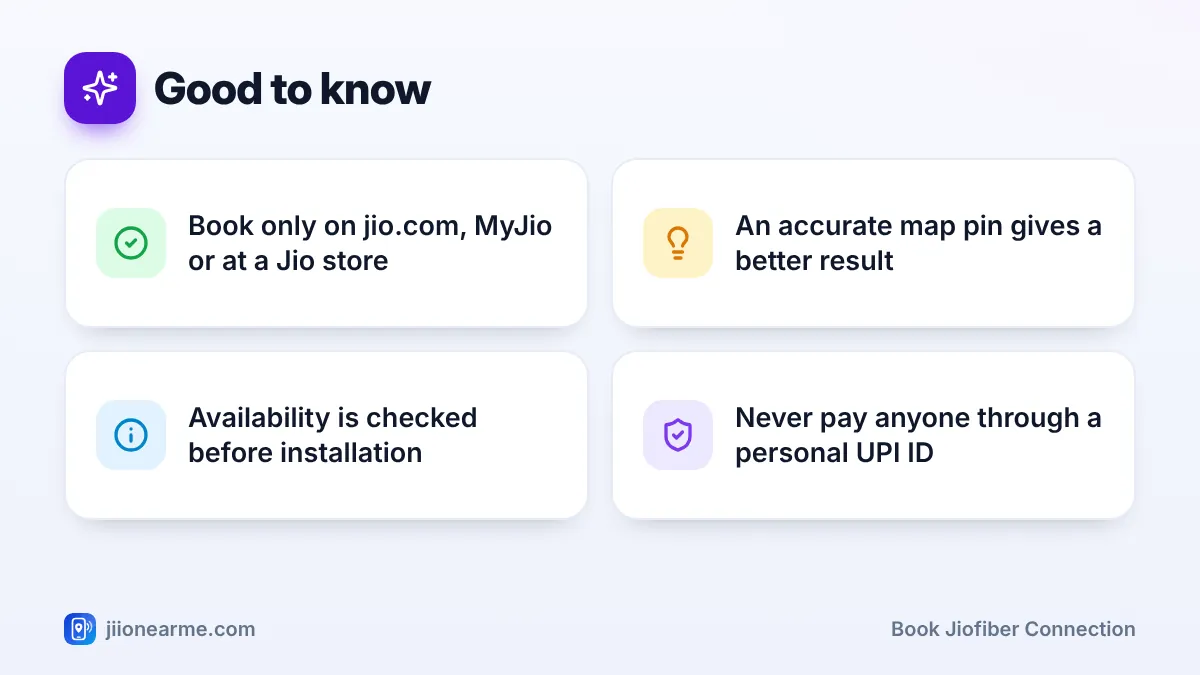
- Book JioFiber only through jio.com, the MyJio app or an official Jio store.
- Place the map pin on your exact building so the availability check is accurate.
- After booking, Jio confirms feasibility, completes verification and schedules the visit.
- Pay any charges only through official Jio channels, never to a personal UPI ID.
What to Keep Ready Before You Book
The booking form is short, but having a few things ready saves time and avoids errors later.
- A mobile number you use daily. Jio sends the OTP and all booking updates to this number, and the installation team may call it.
- Your complete address. Note your flat or house number, floor, building or society name, street, landmark and PIN code.
- Identity and address proof. You usually need these at the verification stage rather than on the booking form, but keep them handy.
- A rough idea of the plan type. JioFiber has prepaid and postpaid options. You can often decide later, but comparing early helps.
If you live in a rented home or an apartment society, speak to your landlord or society office before booking. The technician may need to run a cable through common areas or drill a small hole in a wall, and early permission avoids delays on the day.
How to Book JioFiber Connection Online on jio.com
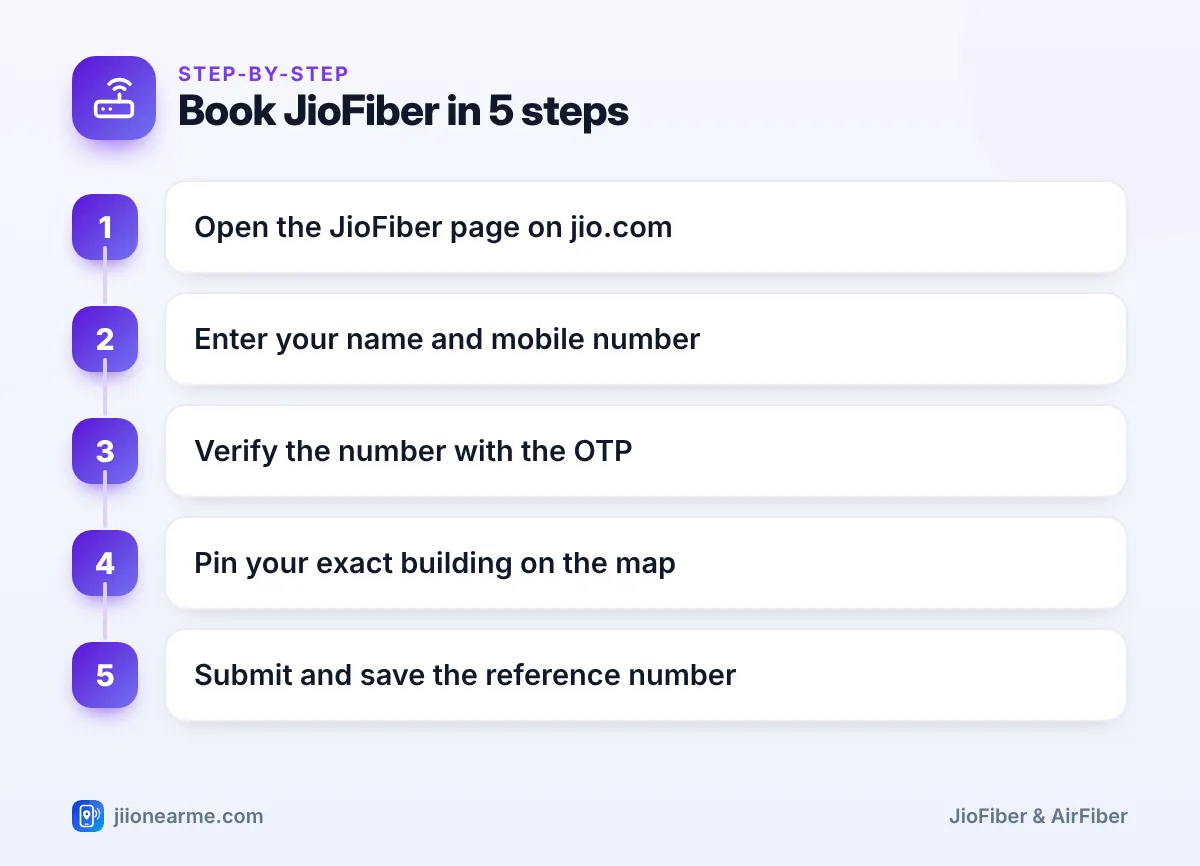
The website is the simplest place to book a JioFiber connection. Button names can change slightly over time, but the flow generally looks like this:
- Open jio.com in your browser and go to the JioFiber section from the main menu.
- Tap Book now, Get JioFiber or a similarly named button.
- Enter your name and mobile number.
- Type the OTP you receive by SMS into the website yourself to verify the number.
- Allow location access or search for your area, then drag the map pin onto your exact building.
- Fill in your flat or house number, floor, building name, landmark and PIN code.
- Review the details and submit the request.
- Note the booking reference shown on screen, or save the confirmation SMS.
Spend an extra minute placing the map pin on your actual building, not just somewhere on your street. A misplaced pin can lead to an inaccurate availability result or send the technician to the wrong gate.
Other Official Ways to Book JioFiber
If you prefer not to use the website, there are other official routes. All of them lead to the same booking system.
- MyJio app: Sign in with your mobile number and look for a JioFiber or home broadband option. It may appear as a banner on the home screen or inside the main menu (☰). The form asks for the same details as the website.
- Jio store: Visit a Jio store or authorised retailer with your ID and address proof. Staff can register the request and explain the plans on offer.
- Customer care: From a Jio mobile number you can call 199 for queries, or use the Jio toll-free number 1800-889-9999. They can guide you on booking or check the status of an existing request.
Whichever route you choose, you should receive an SMS confirming the request. Keep it until your connection is active.
How Jio Checks Availability at Your Address
Submitting a booking does not guarantee a connection. JioFiber runs on physical optical fibre, so Jio needs a fibre point close enough to your building to extend a cable to your home. After you submit the form, your address is checked against Jio’s network in that area.
When JioFiber is available
If your building or lane already has Jio fibre, the request usually moves to the next stage quickly. Many apartment societies in cities already have a fibre distribution box inside the building, which makes the installation simpler and faster.
When it is not available yet
If there is no fibre nearby, you may see a message saying the service is not available yet, or that Jio will inform you when it is. You then have two practical choices:
- Register your interest and wait for the network to reach your area.
- Check whether Jio AirFiber is available instead. It uses Jio’s 5G network and an outdoor unit, so it does not need a fibre cable to your door.
Jio keeps extending its fibre network. If your area showed “not available” some months ago, check again with the same address before choosing another option.
What Happens After You Submit the Request
Once your booking is in, the process usually follows the stages below. The order and timing can vary by city, building and plan, so treat this as a general guide.
| Stage | What happens | What you should do |
|---|---|---|
| Confirmation | You get an SMS acknowledging the request | Save the SMS and reference number |
| Feasibility check | Jio confirms fibre can reach your home | Answer calls from Jio about your address |
| Plan and verification | You choose a plan and complete KYC | Keep ID and address proof ready |
| Payment | Any applicable charges are paid | Pay only via MyJio, jio.com or a Jio store |
| Installation visit | A technician lays the cable and sets up the router | Keep an adult at home and permissions sorted |
| Activation | The connection goes live and appears in MyJio | Test Wi-Fi and note your Wi-Fi password |
You can follow the request in the MyJio app or by calling customer care. If nobody contacts you within a few days, follow up with your reference number instead of booking again. Duplicate requests for the same address can confuse the system and slow things down.
Genuine Jio staff will not ask you to send money to a personal UPI ID or to read out an OTP over a phone call. If someone does, end the call and report it through Chakshu on the Sanchar Saathi portal. If you have lost money, call 1930 or file a complaint on cybercrime.gov.in.
Common Booking Mistakes to Avoid
Most booking problems are easy to prevent. Watch out for these:
- Booking through an unofficial website or social media page that only looks like Jio.
- Giving an incomplete address without the floor or flat number.
- Submitting several requests for the same address.
- Forgetting to inform the society or landlord, which can stop the work on the day.
- Missing calls after booking. Keep your phone reachable for a few days, but still verify any caller who asks for money or personal details.
Frequently Asked Questions
Is there a charge to book a JioFiber connection online?
Charges, if any, depend on the plan and offers available at the time you book. Check the current details on jio.com or in the MyJio app before confirming, and pay only through official Jio channels.
How long does installation take after booking?
It depends on your area, building permissions and the local team’s schedule. Jio usually calls to fix a convenient slot; if you hear nothing for several days, follow up using your reference number.
What should I do if JioFiber is not available at my address?
Register your interest so you are informed when fibre reaches your area. Meanwhile, check whether Jio AirFiber is available at your location as an alternative.
Can I change the installation address after booking?
Contact Jio customer care or check your request in the MyJio app as early as possible. A new address will need a fresh availability check, so the timeline may restart.
Do I need to be at home on the installation day?
Yes, an adult should be present to give access, decide where the router goes and complete any pending verification. Keep your ID handy in case it is needed.
Final Thoughts
Booking JioFiber online is quick. The part that matters most is giving an accurate address, sorting out permissions early and staying reachable after you submit the request. Use only official channels, save your reference number and check jio.com or the MyJio app for the latest plans before you pay anything.
JIo Near me is an independent guide and is not affiliated with Reliance Jio. App menus, plans and policies can change – always confirm current details in the official MyJio app or on jio.com. We will never ask for your OTP, PIN or passwords.
