JioFiber brings internet into your home through a physical optical fibre cable. Jio AirFiber gets it wirelessly from Jio’s 5G network, through an outdoor unit fixed to your wall, balcony or terrace. If fibre is available in your building and you want the steadiest connection, JioFiber is usually the better pick. If fibre has not reached you yet, AirFiber fills that gap well.
Both services give you home Wi-Fi, and both can include TV options depending on the plan. The real differences are in how they reach you, where they work and how consistent they feel day to day. This comparison walks through each point so you can decide which one to book. Plans change often, so check current options on jio.com or in the MyJio app.
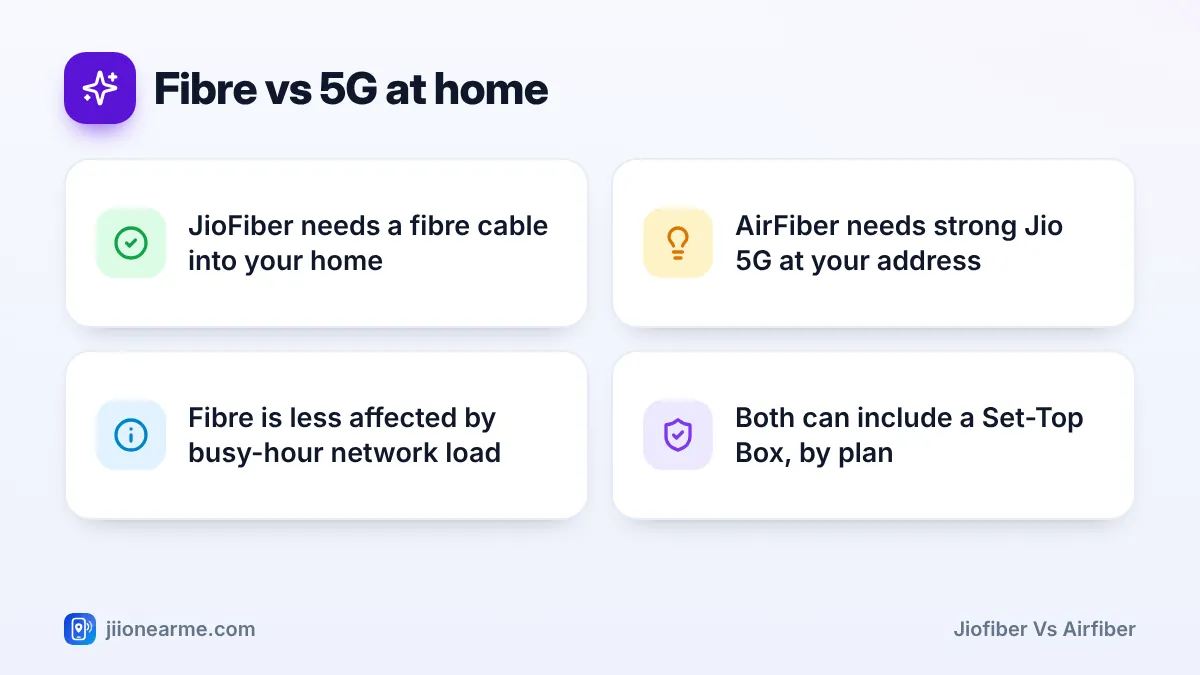
- JioFiber uses a fibre cable; AirFiber uses Jio’s 5G signal and an outdoor unit.
- Fibre is usually more consistent, especially at busy hours and for calls or gaming.
- AirFiber can reach homes and areas where fibre has not been laid yet.
- Availability at your exact address often decides the choice for you.
JioFiber vs AirFiber at a Glance
Here is a quick summary. The sections below explain each point.
| Factor | JioFiber | Jio AirFiber |
|---|---|---|
| How internet reaches you | Optical fibre cable into your home | 5G radio signal to an outdoor unit |
| Main equipment | Fibre router, often with the optical terminal built in | Outdoor unit plus an indoor Wi-Fi unit |
| Where it works | Buildings and areas on Jio’s fibre network | Addresses with strong Jio True 5G coverage |
| Installation work | Cable routed from the building box to your home | Outdoor unit mounted and cabled indoors |
| Day-to-day consistency | Very steady | Good, but depends on signal and tower load |
| TV options | Set-Top Box with eligible plans | Set-Top Box with eligible plans |
Installation: Cable Work vs an Outdoor Unit
JioFiber installation
A technician runs a thin fibre cable from the distribution point in your building or street to your home. This may involve drilling a small hole, fixing the cable along walls and placing the router near a power point. In apartments, the society may need to allow cable work in common areas such as the staircase or duct. Once the cable is in, nothing outside your home needs your attention.
AirFiber installation
A technician mounts the outdoor unit where it gets the best 5G signal, usually an outer wall, balcony railing or terrace. A cable then runs indoors to the Wi-Fi unit. No fibre needs to come from the street, which helps in areas where laying cable is slow. You still need permission to fix equipment on outer walls or the terrace, so check with your landlord or society first.
Before booking, ask your building manager or neighbours whether JioFiber already works in the building. If other flats have it, the fibre path usually exists and installation tends to be simpler.
Availability: Which Service Can Reach Your Home
Availability often makes the choice for you. JioFiber is possible only where Jio has laid fibre close enough to connect your building. AirFiber is possible where the Jio True 5G signal at your address is strong enough for a fixed home connection.
The simplest way to check is to enter your address or PIN code while booking on jio.com or in the MyJio app. You may find one of these situations:
- Both available: compare stability and your household’s needs, as explained below.
- Only JioFiber: book fibre.
- Only AirFiber: a practical way to get home broadband without waiting for fibre.
- Neither: check again later, as coverage keeps expanding.
An online check is a first step, not a guarantee. The final answer comes when the installation team confirms the cable path or the signal at your home.
Stability and Everyday Performance
This is where the two technologies differ most.
JioFiber is a direct physical link. Light travels through glass, so walls, trees and electrical noise do not affect the signal, and distance makes little difference. Speed and response time stay fairly steady through the day. This matters for video calls, online gaming and uploading large files.
AirFiber depends on the 5G link between the tower and your outdoor unit. A good installation gives strong performance, but a few things can affect it:
- Distance from the tower, and obstructions such as new buildings or tall trees
- Load on the tower at busy hours, since nearby users share its capacity
- Changes around your building and, to some extent, weather
For streaming, browsing and video calls, a well-placed AirFiber connection works well. If your work depends on a rock-steady connection all day, fibre has the edge.
Both services end in a Wi-Fi router inside your home. Thick walls and multiple floors weaken Wi-Fi equally on both. Router placement, and a wired connection for key devices, matter whichever service you choose.
Equipment You Get With Each Service
With JioFiber, you typically get one main box. It receives the fibre signal and creates Wi-Fi. Many models combine the optical network terminal (ONT) and the Wi-Fi router in one unit. It usually has Ethernet ports, a phone port for landline service and sometimes a USB port. A Set-Top Box may come with plans that include TV.
With AirFiber, you get two main parts: the outdoor unit that receives 5G, and an indoor unit that works as your Wi-Fi router. A Set-Top Box may come with eligible plans. Because the outdoor unit sits outside, its mounting and cable need to stay undisturbed.
In both cases, Jio provides the equipment for your connection. Treat it carefully, and do not open it or move it to a new spot without checking with Jio. If a landline matters to you, confirm during booking which plans include voice service.
Which One Suits Your Household
JioFiber is usually the better fit if:
- Your building already has Jio fibre, or it can be laid easily
- Several people work from home or attend online classes
- Someone plays online games or uploads large files often
- You plan to stay at the address for a long time
AirFiber is usually the better fit if:
- Fibre is not available in your building or area
- You live in an independent house where a wall or rooftop unit is easy to fix
- You want home broadband without cable work from the street
- Your household mainly streams, browses and makes video calls
If you rent, both options need some fixing work, so take the owner’s permission either way. If you may shift soon, ask Jio how relocation works for each service before booking.
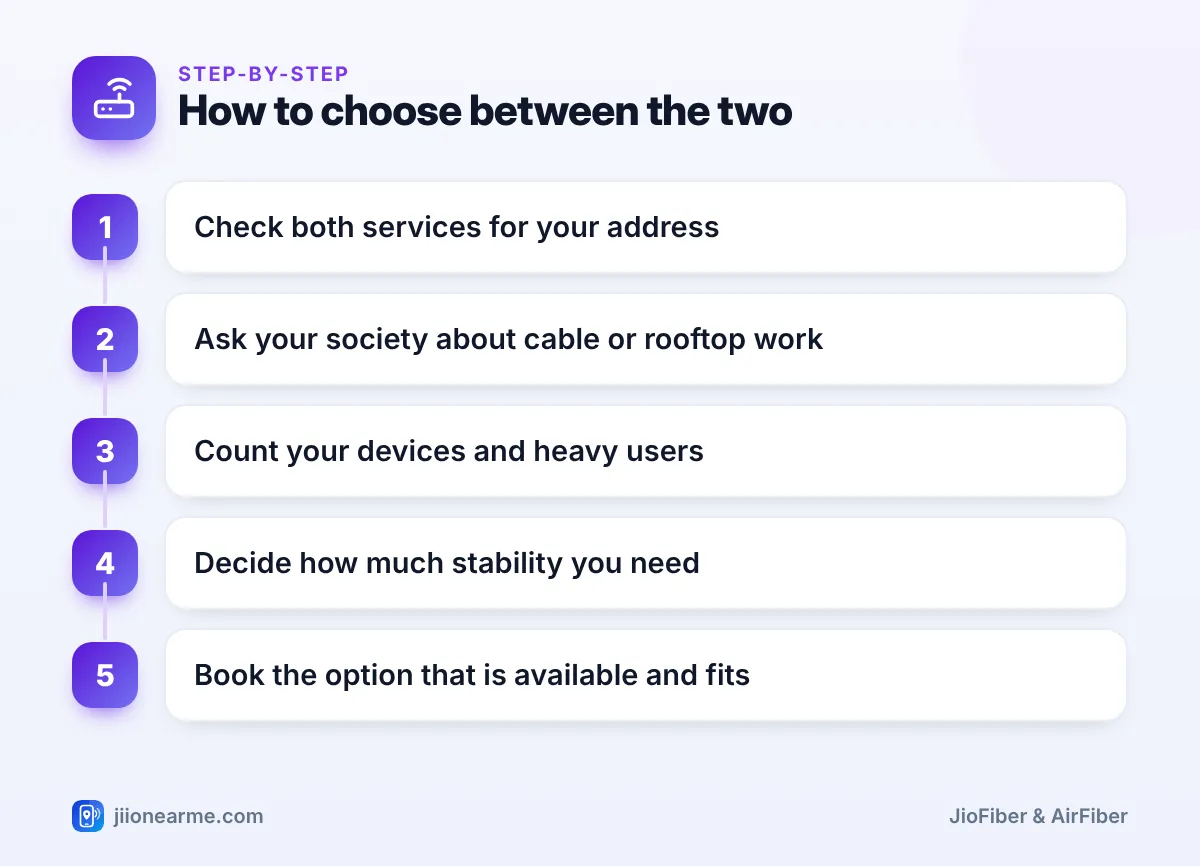
A quick way to decide
- Check availability for your exact address on jio.com or in MyJio.
- Ask your society or landlord about cable work or mounting an outdoor unit.
- Count the devices and heavy users in your home.
- Decide how much consistency you need for work, study or gaming.
- Book the service that is available and fits these needs.
A fast 5G result on your phone indoors does not guarantee AirFiber performance, and a weak phone signal does not rule it out. The outdoor unit’s position decides AirFiber quality, and only the installation team can confirm it.
Frequently Asked Questions
Is JioFiber faster than Jio AirFiber?
Both can deliver high speeds, depending on the plan. JioFiber usually feels more consistent because a physical fibre link is not affected by tower load or obstructions.
Can I switch from AirFiber to JioFiber later?
If fibre reaches your building later, you can enquire about JioFiber through jio.com, the MyJio app or customer care. Ask how the switch would work and what happens to your current AirFiber plan before you book.
Do both services work during a power cut?
The equipment inside your home needs electricity for either service. An inverter or UPS keeps the internet running during short cuts, as long as Jio’s network in your area is up.
Do both services offer TV channels and OTT apps?
Both can come with a Set-Top Box and app benefits, depending on the plan. Check the current plan details on jio.com or in MyJio before booking.
Which is better for a rented flat?
Either can work with the owner’s permission. JioFiber needs cable routing to your flat, while AirFiber needs space outside for the unit.
Final Thoughts
If JioFiber is available and your household relies on a steady connection, it is usually the safer long-term choice. If fibre has not reached your building, AirFiber is a practical way to get home broadband over Jio’s 5G network. Check availability for your address first, talk to your society or landlord, and then book the one that fits how your family uses the internet.
JIo Near me is an independent guide and is not affiliated with Reliance Jio. App menus, plans and policies can change – always confirm current details in the official MyJio app or on jio.com. We will never ask for your OTP, PIN or passwords.
