If your Android phone has 5G hardware, turning on Jio True 5G usually takes under a minute. You open your SIM settings, pick your Jio SIM and change the Preferred network type to an option that includes 5G. You do not need a new SIM, because your current Jio 4G SIM works on 5G.
The setting is only half the job, though. Your phone also needs current software, support for Jio’s 5G bands and standalone 5G, and you need to be in a 5G coverage area. This guide covers each step, plus how to confirm that you are really connected to 5G.
- Open your SIM or mobile network settings, select the Jio SIM and set the preferred network type to 5G.
- Install the latest system update first, as many phones received Jio 5G support through updates.
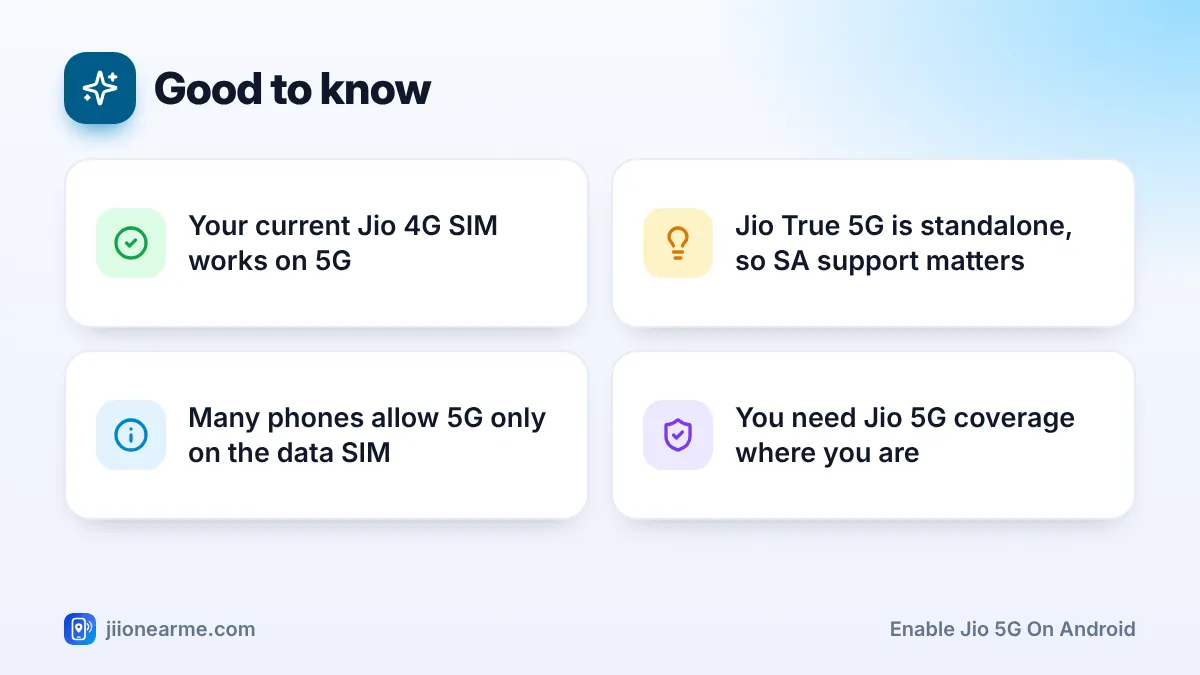
- Jio True 5G is standalone (SA) 5G, so your phone must support SA and Jio’s 5G bands.
- Look for the 5G icon in the status bar and run a speed test to confirm.
What You Need Before You Turn On Jio 5G
Check these basics before you change any setting. If one is missing, the 5G option may not appear, or it may appear but never connect.
- A 5G-capable phone. It must support the 5G bands Jio uses, mainly n78 and n28.
- Standalone (SA) 5G support. Jio True 5G runs on a standalone 5G network. Some early 5G phones only supported non-standalone 5G and needed an update to work with Jio.
- Your Jio SIM. Any active Jio 4G SIM or Jio eSIM works. There is no separate 5G SIM.
- 5G coverage. You must be in an area where Jio True 5G is live. Coverage can change from street to street and drops indoors.
- An eligible plan. Access to Jio 5G data can depend on your active plan. Check the current terms in the MyJio app or on jio.com.
If your phone lacks Jio’s 5G bands or SA support, no setting will make 5G appear. Changing the SIM will not help either.
Step 1: Update Your Phone’s Software
Many Android phones got Jio True 5G support through software updates rather than at launch. So update the phone before you look for the 5G setting.
- Open Settings.
- Look for System update, Software update or About phone. The name differs by brand.
- Tap Check for updates and install any update over Wi-Fi.
- Restart the phone once the update finishes.
Keep the battery above half, or keep the phone plugged in, while it updates. Only use the update option inside Settings. Never install system files from unofficial websites.
How to Enable Jio 5G on Android: Step-by-Step
Once your phone is up to date, follow these steps. The labels below are from stock Android, as seen on Google Pixel and Motorola phones. Other brands use similar names.
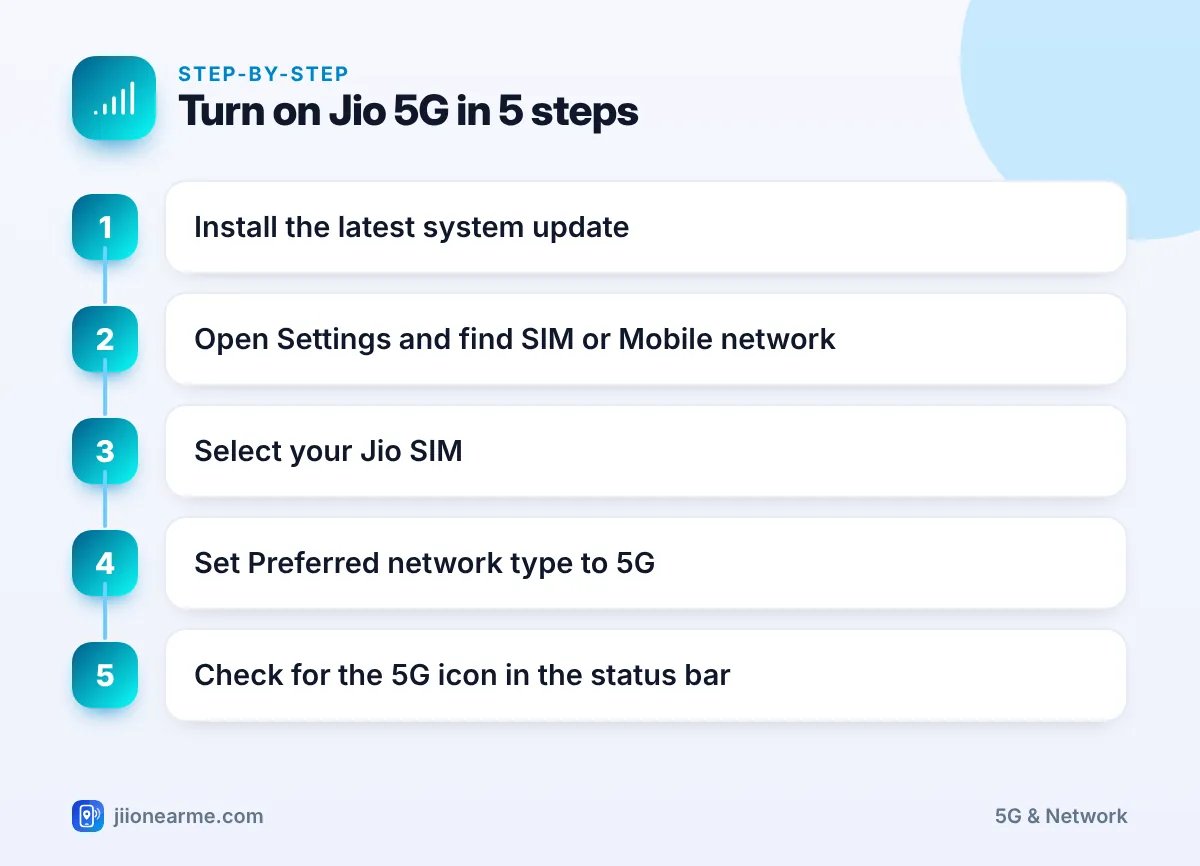
- Open Settings and tap Network & internet. On some phones this is Connections, Mobile network or SIM cards & mobile networks.
- Tap SIMs or SIM cards, then choose your Jio SIM. Single-SIM phones may skip this step.
- Tap Preferred network type. You may need to scroll down or open an Advanced section.
- Select the option that includes 5G, such as 5G (recommended), 5G/4G/3G/2G (auto) or Prefer 5G.
- Return to the home screen. In a 5G area, the status bar should show 5G within a minute.
Some phones show a simple 5G on/off switch instead of a list. In that case, turn the switch on for your Jio SIM.
Menus differ across Android versions. Open Settings, tap the search icon and type “network type” or “5G”. This usually takes you straight to the right screen.
Where the setting sits on popular brands
| Brand | Typical path (can vary by software version) |
|---|---|
| Google Pixel, Motorola | Settings > Network & internet > SIMs > Jio SIM > Preferred network type |
| Samsung Galaxy | Settings > Connections > Mobile networks > Network mode |
| Xiaomi, Redmi, POCO | Settings > Mobile networks (or SIM cards & mobile networks) > Jio SIM |
| OnePlus, Oppo | Settings > Mobile network > Jio SIM > Preferred network type |
Dual SIM Phones: Make Sure 5G Is on the Jio SIM
Dual SIM phones need one more check. On many Android phones, only one SIM can use 5G at a time, and it is usually the SIM chosen for mobile data.
- Open your SIM settings, often under Network & internet > SIMs or a SIM manager screen.
- Set Mobile data to your Jio SIM.
- Open the network type setting again and confirm 5G is selected for the Jio SIM.
If the 5G option is greyed out for the Jio SIM, the phone is probably reserving 5G for the other slot. Switching mobile data to Jio usually fixes this.
How to Confirm You Are Really on Jio True 5G
The 5G icon is the quickest sign, but it helps to double-check.
- Status bar icon: You should see 5G next to the signal bars. If it shows 4G or LTE, you are on 4G at that moment.
- SIM status screen: Go to Settings > About phone > SIM status (the path varies). The network type may read NR, the technical name for 5G radio.
- Speed test: Run a speed test in a 5G area. Results vary with crowding, signal strength and walls, so test in a few places.
- Signal location: 5G signals weaken more indoors. Try near a window or outdoors before deciding 5G is not working.
Some websites share dialler codes or third-party apps that claim to force 5G. These can change hidden radio settings and cause call or data problems. Stick to the normal Settings menus.
Jio 5G Option Missing or Not Connecting? Quick Fixes
If you followed the steps but still see 4G, try these one at a time:
- Turn Aeroplane mode on for 10 seconds, then off.
- Restart your phone.
- Check for a software update again, since some updates roll out in stages.
- Confirm 5G is selected on the Jio SIM, not the other SIM.
- Check your plan details in the MyJio app, as 5G data access can depend on the plan.
- Reset network settings from the Reset options screen in Settings. This clears saved Wi-Fi passwords and Bluetooth pairings, so note them first.
If none of this works and your phone supports Jio’s bands and SA 5G, contact Jio customer care on 199 from your Jio number for queries, or 198 to register a complaint. They can check network availability in your area and the status of your SIM.
Frequently Asked Questions
Do I need a new SIM card for Jio True 5G?
No. Your existing Jio 4G SIM works on Jio True 5G. What matters is a compatible phone, the right setting and coverage in your area.
Why does my phone switch between 5G and 4G?
Your phone moves between 5G and 4G based on signal strength and availability. Indoors, in basements or at the edge of coverage, it may drop to 4G to keep you connected.
Does Jio 5G drain the battery faster?
5G can use more battery, mainly when the signal is weak and the phone keeps searching. If battery life matters more than speed in a weak area, you can switch the network type back to 4G for a while.
My phone is 5G but shows no 5G option. What should I do?
Install the latest system update first. If the option still does not appear, check your model’s spec sheet for n78, n28 and SA 5G support, because some 5G phones do not support Jio’s setup.
Will calls still work when I am on 5G?
Yes. Calls continue to work as usual, and the phone handles any network switching on its own. Keep VoLTE switched on if your phone shows that option.
Final Thoughts
For most Android users, getting Jio 5G running comes down to two things: a current software update and the right network type on the Jio SIM. If the 5G icon appears and speeds look good, you are done. If not, work through the quick fixes and confirm your phone supports Jio’s bands and standalone 5G before you contact customer care.
JIo Near me is an independent guide and is not affiliated with Reliance Jio. App menus, plans and policies can change – always confirm current details in the official MyJio app or on jio.com. We will never ask for your OTP, PIN or passwords.
