
Forgot your new Jio number already? Open the MyJio app on the phone with the SIM, and your number appears on the home screen or in your profile. If you can’t sign in yet, a short USSD code, your phone’s settings or the SIM packaging will usually show it.
New SIMs are the most common reason people forget their number. You haven’t used it yet, and nobody has saved it. This guide covers five simple methods, what to do if one fails, and how to make sure you never have to search again.
- The MyJio app shows your number once you are signed in.
- A USSD code can display your number on screen, but codes may change.
- Phone settings sometimes show your number, though some show “Unknown”.
- The SIM holder, receipt or order details may list your number.
- Calling or texting someone you trust always works if you have an active plan.
How to Check Jio Number: 5 Simple Methods
Try these methods in order. The first two are usually quickest. The others help when the app or code doesn’t work.
- Use the MyJio app. Open it and look at the top of the home screen or your profile section.
- Dial a USSD code. Many Jio users dial *1# to see their number on screen.
- Check phone settings. Look under About phone or the SIM settings page.
- Check the SIM packaging. The SIM holder card, receipt or order details may show the number.
- Call or text someone. Your number appears on their screen.

Method 1: The MyJio app
The MyJio app is the most reliable way to see your number along with your plan and validity. Once you’re signed in, your number usually appears near the top of the home screen. You can also open the menu (☰) or tap your profile icon to see account details.
If this is a new SIM, you may not be signed in yet. Some app versions can detect a Jio SIM in the same phone when you use Jio mobile data, but the options vary by version. If the app asks for your number and you don’t know it, use one of the methods below first.
Method 2: A USSD code
Dial *1# from the Jio SIM and press call. On many phones, a pop-up shows your mobile number within a few seconds. On a dual-SIM phone, choose the Jio SIM when asked.
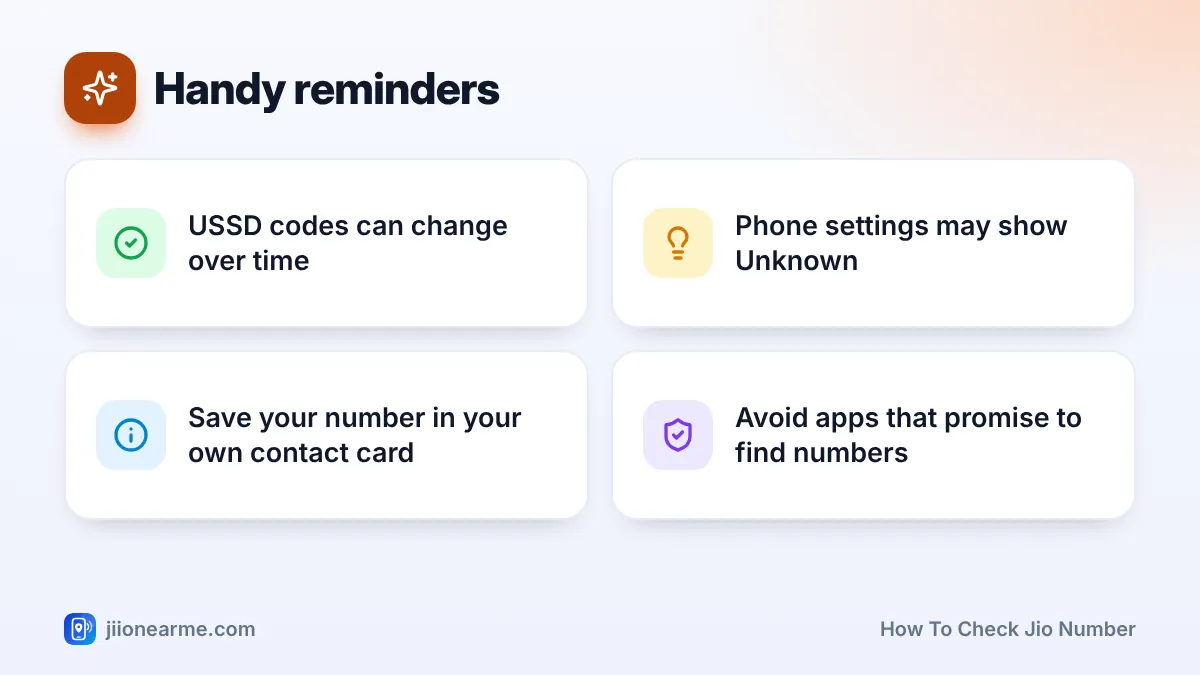
USSD codes are set by the operator and can change or stop working without notice. If *1# doesn’t show your number, don’t keep trying random codes. Use the MyJio app or another method in this list instead.
Method 3: Your phone’s settings
Many phones store your number when the SIM provides it. The exact path differs by brand and software version, so look for similar labels.
- Android: Open Settings > About phone and look for Phone number, or tap Status or SIM status. On some newer phones, open Settings > Network & internet > SIMs and select the Jio SIM.
- iPhone: Open Settings > Phone and look at My Number. You can also check your own card at the top of the Contacts app.
If the field shows Unknown, the SIM hasn’t shared the number with the phone. This is common and does not mean anything is wrong.
Method 4: The SIM packaging and receipt
When you buy a Jio SIM, the number is linked to it at the time of sale. Check the plastic SIM holder card, the purchase receipt or any SMS and email you received during KYC. For home delivery, the order details in your email or on jio.com may show the number too.
Keep this paperwork safe for a while. It also helps if you need a SIM replacement later.
Method 5: Call or text someone you trust
This is the simplest fallback. Call a family member or send them an SMS, and your number appears on their screen. Ask them to save it and send it back to you.
This method needs an active plan for outgoing calls or SMS. If you haven’t recharged yet, ask them to note the number when you call, or use one of the methods above.
What If None of These Methods Work?
Sometimes a new SIM isn’t fully active yet. If you see No service or Emergency calls only, the USSD code and outgoing calls won’t work. Wait a few hours after KYC with the phone switched on, then try again.
If the SIM is active but you still can’t find your number, contact Jio. Call 199 from the Jio SIM, or 1800-889-9999 from any phone. You can also visit a Jio Store with your ID proof, and staff can confirm the number registered in your name.
Avoid third-party apps or websites that claim to reveal your number. Many ask for call log, SMS or contact permissions they don’t need. Stick to the MyJio app, your phone’s settings and official Jio support.
Comparing the Methods
Each method has its own strengths. This table helps you pick the right one for your situation.
| Method | Needs internet? | Needs active plan? | Works on a brand-new SIM? |
|---|---|---|---|
| MyJio app | Yes | No | Yes, once you can sign in |
| USSD code | No | Usually not | Yes, once the SIM is active |
| Phone settings | No | No | Sometimes, may show Unknown |
| SIM packaging or receipt | No | No | Yes |
| Calling a friend | No | Yes, for outgoing | Yes, after recharge |
Save Your Number So You Don’t Forget It
Once you’ve found your number, take a minute to store it properly:
- Add it to your own contact card. On most phones, this is the Me or My profile card at the top of Contacts.
- Save it with a clear name if you use two SIMs, such as “My Jio”.
- Share it with close family so they can reach you on the new number.
- Write it down in a notebook kept at home, especially for elderly family members.
If you have two numbers, label them clearly. It helps when you share your number for bank, school or delivery updates.
Frequently Asked Questions
What is the code to check my Jio number?
Many Jio users dial *1# to see their number. USSD codes can change, so if it doesn’t work, use the MyJio app or check your phone’s settings instead.
Why does my phone show Unknown for my number?
Some SIMs don’t send the number to the phone’s settings. Your SIM is still fine. Use the MyJio app or another method to find your number.
Can I check my Jio number without balance?
Yes. The MyJio app, phone settings and SIM packaging don’t need balance. USSD codes usually work too, as long as the SIM is active.
How do I find the number of a Jio SIM in a JioFi or router?
Sign in to MyJio with your details, or check the original SIM holder card or receipt. You can also move the SIM into a phone briefly and try the methods above.
Can someone else find my number for me?
Jio support can confirm the number after verifying you are the registered customer. Never share an OTP with anyone who offers to help.
Final Thoughts
Learning how to check Jio number takes less than a minute. The MyJio app and a quick USSD code are usually fastest. Phone settings, the SIM packaging or a call to someone you trust work as backups.
Once you’ve found it, save the number in your contacts and share it with family. That way you won’t need to search the next time a form asks for it.
JIo Near me is an independent guide and is not affiliated with Reliance Jio. App menus, plans and policies can change – always confirm current details in the official MyJio app or on jio.com. We will never ask for your OTP, PIN or passwords.
