
Slow Jio internet almost always comes down to one of four things: weak signal, a busy network, a phone setting, or apps using data in the background. Once you know which one you’re facing, the fix is usually quick, and often free.
The trick is to stop guessing. A few simple observations, like when the slowness happens and where you are, tell you a lot. This guide shows you how to read those clues and what to do about each cause.
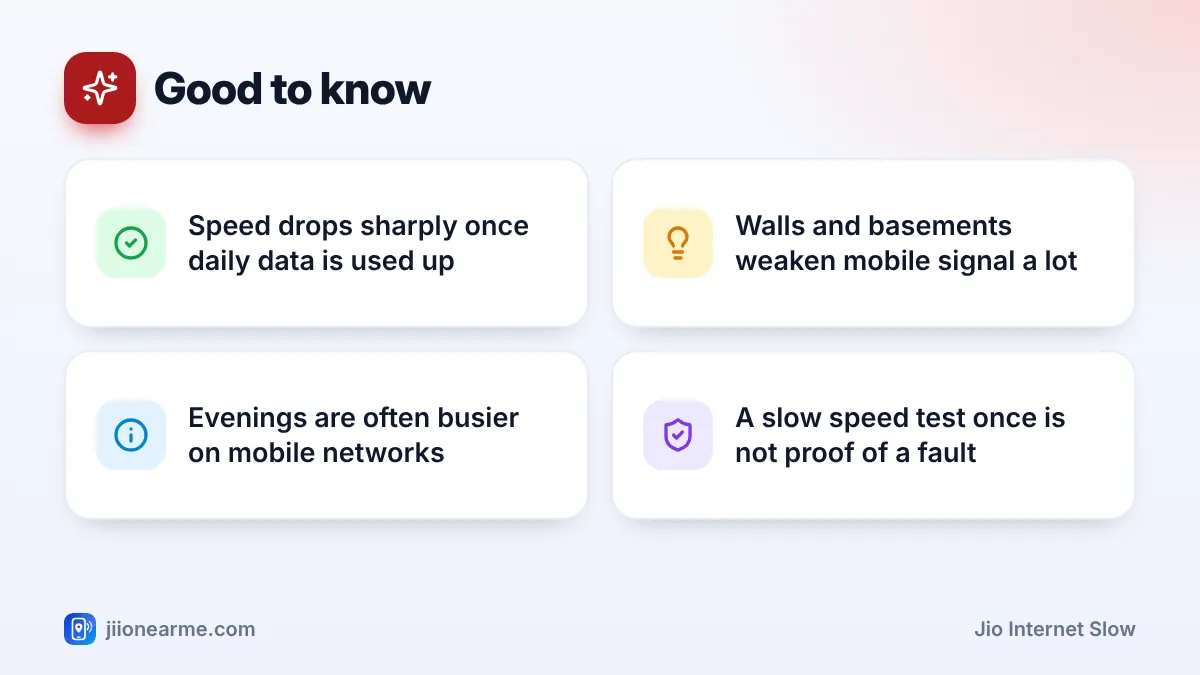
- First check that your daily high-speed data isn’t finished, as speed drops sharply after that.
- Slow only indoors or in one spot usually means weak signal.
- Slow only at certain hours, in a good-signal area, usually means congestion.
- Data Saver, Low Data Mode and the wrong network mode can slow things down.
- Background updates, backups and hotspot users quietly eat your speed.
How to Tell Why Your Jio Internet Is Slow
Before changing anything, notice the pattern. This table matches common symptoms to their most likely cause.
| What you notice | Most likely cause |
|---|---|
| Slow everywhere, all day, started suddenly | Daily data used up or a phone setting |
| Slow only indoors, in one room or a basement | Weak signal |
| Slow only in the evening or in crowded places | Network congestion |
| Slow on one app, fine on others | That app or its settings |
| Slow even with full bars, in many places | Phone settings or background apps |
The very first check is your plan. Open the MyJio app and look at the data meter. On most plans with a daily quota, speed drops sharply once the high-speed data is used, until it resets. If that’s the cause, no setting will fix it. You can wait, or check the current add-on packs in the app.
Weak Signal: The Most Common Cause
Mobile signal gets weaker through concrete walls, metal grills, lifts and basements. One or two bars, or a 5G icon that keeps changing to 4G, is a strong hint.
What helps:
- Move closer to a window or to a higher floor. Even a few metres can change speed a lot.
- Don’t cover the top or bottom of the phone with your hand during video calls. Antennas often sit there.
- Remove thick or metal phone cases for a quick test.
- Try 4G/LTE mode if 5G is weak. A strong 4G signal often beats a weak 5G one.
If signal is poor at home every day, report it to Jio by calling 198 from your Jio number. For a house with very weak indoor signal, a home broadband option like JioFiber or Jio AirFiber may suit you better for heavy use.
Network Congestion at Busy Times
Each tower shares its capacity among everyone connected to it. At busy times, such as evenings, or at crowded places like stations, malls and stadiums, more people share the same tower, so each person gets less speed.
Signs of congestion: full or near-full bars, but slow speed at particular hours that recovers later. Try a speed test once in the morning and once in the evening from the same spot. A big difference points to congestion.
There’s no phone setting that beats congestion. What you can do is schedule heavy downloads for off-peak hours, use Wi-Fi when available, and report a pattern that lasts for weeks to Jio support.
A single slow speed test doesn’t prove a fault. Speeds naturally vary with time, place and how many people are online. Look for a pattern over a few days before you complain.
Phone Settings That Slow Down Jio Data
Some settings reduce speed on purpose to save data or battery. Check these:
- Data Saver (Android) or Low Data Mode (iPhone): limits background activity and can lower video quality.
- Battery saver: can slow background syncing and reduce performance.
- Network mode: if set to a 4G-only mode in a good 5G area, you may miss out on faster 5G. If set to 3G or 2G only, Jio won’t work at all, because Jio runs only on 4G and 5G.
- VPN apps: they send your traffic through another server, which often reduces speed.
You’ll find network mode under your SIM settings, labelled Preferred network type or Network mode. Names vary by brand, so choose the highest automatic option that includes 5G or LTE.
Background Apps Eating Your Speed
Your speed is shared between everything on your phone. App updates, cloud photo backups, large WhatsApp downloads and devices connected to your hotspot all compete with the video you’re trying to watch.
On Android, open Settings and look for Data usage or App data usage under your SIM settings to see which apps used the most data today. On iPhone, go to Settings > Mobile Data and scroll through the list.
Then:
- Set Play Store or App Store updates to Wi-Fi only.
- Turn off mobile data backup in Google Photos or iCloud Photos.
- Turn off your hotspot when nobody needs it.
Jio Internet Slow? A Step-by-Step Routine to Speed It Up
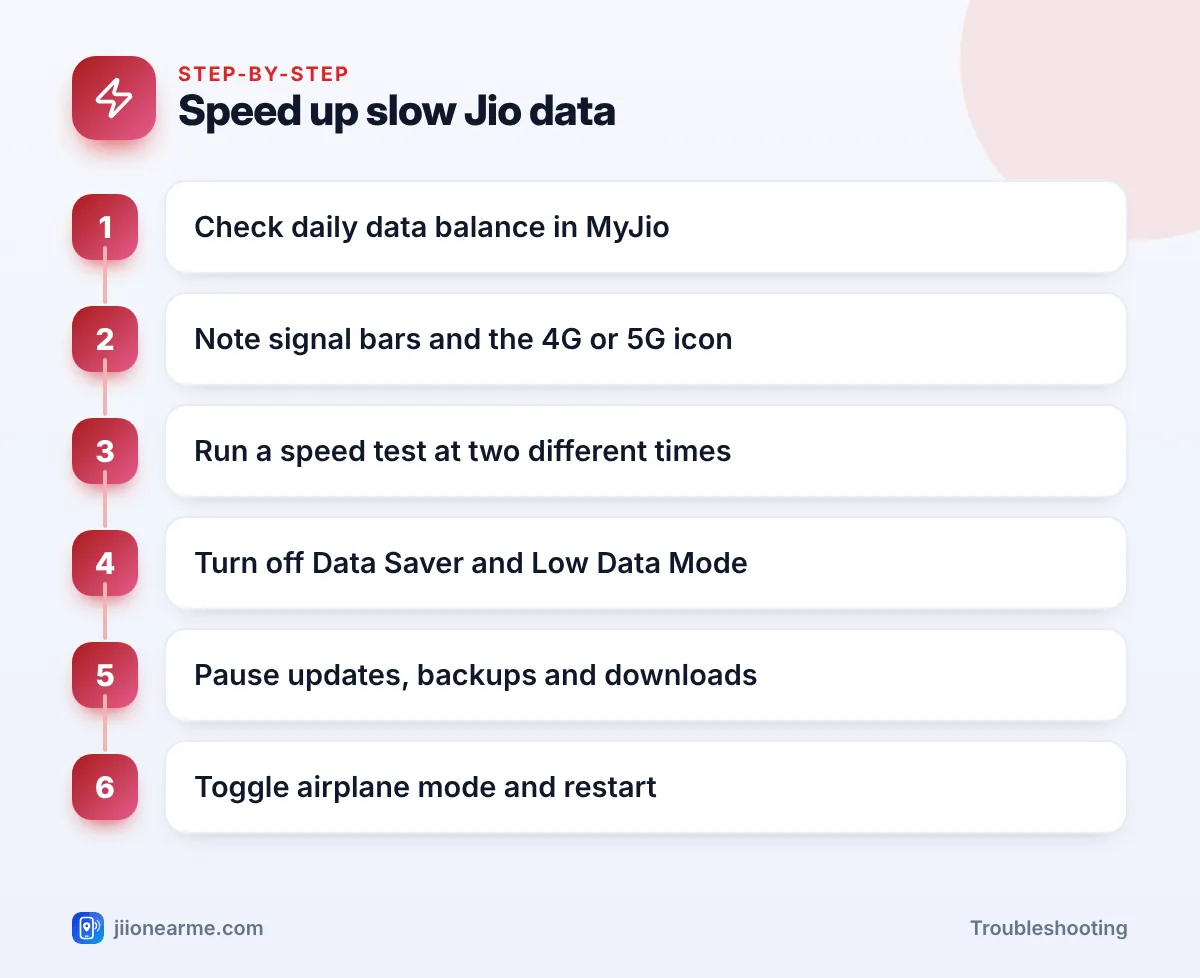
When speed suddenly drops, run through this routine:
- Check your remaining daily data in MyJio.
- Note your signal bars and whether you see 4G or 5G.
- Run a speed test using a trusted speed test app, then repeat it later or in another spot.
- Turn off Data Saver, Low Data Mode and any VPN.
- Pause app updates, backups and big downloads.
- Turn Airplane mode on for 15 seconds, then off. If that doesn’t help, restart the phone.
Keep a short note of the date, time, place and speed test result whenever speed is bad. If you contact Jio support, this kind of detail helps them look into a specific location.
Frequently Asked Questions
Why is my Jio internet slow even with full signal?
Full bars show signal strength, not how busy the tower is. Slow speed with full bars usually means congestion, a phone setting such as Data Saver, or apps downloading in the background.
Is Jio 5G always faster than 4G?
Not always. Strong 5G is usually faster, but weak 5G can be slower than strong 4G. If 5G keeps dropping, try 4G/LTE mode for a while.
Why does my Jio speed drop in the evening?
More people are online in the evening, so each tower’s capacity is shared among more users. Plan big downloads for early morning or late night.
Does restarting the phone really improve speed?
It can. A restart reconnects you to the network, often to a better cell, and clears stuck background tasks. It won’t fix weak signal or congestion, though.
When should I complain to Jio about slow speed?
If speed stays poor at the same place for several days and your phone settings are fine, call 198 from your Jio number with the details you noted.
Summary
To fix a slow Jio connection, find the cause first. Check your daily data, then your signal, then the time of day, then your settings and background apps. Most problems fall into one of these groups, and each has a simple fix. For a lasting signal or congestion problem at one location, report it to Jio with clear notes.
JIo Near me is an independent guide and is not affiliated with Reliance Jio. App menus, plans and policies can change – always confirm current details in the official MyJio app or on jio.com. We will never ask for your OTP, PIN or passwords.