If your iPhone shows Jio signal but nothing loads, the fix is usually in a handful of iPhone settings rather than with the SIM itself. Check that Mobile Data is on for the right line, that the app is allowed to use data, and that your carrier settings and iOS are up to date.
This guide covers the iPhone-specific checks in a sensible order. Menu names below match recent iOS versions. On iPhones set to Indian English, Apple says Mobile Data; in some other regions the same menu is called Cellular.
- Confirm your Jio plan is active and has data left before changing iPhone settings.
- Check Mobile Data, the selected line and Mobile Data Options such as Voice & Data and Low Data Mode.
- Each app has its own mobile data switch, so one blocked app can look like a network fault.
- Carrier settings and iOS updates often fix Jio data problems after a SIM swap or update.
- Reset Network Settings is the last resort, as it removes saved Wi-Fi networks.
First, Confirm Your Jio Plan and Signal
Before you open any settings, rule out the account side. Open the MyJio app over Wi-Fi and check that your plan is active and that daily data is left. If validity has ended, data stops until you recharge. If daily data is used up, speed drops sharply until it resets.
Then look at the top of the screen. You should see signal bars and a 4G, LTE or 5G label. If you see No Service or SOS, the issue is signal or the SIM, not a data setting. Try moving near a window, or remove the SIM tray, check the card and reinsert it.
Check Mobile Data and Mobile Data Options
Start with the main switch, then the options under it.
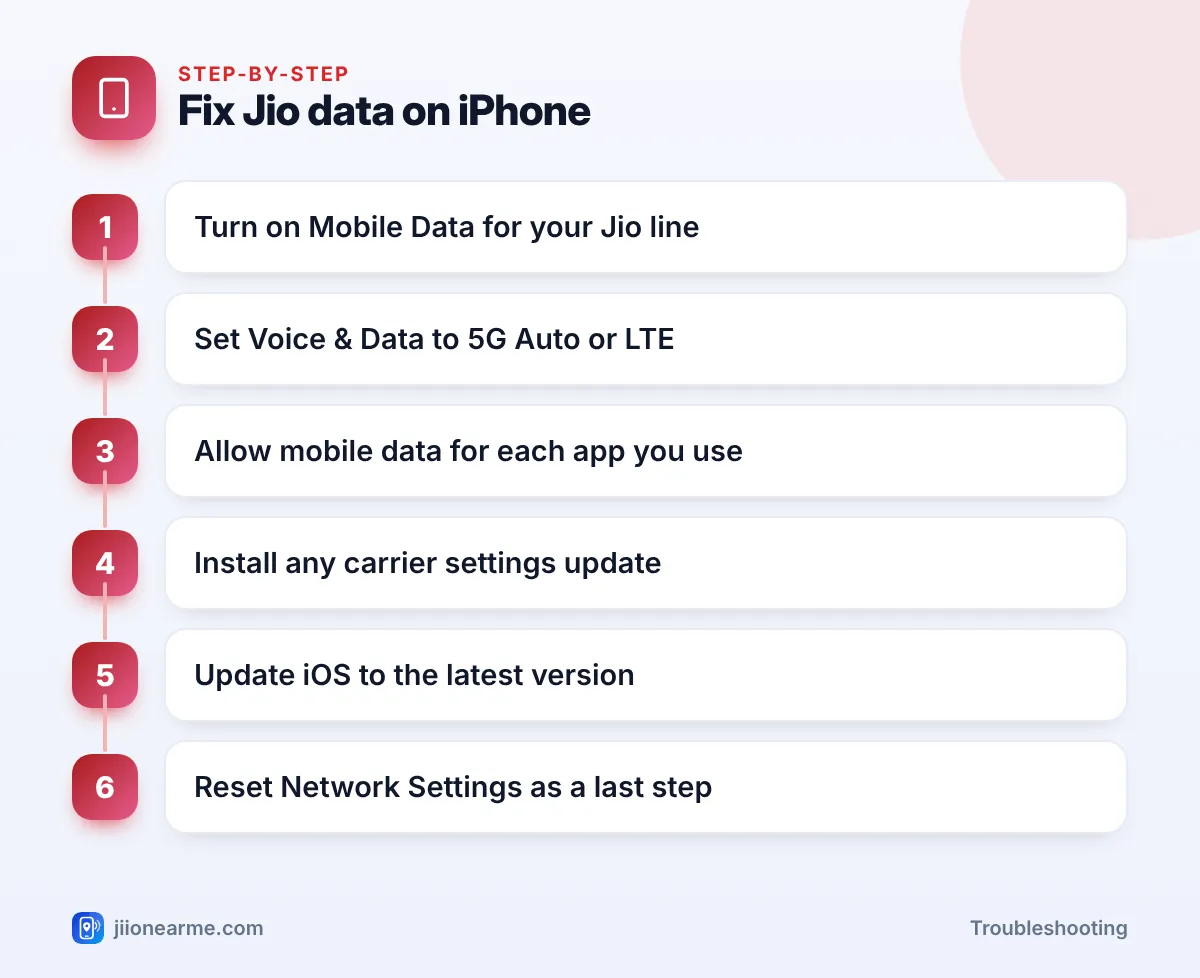
- Open Settings > Mobile Data.
- Make sure Mobile Data is switched on.
- Tap Mobile Data Options.
- Check Voice & Data and Data Mode as explained below.
Pick the right line on a dual-SIM iPhone
If you use a Jio SIM alongside another SIM or eSIM, iOS needs to know which line handles data. Under Settings > Mobile Data, tap Mobile Data and select your Jio line. If you want data to move to the other line during calls, turn on Allow Mobile Data Switching. Leave it off if you want Jio to handle all data.
Set Voice & Data and Data Mode
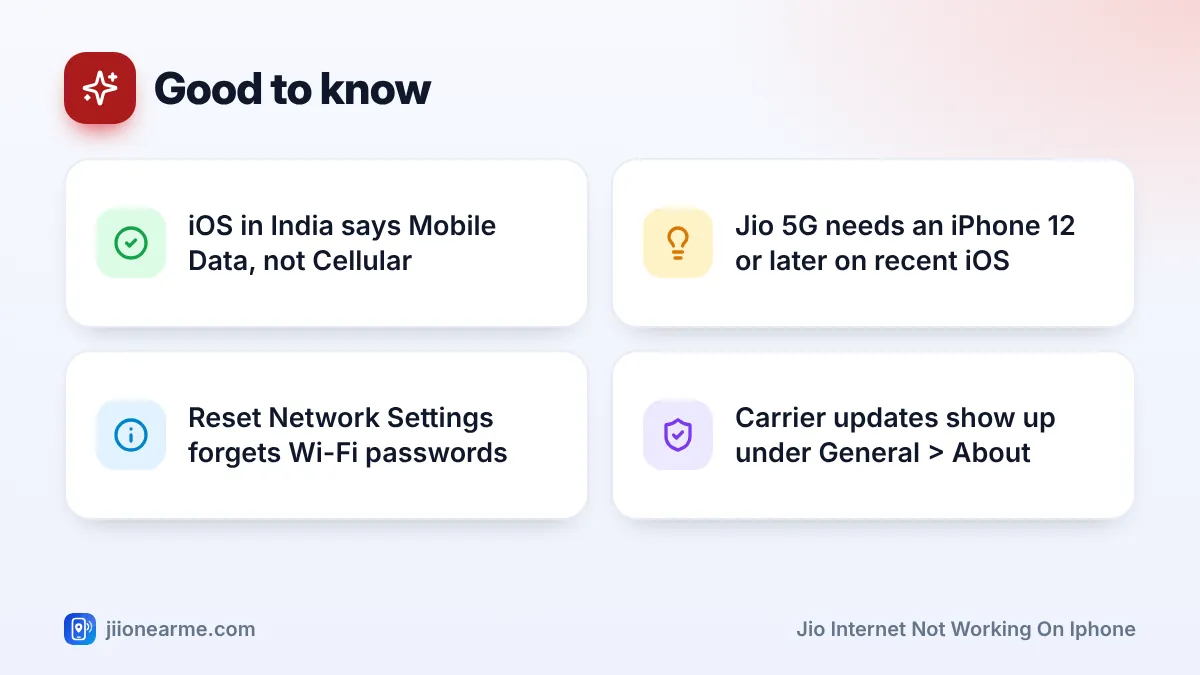
Under Voice & Data, choose 5G Auto if your iPhone supports Jio True 5G, or LTE if it doesn’t or if 5G keeps dropping. Jio has no 2G or 3G network, so data needs 4G or 5G. Jio 5G works on iPhone 12 and later models running a recent version of iOS.
Under Data Mode, check that Low Data Mode is not selected. Low Data Mode pauses background tasks and can make some apps look broken.
If your iPhone shows 5G but pages crawl, switch Voice & Data to LTE for a few minutes. If speed improves, you’re probably on weak 5G signal, and 5G Auto will usually switch back on its own when coverage is better.
Allow Mobile Data for Each App
This is the most common iPhone-only cause. iOS lets you block mobile data for individual apps. If Safari or WhatsApp works on Wi-Fi but not on Jio, its switch is probably off.
- Go to Settings > Mobile Data.
- Scroll down to the list of apps.
- Find the app that won’t load and turn its switch on.
Also check Wi-Fi Assist at the bottom of the same list. It doesn’t block data, but it explains why mobile data gets used when Wi-Fi is weak.
If the switches are greyed out, Screen Time may be locking them. Go to Settings > Screen Time > Content & Privacy Restrictions and make sure Mobile Data Changes is set to Allow.
Update Carrier Settings and iOS
On iPhone, Jio’s network settings come from Apple’s carrier settings rather than from APNs you type in yourself. That’s why updating them matters, especially after moving the SIM from another phone.
- Connect to Wi-Fi.
- Go to Settings > General > About.
- Wait a few seconds. If a Carrier Settings Update pop-up appears, tap Update.
- Then go to Settings > General > Software Update and install any available iOS update.
If no pop-up appears, your carrier settings are already current. You can also check Settings > Mobile Data > Network Selection and make sure Automatic is on.
A plain restart still helps after any of these changes. On Face ID iPhones, press and hold the side button with either volume button, slide to power off, wait 30 seconds and turn the iPhone back on.
Reset Network Settings on Your iPhone
If nothing so far has worked, reset the network settings. This clears saved Wi-Fi networks and passwords, VPN profiles and mobile data settings, then restores the defaults. Your photos, apps and messages stay untouched.
- Go to Settings > General > Transfer or Reset iPhone.
- Tap Reset, then Reset Network Settings.
- Enter your passcode and confirm.
- After the restart, check Mobile Data again and rejoin your Wi-Fi networks.
On older iOS versions, the option sits under Settings > General > Reset.
When Jio Internet Not Working on iPhone Needs Support
Use this quick table to decide your next move:
| What you see | Likely cause | Next step |
|---|---|---|
| Works on Wi-Fi, one app fails on Jio | App’s mobile data switch is off | Turn it on in Mobile Data |
| No data in any app, 4G or 5G shown | Plan, settings or stuck connection | Check plan, toggle Airplane Mode, reset network |
| No Service or SOS only | Signal or SIM issue | Reinsert SIM, then contact Jio |
| Problem started after a SIM swap | Old carrier settings | Update carrier settings and iOS |
If data still fails after all of this, call 198 (complaints) or 199 (queries) from your Jio number, or 1800-889-9999. If the problem looks like a hardware fault, for example no signal with any SIM, contact Apple support or an authorised service centre.
Don’t install configuration profiles from unknown websites that promise faster Jio data. They can route your traffic through strangers’ servers. Stick to Apple’s own updates and official Jio support.
Frequently Asked Questions
Why does my iPhone show Jio 5G but no internet?
You may be on weak 5G signal, your daily data may be finished, or the connection may be stuck. Toggle Airplane Mode, try LTE under Voice & Data, and check your data balance in MyJio.
Where are the APN settings for Jio on iPhone?
On most iPhones using Jio, there’s no APN screen to edit, because the settings come from Apple’s carrier settings. Updating carrier settings and iOS is the right fix.
Will Reset Network Settings delete my photos or WhatsApp chats?
No. It only resets network-related settings such as Wi-Fi passwords, VPN profiles and mobile data options. Your personal data stays on the phone.
Why does only one app not work on Jio data?
That app’s mobile data switch is likely off. Go to Settings > Mobile Data, scroll to the app list and turn it on.
Wrapping Up
For most iPhone users, Jio data comes back after checking three places: the Mobile Data switch and line, Mobile Data Options, and the per-app list. A carrier settings update and an iOS update cover most of the rest. Keep Reset Network Settings for last, and contact Jio support if data still won’t connect after that.
JIo Near me is an independent guide and is not affiliated with Reliance Jio. App menus, plans and policies can change – always confirm current details in the official MyJio app or on jio.com. We will never ask for your OTP, PIN or passwords.