A SIM swap scam happens when a fraudster gets a new SIM issued for your mobile number, so your calls and SMS, including bank OTPs, start reaching them instead of you. The first sign is usually simple: your phone suddenly loses network and stays that way, even in a place where it normally works fine.
This guide explains how the scam works, the warning signs to watch for, and what you can do today to protect the bank accounts and apps linked to your Jio number. It also covers exactly what to do if you think it is already happening.
- In a SIM swap, a criminal gets a replacement SIM for your number and receives your OTPs.
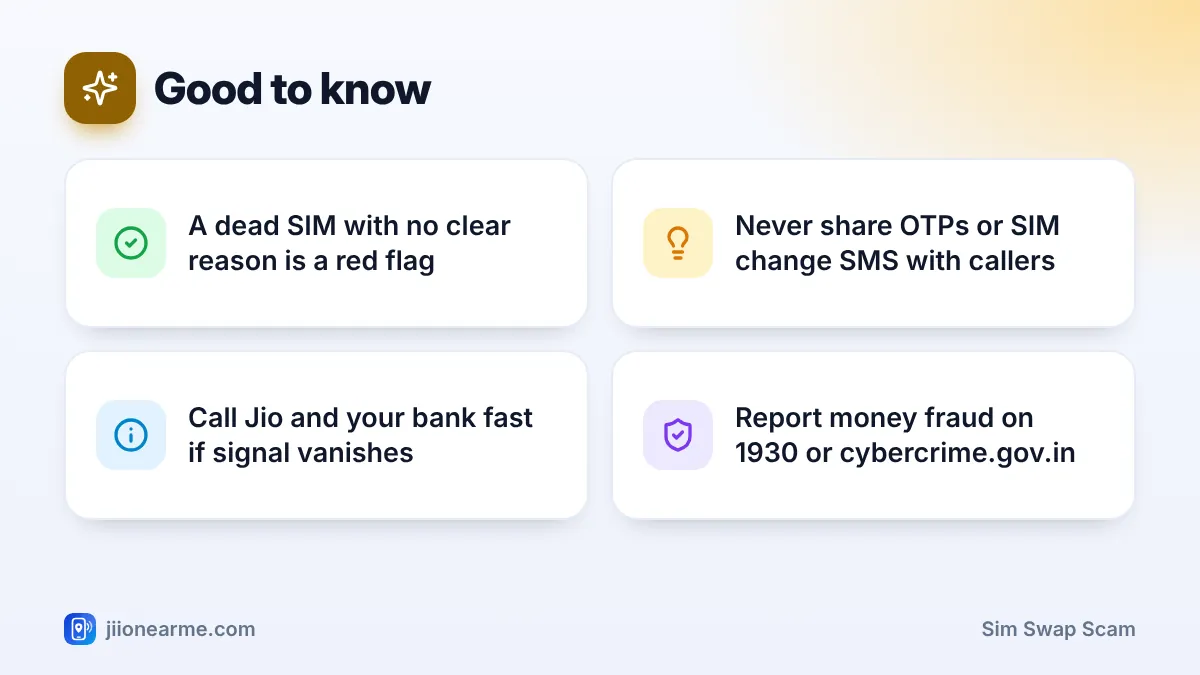
- A sudden, long loss of signal with no clear reason is the biggest warning sign.
- Never share OTPs, Aadhaar details or SIM-related SMS with anyone who calls you.
- If you suspect a swap, contact Jio from another phone and call your bank at once.
- Report financial fraud on 1930 or cybercrime.gov.in as quickly as possible.
How a SIM Swap Scam Works
Banks, UPI apps, email and social media often send one-time passwords (OTPs) to your mobile number. If someone controls your number, they can reset passwords and approve transactions.
A typical SIM swap scam has three stages.
Stage 1: Collecting your details
Fraudsters first gather information about you. This can come from phishing links, fake forms, leaked data, social media posts, or a call where someone pretends to be from your bank or telecom provider. They look for your name, date of birth, address, ID details and sometimes your bank customer ID.
Stage 2: Getting a replacement SIM
Next, they try to get a duplicate or replacement SIM for your number. They may use forged documents at a retail point, or they may trick you into helping. A common trick is a call saying your SIM needs an “upgrade” to 5G, followed by a request to send an SMS or share a code. That step can actually approve a SIM change.
Stage 3: Taking over your accounts
Once the new SIM is active, your old SIM stops working. Calls and SMS for your number now go to the fraudster’s phone. They use OTPs to log in to net banking, reset UPI apps or change your email password, often within hours.
If you receive an SMS about a SIM replacement or SIM change request that you did not make, do not reply to confirm it. Call Jio support immediately using an official number.
Early Warning Signs of a SIM Swap
Spotting a SIM swap early can save your money. Watch for these signs:
- Sudden loss of signal: Your phone shows “No service”, “Emergency calls only” or “SIM not registered” for a long time, while others around you on Jio have network.
- Unexpected SIM change messages: You get an SMS about a SIM replacement, SIM upgrade or eSIM request that you never started.
- Calls asking you to upgrade your SIM: Someone claiming to be from Jio asks you to send an SMS, read out a number or share an OTP to “upgrade” your SIM.
- Bank alerts stop: You stop receiving transaction SMS or OTPs, but your email shows login or password change alerts.
- Friends notice odd activity: Contacts mention calls or messages from your number that you did not make.
Not every network drop is a scam. A tower problem, a phone glitch or being in a basement can cause it. The difference is that a SIM swap does not fix itself after a restart or after moving to an open area.
| Situation | Likely normal problem | Possible SIM swap |
|---|---|---|
| Signal drops for a few minutes | Yes | Unlikely |
| A restart fixes the issue | Yes | Unlikely |
| “SIM not registered” for hours while others have network | No | Yes, act quickly |
| SIM change SMS you did not request | No | Yes, act quickly |
What to Do If You Suspect a SIM Swap Scam
Speed matters most. Fraudsters try to empty accounts within a few hours, so act at once.
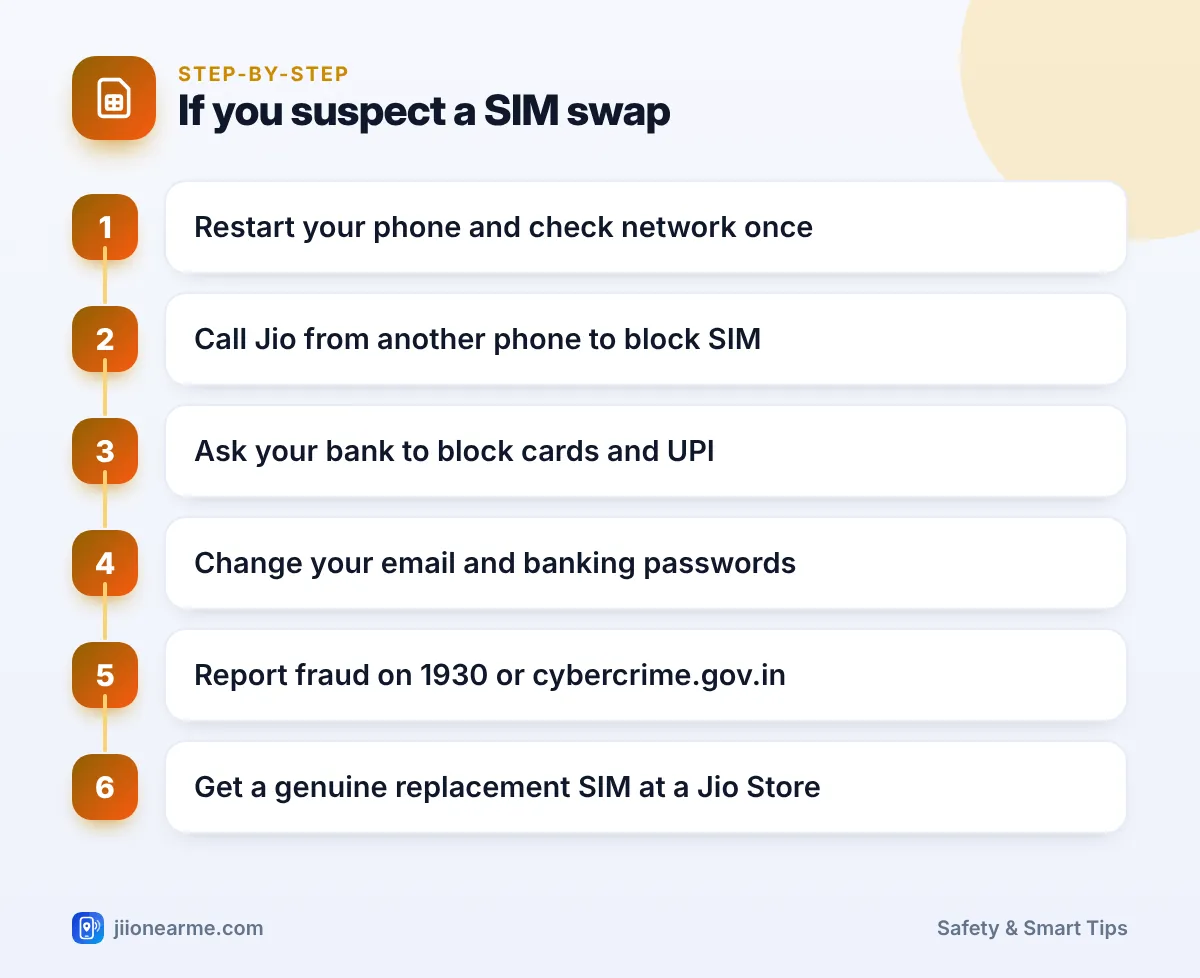
- Restart your phone and check once whether the network returns. If it does not, assume the worst.
- Contact Jio from another phone. Call the Jio toll-free number 1800-889-9999, or 198 from another Jio number, and explain that your SIM stopped working suddenly. Ask them to check for any SIM change on your number and block it.
- Call your bank’s official helpline (printed on your debit card or passbook) and ask them to block net banking, UPI and cards linked to the number.
- Change key passwords from a safe device, starting with your email, since email is often used to reset other accounts.
- Report the fraud on the national cybercrime helpline 1930 or at cybercrime.gov.in, especially if money has been taken.
- Visit a Jio Store with your original ID proof to get a genuine replacement SIM and regain control of your number.
Write your bank’s helpline number and Jio’s toll-free number in a notebook, or save them on a family member’s phone. If your SIM is hijacked, you will not want to waste time searching for numbers.
How to Protect Your Number and Bank Accounts
Prevention is far easier than recovery. These habits make a SIM swap much harder to pull off.
Guard your personal details
- Do not share Aadhaar numbers, ID photos, date of birth or OTPs with callers, even if they claim to be from Jio, your bank or the police.
- Avoid posting your phone number, date of birth and address publicly on social media.
- Treat any call asking you to “upgrade” or “verify” your SIM as suspicious. A genuine SIM change is one you start yourself, through official channels.
Add extra layers to your accounts
- Use an app PIN, fingerprint or face lock on banking and UPI apps.
- Where your bank offers it, turn on email alerts for transactions, so you still get alerts if SMS stops.
- For email and social media, use an authenticator app or passkey for two-step login where available, instead of relying only on SMS.
- Keep a strong, unique password for your main email account.
Check connections in your name
Fraudsters sometimes get extra SIMs issued using stolen ID details. You can check how many mobile connections are registered against your ID on the Sanchar Saathi portal and report any you do not recognise.
Telecom rules in India add safeguards after a SIM replacement, such as a short restriction on SMS services and on porting the number out. These slow fraudsters down, but they do not replace your own quick action.
Why Fraudsters Target Ordinary Users
Many people think only rich or famous users are targeted. In reality, fraudsters often pick ordinary users, because their details are easier to find and the warning signs may go unnoticed.
Older family members are especially at risk, as they may trust a caller who sounds official. Explain the warning signs to parents and grandparents, and ask them to call you if their phone suddenly loses network.
Frequently Asked Questions
Can someone do a SIM swap without my OTP?
Yes, in some cases. Fraudsters may use forged documents to get a replacement SIM without your involvement. That is why a sudden, unexplained loss of signal should always be taken seriously.
Will Jio ever call me to upgrade my SIM?
Be careful with any call asking you to upgrade your SIM by sending an SMS or sharing a code. If you want a new SIM, arrange it yourself through a Jio Store or the official options shown in the MyJio app or on jio.com.
Does an eSIM protect me from SIM swap scams?
An eSIM removes the risk of losing a physical card, but fraudsters can still try to move your number to a new eSIM by tricking you into approving the request. The same rule applies: never confirm a SIM or eSIM change you did not start.
Where should I report a SIM swap fraud?
Report financial fraud on 1930 or cybercrime.gov.in. Also inform Jio support and your bank so they can block the SIM and protect your accounts.
Final Thoughts
A SIM swap scam depends on speed and on you not noticing. If your phone suddenly loses signal for no clear reason, or you get a SIM change message you did not request, treat it as an emergency. Contact Jio from another phone, call your bank, and report the fraud. Small habits, like keeping your details private and using app locks, make you a much harder target.
JIo Near me is an independent guide and is not affiliated with Reliance Jio. App menus, plans and policies can change – always confirm current details in the official MyJio app or on jio.com. We will never ask for your OTP, PIN or passwords.