Removing an add-on member from a JioPlus plan is a request the primary account holder makes through official Jio channels, such as the MyJio app, a Jio Store or customer care. Before you do it, decide with the member whether they want to keep their number on prepaid, move it to their own postpaid plan, port it out or close it.
This matters because the removal affects two things: the member’s phone number and your family bill. This guide explains the official routes, what can happen to the number and how the final charges usually appear.
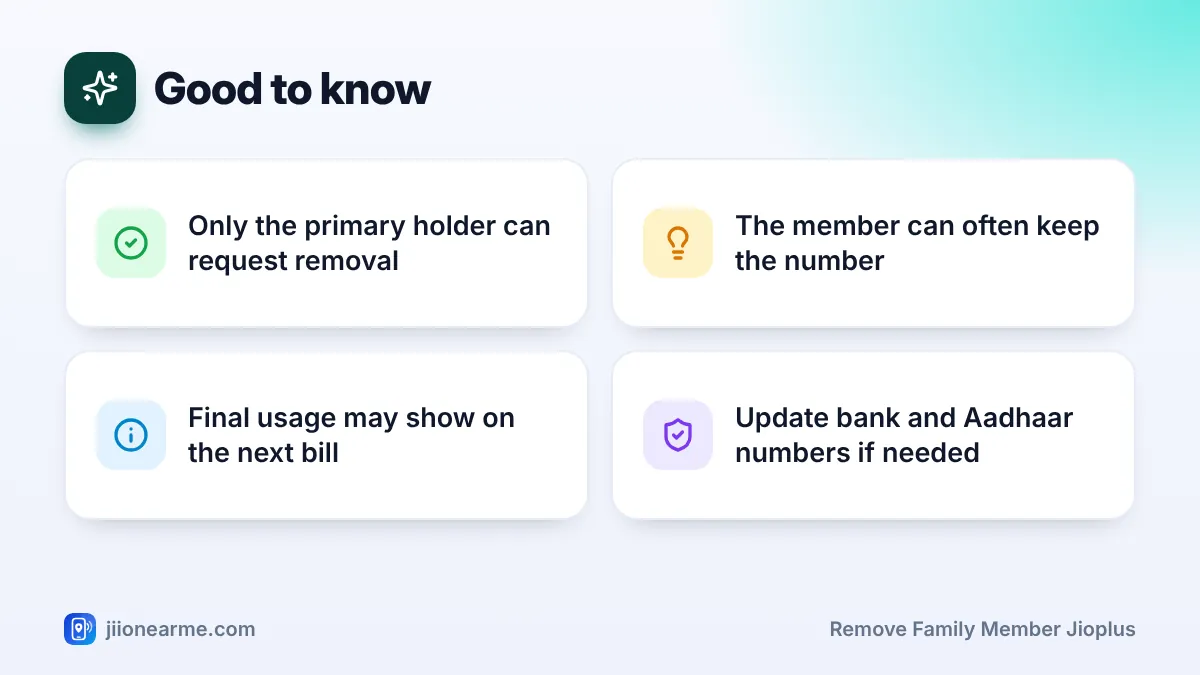
- Only the primary JioPlus account holder can request removal of an add-on member.
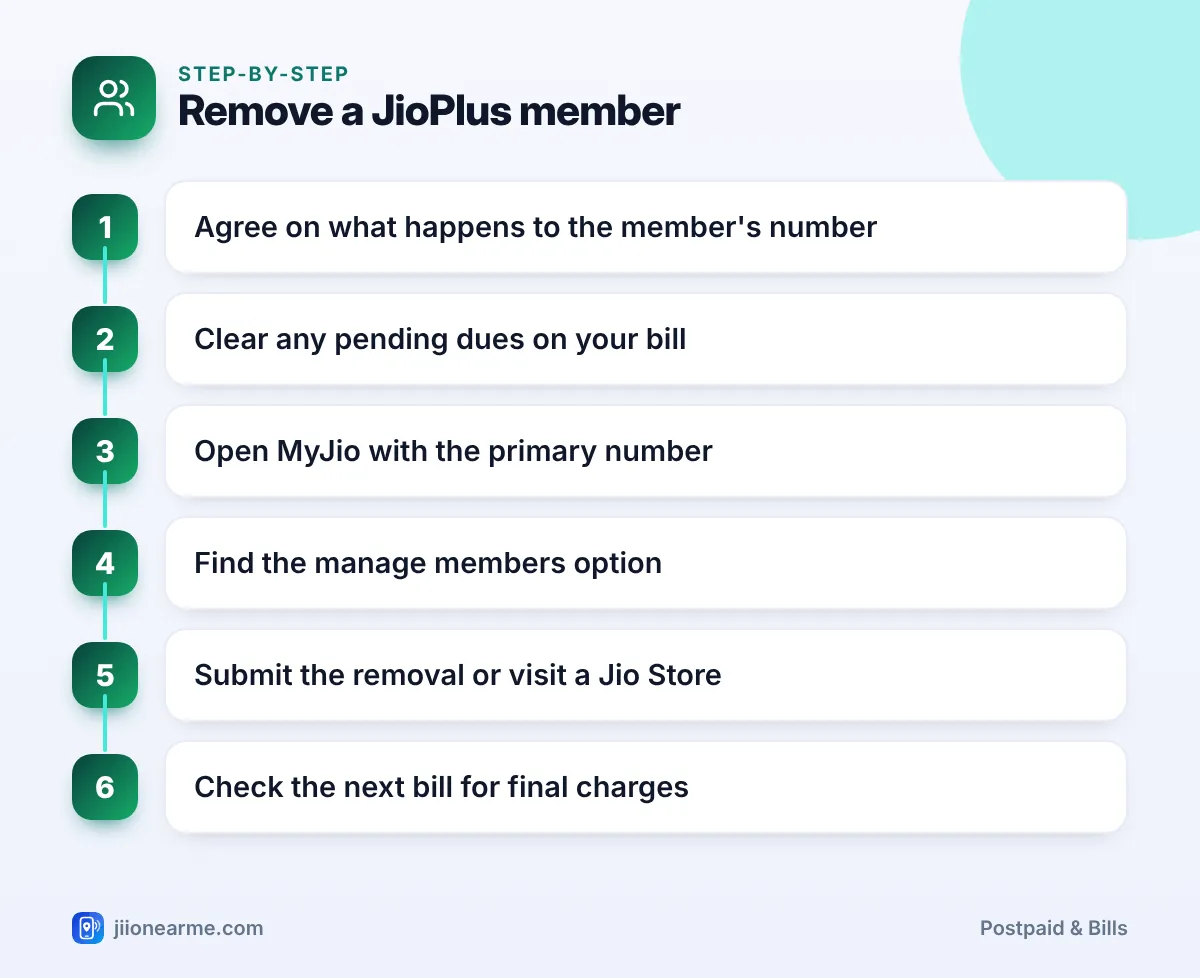
- Agree on the member’s number plan first, so it is not closed by mistake.
- Clear pending dues before you request any change to the account.
- The member’s last charges may appear on your next bill.
- Ask how any security deposit for that connection will be handled.
Common Reasons to Remove a Member
People take members off a family plan for many reasons. A child may start working and want their own connection. A relative may move abroad. Sometimes a member has simply stopped using the number, or the family wants to switch to a smaller plan.
Whatever the reason, the steps are similar. What changes is the choice you make for the member’s number.
Decide What Happens to the Member’s Number First
When a member leaves a family plan, their number does not have to disappear. The usual options are listed below, though availability can depend on Jio’s current process.
| Option | What it means | Good for |
|---|---|---|
| Convert to Jio prepaid | The number moves to prepaid and the member recharges themselves | Members who want to manage their own spending |
| Move to individual postpaid | The member takes postpaid in their own name with their own bill | Working adults who prefer postpaid |
| Port to another operator | The number moves out of Jio through MNP | Members switching networks |
| Close the connection | The number is permanently disconnected | Numbers no longer in use |
Many people use their mobile number for bank OTPs, UPI, Aadhaar, pensions and work accounts. If a number will be closed, update the registered mobile number on those services first. A closed number may later be given to someone else.
If the member chooses to port out, they can request a Unique Porting Code by sending an SMS in the format PORT followed by their 10-digit number to 1900. Pending dues on the account can delay porting, so settle them first.
How to Remove a Family Member From JioPlus
The exact steps can vary by app version, so treat the labels below as a guide.
Using the MyJio app
- Sign in to MyJio with the primary JioPlus number.
- Open your postpaid plan or account section from the home screen or the menu (☰).
- Look for a family option, such as Manage members or Family plan.
- Select the member you want to remove and look for a remove or delink option.
- Follow the on-screen prompts to choose what happens to the member’s number, if asked.
- Note the request or reference number shown on the confirmation screen or sent by SMS.
If the app does not show a remove option for your account, use one of the routes below.
Using a Jio Store or customer care
- Jio Store or authorised retailer: Visit as the primary holder with your ID. If the member is moving to prepaid or their own postpaid, they may need to come along to complete their own verification.
- Customer care: Call 199 from your Jio number for queries, or 198 for complaints, and ask how to remove an add-on member from your plan. You can also call the toll-free number 1800-889-9999.
Keep the date of your request, the member’s number and any reference number in one note. It helps a lot if you need to follow up or question a charge later.
What Happens to the Family Bill
Removing a member does not erase charges that are already due. Here is what you can usually expect:
- Charges up to the removal date: The member’s add-on charges until the change takes effect may still appear, sometimes for a part of the billing cycle.
- Late-reported usage: Some usage, such as international roaming, can take time to reach the bill. It may show up on the next bill after the removal.
- Lower charges afterwards: From the following cycle, the add-on charge for that member should no longer appear.
- Security deposit: If a deposit was taken for that connection, ask whether it will be adjusted against dues or refunded, and how long it may take.
Review the next one or two bills carefully in the MyJio app. Compare them with the date of your request. If you see the member’s add-on charge continuing for a full cycle after the change, raise it with customer care before the due date.
Mistakes to Avoid
A few simple mistakes cause most of the trouble with removals:
- Removing first, deciding later. If the number is closed by default, the member could lose access to bank and UPI messages.
- Ignoring pending dues. Outstanding amounts can block changes and porting requests.
- Forgetting subscriptions. If the member used services billed to your account, check that they end or move with the member.
- Trusting unofficial helpers. No genuine Jio process requires you to share an OTP or password with a caller. Use only MyJio, jio.com, a Jio Store or the official helplines.
Taking one add-on off the plan leaves your primary connection and other members untouched. Closing the primary account is a separate process that affects everyone linked to it.
Frequently Asked Questions
Can an add-on member leave the plan without the primary holder?
The primary holder owns the account, so the removal request normally comes from them. A member who wants to leave should ask the primary holder or visit a Jio Store to understand the options.
Will the member lose their number after removal?
Not necessarily. The number can often be converted to prepaid, moved to the member’s own postpaid plan or ported out. Make this choice before the removal is processed.
How long does removal take?
Timelines vary depending on the route and the option chosen for the number. The confirmation message or customer care can tell you when the change takes effect.
Will I get a refund for the rest of the month?
Billing for part of a cycle depends on Jio’s billing rules. Check the next bill, and contact customer care if a charge looks incorrect.
Can I add a new member after removing one?
Usually yes. Removing a member frees up a slot on your family plan, and you can then add someone else through MyJio or a Jio Store.
Wrapping Up
To remove a family member from JioPlus, first agree on what happens to their number, clear any dues, and then request the change through MyJio, a Jio Store or customer care. Keep a note of the request details.
After the change, check the next couple of bills for the member’s final charges. If anything looks wrong, call 198 or 199 from your Jio number and ask for a correction.
JIo Near me is an independent guide and is not affiliated with Reliance Jio. App menus, plans and policies can change – always confirm current details in the official MyJio app or on jio.com. We will never ask for your OTP, PIN or passwords.