On a Samsung Galaxy phone, Jio 5G is switched on from one screen: Settings > Connections > Mobile networks > Network mode. Choose the mode that starts with 5G for your Jio SIM, and the phone will connect to Jio True 5G wherever coverage is available. Your existing Jio SIM works, so no SIM change is needed.
Two other checks matter on Galaxy phones. The software must be current, and on dual SIM models the 5G mode must be set on the slot holding your Jio SIM. This guide covers all three, plus how to confirm you are really on 5G.
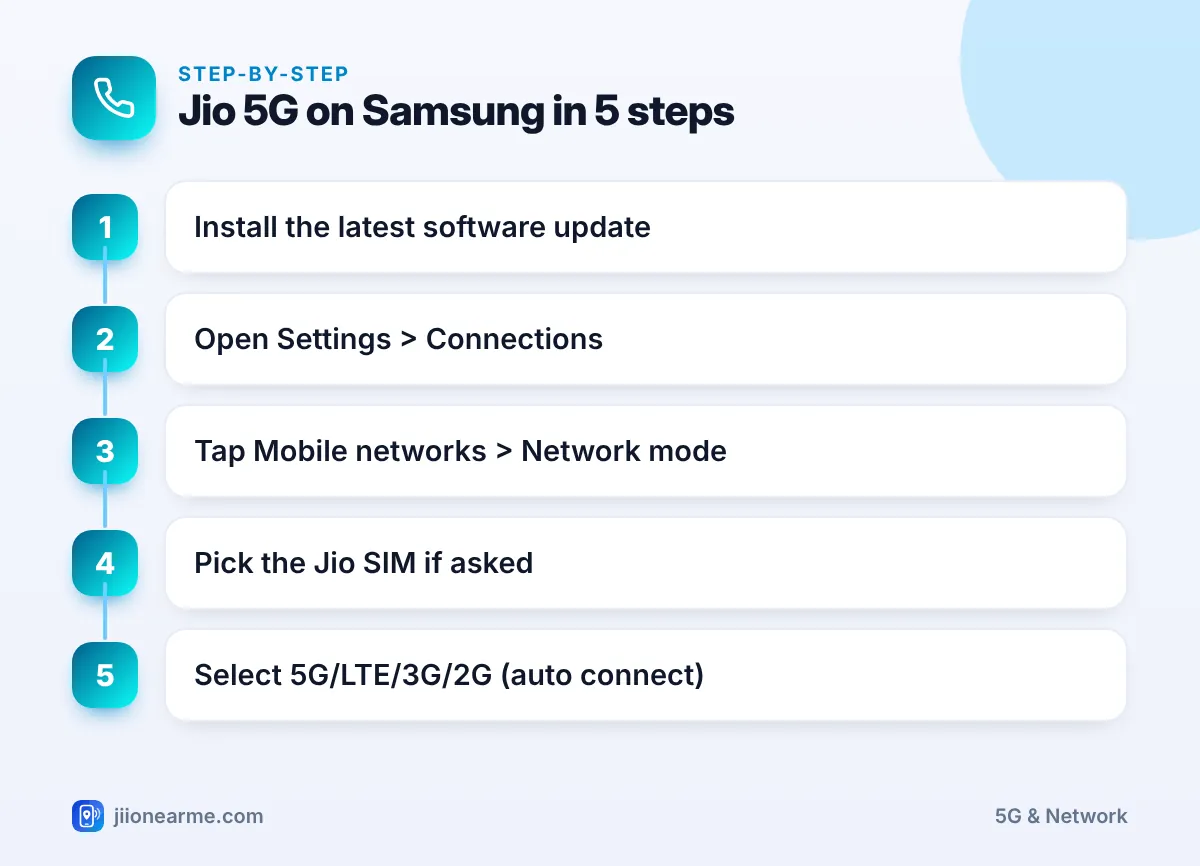
- Go to Settings > Connections > Mobile networks > Network mode and select 5G/LTE/3G/2G (auto connect).
- Update your phone from Settings > Software update first, as many Galaxy phones got Jio 5G support through updates.
- On dual SIM phones, make Jio the mobile data SIM so 5G can work on it.
- Check the status bar for the 5G icon, and look at power saving settings if 5G disappears.
Check That Your Galaxy Phone Is 5G-Ready
Samsung sells both 4G and 5G versions of many models, so the name on the box matters. Most Galaxy S series phones from the S21 onwards are 5G, and many A, M and F series models carry “5G” in their name.
To check your exact model:
- Open Settings > About phone.
- Note the Model name and Model number.
- Look up that model on Samsung’s official website and check the network specifications for 5G bands n78 and n28.
Jio True 5G uses a standalone (SA) 5G network. Galaxy phones sold in India with 5G generally received SA support through software updates, which is why updating comes next.
Update One UI Before You Change Settings
Many Galaxy owners find the 5G option only after installing the latest update. Do this first.
- Connect to Wi-Fi and charge the phone above half.
- Open Settings > Software update.
- Tap Download and install.
- Install any update and let the phone restart.
You can see your One UI version under Settings > About phone > Software information. If the phone says it is up to date, move on to the next step.
Jio 5G Samsung Settings: Step-by-Step Menu Path
Here is how to turn on 5G for your Jio SIM in One UI. Labels can vary slightly by One UI version and model.
- Open Settings.
- Tap Connections.
- Tap Mobile networks.
- Tap Network mode. On dual SIM phones you will see Network mode SIM 1 and Network mode SIM 2. Pick the one with your Jio SIM.
- Select 5G/LTE/3G/2G (auto connect).
- Go back to the home screen. In a 5G area, the 5G icon should appear next to the signal bars.
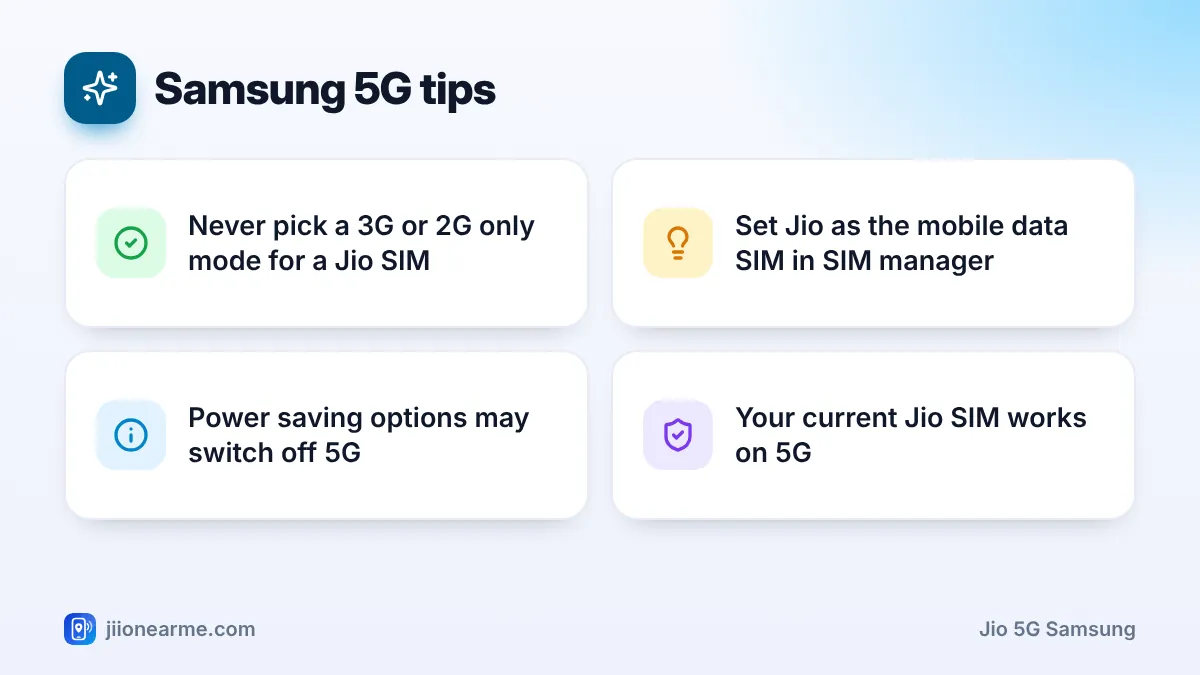
Jio runs on 4G and 5G only. If you pick a mode such as 3G only or 2G only for your Jio SIM, you may lose calls and data completely. Always pick a mode that includes LTE.
What the Network mode options mean for Jio
| Network mode option | What happens with a Jio SIM |
|---|---|
| 5G/LTE/3G/2G (auto connect) | Uses Jio 5G where available and Jio 4G elsewhere. Best choice. |
| LTE/3G/2G (auto connect) | Stays on Jio 4G only. Useful if 5G is unstable where you are. |
| 3G only or 2G only | No Jio service, as Jio does not run 3G or 2G networks. Avoid. |
If you cannot find the menu, open Settings, tap the search icon and type “network mode”. One UI usually shows the setting as the top result.
Put 5G on the Right SIM Slot
On many Galaxy phones, only one SIM can use 5G at a time, and it is normally the SIM chosen for mobile data. If your Jio SIM is the secondary SIM for calls only, the 5G option may be greyed out for it.
- Open Settings > Connections > SIM manager (called SIM card manager on older versions).
- Under preferred SIMs, tap Mobile data.
- Choose your Jio SIM.
- Return to Mobile networks > Network mode and select the 5G mode for that SIM.
To find out which slot holds Jio, check the SIM names in SIM manager. You can rename them to “Jio” and your other network to make this easier.
How to Confirm Your Galaxy Is on Jio 5G
Once the setting is in place, check the connection:
- Status bar: A 5G icon means you are on Jio 5G. 4G or LTE means you are on 4G at that moment.
- Status information: Go to Settings > About phone > Status information > SIM card status. The network type may read NR, the technical name for 5G radio.
- Speed test: Use a speed test app in a few places. Indoor walls and crowding can lower 5G speeds.
On some Galaxy models, power saving mode includes an option to turn off 5G to save battery. If 5G disappears whenever you turn on power saving, open its options under Battery settings and check for a 5G-related switch.
When the 5G Icon Still Will Not Appear
Work through these fixes in order:
- Turn on Flight mode (called Airplane mode on some phones) for 10 seconds, then turn it off.
- Restart the phone.
- Check Software update again, since updates can roll out in stages.
- Confirm the 5G mode is on the Jio SIM and Jio is the mobile data SIM.
- Check your plan in the MyJio app, as 5G data access can depend on the active plan.
- Reset network settings from Settings > General management > Reset > Reset network settings. This clears saved Wi-Fi networks and Bluetooth pairings.
If you are in a known Jio 5G area and still see 4G, call 199 from your Jio number for queries or 198 to register a complaint.
Frequently Asked Questions
Where is the 5G setting on Samsung phones?
It is under Settings > Connections > Mobile networks > Network mode. Choose 5G/LTE/3G/2G (auto connect) for the Jio SIM.
Why is the 5G option greyed out on my Jio SIM?
On many Galaxy phones, 5G works only on the SIM used for mobile data. Set Jio as the mobile data SIM in SIM manager, then select the 5G mode again.
Does my Galaxy phone need a special SIM for Jio 5G?
No. Your current Jio 4G SIM or Jio eSIM works on Jio True 5G. A 5G-capable phone, current software and coverage are what count.
Why did 5G disappear after I turned on power saving?
Some Galaxy models can switch off 5G as part of power saving. Check the power saving options in Battery settings, or turn power saving off when you need 5G speeds.
Is it safe to use dialler codes to enable 5G on Samsung?
Avoid them. Hidden codes and service menus can change radio settings and cause network problems. The normal Network mode setting is all you need.
Summary
Turning on Jio 5G on a Samsung Galaxy phone takes a few taps once the software is current. Set Network mode to the 5G option on your Jio SIM, make Jio the mobile data SIM on dual SIM phones and look for the 5G icon. If it still does not show, try the fixes above before you contact Jio support.
JIo Near me is an independent guide and is not affiliated with Reliance Jio. App menus, plans and policies can change – always confirm current details in the official MyJio app or on jio.com. We will never ask for your OTP, PIN or passwords.
