Yes, you can recharge a parent’s, child’s or friend’s Jio number from your own phone, even if your own number is on another network. The MyJio app, the jio.com website and most UPI apps let you enter any Jio prepaid number, choose a plan and pay. All you need is their correct 10-digit number.
The tricky part is not the payment. It is making sure the number is right and the plan suits the person, because a recharge on the wrong number is hard to undo. This guide covers both.
- MyJio, jio.com and most UPI apps can recharge any Jio prepaid number.
- You only need the person’s number, never their OTP, Aadhaar or password.
- Confirm the number in writing and check the plan type before paying.
- The confirmation SMS goes to their phone, so ask them to check it.
Which Channels Let You Recharge Another Jio Number
Most recharge channels work for any Jio number, not just your own. Here is how they compare:
| Channel | How to recharge another number | Good to know |
|---|---|---|
| MyJio app | Enter a different number on the recharge screen | Shows plans meant for that number |
| jio.com website | Enter the number on the recharge page | Handy from a laptop |
| UPI apps | Type the number or pick it from contacts | Check that the operator shows Jio Prepaid |
| Bank apps | Use the recharge or bill-pay section | Plan lists may be shorter than Jio’s own |
If you do not use Jio yourself, the website or a UPI app is usually the easiest route. If you are a Jio user, MyJio lets you recharge your own and family numbers from one place.
Before You Pay: Confirm the Number and the Plan
Get the number right
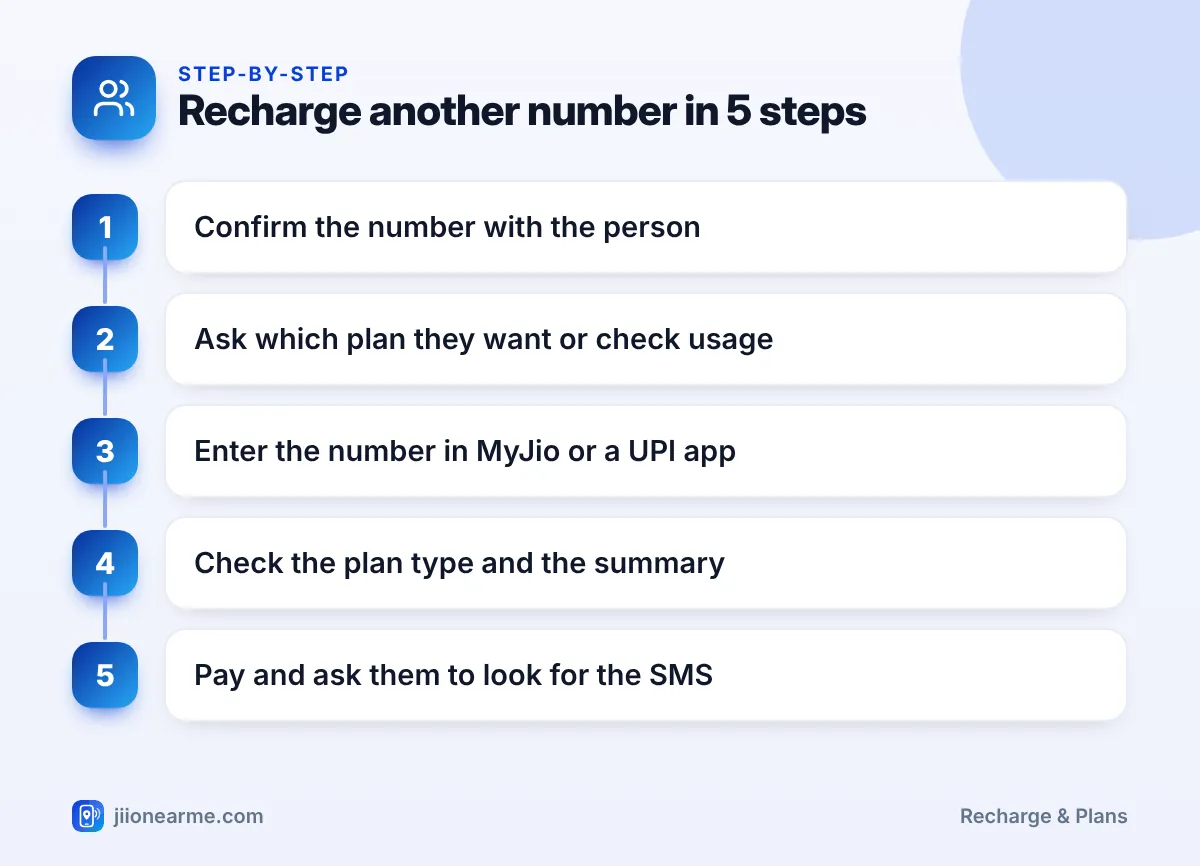
Ask the person to send their number by SMS or WhatsApp, or copy it from a saved contact. Do not type it from memory. Older relatives sometimes have more than one SIM, so confirm which number needs the recharge.
Choose a plan that suits them
- Ask about usage. Do they mainly make calls, watch videos or use data for work or classes?
- Check their current plan. If their plan is still active, a new recharge usually waits in a queue and starts later.
- Check the device. JioPhone and JioBharat numbers have their own plans. A JioFi hotspot only needs data.
- Read the plan details. Look at validity, data and calls, not only the amount.
A successful recharge on the wrong number is usually very difficult to reverse. Read the number on the payment summary twice before you pay.
How to Recharge Other Jio Numbers Step by Step
The flow is similar in every channel. Here are the steps for the two most common ones.
Using the MyJio app
- Open MyJio and tap Recharge.
- Look for an option to enter a different number, such as a number field or Recharge for others. Labels can differ by app version.
- Type or paste the 10-digit number.
- Choose a plan from the list that appears and open its details.
- Check the number on the payment summary, then pay with UPI, card or net banking.
Using a UPI app
- Open your UPI app and go to Mobile recharge.
- Type the number or pick the contact.
- Make sure the operator shows Jio Prepaid. Change it if it is wrong.
- Browse plans and select one after reading the details.
- Review the summary and approve the payment with your UPI PIN.
On jio.com, the steps are the same: open the recharge option, enter the number, pick a plan and pay.
After the Recharge: Make Sure It Reached Them
The Jio confirmation SMS goes to the recharged number, not to you. So the last check needs the other person’s help.
- Ask them to check their SMS. The message shows the plan name and validity.
- Check your payment app. It should show the recharge as successful.
- For elderly parents: Call them and ask them to read out the plan name and validity from the Jio message, or check the plan for them if their number is linked in your MyJio app.
If the payment shows as successful but the plan is missing, contact Jio with the transaction ID. The 198 and 199 short codes work from a Jio number, so the other person can call from their phone. You can also call the toll-free number 1800-889-9999 from any phone.
Save family numbers in your contacts with clear names, such as “Papa Jio” or “Riya Jio”. Picking a saved contact in a UPI app is far safer than typing ten digits every month.
Linking Family Numbers in MyJio (Optional)
You do not need to link a number to recharge it. But if you look after recharges for elderly parents or children, linking can help you see their plan and expiry date from your own MyJio app.
MyJio has an option to link other Jio accounts, usually found in the menu or profile section. Linking asks for verification from the other number. Do it together with the family member, in person, and let them complete the verification themselves. Only link numbers of people who know about it and agree.
A linked account can show plan details and usage. Talk to adult family members before linking their number, and remove the link if they ask you to.
Frequently Asked Questions
Can I recharge a Jio number if my own SIM is from another network?
Yes. The jio.com website and UPI apps let you recharge any Jio prepaid number, whatever network you use yourself.
Do I need the other person's OTP to recharge their number?
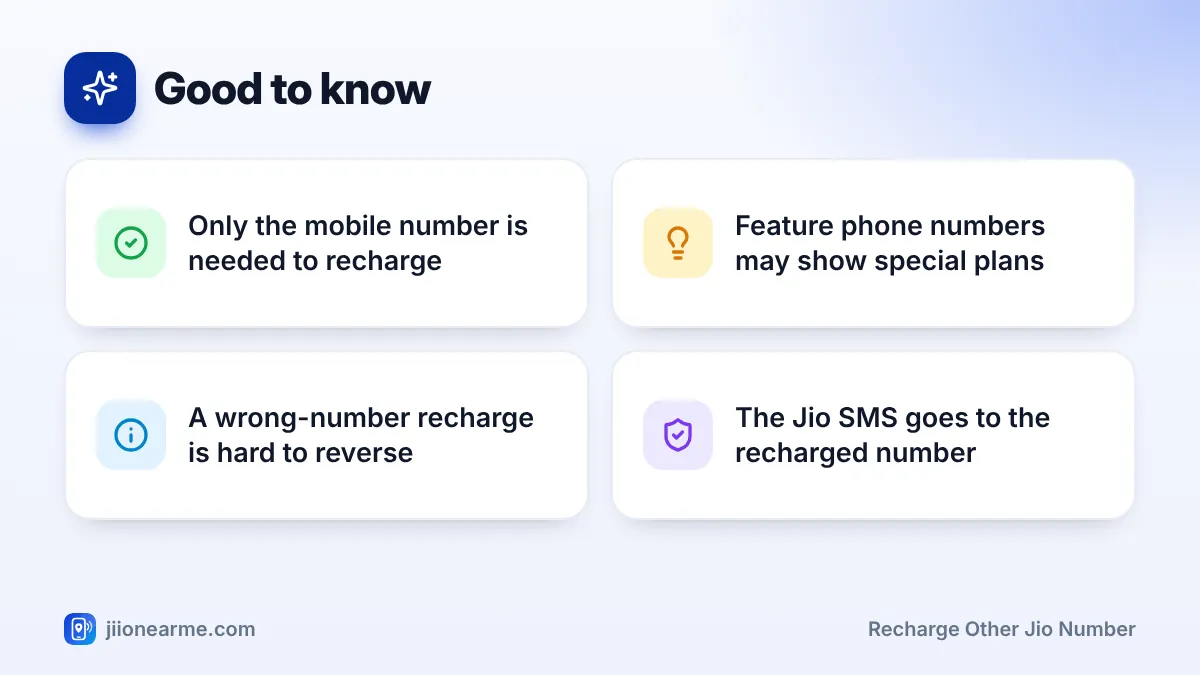
No. A recharge only needs their mobile number. If anyone asks for an OTP, Aadhaar details or a password to complete a recharge, treat it as a warning sign and stop.
Will I get the confirmation SMS?
No, the SMS from Jio goes to the recharged number. Your payment app or MyJio will show the payment status on your side.
Can I recharge a JioPhone or JioBharat number from my smartphone?
Yes. Enter the number in MyJio, on jio.com or in a UPI app. Look for the JioPhone or JioBharat plan section that matches the person’s device.
What if I recharged the wrong person's number?
Contact Jio support quickly with the transaction ID and explain the situation. A successful recharge on another number is usually hard to reverse, so prevention is the best approach.
Wrapping Up
Recharging someone else’s Jio number takes only a few minutes from your phone. Get the number in writing, pick a plan that fits their usage and device, and read the payment summary before you pay. Then ask them to confirm the Jio SMS.
With saved contacts and a quick check each time, you can look after the whole family’s recharges without stress.
JIo Near me is an independent guide and is not affiliated with Reliance Jio. App menus, plans and policies can change – always confirm current details in the official MyJio app or on jio.com. We will never ask for your OTP, PIN or passwords.