Both official Jio channels and third-party apps can recharge your Jio number, and the plan works the same way whichever you use. The real differences lie in fees, how complete and up to date the plan list is, how refunds are handled and who you contact when something goes wrong.
In this article, official channels mean the MyJio app and jio.com. Third-party apps include UPI apps, wallets and bank apps that offer mobile recharges. Knowing how they differ helps you choose the right one and get problems solved faster.
- The plan you buy is the same, but fees and plan lists can differ by channel.
- Official channels show Jio’s current plans for your exact number.
- Some third-party apps may add a platform or convenience fee.
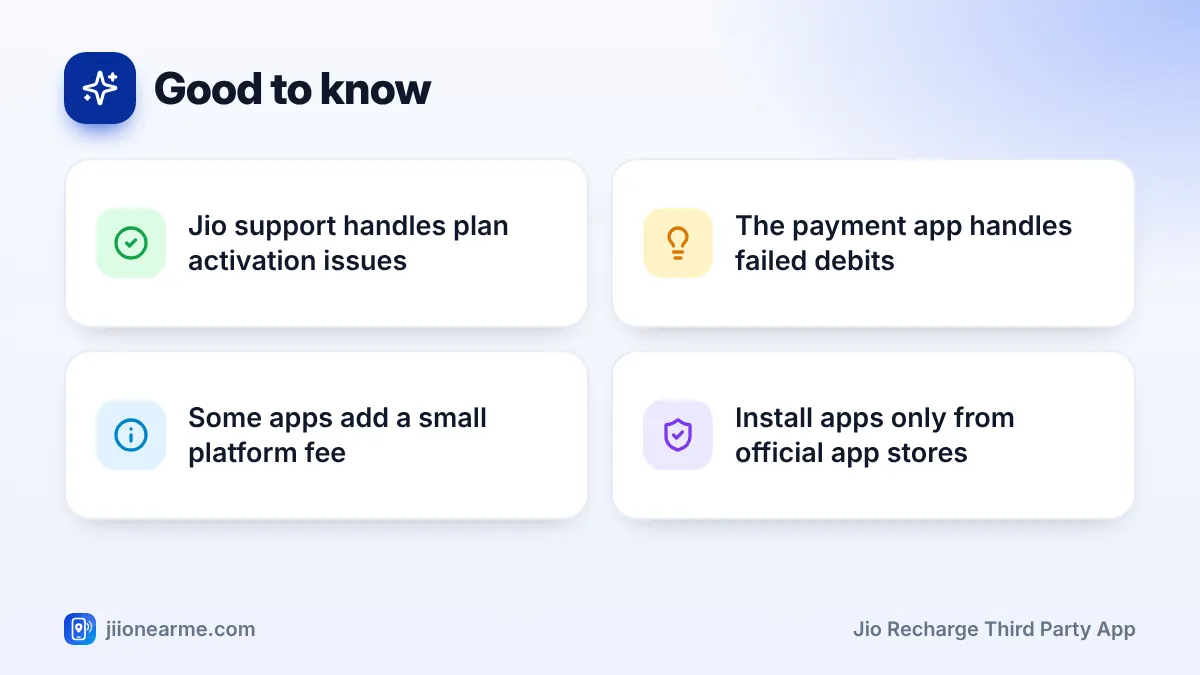
- Payment issues go to the app or bank; plan issues go to Jio support.
Quick Comparison: Official Channels vs Third-Party Apps
Here is a side-by-side view of the main differences:
| Point | MyJio and jio.com | Third-party apps |
|---|---|---|
| Plan list | Jio’s current plans, matched to your number | Usually comes through a partner and may miss some plans |
| Extra fees | You generally pay the listed plan amount | Some apps may add a platform or convenience fee |
| Account view | Shows data balance, validity and history | Usually shows only the payment record |
| Failed payment | Normally refunded to your original payment source | Refund handled by the app and your bank |
| Plan not activated | Raise with Jio directly | Start with Jio, sharing the app’s transaction ID |
| Other bills | Mostly Jio services | Many bills and recharges in one place |
Neither option is wrong. Many people use a payment app for convenience and MyJio to check plans and balance.
Fees: Always Check the Final Amount
On official channels, you generally pay the plan amount shown. Some third-party apps may add a small platform or convenience fee to mobile recharges. The fee, if any, can depend on the app and the payment method.
The payment summary shows the final amount before you approve the payment. Look at it every time, because fee policies can change without much notice. If an app’s total is higher than the plan amount shown in MyJio or on jio.com, you can decide whether the convenience is worth it.
Plan Listings: Accuracy and Coverage
Official channels pull plans straight from Jio and show the ones that apply to your number. They also show device-specific plans, such as JioPhone and JioBharat sections, when you enter those numbers.
Third-party apps receive plan data through partners. As a result:
- A newly added plan may take time to appear.
- Some plans, especially device-specific ones, may be missing or shown under a different name.
- An old plan may stay visible after Jio changes its benefits.
- Some apps let you type any amount, which may not match a valid plan.
Before using a third-party app, open MyJio or jio.com and note the plan name and benefits you want. Then pick the same plan in the payment app and compare the details.
How to Choose the Right Recharge Channel
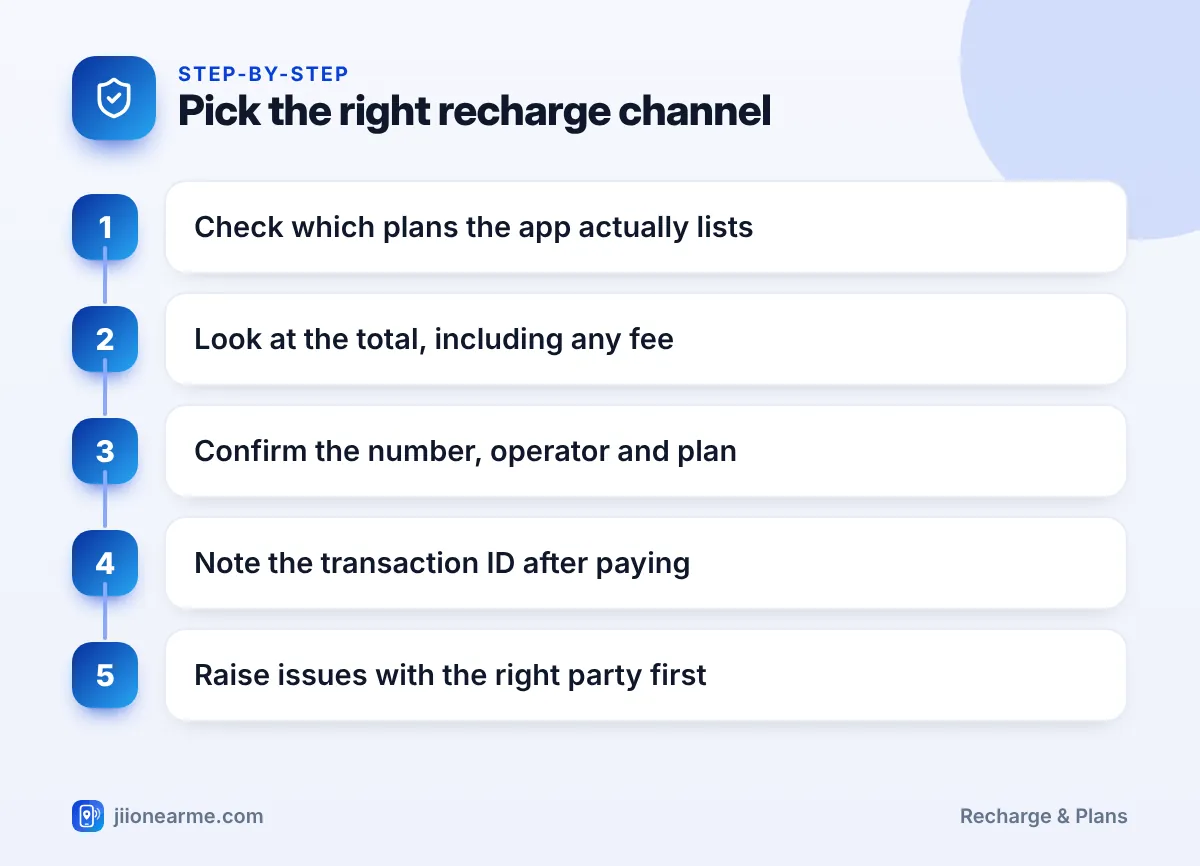
Use these steps to decide each time you recharge:
- Check the plan list. If the plan you want is missing or looks different, use MyJio or jio.com.
- Compare the total. Note any platform fee on the payment summary.
- Verify the details. Confirm the number, the operator and the plan before entering your PIN.
- Keep the transaction ID. Save a screenshot of the success screen.
- Know whom to contact. Decide in advance where you would raise a problem, as explained below.
Refunds and Where to Raise a Query
Most confusion comes from contacting the wrong party. Use this simple rule:
- Money debited, recharge failed: Contact the app you paid with first, using the help option inside the transaction. If it is not resolved, contact your bank. Failed payments are normally reversed to the source automatically.
- Payment and recharge successful, but benefits missing: This is a Jio issue. Call 199 for queries or 198 for complaints from your Jio number, or use the help section in MyJio. Share the transaction ID.
- Charged twice for one recharge: Check whether both recharges went through. If both did, the second plan usually waits in a queue. If one failed, follow the app’s refund process.
- Unresolved Jio complaint: Jio publishes its escalation process, including the appellate authority, on jio.com. Keep your complaint number handy.
Save the transaction ID, the date and time, and the number you recharged. Every support team asks for these first, and having them ready speeds up the process.
Spotting Fake Recharge Apps and Offers
Third-party apps are safe when they are well-known and installed from official app stores. Problems usually start with fake apps and links.
- Install apps only from the Google Play Store or the Apple App Store.
- Ignore SMS or WhatsApp messages offering free or heavily discounted Jio plans.
- Never enter your UPI PIN to “receive” a reward or refund.
- Do not share OTPs with anyone who calls about your recharge.
If you lose money to a fake recharge app or link, call the national cybercrime helpline 1930 quickly and inform your bank. You can also file a complaint on cybercrime.gov.in.
Frequently Asked Questions
Is a Jio recharge through a third-party app valid?
Yes. A recharge through a well-known UPI or bank app gives you the same Jio plan, provided you choose the correct number, operator and plan.
Why can't I find a JioPhone plan in my payment app?
Some third-party apps do not list every device-specific plan, or list them under another name. Use MyJio or jio.com, which show the right plans for that number.
Who refunds me if a third-party recharge fails?
The app you paid with and your bank handle failed payments. Raise the issue from the transaction screen in the app if the refund does not arrive in the time it states.
Do official channels charge a convenience fee?
On MyJio and jio.com, you generally pay the plan amount shown. Always check the total on the payment summary before you pay, whichever channel you use.
Can I check my data balance in a third-party app?
Most payment apps only show your payment record. For data balance, validity and plan details, use the MyJio app.
Conclusion
A Jio recharge on a third-party app is fine for many people, as long as you check the plan details and the final amount. Official channels give you Jio’s exact plan list and account details, while payment apps add convenience for paying many bills in one place.
Whatever you choose, keep your transaction ID and contact the right party: the payment app or bank for money issues, and Jio for plan issues.
JIo Near me is an independent guide and is not affiliated with Reliance Jio. App menus, plans and policies can change – always confirm current details in the official MyJio app or on jio.com. We will never ask for your OTP, PIN or passwords.