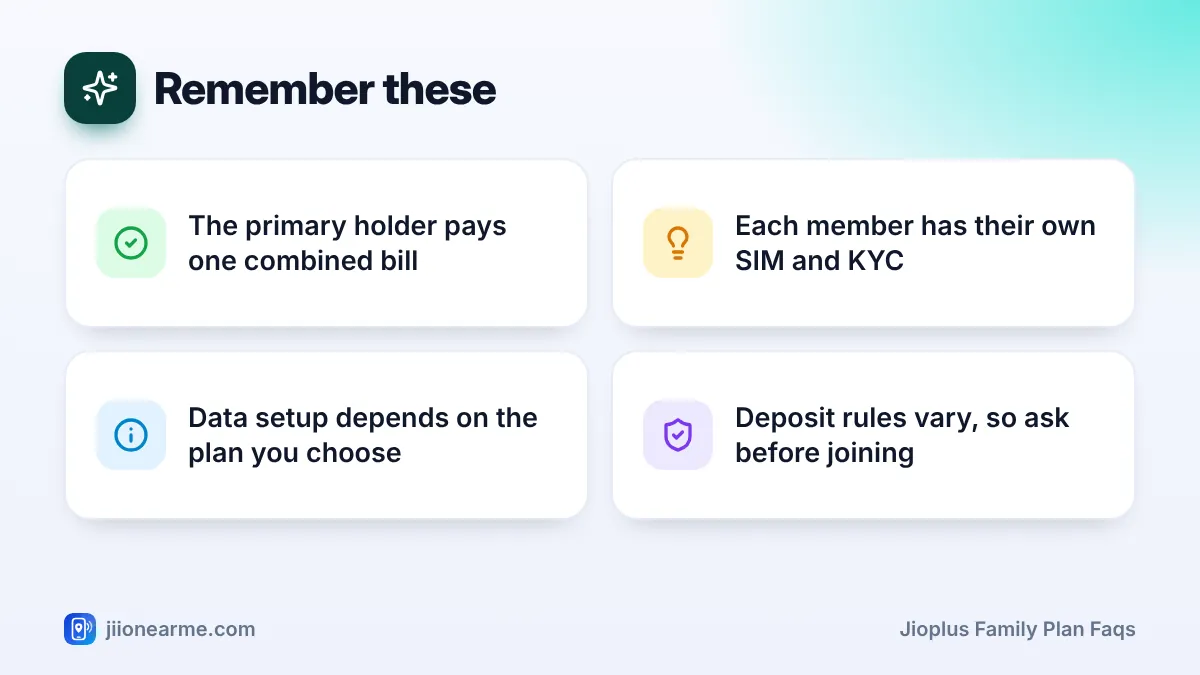
Most questions about JioPlus family plans come down to four things: who can join, how data is shared, who pays the bill and whether a deposit is needed. In short, one primary holder owns the account and pays a single bill, each add-on member has their own SIM and number, and data and deposit rules depend on the plan.
Below are quick, plain answers grouped by topic. Plans and policies can change, so for anything specific to your account, check the MyJio app, jio.com or Jio customer care.
- A JioPlus family plan links a small number of add-on members to one primary account.
- The primary holder receives the combined bill and is responsible for paying it.
- Data may be shared, split per member, or both, depending on the plan.
- A refundable security deposit may apply, depending on the plan and eligibility.
- Use only official channels to make changes or get help.
JioPlus Family Plan FAQs at a Glance
If you only need the short version, this table sums up the most common questions. The sections below explain each one in a little more detail.
| Question | Short answer |
|---|---|
| Who pays the bill? | The primary account holder |
| Do members get their own number? | Yes, each has their own SIM and number |
| Can members keep existing numbers? | Usually yes, by converting or porting |
| Is data shared? | Depends on the plan |
| Is there a deposit? | It may apply, depending on plan and eligibility |
| Can members check their own usage? | Yes, in the MyJio app |
Questions About JioPlus Membership
Who should be the primary holder?
The primary holder should be someone who can manage the account and pay the bill on time every month. All plan and member changes are usually requested by this person.
How many add-on members can join?
Family plans allow a limited number of add-on members, often up to three. The exact limit depends on the plan, so check your plan details in MyJio.
Do members need to live in the same house?
Usually not. Each member’s connection works on Jio’s network, so a parent in one city and a student in another can be on the same plan. Each member completes KYC with their own ID.
Can members keep their existing numbers?
In most cases, yes. An existing Jio prepaid number can usually be converted, and a number from another operator can be ported in through MNP.
Can I add a member later?
Yes, as long as your plan has a free slot. The primary holder can request a new member through MyJio, jio.com or a Jio Store at any time.
Can a child be an add-on member?
A child under 18 cannot usually complete SIM KYC in their own name, so a parent or guardian is involved. Ask at a Jio Store about the correct process for a minor’s connection.
Questions About Data on the Family Plan
Is data shared between members?
It depends on the plan. Some plans use a shared pool, some give each add-on a set amount, and some combine both. Read the plan details in MyJio to see how yours works.
Can each member check their own data?
Yes. Every member can sign in to the MyJio app with their own number to see their usage. The primary holder can often see a family summary too.
What happens when the data runs out?
This depends on the plan terms. Speed may reduce or extra usage may be charged, and postpaid users can usually buy data add-ons in MyJio.
Does unused data carry forward?
Some postpaid plans have offered data rollover, but it depends on the current plan terms. Your plan details in MyJio will say whether rollover applies.
Connecting phones to home broadband, such as JioFiber or Jio AirFiber, and setting app updates to Wi-Fi only can make family data last much longer.
Questions About the Family Bill
Who receives the bill?
The primary holder receives one combined bill for all members. It can be viewed and downloaded in MyJio or on jio.com.
Do extra charges from members appear on the bill?
Yes. Charges beyond the plan, such as international roaming or premium services used by any member, are added to the family bill.
Can a member pay the bill instead of the primary holder?
Anyone can usually pay the bill for the primary number through MyJio, jio.com or a UPI app. The account and its dues still remain the primary holder’s responsibility.
Can I get the bill on email?
Yes, the primary holder can usually set or update the email address for bills in the MyJio app. Bills can also be downloaded as a PDF from the app.
What happens if the bill is paid late?
A late payment charge may apply, and services on the account may be restricted until the bill is paid. Setting up autopay is the easiest way to avoid this.
Because all members share one account, an unpaid bill can affect services for the whole family, not just the primary holder.
Questions About Security Deposits
Is a security deposit needed for JioPlus?
A refundable security deposit may be needed, depending on the plan, your payment method and eligibility. The amount and rules can change, so ask before you confirm the plan.
Is the deposit refundable?
Security deposits are generally refundable when a connection is closed, after any pending dues are adjusted. Ask customer care about the current refund process and timeline.
Is there a deposit for each add-on member?
This depends on the current policy and plan. Check the details shown in MyJio during sign-up, or ask at a Jio Store.
Where to Get Help With Your JioPlus Account
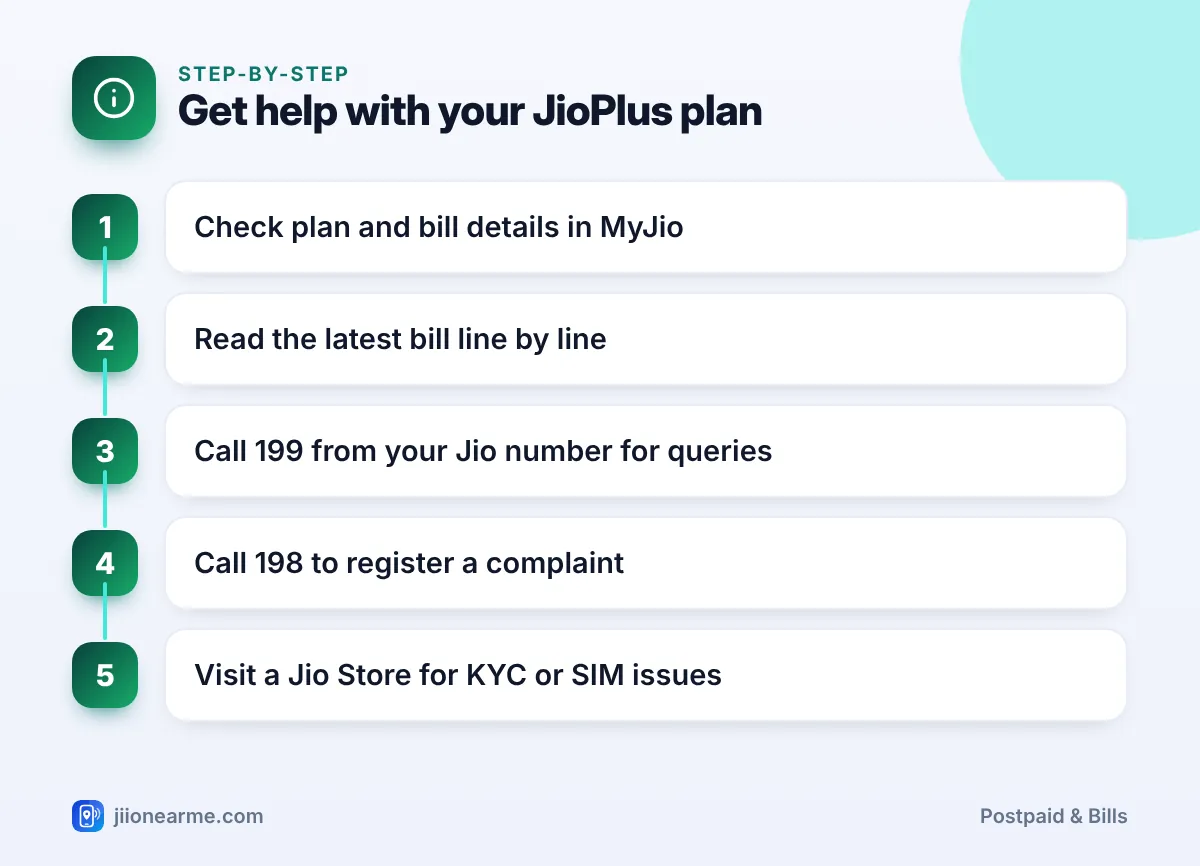
If you have a question these answers do not cover, follow these steps:
- Check plan and bill details in MyJio. Many answers are in the plan description or the latest bill.
- Read the latest bill line by line, especially if a charge looks unexpected.
- Call 199 from your Jio number for general queries about your plan or bill.
- Call 198 to register a complaint, such as a disputed charge. The toll-free number 1800-889-9999 also works.
- Visit a Jio Store for KYC, SIM replacement or adding and removing members in person.
Jio staff will never ask for your OTP, Aadhaar details or passwords on a call. Hang up and use the official numbers above if anyone does.
Frequently Asked Questions
Can a JioPlus member switch back to prepaid?
Usually yes. A member can typically be removed from the family plan and moved to prepaid while keeping their number, after any dues are cleared.
Do add-on members get Jio True 5G?
Members can use Jio True 5G where the plan, the phone and the area support it. Check eligibility in the MyJio app.
Can the primary holder change the plan for the whole family?
Yes, plan changes are generally requested by the primary holder. The new plan’s terms then apply to all members from the date it takes effect.
What happens to members if the primary account is closed?
Closing the primary account affects everyone linked to it. Members should first move their numbers to prepaid, their own postpaid plan or another operator.
Where can I compare current JioPlus family plans?
The MyJio app and the official Jio website list current plans with their benefits and terms.
Wrapping Up
These JioPlus family plan FAQs cover the basics: one primary holder, one bill, individual SIMs and plan-specific data and deposit rules. For your own account, the MyJio app and your latest bill hold the most accurate details.
When in doubt, call 199 from your Jio number or visit a Jio Store, and always keep OTPs and passwords to yourself.
JIo Near me is an independent guide and is not affiliated with Reliance Jio. App menus, plans and policies can change – always confirm current details in the official MyJio app or on jio.com. We will never ask for your OTP, PIN or passwords.