Yes, you can manage your JioFiber or Jio AirFiber connection from the same MyJio app you use for your phone. To sign in, use the mobile number registered with your broadband account, or the Service ID if the app offers that option. An OTP is sent to the registered number, and once you enter it, your home connection appears in the app.
This guide explains what details you need, the exact sign-in steps, how to link the broadband account if you already use MyJio for your mobile, and what to do if the OTP never shows up.
- Sign in with the registered mobile number (RMN) linked to your JioFiber or AirFiber account.
- Some app versions also let you sign in with your Service ID or broadband number.
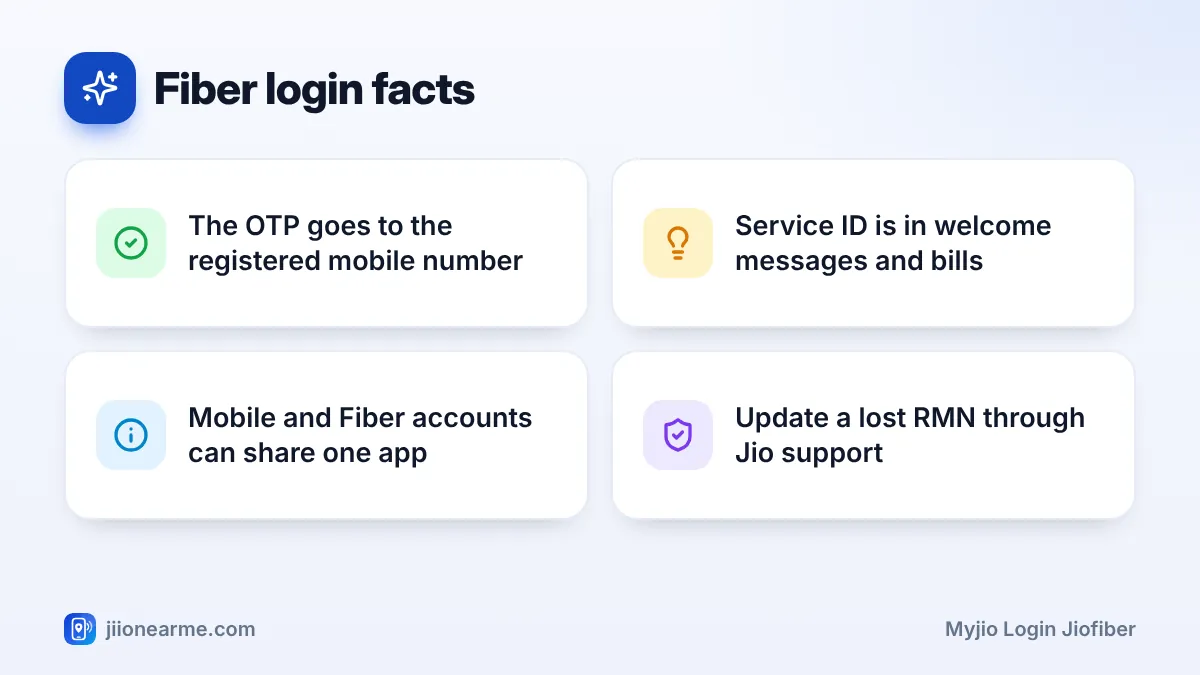
- The OTP always goes to the RMN, so keep that phone nearby.
- If you already use MyJio for your mobile, link the broadband account instead of signing in again.
What You Need to Sign In With a Fiber Account
Your broadband connection is identified a little differently from a mobile SIM. Before you start, find these details:
| Detail | What it is | Where to find it |
|---|---|---|
| Registered mobile number (RMN) | The phone number given when you applied | Your application or welcome SMS |
| Service ID | A unique ID for your broadband connection | Welcome SMS or email, and your bills |
| Broadband number | A number linked to your fixed-line service | Welcome messages and bills, if provided |
The RMN is the most important one. Every OTP for your broadband account is sent to this number. It may be a Jio number or a number from another operator, depending on what you gave at the time of applying.
Jio AirFiber uses wireless technology while JioFiber uses a fibre cable, but both are managed in MyJio in a similar way. The steps below apply to either connection.
MyJio Login for JioFiber and AirFiber: Step by Step
These steps work on Android and iPhone. Labels can differ slightly by app version, so look for similar wording.
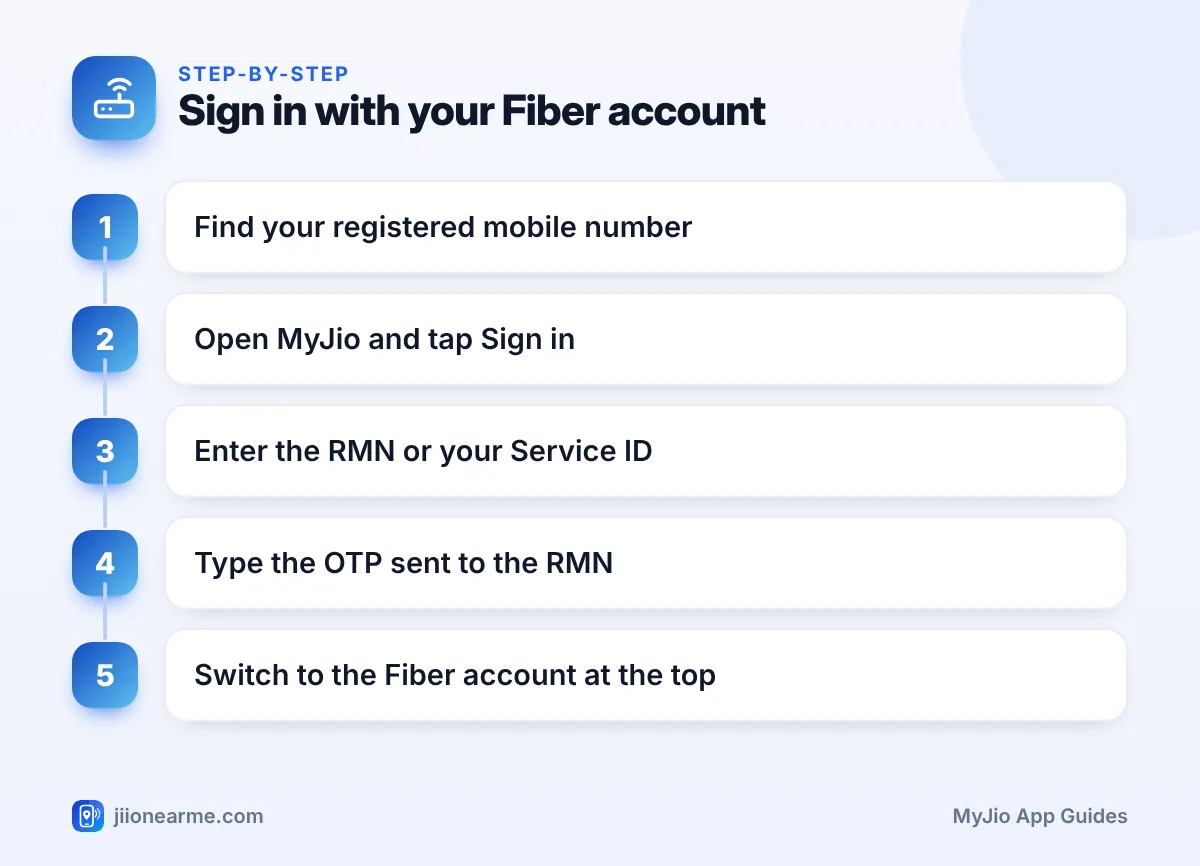
- Install or update the MyJio app from the Play Store or App Store.
- Open the app and tap Sign in, Log in or Get started.
- On the sign-in screen, enter your registered mobile number. If the screen shows an option such as JioFiber, AirFiber or Service ID, you can tap it and enter your Service ID instead.
- Tap Generate OTP or Send OTP.
- Check the phone that has the RMN and type the OTP into MyJio.
- Once signed in, use the account switcher at the top of the home screen to select your broadband connection if it is not shown first.
After signing in, the home screen for your broadband account usually shows your plan, validity or bill details, and quick options for recharge or payment.
Already Using MyJio for Mobile? Link Your Fiber Account
If you already use MyJio for your Jio mobile number, you do not need to sign out. You can add the broadband account to the same app:
- Open MyJio and tap your number or the account switcher at the top.
- Look for Link account, Add account, Manage accounts or a plus icon.
- Choose JioFiber or AirFiber if asked for the account type.
- Enter the RMN or Service ID for the broadband connection.
- Enter the OTP sent to the RMN to confirm.
If your Jio mobile number is itself the RMN for your broadband, the connection may appear in the app automatically. Check the account switcher before linking.
Linking your mobile and broadband accounts in one app makes life easier. You can check your phone’s data, pay the home broadband bill and raise a service request without signing out and back in.
What You Can Manage After Signing In
Once your JioFiber or AirFiber account is in MyJio, you can usually:
- See your current plan, validity or bill cycle, and payment due date.
- Recharge a prepaid connection or pay a postpaid bill.
- Check data usage for your home connection.
- Raise a service request or complaint, such as slow speed or no internet.
- Manage Wi-Fi settings, such as the network name and password, and view connected devices, depending on your router and app version.
Check current broadband plans in MyJio or on jio.com before changing your plan.
If You Cannot Sign In
Here are the most common problems and how to deal with them:
- OTP not reaching the RMN: Check that the RMN phone has signal and look in its spam folder. Wait a minute before tapping Resend OTP.
- Account not found: Your connection may not be fully activated yet, especially right after installation. Wait for the activation message and try again.
- Wrong ID entered: Double-check the Service ID or number against your welcome message or bill.
- You no longer use the RMN: The OTP cannot reach you. Contact Jio support to update the registered number. This usually needs some verification.
- The app shows only your mobile: Use the account switcher, or link the broadband account as described above.
For help, call Jio’s toll-free number 1800-889-9999. From a Jio mobile, you can also call 199 for queries or 198 for complaints.
Fraudsters sometimes call pretending to be from the broadband team and ask for the OTP “to fix your connection”. A real Jio technician does not need your OTP. Never share it, and report suspicious calls on the Sanchar Saathi portal.
Frequently Asked Questions
Can I sign in to MyJio for JioFiber with a non-Jio mobile number?
Usually yes, if that number is the RMN for your broadband account. The OTP will be sent to that number, so keep the phone nearby.
Where do I find my JioFiber or AirFiber Service ID?
It is usually included in the welcome SMS or email you got after installation and on your bills. Jio support can also help you confirm it.
Can I see my mobile and broadband accounts in one app?
Yes. Link the broadband account to your MyJio app and switch between accounts using the switcher at the top of the home screen.
Is the AirFiber login different from the JioFiber login?
No, the process is the same. Use the registered mobile number or Service ID for your AirFiber connection, and enter the OTP sent to the RMN.
What if the RMN belongs to a family member?
The OTP will go to their phone, so sign in when they are with you. Do not ask anyone outside your household to relay an OTP for you.
Final Thoughts
Signing in to MyJio with your JioFiber or AirFiber account is simple once you know your registered mobile number or Service ID. Enter it on the sign-in screen, type the OTP sent to the RMN, and switch to the broadband account at the top.
If you already use MyJio on your phone, link the broadband account instead. Keep your RMN up to date with Jio, and never share your OTP with anyone who calls asking for it.
JIo Near me is an independent guide and is not affiliated with Reliance Jio. App menus, plans and policies can change – always confirm current details in the official MyJio app or on jio.com. We will never ask for your OTP, PIN or passwords.
