Before you buy a Jio SIM, spend five minutes checking your phone. Jio runs only on 4G and 5G, and its calls use VoLTE, so your phone must support VoLTE and Jio’s network bands to work properly. Most smartphones sold in India in recent years pass easily, but older, imported or carrier-locked phones can fail.
This checklist covers six quick checks: VoLTE, network bands, SIM tray size, carrier locks, eSIM support and handset genuineness. Each takes a minute or two, and together they can save you a wasted trip to the store.
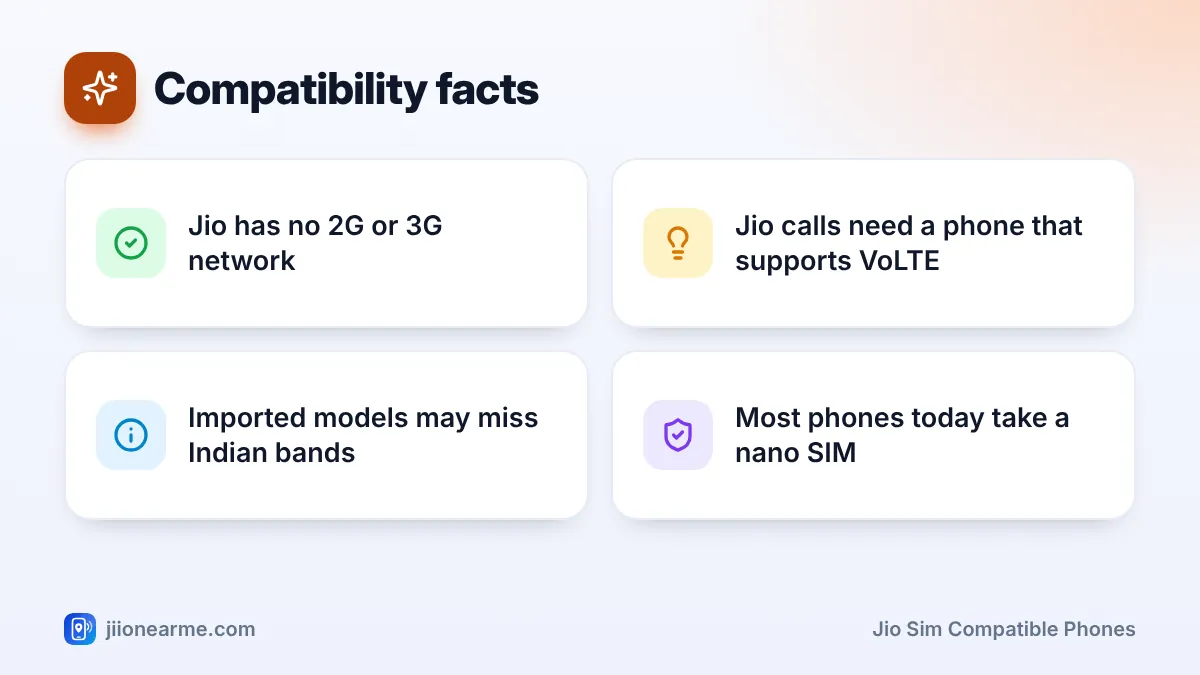
- Jio has no 2G or 3G network, so your phone needs 4G VoLTE or 5G for calls.
- Indian models of most smartphones support Jio’s bands; imported models may not.
- Almost all new phones use a nano SIM, and Jio SIMs usually come as multi-cut cards.
- A carrier-locked phone shows “SIM not supported” and needs the original carrier to remove the lock.
- If you want an eSIM, confirm your phone supports eSIM before you request one.
Why Phone Compatibility Matters for a Jio SIM
Some other networks in India still run older 2G layers that let basic phones make calls. Jio does not. Its mobile network is 4G LTE and 5G only, and voice calls travel over the data network using VoLTE (Voice over LTE).
This means a phone can show Jio signal bars and even load websites, yet fail to make calls if it lacks VoLTE. A 2G or 3G-only phone will not connect at all. Checking first avoids that confusion.
The Jio SIM Compatible Phones Checklist
Work through these checks in order. If your phone passes all six, a Jio SIM should work without trouble.
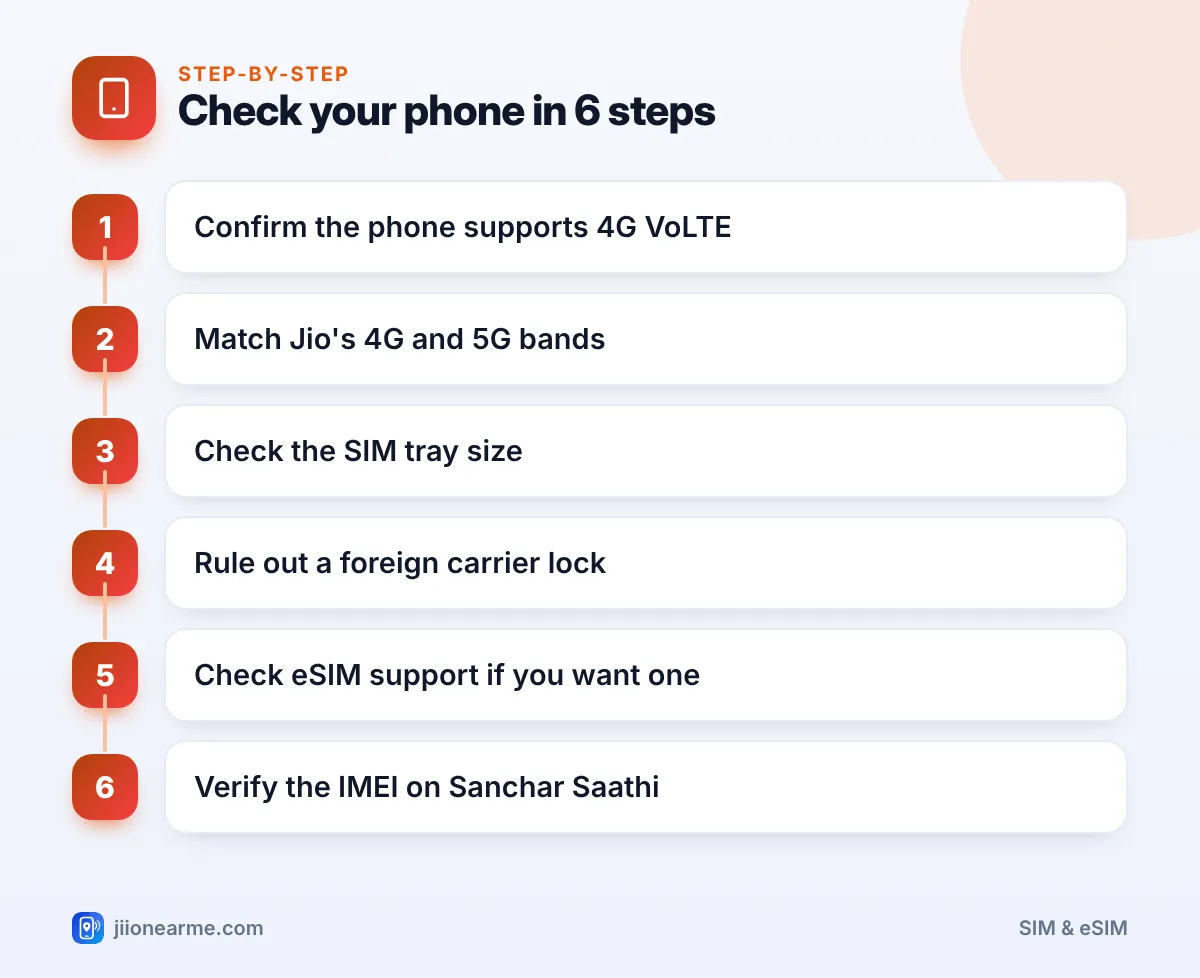
- Confirm VoLTE support. Look in Settings > Mobile network (or SIM cards) for VoLTE, 4G Calling or HD Calling. You can also search the model’s spec sheet for “VoLTE”.
- Match the network bands. Check that the phone supports Jio’s 4G bands and, for 5G, its 5G bands. The table below lists them.
- Check the SIM tray size. Most phones take a nano SIM. Older ones may need micro or standard.
- Rule out a carrier lock. Phones bought abroad, especially through a network operator, may only accept that operator’s SIM.
- Check eSIM support if you want a Jio eSIM instead of a plastic card.
- Verify the phone is genuine. Check the IMEI on the Sanchar Saathi portal, especially for second-hand or imported phones.
Check 1: VoLTE support
VoLTE is the single most important feature. Without it, Jio calls will not go through. Nearly every 4G smartphone launched in India in recent years supports it, but some early 4G phones and some imported models do not.
If you can’t find a VoLTE toggle, the phone may still switch it on automatically. The real test is inserting a Jio SIM and making a call.
Check 2: 4G and 5G bands
Network bands are the radio frequencies a phone can use. A phone missing Jio’s main bands may show weak signal or no service at all.
| Network | Bands Jio uses | What to look for in specs |
|---|---|---|
| 4G LTE | Band 3 (1800 MHz), Band 5 (850 MHz), Band 40 (2300 MHz) | B3, B5 and B40 listed under LTE |
| 5G (Jio True 5G) | n78 (3500 MHz), n28 (700 MHz) | n78 and n28 listed under 5G, with SA support |
Jio True 5G runs as standalone (SA) 5G. Some 5G phones need a software update before they show Jio 5G, so keep your phone updated. If your phone supports only 4G, you can still use Jio on 4G.
The same phone name can hide different hardware in different countries. A version made for another market may skip Band 40 or Band 5. If you bought a phone abroad, look up its exact model number on the maker’s website.
Check 3: SIM tray size
Open the SIM tray with the ejector pin and look at the slot. Almost all phones from the last several years take a nano SIM. Jio SIMs usually come as multi-cut cards, so you can press out the nano, micro or standard size as needed. Never cut a SIM with scissors.
Check 4: Carrier lock
Some phones sold abroad by network operators are locked to that operator. When you insert a Jio SIM, you may see SIM not supported, Invalid SIM or a request for a network code.
Only the original carrier, or sometimes the seller, can remove such a lock officially. Before you buy an imported phone, ask the seller in writing whether it is “factory unlocked”. Avoid unofficial lock-removal services, which can damage the phone’s software.
Check 5: eSIM support
If you want a Jio eSIM, your phone must have an eSIM chip that works in India. Look for Add eSIM or Add mobile plan in network settings, or an EID number under About phone. On iPhone, the option sits under Settings > Mobile Data. Jio lists supported eSIM devices on its website.
Check 6: Genuine handset
Imported and second-hand phones should have a valid IMEI. Dial *#06# to see the IMEI, then check it with the Know Your Mobile option on Sanchar Saathi. A blacklisted or invalid IMEI can cause network problems.
Dual-SIM Phones: Which Slot to Use
On most new dual-SIM phones, both slots support 4G and 5G. On some older models, only one slot handles 4G at a time. In that case, put the Jio SIM in the 4G-capable slot and set Jio as the preferred SIM for data.
After inserting the SIM, open Settings > SIM cards (or SIM manager) and choose which SIM handles calls, SMS and data. Labels differ by brand and software version.
Ask a family member with a Jio SIM to let you test it in your phone for a minute. If signal appears and a test call goes through, you have your answer before you buy.
Phones That May Not Work Well With Jio
Be extra careful with these types of devices:
- 2G or 3G-only feature phones cannot connect to Jio at all.
- Early 4G phones without VoLTE may get data, but calls will fail.
- Carrier-locked imports are common when phones are bought on foreign network contracts.
- Grey-market phones may lack Indian bands or have IMEI problems.
- Very old smartphones may never get the updates needed for Jio 5G.
If you prefer a basic phone, devices like JioPhone and JioBharat are built for the Jio network, so compatibility is not a worry.
Frequently Asked Questions
Will a Jio SIM work in a 3G phone?
No. Jio has no 3G or 2G network, so a 3G phone cannot connect. You need a 4G VoLTE or 5G phone.
Why does my phone show Jio signal but calls fail?
VoLTE may be switched off, or the phone may not support it. Turn on VoLTE or 4G Calling in settings and restart. If there is no such option and calls still fail, the phone likely lacks VoLTE.
Do I need a 5G phone for a Jio SIM?
No. Any 4G VoLTE phone works with Jio. A 5G phone that supports Jio’s 5G bands lets you use Jio True 5G where it is available.
Will a Jio SIM work in an iPhone bought abroad?
It can, if the iPhone is not carrier-locked and its model supports Jio’s bands. Check the lock status and model number with the seller first.
Can I use a Jio SIM in a tablet?
Many cellular tablets accept a Jio SIM for data. Calling depends on whether the tablet supports VoLTE calls, which many do not.
Final Thoughts
Checking compatibility before you buy saves time and frustration. The two most important checks are VoLTE and network bands. After that, confirm the tray size, rule out a carrier lock and, if needed, check eSIM support.
If your phone passes every check but the SIM still won’t work, visit a Jio Store with the phone, or call 1800-889-9999 for help.
JIo Near me is an independent guide and is not affiliated with Reliance Jio. App menus, plans and policies can change – always confirm current details in the official MyJio app or on jio.com. We will never ask for your OTP, PIN or passwords.