Jio SIM cards usually come as one multi-cut card that holds all three common sizes: nano, micro and standard. You simply press out the size your phone’s tray needs. Most phones made in the last several years take the smallest one, the nano SIM.
This guide explains how the three sizes differ, how to find the one your phone uses, how to pop it out without damage, and what to do if your SIM is the wrong size or already broken.
- Jio SIMs usually come as multi-cut cards with nano, micro and standard outlines.
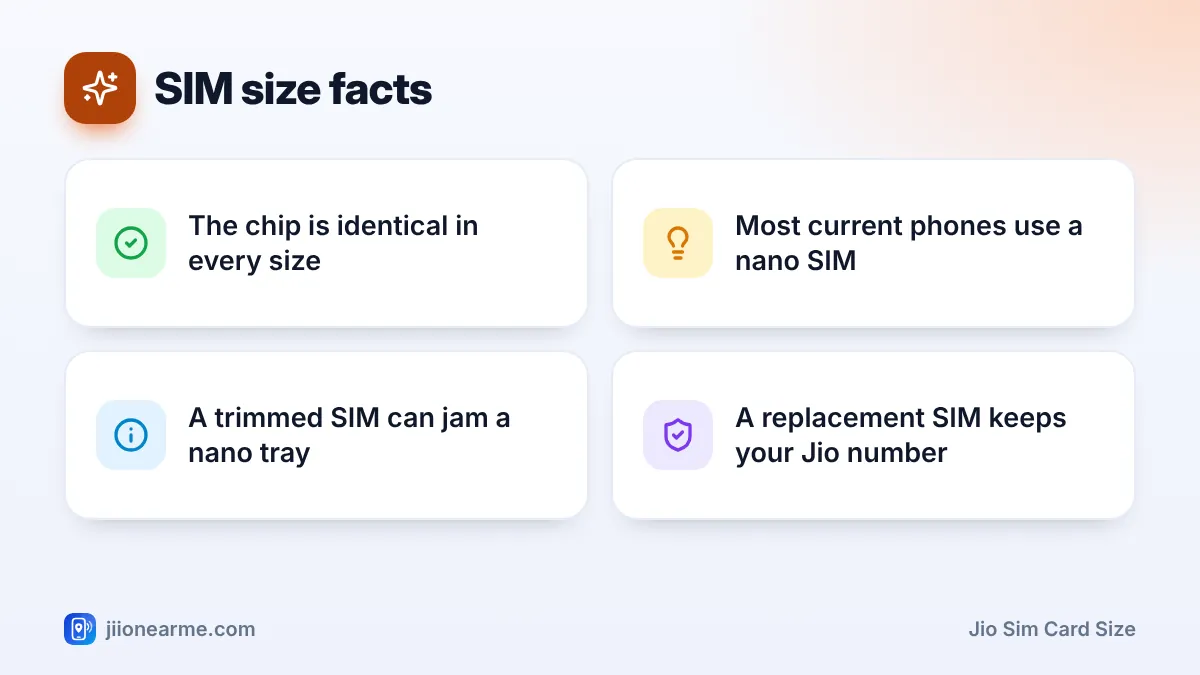
- The chip is the same in every size; only the plastic around it changes.
- Most current smartphones use a nano SIM.
- Never trim a SIM with scissors; a damaged SIM needs a replacement from Jio.
- If your phone supports eSIM, you can skip the plastic card altogether.
The Three SIM Sizes at a Glance
The SIM in your phone is mostly plastic. The important part is the small gold chip with its contact pads. Over the years, phone makers trimmed away more plastic to save space inside the phone, which gave us three sizes in common use.
| Size | Also called | Approx. dimensions | Typically used in |
|---|---|---|---|
| Standard | Mini-SIM, 2FF | 25 x 15 mm | Older basic phones and early smartphones |
| Micro | 3FF | 15 x 12 mm | Many phones from the early 2010s |
| Nano | 4FF | 12.3 x 8.8 mm | Almost all current smartphones |
The nano SIM is also slightly thinner than the other two. That small difference matters, as you will see in the section on trimming.
Where the eSIM fits in
An eSIM is not a fourth size of plastic card. It is a chip built into the phone, and Jio loads your connection onto it digitally. If your phone supports eSIM, you can use a Jio eSIM instead of any physical card.
How to Find the Right Jio SIM Card Size for Your Phone
You can work out the correct size in a few ways:
- Look at the tray. Eject it with the SIM pin and compare the cut-out shape with the outlines on the Jio SIM card.
- Check the spec sheet. The phone’s box, manual or the maker’s website lists “Nano-SIM” or “Micro-SIM”.
- Look at your old SIM. If you are switching from another network, your old SIM shows the size your phone needs.
Some phones have a hybrid slot that holds either a second SIM or a memory card. In that case, both SIM positions are usually nano.
Not sure which outline is which? Line the tray up next to the card before pressing anything. The outline that matches the tray’s cut-out exactly is the one to remove.
How to Pop Out the Right Size From a Multi-Cut Jio SIM
A multi-cut card has three pre-cut outlines nested inside each other. These steps help you take out only the size you need.
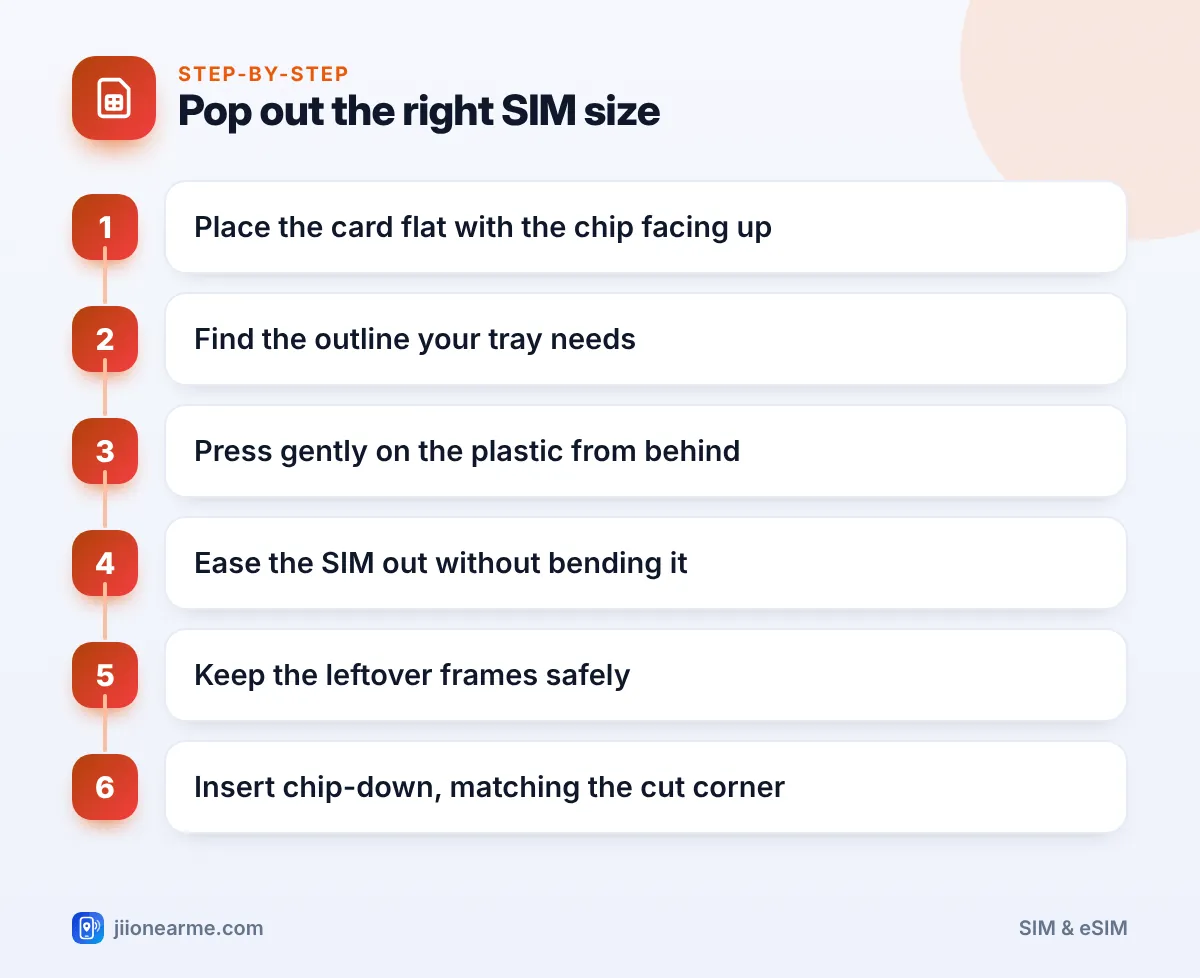
- Hold the card flat on a table with the chip facing up, so you can see all three outlines.
- Find the right outline. The smallest frame around the chip is nano. The next one is micro. The largest is standard.
- Press gently from the back with your thumb along the outline you want. Push only that frame.
- Ease it out slowly. If it resists, press around the edges instead of bending the card.
- Keep the leftover frames. Store them with the SIM holder, as they can help if you ever need a larger size.
- Insert the SIM in the tray with the chip facing down and the cut corner lined up with the tray.
Switch off the phone before inserting the SIM, then turn it back on. Wait a minute or two for the Jio network name and signal bars to appear.
Push on the plastic, not the gold contacts. Bending or scratching the chip can stop your phone from reading the SIM.
If you pop out a nano SIM by mistake when your phone needs micro, you can sit it back in the micro frame from the same card. It may be loose and can catch in the tray, though, so a proper replacement SIM is the safer fix.
Why Trimming a SIM Yourself Is Risky
You may see videos of people cutting a standard SIM down to nano size with scissors. It sometimes works, but it often goes wrong.
- You can cut the chip. The contacts sit close to the edge in smaller sizes, and one slip ruins the SIM.
- Edges come out rough. Uneven plastic can catch in the tray and get stuck inside the phone.
- It may be too thick. A trimmed older SIM is a little thicker than a real nano SIM and may jam a nano tray.
- The phone may not read it. Even a neat cut can leave the contacts misaligned with the phone’s pins.
Since Jio SIMs already come with the sizes pre-cut, there is no need to trim anything.
If your SIM is cracked, cut wrongly or not detected, you can get a replacement SIM with the same number. Visit a Jio Store with your original ID proof. The new SIM will usually be multi-cut too, so you can choose the size again.
What About SIM Adapters?
Adapters are plastic frames that let a small SIM fit a bigger slot. A nano SIM in an adapter can work in a micro or standard slot. They can help with older phones and some devices like dongles and routers.
Use them with care. Adapters can slip apart inside the slot, and pieces may get stuck. They are best suited to older push-in slots, and you should check the fit is snug before inserting. Avoid using them in modern pin-eject trays, which are designed for one exact size.
Moving Your Jio SIM to a New Phone
If your new phone takes the same size, just move the SIM across. Switch off both phones first, then restart the new phone after inserting the SIM.
If the new phone needs a smaller size and you already removed a bigger one, don’t trim it. Visit a Jio Store for a SIM replacement instead. If the new phone supports eSIM, you can also ask about moving to a Jio eSIM. Current options are listed on jio.com.
Frequently Asked Questions
What size is a Jio SIM card?
Jio SIMs usually come as multi-cut cards that include nano, micro and standard sizes. You press out the one your phone needs.
Which SIM size do most new phones use?
Almost all current smartphones use a nano SIM. Check your phone’s spec sheet or tray if you are unsure.
Can I cut my Jio SIM to make it smaller?
It is not recommended. Cutting can damage the chip or jam the tray. Get a replacement SIM from a Jio Store instead.
Does SIM size affect speed or network quality?
No. The chip is the same in all sizes, so calls, data and 5G work the same way. Network performance depends on your phone and coverage.
Do I lose my number if I replace my SIM?
No. A SIM replacement keeps your existing Jio number. You need to complete verification with your ID proof at the store.
Wrapping Up
Choosing the right Jio SIM card size is simple once you know what your tray takes. For most people today, that is the nano SIM. Press it out gently, insert it chip-down and restart your phone.
If you damage the SIM or need a different size later, don’t reach for scissors. A replacement from a Jio Store keeps your number and gives you a fresh card with every size ready to use.
JIo Near me is an independent guide and is not affiliated with Reliance Jio. App menus, plans and policies can change – always confirm current details in the official MyJio app or on jio.com. We will never ask for your OTP, PIN or passwords.