Before you hand over, sell or share a phone, sign out of MyJio from the app’s settings and then clear its stored data. Signing out ends your session, and clearing data removes what the app kept on the phone. Together, they stop the next user from opening MyJio and seeing your number, plan, usage or bills.
This guide covers the sign-out steps on Android and iPhone, how to clear app data properly, and a short checklist for phones you are giving away for good. It also explains what to do if the phone has already left your hands.
- Sign out from the MyJio menu or profile, usually under Settings, then confirm.
- On Android, clear MyJio’s storage as well. On iPhone, delete the app instead of offloading it.
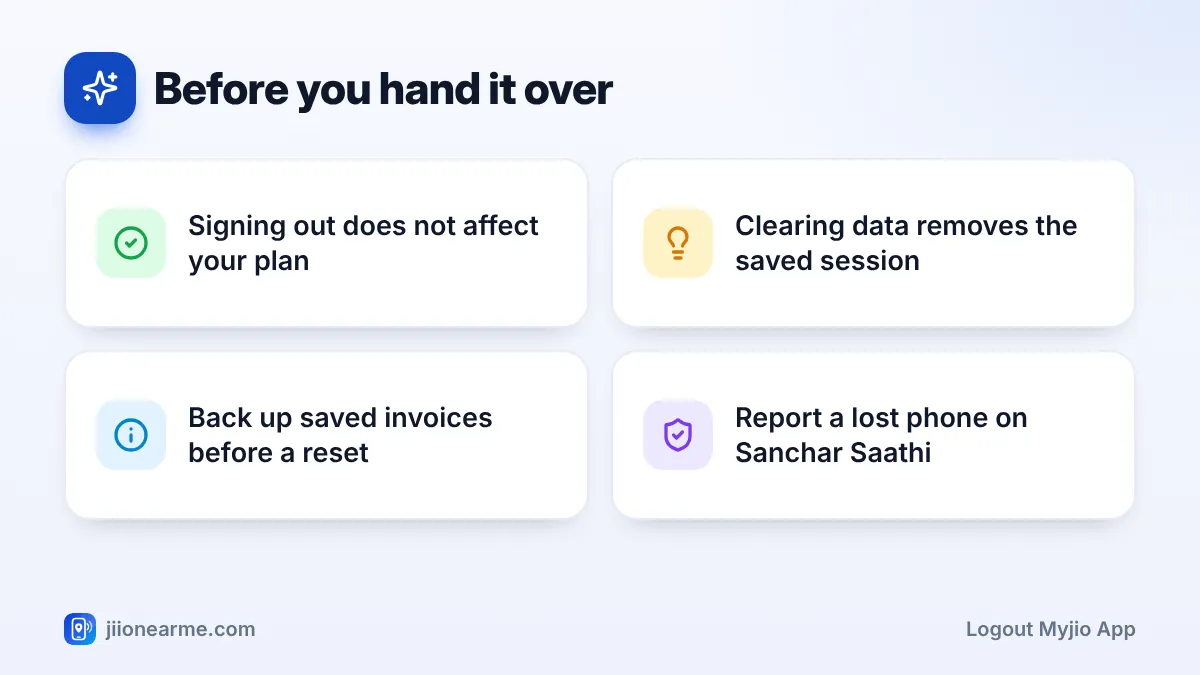
- Signing out does not change your plan, balance or validity in any way.
- For a phone you are selling, back up, remove the SIM and do a factory reset.
Why Signing Out of MyJio Matters
MyJio stays signed in for a long time so you do not have to enter an OTP again and again. That is convenient on your own phone, but risky on one that others can pick up.
Anyone who opens a signed-in MyJio app can usually see:
- Your Jio number, name and plan details.
- Your data balance, validity and usage history.
- Recharge history and downloadable invoices.
- Any family numbers you have linked, along with their details.
They may also be able to browse plans or raise support requests in your name. Payments still need your own UPI PIN or card details, but your personal information is already on show.
How to Logout of MyJio App, Step by Step
Labels and positions change between versions, so look for similar wording if your screen differs.
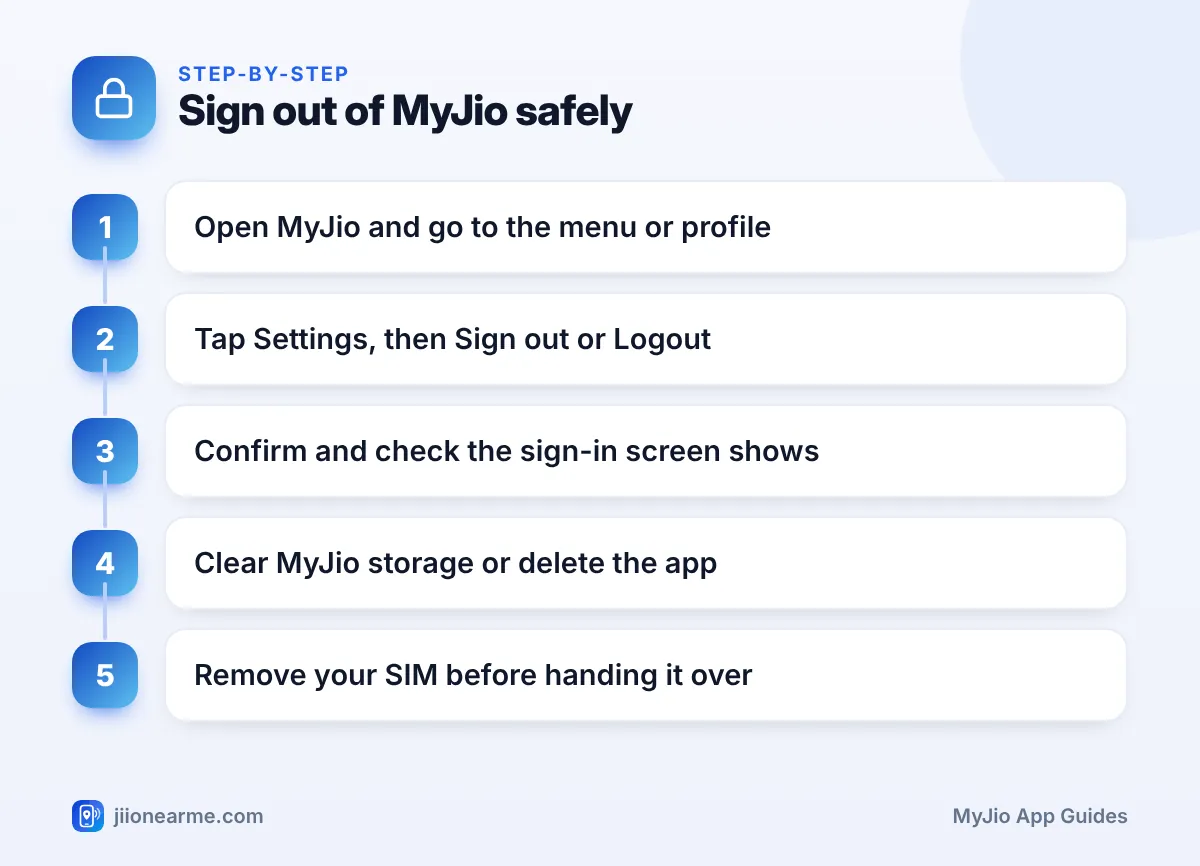
- Open MyJio and wait for the home screen.
- Tap the menu (☰) or your profile icon, usually in a top corner.
- Look for Settings. On some versions, the sign-out button sits directly on the profile page.
- Scroll down and tap Sign out or Logout.
- Confirm when the app asks.
- Check that MyJio now shows the sign-in screen asking for a mobile number.
If you only used a friend’s or relative’s phone to check your balance, these steps are usually enough. For a phone you are leaving behind for good, continue with the sections below.
Signing out does not affect the family numbers you manage. Their plans keep running as normal. When you sign in again on your own phone, the linked numbers may reappear, or you may need to link them again, depending on the app version.
Clearing MyJio Data on Android and iPhone
Signing out is the main step. Clearing data adds a second layer by removing cached screens, stored files and any leftover login details.
On Android
- Open the phone’s Settings.
- Go to Apps (or Apps & notifications) and find MyJio.
- Tap Storage or Storage & cache.
- Tap Clear storage or Clear data, and confirm.
The exact words vary between phone brands. If you will not use MyJio on this phone again, you can uninstall it instead, which also removes its data.
Also open your Files or Downloads folder and look for any Jio invoices or statements you saved as PDFs. Move them to your new phone or delete them.
On iPhone
iPhone does not offer a clear-data button for most apps. Instead:
- Press and hold the MyJio icon on the home screen.
- Tap Remove App, then Delete App, and confirm.
Do not choose Offload App. Offloading removes the app but keeps its documents and data on the phone. Check the Files app for saved Jio PDFs too.
Sign out of other Jio apps you use on the same phone, such as JioHotstar, JioSaavn and JioAICloud. Each one keeps its own sign-in, separate from MyJio.
Handing Over or Selling an Old Phone: Full Checklist
Signing out of MyJio is only one part of preparing a phone for someone else. Follow this order so nothing important is lost or left behind.
| Step | Why it matters |
|---|---|
| Back up photos, contacts and saved invoices | A factory reset erases everything on the phone |
| Sign out of MyJio and other Jio apps | Ends each app’s session |
| Remove your physical Jio SIM | SMS and OTPs for your number stop reaching that phone |
| Sign out of your Google account or Apple ID | Prevents activation lock problems for the next owner |
| Factory reset the phone | Wipes apps, messages, data and saved logins |
On most Android phones, the reset option is under Settings in a section called System, Reset or General management. On iPhone, go to Settings, then General, then Transfer or Reset iPhone and choose Erase All Content and Settings.
If you use a Jio eSIM, do not delete it from the old phone in a hurry. A deleted eSIM cannot simply be moved back. First get your eSIM working on the new phone through Jio’s official process in MyJio or at a Jio store, and only then reset the old one.
If the Phone Has Already Left Your Hands
Sometimes a phone is lost, stolen or given away before you can sign out. Here is what you can still do:
- Lost or stolen with your SIM inside: call the Jio toll-free number 1800-889-9999 to block the SIM, then get a replacement SIM at a Jio store with your ID proof.
- Block the handset: use the lost or stolen phone option on the Sanchar Saathi portal. You will need details from your police complaint.
- Erase it remotely: use Google’s Find My Device or Apple’s Find My, if they were switched on.
- Sold or given to someone you know: ask them to factory reset the phone, or at least uninstall MyJio, while you watch.
Once your SIM is out of the phone, nobody can sign in to MyJio as you again without an OTP sent to your number. That is why keeping your OTPs private is the final safeguard.
Frequently Asked Questions
Does signing out of MyJio affect my plan or balance?
No. Your plan, data balance, validity and recharge history are stored with your Jio number. Signing out only ends the app session on that phone.
Do I need to sign out if I am uninstalling MyJio anyway?
Uninstalling removes the app’s data from the phone. Signing out first is still a cleaner habit, and it confirms the session is closed before the app goes.
Will I need an OTP to sign back in?
Usually yes. You will enter your Jio number and the OTP sent by SMS. On some phones using Jio mobile data, the app may detect your number without one.
Should I delete old Jio SMS before giving away my phone?
Messages are stored on the phone, so a factory reset removes them. If you are only lending the phone and not resetting it, delete SMS that show your plan, bills or OTPs.
I forgot to sign out on a phone I no longer have. What now?
Remove or block your SIM so no new OTPs reach that phone, and ask the current holder to reset it. If the phone was lost or stolen, report it through Sanchar Saathi and contact Jio customer care.
Conclusion
Logging out of MyJio takes a few taps: open the menu, go to Settings, tap Sign out and confirm. On a phone you are passing on, also clear the app’s data, remove your SIM and reset the device.
These small steps keep your number, plan and family details private. And whatever happens to an old phone, never share your OTP with anyone.
JIo Near me is an independent guide and is not affiliated with Reliance Jio. App menus, plans and policies can change – always confirm current details in the official MyJio app or on jio.com. We will never ask for your OTP, PIN or passwords.
