A No service or Emergency calls only message means your phone cannot register your Jio SIM on the network. With No service, the phone finds no usable network at all. With Emergency calls only, it can see a network but Jio is not letting the SIM in. In most cases the cause is a loose SIM, a wrong network mode, an expired plan or poor coverage, and you can fix it yourself.
Work through the fixes below in order. Each step rules out one cause, so you do not waste time on settings that were never the problem.
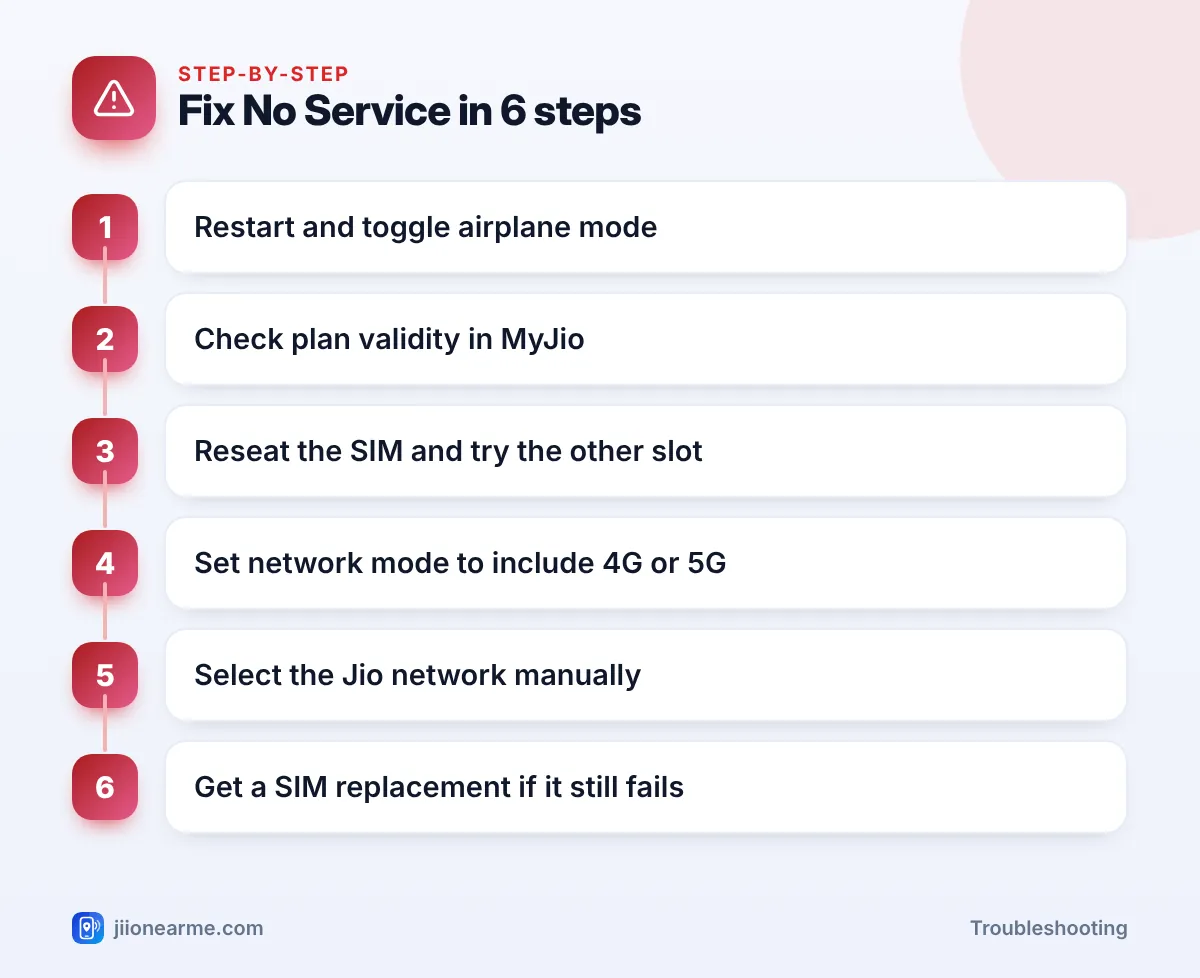
- Start with a restart and airplane mode, then check your plan validity in MyJio over Wi-Fi.
- A loose or dusty SIM is a very common cause, so reseat it and try the other slot.
- Jio runs only on 4G and 5G. A 2G or 3G-only network mode shows no service.
- Manual network selection forces your phone to try Jio again.
- If the SIM fails in every phone, get a replacement at a Jio Store with valid ID.
What Jio No Service and Emergency Calls Only Mean
Different phones word the problem differently. This table helps you read the signs:
| Message or sign | What it usually means | Where to start |
|---|---|---|
| No service | No usable network found | Coverage, network mode, SIM |
| Emergency calls only | Networks seen, SIM not accepted | Validity, manual selection, SIM |
| No SIM or Invalid SIM | Phone cannot read the SIM | Reseat or replace the SIM |
| Signal bars but calls fail | Registered, but calls not set up | VoLTE setting, plan status |
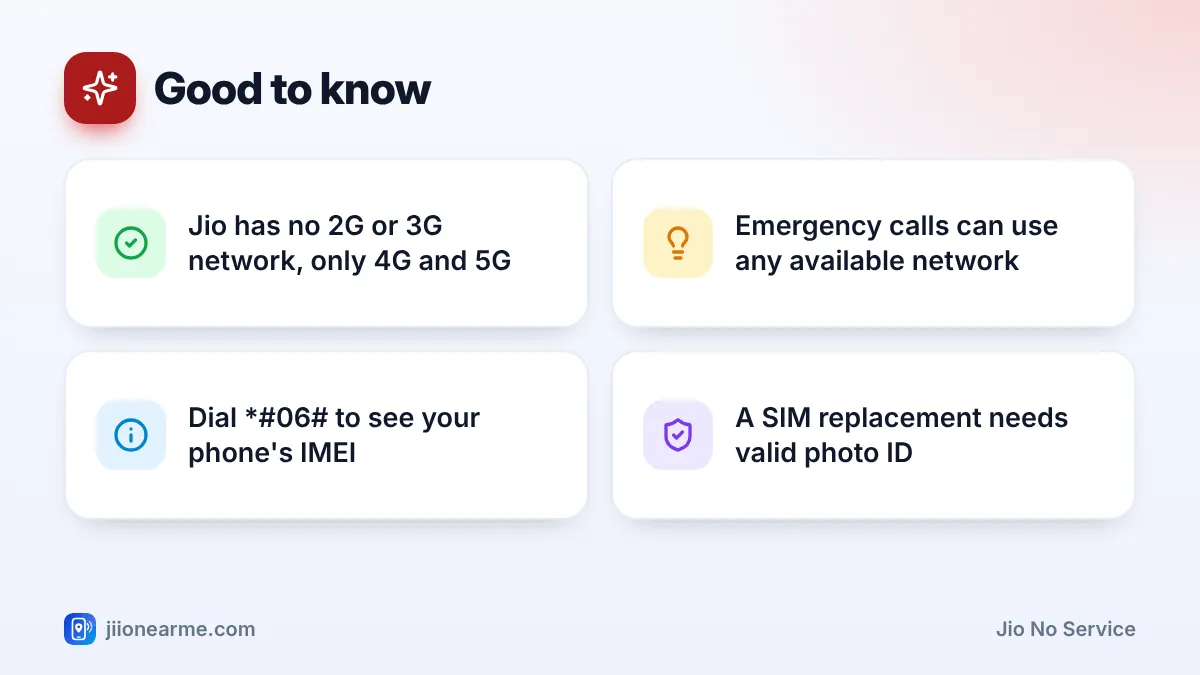
Even when you see Emergency calls only, you can usually still dial 112, India’s emergency number. Emergency calls can go through any available network.
Step 1: Restart and Toggle Airplane Mode
A stuck connection is the simplest cause and the quickest to fix.
- Turn on Airplane mode and wait about 15 seconds.
- Turn it off and wait a minute for the phone to search for Jio.
- If nothing changes, switch the phone off fully, wait 30 seconds and switch it on again.
Also check that you did not leave airplane mode on by mistake. The small plane icon in the status bar is easy to miss.
Step 2: Check Your Plan Validity
If your prepaid plan has expired, outgoing services stop. If the number stays without a recharge for a long time, it can be suspended or disconnected, and the phone may then show no service.
Connect to Wi-Fi and open the MyJio app, or sign in at jio.com. Check whether your plan is active and when validity ends. Postpaid users should check for unpaid bills, because overdue payments can lead to services being barred.
If the plan has expired, recharge and then restart the phone.
Step 3: Reseat the Jio SIM Card
A SIM that has shifted slightly, collected dust or got bent is a frequent cause of Jio no service problems.
- Switch the phone off.
- Eject the SIM tray with the SIM tool or a straightened paper clip.
- Check the gold contacts. Wipe them gently with a soft, dry cloth. Do not use water or sharp objects.
- Place the SIM correctly in the tray and push it back in fully.
- Switch the phone on and wait for the signal.
On a dual-SIM phone, try the Jio SIM in the other slot too. If it works in one slot and not the other, the slot may need checking at a service centre.
Put the Jio SIM in another phone, and put a working SIM from a family member in your phone. This two-way test tells you in a few minutes whether the problem is the SIM or the handset.
Step 4: Set a Network Mode That Includes 4G or 5G
Jio has no 2G or 3G network. If your phone’s network mode is set to 2G only, 3G only or a 3G/2G option, the Jio SIM will show no service. This can happen after a reset, a software update or a battery-saving change.
- Open Settings and go to Network & internet, Connections or Mobile network.
- Tap your Jio SIM.
- Open Preferred network type or Network mode.
- Choose an option that includes 5G or LTE, such as 5G/LTE/3G/2G (auto connect) or LTE/3G/2G (auto).
On an iPhone, go to Settings > Mobile Service (or Mobile Data or Cellular) > your Jio line > Voice & Data, and pick a 5G or LTE option. Make sure VoLTE or 4G calling is on, because Jio calls depend on it.
Step 5: Select the Jio Network Manually
Your phone normally picks the network on its own. If it is stuck, manual selection forces a fresh attempt.
- In your Jio SIM settings, open Network operators or Network selection.
- Turn off Select automatically (or Automatic).
- Wait for the list of networks to load. This can take a minute or two.
- Choose the Jio network from the list.
- Once the signal returns, switch Select automatically back on.
If Jio does not appear in the list at all, you may simply be outside coverage. Try again in an open area or near a window.
Step 6: Rule Out the Phone, Then Replace the SIM
If the steps above have not helped, a few deeper checks remain.
- Check your IMEI. Dial *#06# on your phone. If the IMEI shows blank, zeros or an error, often after a repair, the phone cannot register on any network. Visit the brand’s authorised service centre.
- Reset network settings. This clears mobile network settings, saved Wi-Fi passwords and Bluetooth pairings, but keeps your photos and apps. Find it under Settings > System > Reset options, or search for “reset network” in Settings.
- Check whether the phone is blocked. A handset reported lost or stolen can be blocked from all networks. If you bought it second-hand, ask the seller for its history.
- Replace the SIM. If your Jio SIM fails in every phone, visit a Jio Store with valid photo ID. A replacement SIM keeps your number.
Never share an OTP with anyone who calls to “restore” your service or offers a SIM upgrade on the phone. Fraudsters use fake SIM swap requests to take over numbers. Get SIM replacements only at a Jio Store or through official Jio channels.
When to Contact Jio Support
If your SIM works in another phone but your area has no Jio coverage, or if the SIM fails everywhere even after replacement, contact Jio. Call 198 for complaints or 199 for queries from a working Jio number, or use the toll-free number 1800-889-9999 from any phone. Mention the exact message you see and the steps you have tried.
Frequently Asked Questions
Why does my phone say Emergency calls only on Jio?
Your phone can see a mobile network but cannot register your Jio SIM on it. Common reasons are an expired plan, a stuck connection, a wrong network mode or a SIM problem.
Can I call 112 when my Jio SIM shows no service?
In most cases, yes. Phones are designed to place emergency calls through any available network, though it depends on some network being in range.
Why did Jio no service start after I dropped my phone?
The fall may have moved the SIM in its tray or damaged the SIM or antenna. Reseat the SIM first, and if that fails, test the SIM in another phone.
Will I lose my number if I replace my Jio SIM?
No. A replacement SIM from a Jio Store keeps the same number. Carry valid photo ID, as the store will need to verify you.
Does a 3G phone show no service with Jio?
Yes. Jio works only on 4G and 5G, so a phone that supports only 2G or 3G cannot connect to the Jio network.
Conclusion
No service and Emergency calls only look serious, but the cause is usually simple. Restart first, then check validity, the SIM, the network mode and manual network selection in that order. If the SIM fails in every phone, a visit to a Jio Store with your ID for a replacement usually ends the problem.
JIo Near me is an independent guide and is not affiliated with Reliance Jio. App menus, plans and policies can change – always confirm current details in the official MyJio app or on jio.com. We will never ask for your OTP, PIN or passwords.