“Not registered on network” is an Android message that appears when your phone has not completed its sign-in with the Jio network. You usually see it when you try to make a call or send an SMS, and the attempt fails straight away. The fix is often quick: refresh the connection, select Jio manually, make sure VoLTE is on and update the phone.
The error is common on Samsung phones but can appear on any Android brand. Below, you will find what it means, why it happens on a Jio SIM, and a step-by-step way to clear it.
- The error means the phone and the Jio network have not finished registering your SIM.
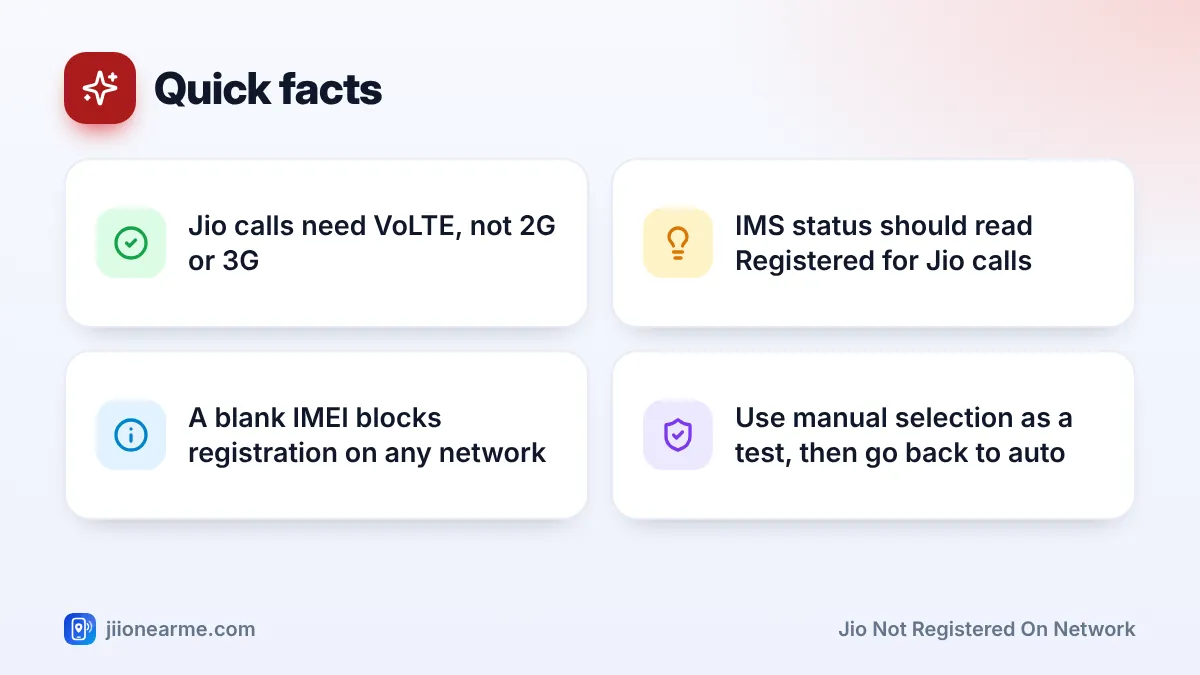
- Jio calls work only over VoLTE, so the VoLTE or 4G calling switch must be on.
- Manual network selection followed by a return to automatic clears many cases.
- Software updates often fix registration bugs on newer phones.
- If the IMEI is blank or the SIM fails in every phone, you need a service centre or a new SIM.
What Not Registered on Network Means
Before your phone can make calls, it must register your SIM with the network. The network checks the SIM, confirms the account is active and sets up the services you can use. When this fails, Android shows the error.
On Jio, there is an extra layer. Jio has no 2G or 3G network, so calls go over VoLTE (voice over LTE). For VoLTE to work, the phone also needs to register with Jio’s calling system, called IMS. Your phone can sometimes show signal bars and even use data, yet still fail calls because the IMS registration did not complete.
Common Causes on a Jio SIM
- A stuck connection after travel, a long time in a basement or a flight.
- Manual network selection left pointed at the wrong network.
- VoLTE switched off in the SIM settings.
- A network mode without LTE, such as 3G only.
- An inactive plan after validity ended, or barring due to unpaid postpaid bills.
- Outdated software or a new phone model that needs an update for full Jio support.
- SIM problems, such as a loose, dusty, damaged or very old card.
- An invalid IMEI, sometimes after an unofficial repair.
How to Fix Jio Not Registered on Network
Work through these steps in order and test a call after each one.
1. Restart and refresh the connection
Turn on Airplane mode, wait about 15 seconds, then turn it off. If the error stays, switch the phone off completely, wait 30 seconds and switch it on.
2. Confirm your plan is active
Open the MyJio app over Wi-Fi, or sign in at jio.com, and check your plan validity. An expired plan or barred account stops registration for calls. Recharge or clear any dues, then restart.
3. Select the Jio network manually
- Open Settings > Connections (or Network & internet) > Mobile networks or your Jio SIM.
- Tap Network operators or Network selection.
- Turn off Select automatically, then wait for the search to finish.
- Pick the Jio network from the list and wait for it to connect.
- Test a call, then switch Select automatically back on.
Leaving manual mode on is not a good idea. If you travel, your phone may not find the right network on its own.
4. Check VoLTE and the network mode
- In your Jio SIM settings, find VoLTE calls, 4G calling or Enhanced 4G LTE mode, and turn it on.
- Open Preferred network type or Network mode.
- Choose an option that includes 5G or LTE, set to automatic.
Labels differ by brand and software version. If you cannot find these, search for “VoLTE” or “network mode” in the Settings search bar.
5. Install software updates
Open Settings and look for Software update or System update. Install anything pending over Wi-Fi. Phone makers regularly add fixes for network registration and VoLTE, especially for newer models.
6. Reset network settings
If the error continues, reset network settings. This clears saved Wi-Fi passwords, Bluetooth pairings and mobile network settings, but it does not delete photos, apps or messages. On Samsung phones, look under Settings > General management > Reset. On many other phones, look under Settings > System > Reset options.

After each step, test with a call to a friend instead of waiting for an incoming call. It gives you an instant answer about whether the error has cleared.
Check Your IMS Registration Status
Android can show whether your phone has registered for Jio’s VoLTE calling.
- Open Settings > About phone.
- Tap Status or Status information, then SIM status if it appears.
- Look for IMS registration status or IMS registration state.
If it says Registered, VoLTE calling is set up. If it says Not registered, the problem is with VoLTE. Re-check the VoLTE switch, update the software and restart. Some phones do not show this line at all, which is normal.
When the Problem Is the Phone, Not the SIM
A quick swap test tells you where the fault lies. Put your Jio SIM in another phone and try a call. Then put a working SIM from someone else into your phone.
| Result of the swap test | What it points to | Next step |
|---|---|---|
| Your SIM works in another phone | Your phone or its settings | Update, reset network settings, visit service centre |
| Another SIM fails in your phone too | Your phone’s hardware or IMEI | Visit the brand’s service centre |
| Your SIM fails in every phone | The SIM or the account | Contact Jio or get a replacement SIM |
To check the IMEI, dial *#06#. If it shows blank, zeros or an error, the phone cannot register on any network. Only an authorised service centre should repair this. Changing an IMEI yourself is illegal.
Jio support will not ask for your OTP to fix a registration error. If someone calls offering to “re-register” your SIM and asks for an OTP or a SIM swap, hang up. Report it through Chakshu on sancharsaathi.gov.in.
If your SIM is at fault, visit a Jio Store with valid photo ID for a replacement. Your number stays the same. For account checks, call 198 (complaints) or 199 (queries) from a Jio number, or the toll-free number 1800-889-9999.
Frequently Asked Questions
Why does mobile data work but calls show not registered on network?
Data and calls use different registrations. Data may connect while VoLTE calling has not registered, so turn on VoLTE, update the software and restart.
Does this error mean my Jio number is blocked?
Not usually. Most cases come from settings, software or a stuck connection. Check your plan validity in MyJio to rule out an expired or barred account.
Can I see this error on an iPhone?
iPhones use different wording, such as No Service or Call Failed. The same causes apply, so check the network, the plan and the SIM.
Should I factory reset my phone to fix it?
Only as a last resort. A network settings reset clears the same network settings without erasing your data, so try that first.
Wrapping Up
The not registered on network error looks technical, but it is usually a registration that needs a nudge. Refresh the connection, check the plan, select Jio manually, turn on VoLTE and update the phone. If the swap test shows a faulty SIM or IMEI, a Jio Store or the brand’s service centre can finish the job.
JIo Near me is an independent guide and is not affiliated with Reliance Jio. App menus, plans and policies can change – always confirm current details in the official MyJio app or on jio.com. We will never ask for your OTP, PIN or passwords.