
Jio 5G can drain your battery faster in some situations, but 5G itself is usually not the main culprit. The bigger drains come from a weak 5G signal, constant switching between 5G and 4G, and the heavy things people do on a fast connection, such as long video streaming. In a spot with strong, steady 5G, many phones use battery at a rate close to 4G.
You do not have to choose between all-day battery and fast data. A few settings, and knowing when to let the phone use 4G or Wi-Fi, give you a good balance. This guide explains what actually uses power and what helps.
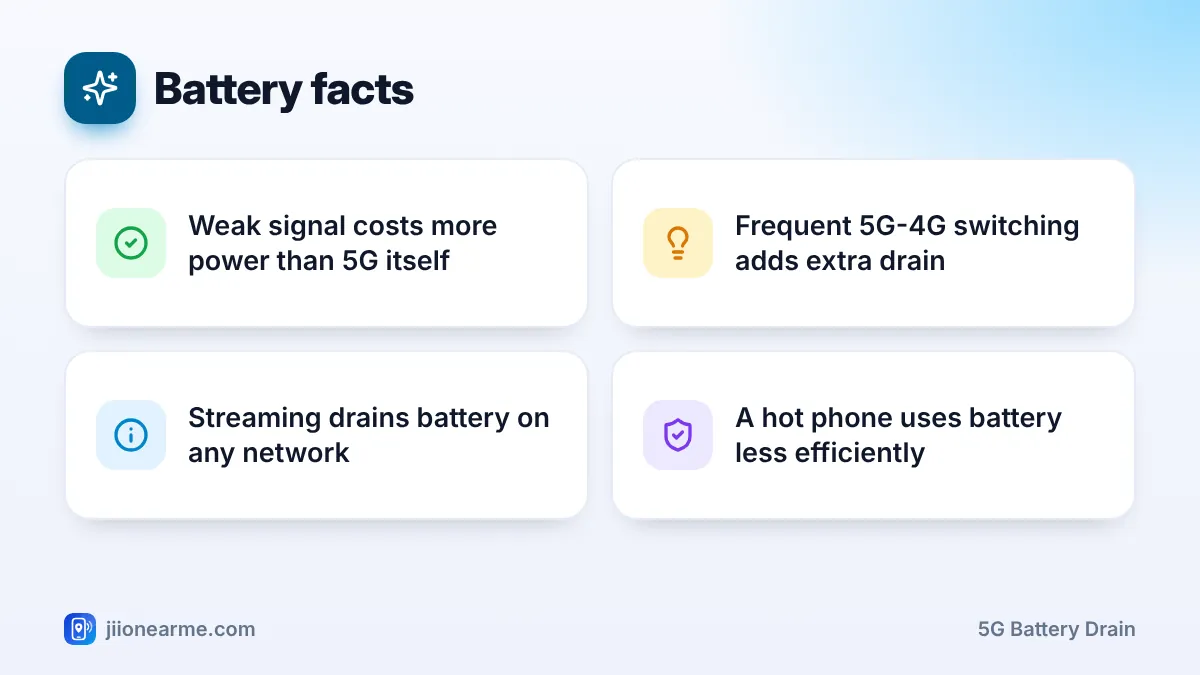
- Weak signal makes the phone’s modem work harder, and this costs the most battery.
- Constant switching between 5G and 4G at the edge of coverage adds extra drain.
- Smart or auto 5G modes, where available, let the phone use 5G only when it helps.
- Wi-Fi at home and 4G in weak 5G spots are the simplest ways to save battery.
Why 5G Battery Drain Happens
Your phone’s modem is the part that talks to the mobile network. Like any radio, it uses more power when it has to work harder. Three things make it work harder on 5G.
Weak signal
When the signal is weak, the phone raises its transmit power so the tower can hear it. It also spends more time searching and reconnecting. 5G on the mid band (n78) loses strength quickly through walls, so indoors you may be on a weak 5G signal without realising it. This is the biggest single cause of extra drain.
Constant switching between 5G and 4G
At the edge of 5G coverage, the phone may hop between 5G and 4G again and again. Each switch involves searching, measuring signal and reconnecting. Repeated all day, this adds up.
Older modems and heat
Early 5G phones had less efficient modems, and some get warm during heavy use. A warm phone uses its battery less efficiently. Newer chipsets have improved. Also, on a standalone network like Jio True 5G, the phone does not need to keep a 4G link and a 5G link active together for data, which helps efficiency.
What Drains More Battery Than You Think
It is easy to blame 5G for every drop in battery. In practice, other things often use more:
- Screen brightness and screen-on time, usually the largest battery user on any phone.
- Video streaming and gaming, which use the processor, screen and network together.
- Apps running in the background, syncing photos, refreshing feeds or tracking location.
- Hotspot sharing, which keeps the modem busy serving other devices.
Check the battery screen in Settings (often Battery > Battery usage) to see which apps use the most power. If one app dominates, limit its background activity from its app info page.
On some Android phones, the battery usage screen lists Mobile network standby or a similar entry. A high figure there often points to weak signal where you spend most of your time, such as your home or office.
Settings That Balance 5G Speed and Battery
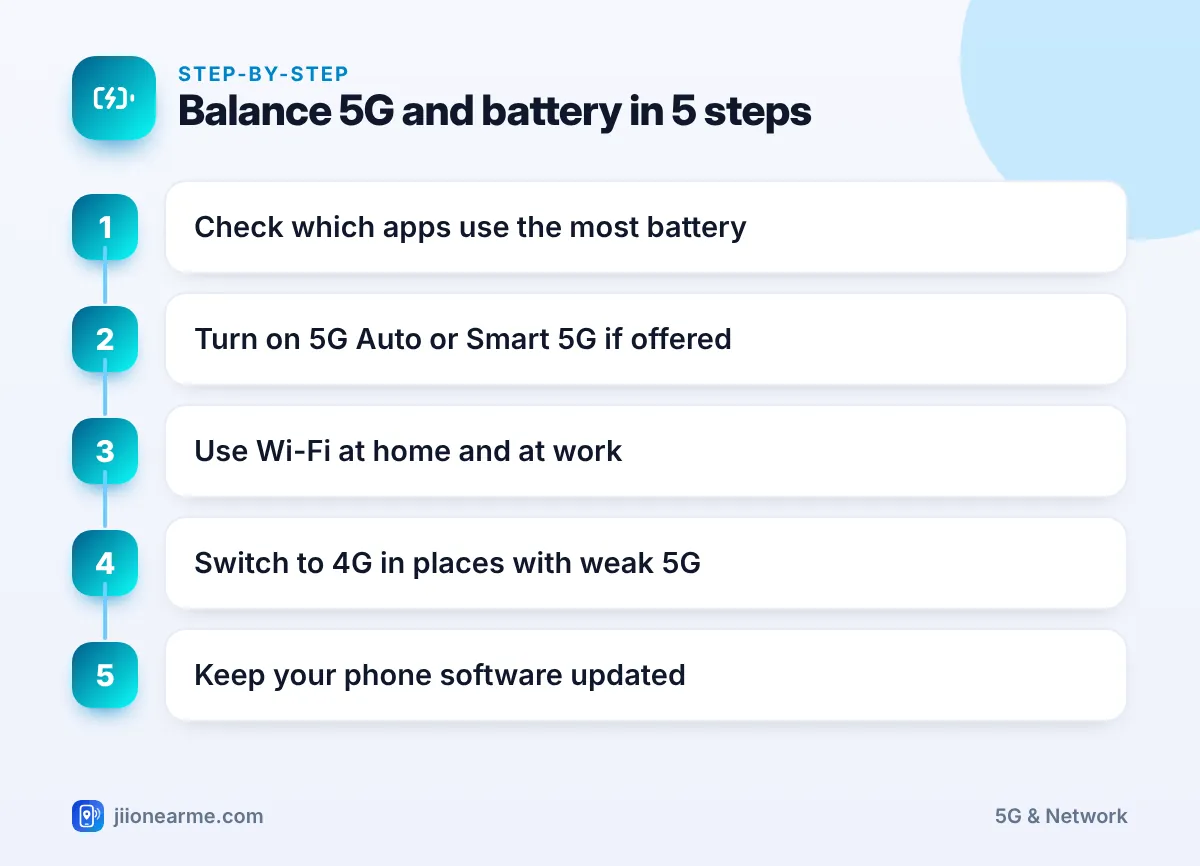
Use smart or auto 5G modes
Many phones can decide on their own when 5G is worth using:
- iPhone: go to Settings > Mobile Service (or Mobile Data) > Mobile Data Options > Voice & Data and choose 5G Auto. The phone uses 5G when it gives a clear benefit and 4G when 5G would mainly cost battery. 5G On keeps 5G whenever it is available.
- Android: some brands offer a Smart 5G or similar switch in SIM or mobile network settings. Google Pixel phones have Adaptive connectivity. Names and locations differ by brand and software version.
Choose 4G in places with weak 5G
If 5G is weak at home or in your office, set the Jio SIM’s preferred network type to 4G (LTE) while you are there. Turn 5G back on when you go out. This stops the phone from searching all day. On iPhone, pick LTE on the same Voice & Data screen. Just remember to switch back, or you will miss 5G speed outdoors.
Use Wi-Fi wherever you have it
A good home or office Wi-Fi connection, such as JioFiber or Jio AirFiber, usually uses less phone battery than mobile data. Connect to Wi-Fi where it is available and the mobile modem can rest.
Keep software updated
Phone makers improve modem efficiency and 5G behaviour through updates. Install system updates from Settings when they arrive, ideally over Wi-Fi with the phone charging.
Apps that promise to save battery by closing other apps or changing network settings often do more harm than good. Some also show heavy ads or ask for risky permissions. Use the built-in battery and network settings instead.
Situations and What to Do
| Situation | Likely battery impact | What helps |
|---|---|---|
| Strong 5G outdoors | Close to 4G for light use | Keep 5G on |
| Weak 5G indoors | High, modem works hard | Use Wi-Fi or switch to 4G |
| Edge of 5G coverage | High, frequent switching | Use 5G Auto or Smart 5G |
| Long video streaming | High on any network | Lower brightness and video quality |
| Hotspot use | High on any network | Keep the phone on charge if possible |
Pick the action that matches where you spend most of your day. For many people, simply using Wi-Fi at home makes the biggest difference.
Frequently Asked Questions
Should I turn off 5G to save battery?
Not always. In strong 5G areas, the extra drain is often small. Turning off 5G helps mainly where the 5G signal is weak or keeps switching.
Does battery saver mode turn off 5G?
On some phones, yes. Low power or battery saver modes can limit 5G or prefer 4G to save power. Check your phone’s battery saver settings to see exactly what it changes.
Why does my phone get warm on 5G?
Heavy downloads, streaming and weak signal all make the modem and processor work harder. Some warmth is normal. If the phone gets very hot, stop heavy use, avoid charging it under a pillow or thick case and let it cool down.
Will a new SIM improve battery life on 5G?
No. The SIM does not change battery use in any meaningful way. Signal strength, phone hardware, software and your apps matter far more.
Does my plan affect battery life?
No. Your plan decides access to 5G data, not how much power the phone uses. You can check your plan’s 5G terms in the MyJio app or on jio.com.
Summary
5G battery drain is mostly about weak signal and frequent switching, not about 5G being power-hungry by nature. Use Wi-Fi when you can, let smart 5G modes decide where available and switch to 4G in places with poor 5G. With these small habits, you can enjoy 5G speed without watching your battery all day.
JIo Near me is an independent guide and is not affiliated with Reliance Jio. App menus, plans and policies can change – always confirm current details in the official MyJio app or on jio.com. We will never ask for your OTP, PIN or passwords.
