Yes, you can end up with a different Jio number, but not by simply editing your existing one. In most cases, the realistic route is to take a new Jio connection, either with a regular number or a choice number, and then move your accounts across.
This article answers the common questions people have before changing their number. It covers the options, the difference between changing your number and porting, and the list of places you must update so you don’t lose access to your bank or apps.
- There is usually no self-service option to change the digits on an existing Jio connection.
- The practical route is a new Jio connection, with a regular or choice number.
- Porting (MNP) keeps your number and only changes the operator.
- Keep the old number active for a while so OTPs and calls don’t get missed.
- Update banks, UPI, Aadhaar, WhatsApp and other accounts before closing the old number.
Can You Change Your Jio Mobile Number on the Same SIM?
A mobile number is tied to your connection and its KYC record. The MyJio app does not usually offer a button to swap your number while keeping everything else the same. The SIM card itself can be replaced, but a replacement keeps the same number.
So if you want new digits, plan for a new connection. Your old and new numbers are then two separate connections, each with its own plan, until you close the old one.
If you want a new number because of harassing calls, start by blocking the caller and reporting fraud calls through Chakshu on the Sanchar Saathi portal. You can also ask at a Jio Store whether any option fits your case. For threats or crime, contact the police.
Your Realistic Options to Change Jio Mobile Number
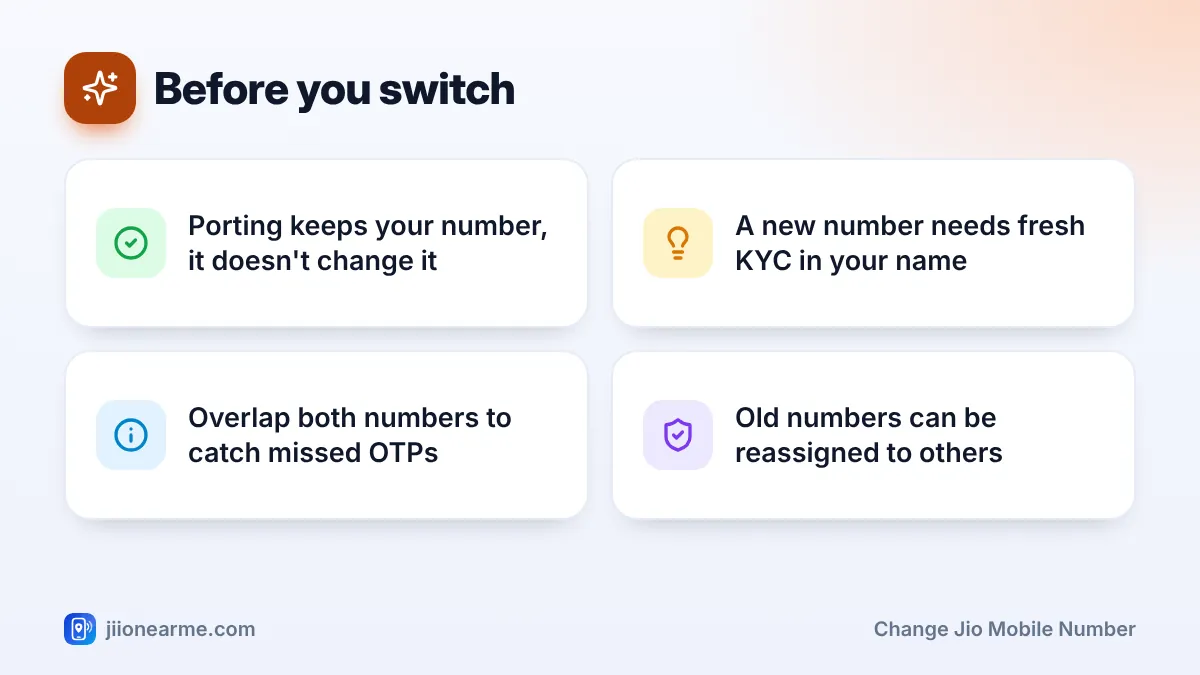
You have two main routes. Both need fresh KYC in your own name.
Option 1: Take a new Jio connection
This is the simplest way. Visit a Jio Store or order a SIM for home delivery, complete KYC and pick a plan. You get a new number, usually chosen from what is available in your area.
Option 2: Pick a choice number
If you want memorable digits, Jio has offered a choice number option where you can search for available numbers matching a pattern you like. Availability, eligibility and any charges can change, so check the current details on jio.com or in the MyJio app before you decide.
| Option | You choose the digits? | Old number affected? | Best for |
|---|---|---|---|
| New regular connection | No, assigned from available numbers | No, it stays until you close it | Anyone who just wants a fresh number |
| Choice number | Yes, within what is available | No, it stays until you close it | People who want an easy-to-remember number |
| Porting (MNP) | No change in number | Moves to a new operator | Keeping your number but changing operator |
Is Porting the Same as Changing Your Number?
No. Mobile Number Portability (MNP) does the opposite. It lets you move your existing number to a different operator, or from another operator to Jio, while keeping the same digits.
To port, you send an SMS with “PORT” followed by your 10-digit number to 1900 to get a Unique Porting Code (UPC). You then use that code with the new operator. If your goal is fresh digits, porting won’t help.
Steps to Switch to a New Number Smoothly
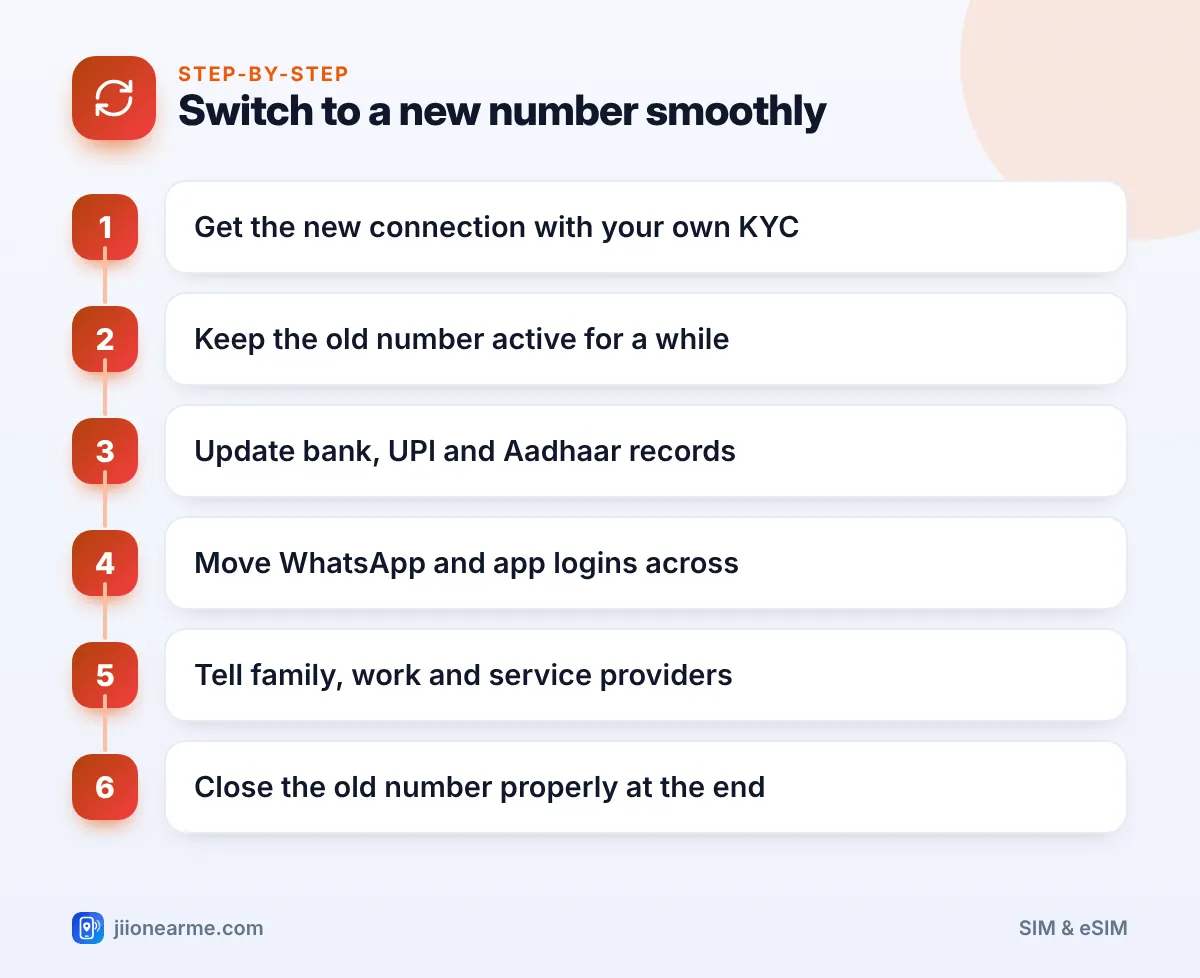
Changing your number is easy. Updating everything linked to it takes planning. Follow these steps in order.
- Get the new connection with your own ID and KYC, and recharge or activate a plan.
- Keep the old number active for at least a few weeks so you can still receive OTPs.
- Update critical services first, such as your bank, UPI apps and Aadhaar.
- Move WhatsApp and other apps using their change-number options.
- Tell people and businesses who contact you, from family to your employer.
- Close the old number properly once nothing important reaches it any more.
On a dual-SIM phone, you can keep both SIMs in the same handset during the overlap period. Label them clearly in your SIM settings so you know which is which.
What to Update After Your Number Changes
Make a list before you start. These are the places people most often forget:
- Banks and cards: Update your registered number through net banking or a branch. Bank alerts and OTPs depend on it.
- UPI apps: UPI is linked to the number registered with your bank. Update the bank first, then set up UPI again with the new SIM.
- Aadhaar: Update your mobile number through the official UIDAI process. This may need a visit to an Aadhaar centre.
- Income tax, PAN and EPFO: Update the number on these portals so you receive alerts and OTPs.
- WhatsApp: Use Settings > Account > Change number to move your chats and groups to the new number.
- Email and social media: Update recovery numbers and two-step verification.
- Insurance, investments and utilities: Policies, mutual funds, gas booking and electricity accounts often send alerts by SMS.
- Delivery and ride apps: Update your profile so drivers and couriers can reach you.
If you close the old number before updating your bank or Aadhaar, OTPs will fail. You may then need to visit a branch or centre in person to fix it.
Should You Keep or Close the Old Number?
Some people keep both numbers, using one for work and one for personal use. That is fine as long as you keep both active with suitable plans.
If you don’t need the old number, close it properly instead of letting it lapse silently. An inactive number is eventually disconnected and can later be given to someone else. If your bank or apps still point to it, a stranger could receive your messages.
Frequently Asked Questions
Can I change my Jio number online?
You can usually start a new connection or explore choice numbers on jio.com or in the MyJio app. Swapping the digits on your existing connection is generally not available as a self-service option.
Will my plan move to the new number?
Usually not. A new number is a separate connection with its own plan. Use up the old plan during the overlap period, then let it end.
Can I keep my old number after getting a new one?
Yes. You can keep both active on a dual-SIM phone, as long as each has a valid plan.
Will my WhatsApp chats be lost when I change my number?
No, if you use WhatsApp’s own change-number option. It moves your account, chats and groups to the new number.
Does a SIM replacement change my number?
No. A replacement SIM keeps the same number. Only a new connection gives you new digits.
Wrapping Up
To change Jio mobile number, think of it as starting a new connection and then moving your life across. Choose a regular or choice number, keep the old one active during the switch, and update your bank, UPI, Aadhaar and apps first.
When nothing important reaches the old number any more, close it properly. That last step protects you from OTPs or messages reaching a future owner of that number.
JIo Near me is an independent guide and is not affiliated with Reliance Jio. App menus, plans and policies can change – always confirm current details in the official MyJio app or on jio.com. We will never ask for your OTP, PIN or passwords.
