When Jio data or calls stop right after you cross into another state, the cause is usually the Data roaming switch. Outside your home telecom circle, many phones treat the connection as roaming and block mobile data until you turn that switch on. A quick airplane mode toggle and a check of network selection fix most of the remaining cases.
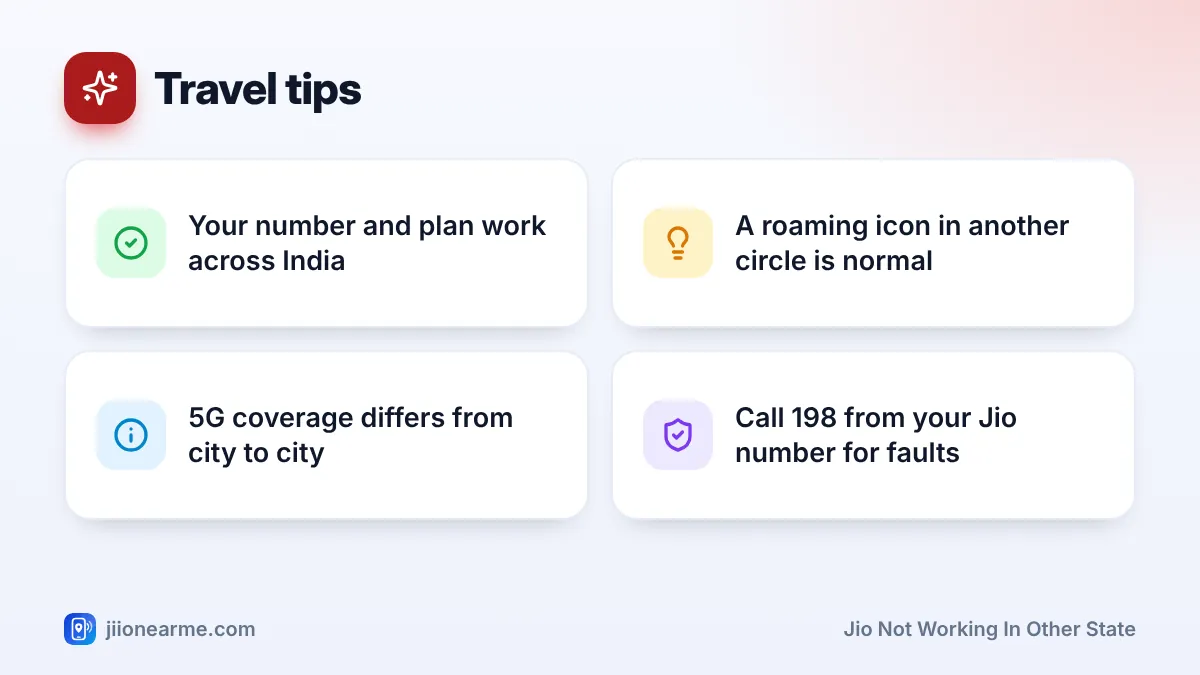
Your Jio number is meant to keep working across India. When you travel, your phone moves to Jio’s network in the new circle, and your plan carries on as usual. So if something stops, it is almost always a phone setting, a stuck connection, your plan validity or local coverage.
- Many phones block data in another circle until you turn on Data roaming for the Jio SIM.
- Airplane mode for 15 seconds forces the phone to register on the local Jio network.
- If you once chose a network manually, switch network selection back to automatic.
- Check validity in MyJio, as an expired plan stops service anywhere in India.
- Coverage and 5G availability vary, especially on highways, in hills and in remote areas.
Why Your Phone Treats Another State as Roaming
India is divided into telecom circles. Most circles cover one state or a group of states, and a few cover big cities. Your Jio number belongs to a home circle, usually where the SIM was issued.
In another circle, you are still on Jio’s own network, not a different company’s. But your phone sees that it is outside its home area. It may show a small R or triangle next to the signal bars, and some phones then hold back mobile data until you allow roaming. That is the phone’s choice, not a block placed by Jio.
Jio Not Working in Other State? Start With Data Roaming
This is the most common fix. If calls work but data does not, start here.
On Android:
- Open Settings > Network & internet, Connections or Mobile network.
- Tap your Jio SIM.
- Turn on Roaming or Data roaming.
On iPhone:
- Open Settings > Mobile Service (shown as Mobile Data or Cellular on some versions).
- Tap Mobile Data Options for your Jio line.
- Turn on Data Roaming.
Labels can vary slightly by brand and software version. On a dual-SIM phone, make sure the switch is on for the Jio SIM, and that Jio is the SIM chosen for mobile data.
Jio’s current plans generally include roaming within India, but always confirm what your plan covers in the MyJio app or on jio.com. Turning the switch on only lets your phone use data while it thinks it is roaming.
Other Fixes for Roaming Within India
Refresh the connection
After a long train journey, a flight or a drive through areas with no signal, your phone may stay stuck on an old connection. Turn Airplane mode on for about 15 seconds and then off. If that does not help, restart the phone.
Set network selection to automatic
If you once picked a network manually, your phone may keep looking for it in the new state. Open your Jio SIM settings, go to Network operators or Network selection, and switch on Select automatically. If the signal still does not come back, turn automatic off, choose the Jio network from the list, and then switch automatic back on once you are connected.
Check plan validity
An expired plan stops calls and data everywhere, not only in your home state. Open the MyJio app over hotel or station Wi-Fi and check your validity. If your plan ends during the trip, recharge in advance so you are not stuck without service.
Check the network mode and VoLTE
Jio has no 2G or 3G network. Make sure Preferred network type includes LTE or 5G, and that VoLTE or 4G calling is on. Without VoLTE, Jio calls fail even when data works.

When the Problem Is Local Coverage
Sometimes your phone settings are fine and the area simply has weak coverage. This is common on highways between towns, in forests, in hill stations, in valleys and in some remote villages.
| What you notice | Likely reason | What to do |
|---|---|---|
| Data fails, calls work | Data roaming off | Turn on Data roaming |
| No signal on a highway or in hills | Coverage gap | Wait until you reach a town |
| 5G at home, only 4G here | 5G not available locally | Normal, use 4G |
| Signal in the lobby, none in the room | Weak indoor signal | Use Wi-Fi Calling on hotel Wi-Fi |
| Phone shows a foreign network name | Near an international border | Switch to manual Jio selection |
If you are visiting a hill station or rural area, check coverage for that place on jio.com before you leave. Ask locals which network works best there.
Turn on Wi-Fi Calling before you travel. In hotels or homestays with Wi-Fi but weak mobile signal, Jio calls can then go over Wi-Fi on your usual number.
Near International Borders
In border districts, such as areas close to Nepal, Bangladesh or Bhutan, your phone may sometimes pick up a foreign network. That counts as international roaming, which works differently from roaming within India and can affect your bill or pack. If you see an unfamiliar network name, open network selection and pick the Jio network manually while you are in the area.
When to Contact Jio Support
If your SIM still has no service after all these fixes, and other Jio users nearby have signal, contact Jio. Call 198 for complaints or 199 for queries from your Jio number, or use the toll-free number 1800-889-9999. The help section in the MyJio app also works over Wi-Fi.
Tell them the state and town you are in, your phone model and the steps you have already tried.
Frequently Asked Questions
Do I need a roaming pack to use Jio in another state?
Jio’s current plans generally include roaming within India, so a separate pack is not usually needed. Check your plan details in MyJio to be sure.
Why does my phone show an R next to the Jio signal?
The R means your phone is outside its home circle. It is normal in another state and does not mean you are on a different company’s network.
Should I keep Data roaming on all the time?
Within India, keeping it on is convenient. If you live near an international border or plan a trip abroad, review it, because the same switch also allows data on foreign networks.
Will my number change if I move to another state?
No. Your Jio number stays the same anywhere in India. If you move permanently, your current number continues to work there.
Why does Jio 5G not work in the state I am visiting?
5G coverage varies by city and area. If 5G is not available locally, your phone uses Jio 4G instead.
Final Thoughts
When Jio stops working after a state border, think settings before faults. Turn on Data roaming, refresh the connection with airplane mode, set network selection to automatic and check your validity. If your area has weak coverage, use Wi-Fi Calling indoors and wait for a stronger signal on the road.
JIo Near me is an independent guide and is not affiliated with Reliance Jio. App menus, plans and policies can change – always confirm current details in the official MyJio app or on jio.com. We will never ask for your OTP, PIN or passwords.