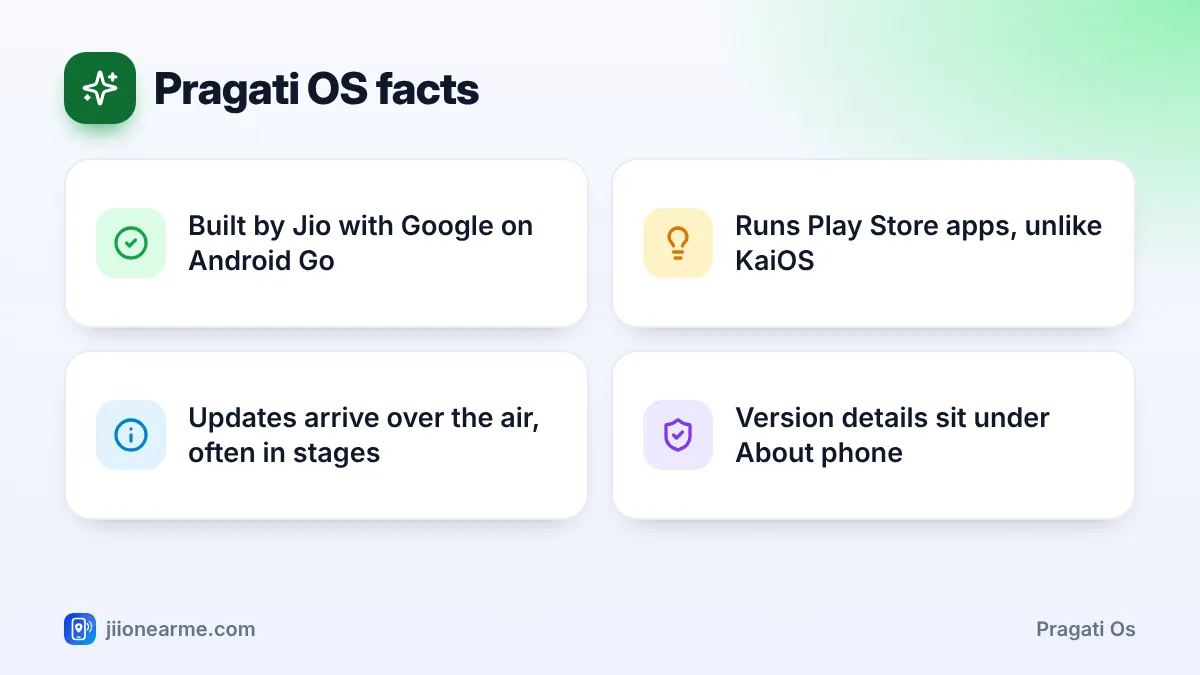
The JioPhone Next doesn’t run plain Android. It runs Pragati OS, software that Jio developed with Google on top of Android (Go edition), the lighter version of Android made for phones with modest memory and storage. You still get the Google Play Store and familiar Android menus, plus features aimed at people using a smartphone for the first time.
This article explains what Pragati OS is, how it differs from the Android on other phones, how updates reach your JioPhone Next and how to check which version you’re running. Menu names can change slightly between software versions, so look for the closest match if a label differs on your phone.
- Pragati OS is Android-based software built for the JioPhone Next by Jio and Google.
- It’s based on Android Go edition, so it’s tuned for light apps and modest hardware.
- Updates arrive over the air, and you can check for them under Settings > System.
- Your version details are listed under About phone in Settings.
What Pragati OS Is
“Pragati” means progress, and the software is aimed at people moving up from a basic phone. Under the surface it is Android, so it runs Android apps from the Play Store. On top, Jio and Google added features and settings designed for the JioPhone Next’s hardware and for Indian users.
Pragati OS is only used on the JioPhone Next. Keypad JioPhone models run KaiOS, and JioBharat phones use their own simpler software, so the features described here don’t apply to them.
How Pragati OS Differs From Standard Android
Most budget phones run a full version of Android with the brand’s own design on top. Pragati OS differs in a few ways.
| Area | Pragati OS (JioPhone Next) | Android on other phones |
|---|---|---|
| Base | Android Go edition | Usually full Android (some basic phones use Go) |
| Built for | Modest memory and storage | A wide range of hardware |
| Pre-installed apps | Google apps plus Jio apps such as MyJio | Brand apps plus Google apps |
| Network | Built around Jio, with mobile data on the Jio SIM | Usually any operator |
| Updates | From Jio and Google | From the phone brand |
What “Go edition” means for you
Android Go is designed to keep a phone responsive with less memory. Some Google apps come as lighter Go versions, and apps running in the background are managed more strictly to save memory and battery. The trade-off is that heavy apps and games may run slowly, or may not be offered for the phone in the Play Store at all.
Pragati OS Features You Will Use Every Day
Read Aloud and Translate
Through Google Assistant, the phone can read on-screen text aloud and translate it into other languages, including several Indian languages. Open Assistant on a page and say “Read this” or “Translate this”.
Your language across the phone
You can set the whole phone, from menus to the keyboard, in English or one of several Indian languages. Change it under Settings > System > Languages & input.
Voice-first help
Google Assistant can open apps, make calls, send messages and answer questions by voice. Press and hold the Home button to start it.
Jio and Google apps ready to use
MyJio, other Jio apps and Google apps such as the Play Store and Assistant usually come pre-installed. The exact list depends on your software version.
A camera app built for the phone
The camera app offers simple modes for everyday photos. The modes available can change with software updates.
Because Pragati OS is Android-based, much of what you learn on it, such as the notification shade, quick settings and the Play Store, works the same way on other Android phones too.
How Pragati OS Updates Arrive
Updates come over the air, which means the phone downloads them over Wi-Fi or mobile data. They can include security patches, bug fixes and, sometimes, new features. Updates are often released in stages, so one person may get an update days or weeks before another.
When an update is ready, you usually see a notification. You can also check yourself:
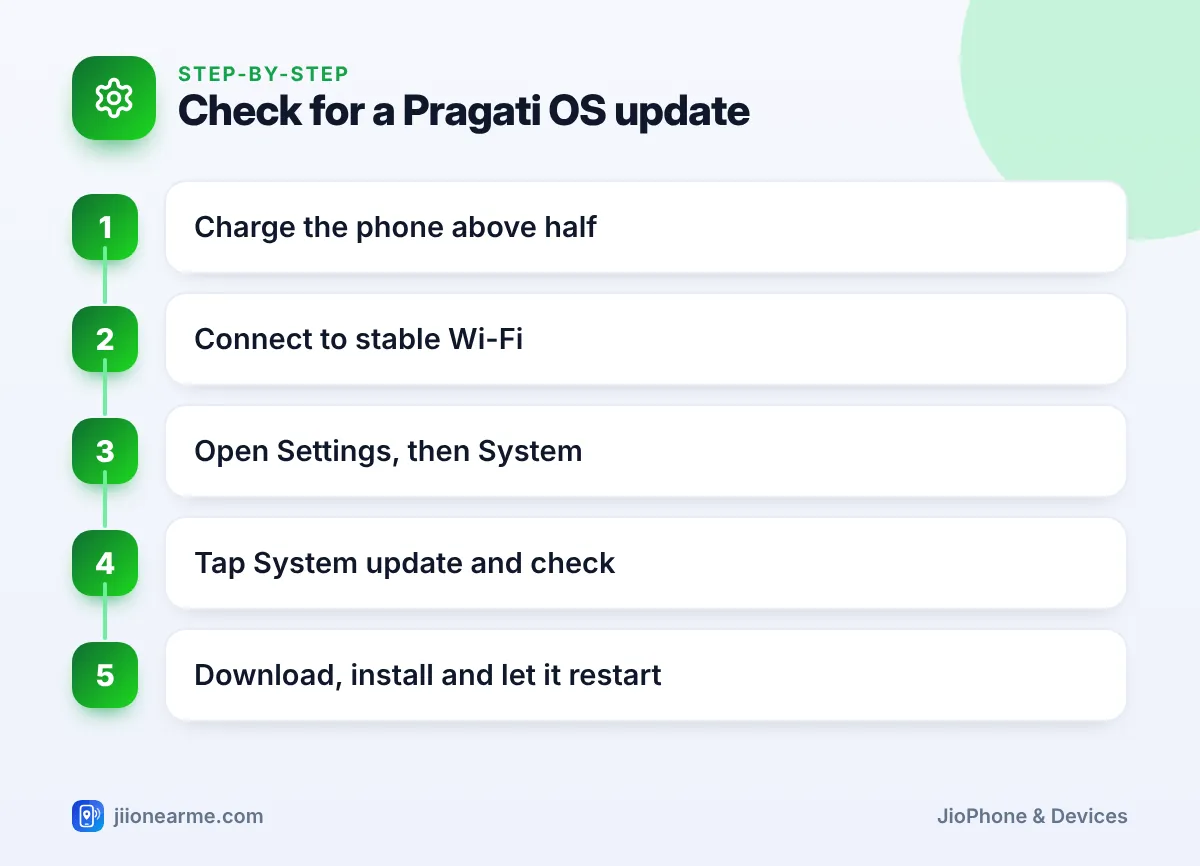
- Charge the phone above half and connect to stable Wi-Fi.
- Open Settings and tap System. On some versions, the update option sits under About phone instead.
- Tap System update (or Software update) and then the option to check for updates.
- If one is available, tap Download and install.
- Let the phone restart on its own, and don’t switch it off while it installs.
Free some storage, keep the charger handy and don’t interrupt the process. Switching off or force-restarting the phone while an update installs can leave it unable to start properly.
How to Check Which Pragati OS Version You Have
- Open Settings and scroll to the bottom.
- Tap About phone.
- Look for entries such as Android version, Build number and Android security update (or security patch level). Some versions also show a separate software version line.
The security update date tells you how recent your protection is. If it looks old, check for a system update. When you ask a service centre or Jio support for help, share the build number, as it helps them identify your software.
Take a screenshot of the About phone screen by pressing the power and volume-down buttons together. Then your version details are ready whenever you need them.
Frequently Asked Questions
Is Pragati OS the same as Android?
It is based on Android Go edition, so it runs Android apps and works much like other Android phones. Jio and Google added their own features, apps and settings on top.
Can I install any Play Store app on Pragati OS?
You can install most apps the Play Store offers for your phone. Some heavy apps and games may not be listed for it, or may run slowly because of the phone’s memory.
Will JioPhone Next get newer Android versions?
That depends on Jio and Google. Security patches and fixes arrive over the air, but don’t assume a major Android version upgrade. Check jio.com for the latest official information.
Can I remove Pragati OS and install a different Android?
No, and you shouldn’t try. Changing the phone’s system software can damage it, remove security protections and may affect your warranty.
Does updating Pragati OS delete my data?
Normal system updates keep your apps, photos and contacts. Backing up to your Google account before a big update is still a sensible step.
Wrapping Up
Pragati OS is Android made lighter for the JioPhone Next, with Jio and Google features such as Read Aloud, Translate and wide language support. Keep it updated from Settings, check your version under About phone, and choose lighter apps for the smoothest experience.
JIo Near me is an independent guide and is not affiliated with Reliance Jio. App menus, plans and policies can change – always confirm current details in the official MyJio app or on jio.com. We will never ask for your OTP, PIN or passwords.