You can judge most links in under a minute by reading the web address carefully before you tap it. The key is to find the real domain name, the part just before the first single slash, and check that it belongs to the company the message claims to be from.
This how-to shows you how to check if a link is safe step by step, how to spot look-alike domains and shortened links, and how to preview a link on your phone without opening it.
- Ask first: did you expect this message, and is it pushing you to act fast?
- Copy a link or view its full address before opening it.
- The real website is decided by the domain just before the first single “/”.
- Watch for misspellings, extra words, hyphens and unusual endings.
- For banks, Jio and other important services, type the address yourself or use the official app.
Why Links Are a Favourite Tool of Scammers
A link costs nothing to send and takes one tap to open. Fraudsters use links to send you to fake login pages, fake payment pages, forms that collect your Aadhaar or bank details, or files that install harmful apps.
Most scam links arrive with a story: your SIM will be blocked, your parcel is stuck, your electricity will be cut, or you have won a prize. The story makes you rush. Your best defence is to slow down for a few seconds and read the address.
How to Read a Web Address
A web address (URL) has a few parts. Take this made-up example:
https://www.example.com/account/login
- https:// is the connection type. It tells you the connection is encrypted, not that the site is honest.
- www.example.com is the host name. The real domain here is example.com.
- /account/login is the page on that site.
The most important part is the domain just before the first single slash after “https://”. Read it from right to left. Anything to the left of the domain is a label that the domain’s owner controls, and fraudsters can put any brand name there.
Look-alike domain tricks
Fraudsters create addresses that look right at a glance:
- Swapped characters: “1” or “l” in place of “i”, “0” in place of “o”, or “rn” in place of “m”.
- Extra words: “jio-offer”, “jio-kyc” or “myjio-update” added to make the address look related.
- Brand on the left: an address like “jio.com.free-gift.in”, where the real domain is “free-gift.in”.
- Different endings: “.co”, “.xyz”, “.top” or “.online” in place of the official ending.
| Address you see | Real domain | Verdict |
|---|---|---|
www.jio.com/... |
jio.com | Jio’s official domain |
jio.com.free-gift.in/... |
free-gift.in | Fake, “jio.com” is just a label |
jio-recharge-offer.xyz |
jio-recharge-offer.xyz | Fake, not jio.com |
j1o.com |
j1o.com | Fake, the number 1 replaces “i” |
Shortened links
Short-link services turn long addresses into short ones. Genuine businesses use them too, but they hide the real destination. If an unknown sender uses a short link that asks you to update KYC, pay a bill or claim a reward, treat it as suspicious. Some short-link services offer a preview page, but the simplest rule is: do not open short links from unknown senders.
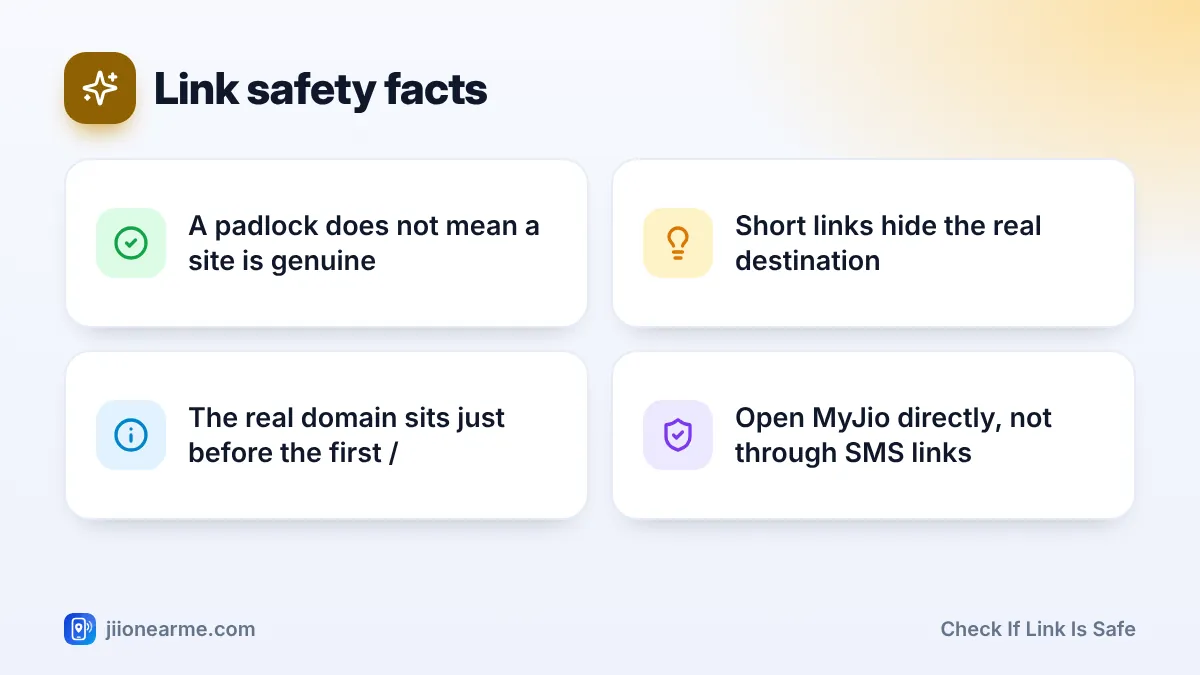
The padlock icon and “https” only mean the connection is encrypted. Scam sites can have a padlock too. Always check the domain, not just the lock.
How to Check If a Link Is Safe Before Opening It
Follow these steps every time a link arrives in SMS, WhatsApp or email.
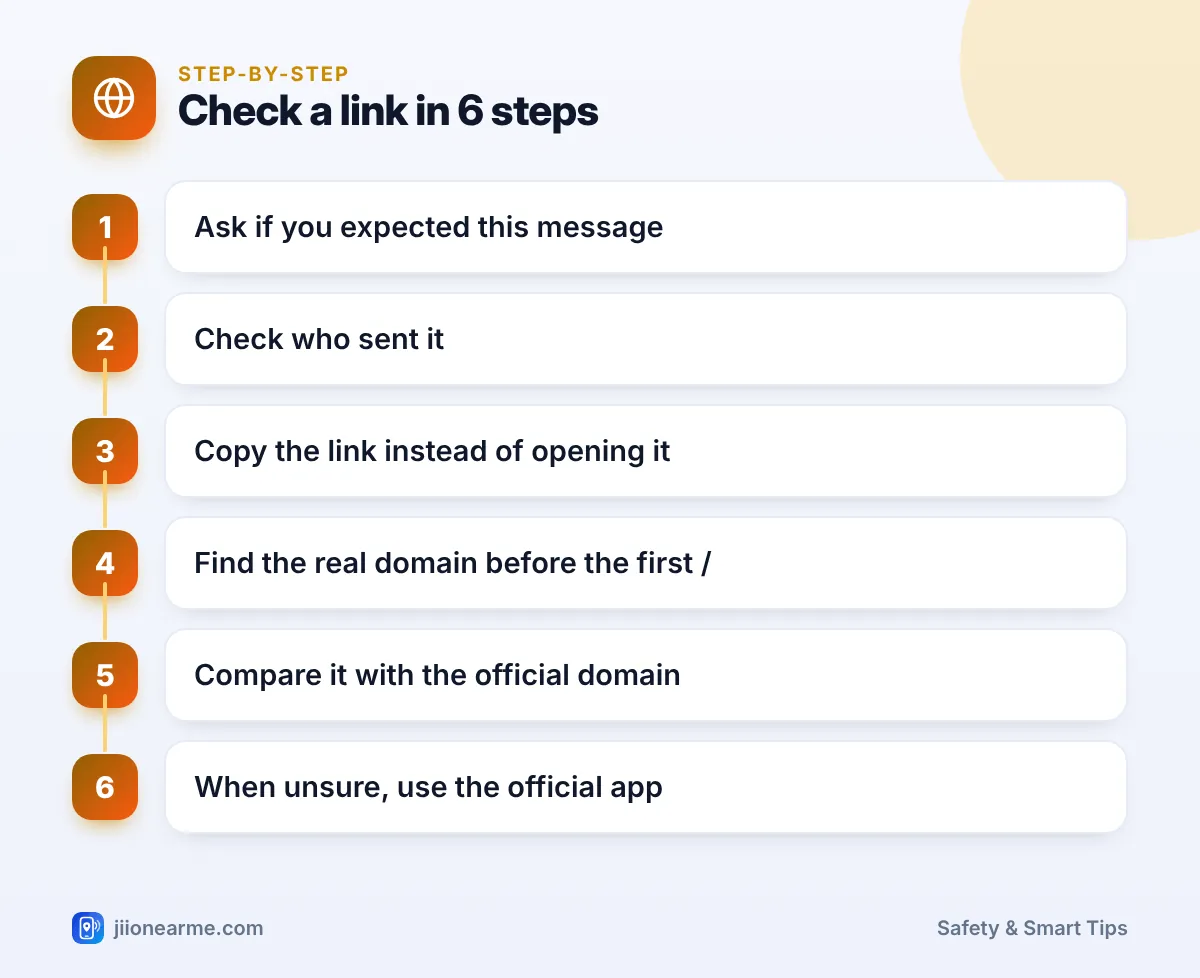
- Check the context. Did you expect this message? Does it create panic or promise a reward? Pressure is a red flag.
- Look at the sender. A bank or telecom message from an ordinary 10-digit mobile number deserves extra suspicion.
- Copy instead of opening. On many phones, pressing and holding a link shows the full address and a Copy option. Paste it into a notes app to read it calmly. If your phone starts loading a preview of the page instead, close it and copy the message text. On a computer, hover the mouse over the link and read the address shown at the bottom of the browser.
- Find the real domain. Locate the part just before the first single “/” and read it from right to left.
- Compare with the official domain. For Jio, that is jio.com. For your bank, check the address printed on official material or inside the bank’s app.
- When in doubt, go direct. Close the message, open the official app (such as MyJio) or type the website address yourself.
Extra Tools That Help
- Browser protection: Google Chrome’s Safe Browsing warns you about many known dangerous sites. You can check its level in Chrome settings under Privacy and security. Keep it switched on.
- Play Protect: On Android, Google Play Protect checks apps for harmful behaviour. Keep it enabled in the Play Store settings.
- Link checking websites: Some websites let you paste a link to see if it is known to be harmful. These help, but a “clean” result does not prove that a brand-new scam page is safe.
- Spam filters: Turn on spam protection in your SMS app if it offers this option.
Bookmark the websites you use for payments and recharges, or use their official apps. Then you never need to reach them through a link in a message.
What to Do If You Already Opened a Suspicious Link
Opening a page is usually less risky than entering details on it. Still, act carefully.
- Close the page without typing anything.
- If you entered a password, change it right away from the official app or website, and turn on two-step verification where offered.
- If you entered card, UPI or bank details, call your bank’s official helpline at once.
- If a file was downloaded, delete it and do not install it. If you installed an app, uninstall it.
- If you lost money, call 1930 or file a complaint on cybercrime.gov.in.
- Report the message through Chakshu on the Sanchar Saathi portal.
Frequently Asked Questions
Is a link with https always safe?
No. The “s” in https only means the connection is encrypted. Scam sites use https too, so always check the domain name.
How do I see where a short link goes without opening it?
Some short-link services offer a preview page that shows the destination. If the sender is unknown, it is safer not to open the short link at all and to visit the official website directly.
Can just opening a link hack my phone?
For most people, the bigger risk is entering details on a fake page or installing a downloaded file. Keeping your phone, browser and apps updated reduces the risk from harmful pages.
Are links in messages from Jio safe?
Genuine Jio messages may include links, but scammers copy Jio’s style. To be safe, open the MyJio app or type jio.com yourself instead of tapping a link.
Wrapping Up
To check if a link is safe, pause, copy the address, find the real domain and compare it with the official one. That habit takes seconds and stops most phishing attempts. For anything involving money, recharges or your account, skip the link entirely and go through the official app or a website address you type yourself.
JIo Near me is an independent guide and is not affiliated with Reliance Jio. App menus, plans and policies can change – always confirm current details in the official MyJio app or on jio.com. We will never ask for your OTP, PIN or passwords.
