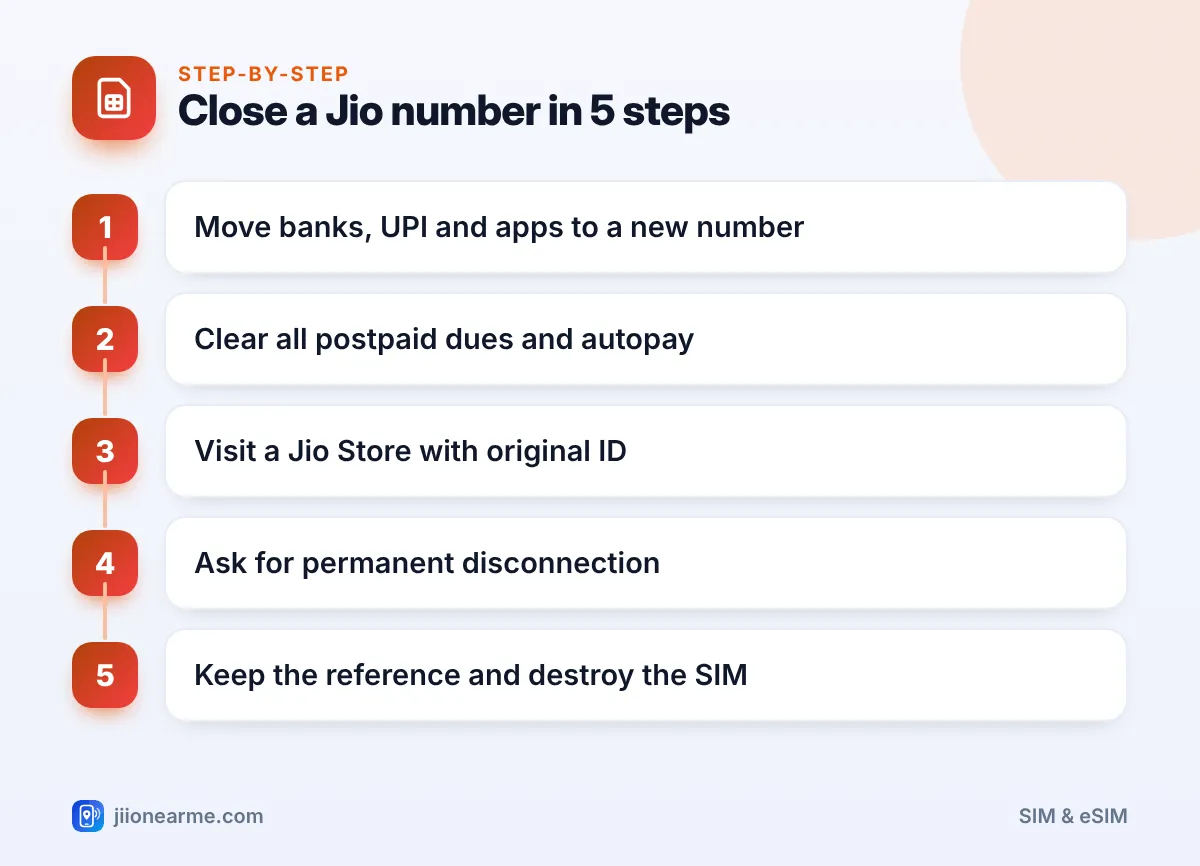
To deactivate a Jio SIM permanently, visit a Jio Store with your original ID proof and ask for the number to be disconnected. Before you go, move your bank, UPI and other important accounts to a new number. If you are on postpaid, clear every pending bill first.
Throwing away the SIM or simply stopping recharges is not the same thing. The number stays registered in your name until Jio actually disconnects it, which can take a long time on prepaid. This guide covers the checks, the store visit and what happens to the number afterwards.
- A formal disconnection at a Jio Store is the clearest way to close a number.
- Update your number with banks, UPI, Aadhaar and key apps first.
- Postpaid users must pay all dues and ask about the final bill.
- The registered owner usually needs to visit with original ID.
- A disconnected number can later be given to someone else.
Surrender, Port or Let It Lapse: Pick the Right Option
Before you close the number, make sure closing is really what you need.
| Option | Best when | What happens to the number |
|---|---|---|
| Permanent deactivation | You have no further use for the number | Disconnected and later reissued to someone else |
| Porting out (MNP) | You want to keep the number with another operator | Moves to the new operator and stays yours |
| Letting prepaid lapse | You are not in a hurry | Stays in your name until Jio deactivates it for inactivity |
| Keeping a basic plan | You may need the number again | Stays active and yours |
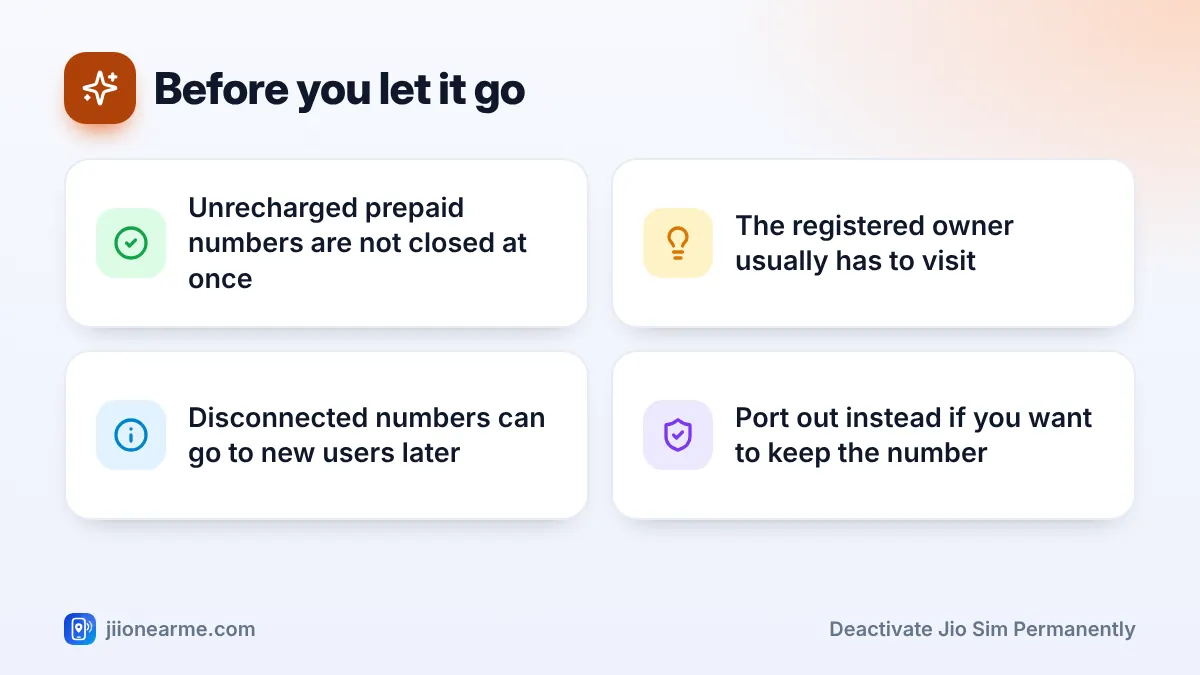
If you want to keep the number but leave Jio, porting is the better route. You can request a porting code (UPC) by sending an SMS in the format “PORT <10-digit number>” to 1900.
An unrecharged prepaid number is not closed straight away. Services usually stop in stages, and the number is deactivated only after the inactivity period set in Jio’s terms. Until then it stays linked to your ID, and OTPs for old accounts can still reach that SIM.
What to Unlink Before You Let the Number Go
This is the most important part. Once the number is gone, you cannot receive OTPs on it, and recovering accounts tied to it can be hard. Get your new number working first, then update these.
Money and government records
- Bank accounts: Change your registered mobile number through net banking, the bank app, an ATM or your branch, as your bank allows.
- UPI apps: Set up UPI on your new number and remove the old one.
- Aadhaar: A mobile number update usually needs a visit to an Aadhaar enrolment or update centre.
- Other records: Update the number on the income tax portal, EPFO, DigiLocker, your demat account and insurance policies.
Apps and everyday accounts
- WhatsApp: Use the built-in Change number option so you keep your chats.
- Email and social media: Update recovery phone numbers and any SMS-based two-step verification.
- Shopping, delivery and travel apps: Change the login number where it is used.
- Bills and records: Gas, electricity, broadband (including JioFiber or Jio AirFiber, if this was the registered number), your children’s school and your employer.
Many services send an OTP to your old number to approve a change. Complete every update while the Jio SIM is active. Otherwise you may have to visit a bank branch or office in person to prove who you are.
Settle Postpaid Dues First
If the number is on JioPostpaid, close out the account before disconnection.
- Check what you owe in the MyJio app or on jio.com.
- Pay all pending bills, including any amount for the current, partly used billing cycle.
- Ask about the final bill at the store, and how you will be able to pay it after the number stops working.
- Stop autopay or any standing instruction in MyJio, your bank or UPI app once everything is settled.
- Ask about any security deposit you paid and how a refund is handled.
If this number is the main line on a family plan, ask what happens to the add-on members before you proceed. Keep all payment receipts until you are sure the account is fully closed.
How to Deactivate a Jio SIM Permanently at a Jio Store
Jio handles permanent disconnection in a way that confirms the request comes from the real owner. Call 199 from your Jio number, or the toll-free 1800-889-9999, to check the current process and documents before you go.
- Find a nearby Jio Store using the store locator on jio.com or in the MyJio app.
- Carry your original ID proof, ideally the same one used when the connection was issued. Take the SIM, or the phone holding the eSIM.
- Go in person. The connection is in your name, so the store will usually need you, the registered owner, present.
- Ask for permanent disconnection, sometimes called surrendering the number. Fill in any request form the staff provide.
- Complete verification as the staff guide you. Never read out an OTP to anyone who calls you about this request.
- Collect a reference number or acknowledgement and keep it safe.
- Watch for confirmation. You may receive an SMS, and the SIM should stop working once the request is processed.
If the owner cannot visit
If the connection belongs to a family member who has passed away or cannot travel, call 199 or 1800-889-9999 and ask which documents are needed. Requirements differ for these cases, so check before going to the store.
After Disconnection: Clean Up and Confirm
A few small steps finish the job properly:
- Destroy the SIM card. Cut through the gold chip before throwing it away.
- Delete the eSIM profile from your phone if you used an eSIM, once the line is disconnected.
- Remove the number from MyJio on any other phones or devices where it was added.
- Check connections in your name. On the Sanchar Saathi portal, use the option to see mobile connections linked to your ID and confirm the number is gone. Records can take some time to update.
The same portal also lets you report connections you do not recognise. This is useful if you find an old number you had forgotten about.
Disconnected numbers are not retired forever. After a gap, the number can be given to a new customer. That is the main reason to unlink your bank, UPI and other accounts before you close it.
Frequently Asked Questions
Can I deactivate my Jio SIM just by calling customer care?
Customer care can explain the steps and check your account, but permanent disconnection usually needs a store visit with original ID. Call 199 or 1800-889-9999 to confirm the current process.
Will I get money back for unused prepaid validity?
Recharges are generally non-refundable. To avoid wasting validity, plan the disconnection for close to the end of your current plan.
Can someone else close my Jio number?
The store asks for original ID so that only the registered owner can request disconnection. If you get messages about a disconnection you did not ask for, contact Jio immediately.
How long does it take for the number to be closed?
Services usually stop soon after your request is processed. Records on government portals such as Sanchar Saathi may take longer to reflect the change.
Can I get the same number back later?
Probably not. After disconnection, the number goes back into the pool and may be given to someone else. If there is any chance you will need it, keep it active instead.
Final Thoughts
Closing a Jio number properly takes a little planning. Move your bank, UPI, Aadhaar and app logins to a new number, clear any postpaid dues, then visit a Jio Store with your original ID to request permanent disconnection.
Keep the reference number, destroy the old SIM and check later that the number no longer shows against your ID. Done this way, the number leaves your life cleanly, with nothing important still tied to it.
JIo Near me is an independent guide and is not affiliated with Reliance Jio. App menus, plans and policies can change – always confirm current details in the official MyJio app or on jio.com. We will never ask for your OTP, PIN or passwords.