Treat the JioFiber fibre cable in your home like a thread of glass, because that is what carries your internet inside it. Keep it in gentle curves, never let doors or furniture press on it, and never pull it tight. Follow these basics and the cable can work for years without trouble.
Most cable damage at home happens by accident, during cleaning, rearranging furniture or painting. This guide explains why fibre is more delicate than ordinary wires and how to route, secure and protect it during everyday changes at home.
- The cable has a glass core, so sharp bends, crushing and pulling can damage it.
- Run it along wall edges with clips or a casing, in gentle curves.
- Keep it clear of doors, windows, walkways and furniture legs.
- Ask Jio to move the cable for bigger changes, and never try to cut or join it.
Why the JioFiber Fibre Cable Needs Gentle Handling
Inside the cable’s outer jacket is a strand of very pure glass, thinner than a hair at its core. Your internet travels through it as pulses of light, which bounce along the core even around gentle curves.
Three things can go wrong:
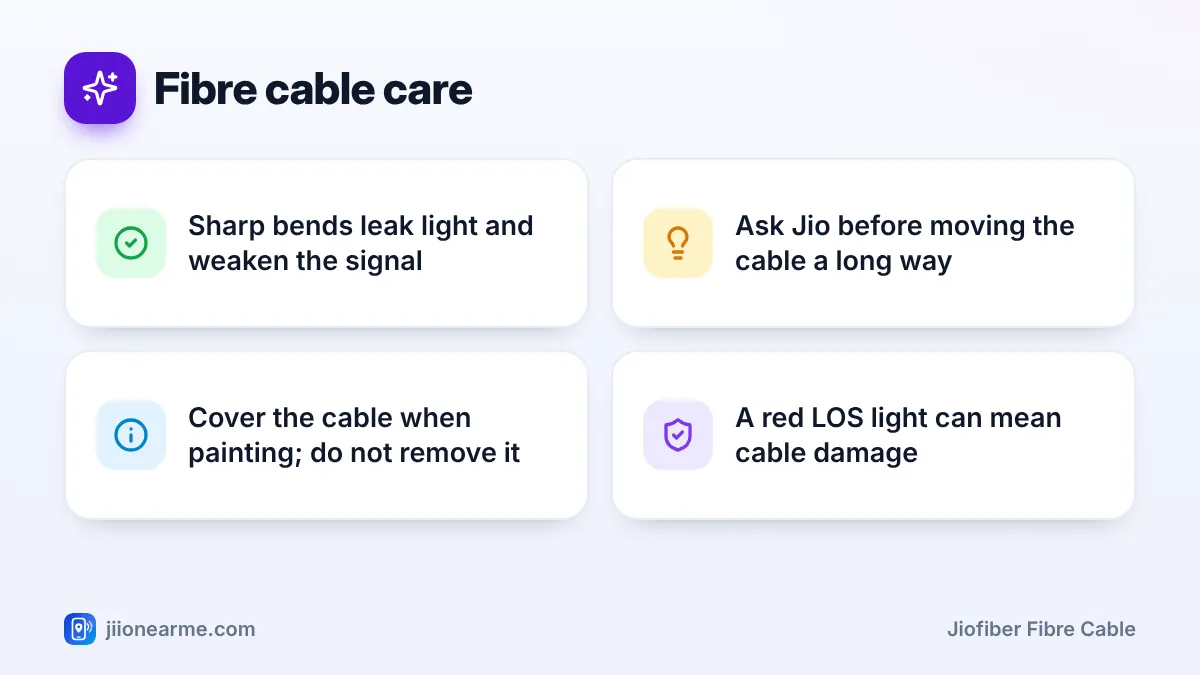
- Sharp bends: A tight fold lets light escape from the core, weakening the signal. A severe kink can crack the glass.
- Crushing: A door, furniture leg or heavy object pressing on the cable can deform or break the fibre.
- Pulling: Tugging stresses both the fibre and the connectors at each end.
Unlike a copper wire, a damaged fibre cannot be fixed with tape. It needs special splicing tools or a replacement cable fitted by a technician.
A simple rule of thumb: keep every curve at least as wide as the rim of a tea cup. If a bend looks sharper than that, ease it out.
Common Ways Fibre Cables Get Damaged at Home
- Closing a door on the cable near the hinge or frame
- Shutting a window on a cable that passes through the frame
- Pushing a sofa, bed or almirah against a wall over the cable
- Tying the cable tightly with rubber bands or cable ties
- Hammering nails or staples over it to fix it in place
- Tripping on a cable that crosses a walkway
- Snagging it with a broom, mop or vacuum cleaner
- Pets or rodents chewing it
- Painting, wall repairs or false ceiling work around it
How to Route and Secure the Cable Safely
Small adjustments to the visible part of the cable, such as adding clips or freeing a pinched section, are fine to do yourself. Follow these steps:
- Follow wall edges. Run the cable along skirting, corners or the top of the wall, where it is out of the way.
- Use gentle curves at corners. Let the cable curve around corners instead of folding it flat.
- Fix it with clips or a casing. Use adhesive cable clips or a plastic cable casing (raceway). The cable should sit loosely, not squeezed.
- Avoid nails and staple guns. Never fix anything through or tightly over the cable.
- Keep it clear of moving parts. Route it away from door hinges, window frames and walkways.
- Leave a loose loop near the router. A large, relaxed loop gives some slack. Do not coil it tightly or tie it up.
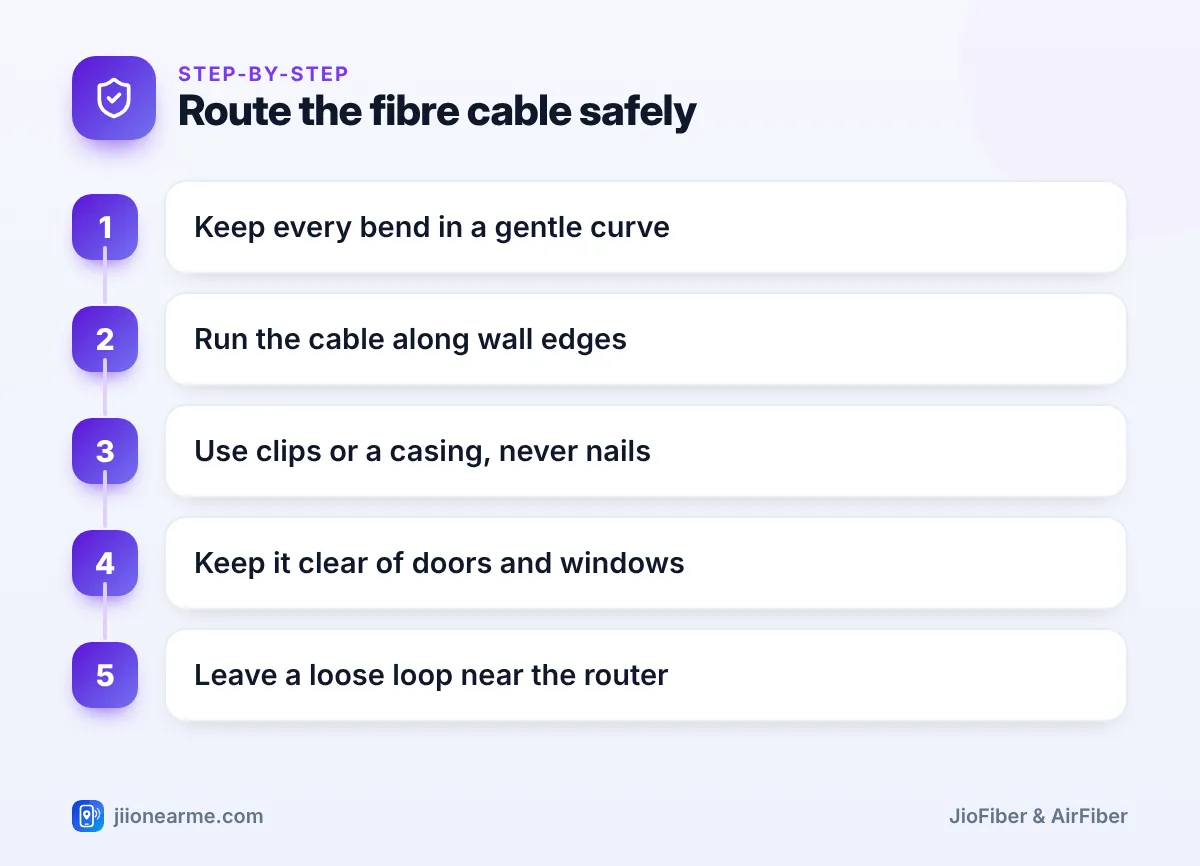
A plastic casing fixed along the wall protects the cable from feet, brooms and pets, and makes painting easier later. Lay the cable in loosely, without forcing it into corners.
Rearranging Furniture Without Damaging the Cable
Before you move furniture, trace where the cable runs. Then:
- Lift furniture near the cable instead of dragging it across the floor.
- Unhook any section caught behind furniture by hand, slowly.
- Leave a small gap between furniture and the wall where the cable runs.
- Keep the router where the cable reaches it without stretching.
If you want the router in a different room or far from its current spot, raise a request with Jio rather than pulling or extending the cable yourself. A technician can reroute it properly. Ask about any charges when you raise the request.
Painting, Repairs and Renovation
Painting and repair work are some of the riskiest times for a fibre cable. Plan ahead:
- Show painters and workers where the cable runs before they start.
- Ask them to paint around it rather than pulling it off the wall.
- Cover the cable and wall box loosely with a plastic sheet or newspaper, taped to the wall rather than to the cable.
- Do not let anyone scrape or sand directly over the cable or rest a ladder on it.
- Keep paint and solvents away from the router’s fibre port and connectors.
- For bigger jobs, such as breaking walls or fitting a false ceiling, contact Jio in advance about rerouting.
After the work, check the router lights. The LOS light should be off and the internet light on.
If the cable gets cut or crushed, do not try to join it with tape or glue, and never look into its broken end. Raise a service request so a technician can repair it safely.
Signs of Cable Damage and What to Do
Watch for:
- A red or blinking LOS light on the router
- Internet that drops when someone touches or moves something near the cable
- A visible kink, crack, flattened section or chew marks
If you notice any of these, free any pinched section and restart the router once. If the problem continues, raise a service request in the MyJio app, call 198 from a Jio number or call the toll-free number 1800-889-9999.
Frequently Asked Questions
Can I paint over the fibre cable?
It is better to cover it and paint around it. Avoid scraping, sanding or pulling the cable off the wall to paint behind it.
Can I shorten or extend the fibre cable myself?
No. Fibre cannot be cut and joined like ordinary wire. Ask Jio if the cable needs to be shorter, longer or moved.
Is it safe to coil extra cable?
Yes, in a large, loose loop. Avoid small, tight coils and do not tie the loop tightly.
How can I protect the cable from rats?
A plastic casing helps, and keeping the area clean discourages rodents. Check the cable now and then for chew marks.
Who pays to repair a damaged cable?
It can depend on the cause and Jio’s terms. Ask when you raise the service request.
Final Thoughts
Your JioFiber fibre cable needs very little care if it is routed well. Keep curves gentle, secure it with clips or a casing, and keep it away from doors and heavy furniture. Plan ahead before painting or rearranging, and leave bigger moves and any repairs to Jio’s technicians.
JIo Near me is an independent guide and is not affiliated with Reliance Jio. App menus, plans and policies can change – always confirm current details in the official MyJio app or on jio.com. We will never ask for your OTP, PIN or passwords.
