Before you pay for a JioPhone Next, run through a short checklist: are you happy using a Jio SIM, do the storage and battery suit how you use a phone, is the box complete and sealed, is the warranty paperwork in order, and do the apps you can’t live without run well on it? A few minutes at the counter can save weeks of regret.
The JioPhone Next is an Android-based phone built by Jio with Google, running software called Pragati OS. It’s aimed at people who want a simple first smartphone on Jio’s network. This checklist helps you decide whether it suits you, and makes sure the unit you take home is genuine and complete.
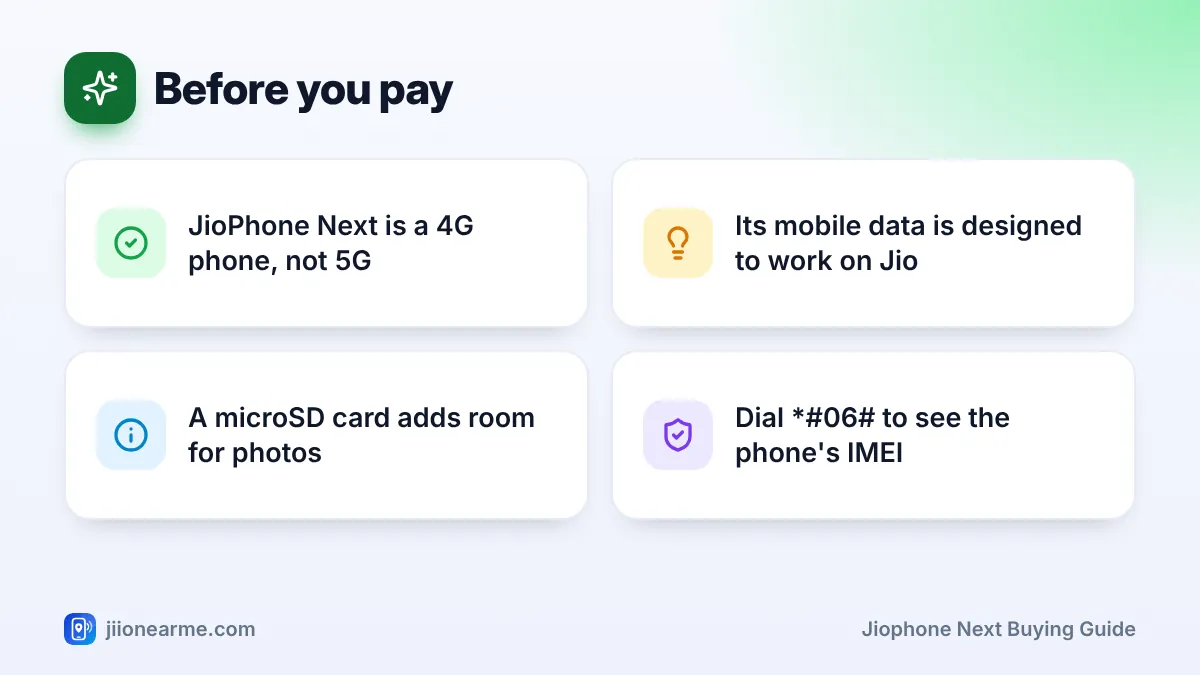
- The phone is built around Jio’s network, and its mobile data works on the Jio SIM.
- It’s a 4G phone with modest memory, so it suits everyday apps rather than heavy gaming.
- Match the IMEI on the box with the phone (dial *#06#) and get a proper bill.
- Try your must-have apps on a demo unit before you buy.
Check 1: The Jio SIM Requirement
The JioPhone Next is designed for Jio. You need an active Jio SIM, and the phone’s mobile data is meant to work on that SIM. It has two SIM slots, but if you rely on another operator for internet, this isn’t the right phone for you.
If you want to keep a second number from another operator for calls, ask the seller how the second slot works and check the current terms on jio.com. Rules can change, so confirm them at the time you buy.
Check 2: Network Support
The JioPhone Next is a 4G phone. It handles 4G calling and data on Jio’s network, but it can’t connect to Jio True 5G. If 5G speed matters to you and Jio’s 5G already covers your area well, look at a 5G phone instead.
Check 3: Storage and Memory
The phone has modest internal storage and memory compared with many newer smartphones. That’s fine for calls, WhatsApp, YouTube, UPI and a handful of other apps, but videos fill it up quickly.
- Plan to buy a microSD card for photos, videos and music.
- Expect heavy games and some large apps to run slowly or to be unavailable.
- Read the exact memory and storage figures on the box or the official spec sheet, rather than relying on sales talk.
Check 4: Battery and Charging
Look at the battery capacity printed on the box and the charger included. Ask whether the battery can be replaced easily on the unit you’re buying, as that affects repairs later. Pragati OS is light, which helps battery life, but long video sessions will still drain it.
Check 5: Your Must-Have Apps
This is the check people skip most often. Ask for a demo unit and try the apps you use every day:
- Open the Play Store and search for each app, such as WhatsApp, your bank’s app or your UPI app.
- See whether it’s offered for the phone.
- Open a few apps one after another and switch between them to judge the speed.
- Play a YouTube video, and try a video call if possible.
Some banking and payment apps need more memory or newer software. If an important app isn’t offered or feels too slow, that’s a strong reason to look at other phones.
JioPhone Next Buying Guide: Box, Bill and Warranty Checks
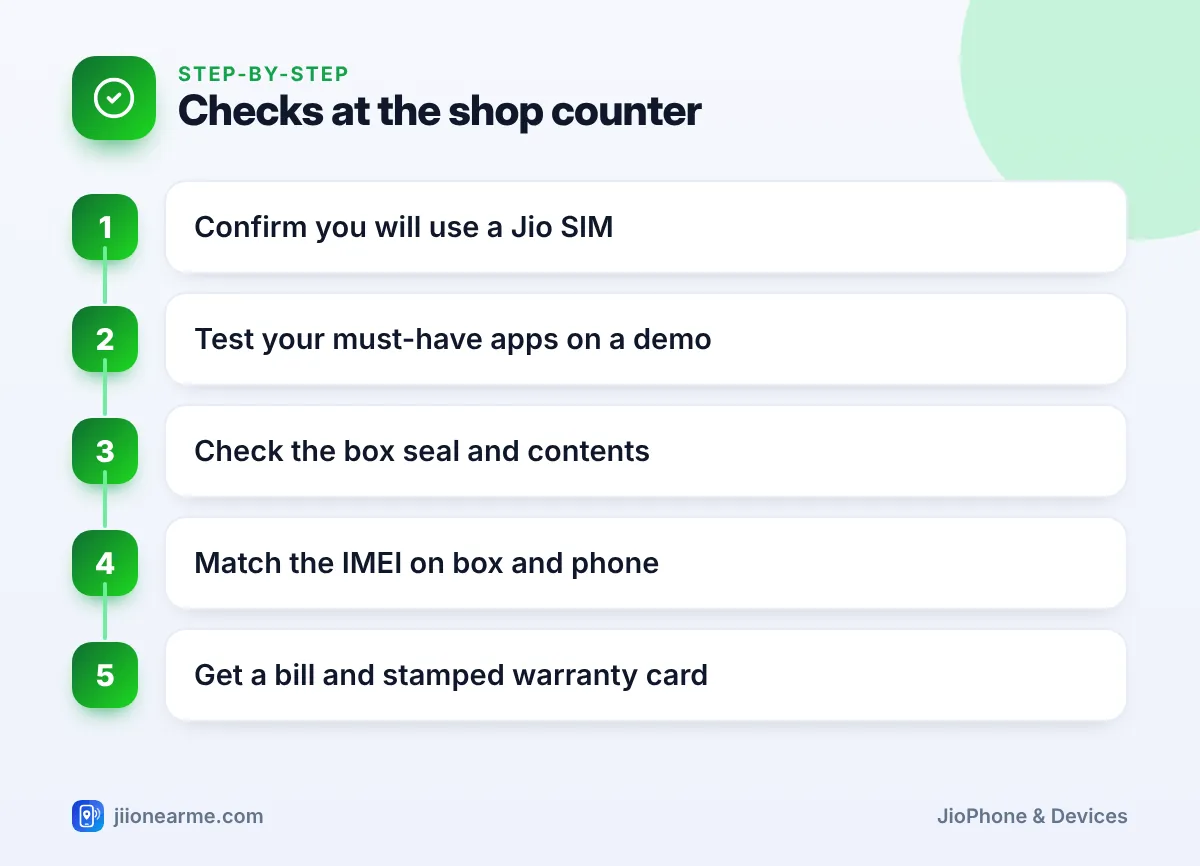
At the counter, go through this table before you leave the shop.
| Check | What to look for | Why it matters |
|---|---|---|
| Box seal | Unbroken seal, no signs of re-packing | Shows the phone is new |
| IMEI match | IMEI on the box matches the one shown when you dial *#06# | Proves the box and phone belong together |
| Box contents | Every item listed on the box, such as charger, cable, guide and warranty card | Missing items are hard to claim later |
| Bill | Shop name, date, model and IMEI printed | Needed for warranty claims |
| Warranty card | Filled in and stamped by the seller, where required | Some service centres ask for it |
| Physical check | Screen, buttons, ports and camera lens free of marks | Damage is easier to report at once |
Buy from a Jio Store, a reputable electronics store or Jio’s official online channels. Avoid deals that look too good to be true, phones without a proper bill and sellers who won’t let you check the IMEI.
If you’re buying second-hand
- Make sure the seller removes their Google account and factory resets the phone in front of you. A phone still linked to someone else’s Google account can lock you out after a reset.
- Check the IMEI with the Know Your Mobile option on the Sanchar Saathi portal to see whether it has been reported lost or stolen.
- Ask for the original bill, so ownership and any remaining warranty are clear.
Check 6: Software Updates and Payment Terms
Pragati OS gets updates over the air from Jio and Google. After buying, connect to Wi-Fi and check Settings > System > System update before installing lots of apps.
If the seller offers a payment plan or a bundle linked to recharges, read every term carefully: how long it runs, what happens if you miss a recharge and whether any fees apply. Compare current options in the MyJio app or on jio.com rather than relying on verbal promises.
Note down the IMEI and keep a photo of the bill and warranty card somewhere safe, such as with a family member. If the phone is ever lost, you’ll need the IMEI to report and block it.
Frequently Asked Questions
Can I use JioPhone Next with an Airtel or Vi SIM?
The phone is built around Jio, and its mobile data is designed to work on the Jio SIM. Ask the seller about using another operator in the second slot and check the latest terms on jio.com.
Does JioPhone Next support 5G?
No. It’s a 4G phone, so it works on Jio’s 4G network but can’t connect to Jio True 5G.
Is JioPhone Next good for gaming?
It handles simple games, but heavy 3D games may be unavailable or run slowly because of its modest memory. Keen gamers should look at phones with more memory.
What should be inside the box?
Usually the phone, a charger, a cable, a quick start guide and a warranty card. The list printed on the box is the best guide, so check against it before you leave.
How do I check if a second-hand JioPhone Next is stolen?
Dial *#06# to see its IMEI, then check it with the Know Your Mobile option on the Sanchar Saathi portal. Don’t buy it if the check shows a problem or the seller has no bill.
Conclusion
A JioPhone Next suits people who want a simple 4G smartphone on Jio for everyday apps. Confirm the Jio SIM terms, test your must-have apps, match the IMEI and keep the bill and warranty card safe. Tick those boxes and you’re far less likely to face surprises later.
JIo Near me is an independent guide and is not affiliated with Reliance Jio. App menus, plans and policies can change – always confirm current details in the official MyJio app or on jio.com. We will never ask for your OTP, PIN or passwords.