For long, relaxed chats with family abroad, an internet call through an app like WhatsApp is usually the better value, because it runs on mobile data or Wi-Fi you already have. A regular ISD call from your Jio number is the more dependable choice when the other person has weak internet, uses a landline or does not own a smartphone.
Neither option wins every time. This guide compares both on reliability, call quality, data use and how you pay, so you can decide which to use for each call and when buying an ISD pack makes sense.
- App calls need internet on both sides. ISD calls work on the normal mobile network.
- ISD calls do not use your data, but they need an ISD pack or ISD call rates.
- App calls suit long chats and video. ISD suits landlines, basic phones and weak connections.
- Check current ISD packs and country rates in the MyJio app or on jio.com before you call.
How ISD Calling and Internet Calling Work
ISD calls from your Jio number
An ISD (International Subscriber Dialling) call is a normal phone call to a number in another country. You dial the country code and then the number, and the call travels over the mobile network like any call within India. On Jio, it is a voice call over the network, so it does not eat into your daily data.
Jio offers ISD packs that give you calling minutes to selected countries for a fixed validity. Calls that are not covered by a pack are charged at the ISD rate for that country. Countries, minutes and rates change from time to time, so check the ISD section of the recharge page in the MyJio app before you buy.
Internet calls through apps
An internet call (also called a VoIP call) is made inside an app such as WhatsApp. Your voice travels as data over mobile internet or Wi-Fi. Jio does not charge a separate call fee, but the call uses data from your plan when you are not on Wi-Fi.
Both people need the same app, a working internet connection and the app allowed to run in the background. Call quality depends on the weaker of the two connections.
ISD Call vs WhatsApp Call: Side-by-Side Comparison
The table below sums up the main differences. Treat it as a general guide, because real results depend on network conditions at both ends.
| Factor | ISD call from Jio | WhatsApp or other app call |
|---|---|---|
| Needs internet | No | Yes, on both phones |
| Can reach landlines | Yes | No, only app users |
| Uses your mobile data | No | Yes, unless you are on Wi-Fi |
| How you pay | ISD pack minutes or ISD rates | Data from your plan |
| Video calling | No, voice only | Yes |
| Works with a basic phone | Yes | No |
| Quality depends on | Mobile network on both sides | Internet speed on both sides |
Reliability and Call Quality
ISD calls are usually more predictable. Once the call connects, voice quality tends to stay steady because it uses the regular voice network. That makes ISD the safer pick for important calls, such as speaking to a bank, a hospital, an employer or an elderly relative who is not comfortable with apps.
App calls can sound very clear when both people have strong Wi-Fi or good mobile data. If either side has a weak signal, you may hear echoes, a robotic voice or delays, and calls can drop. Calls can also fail to ring if the other person’s app is closed, their data is off or battery saver is blocking background apps.
A few countries limit or block voice and video calls through certain apps. If your contact lives in such a place, app calls may not connect at all, and an ISD call may be the practical option.
Data Use and Cost: What Actually Gets Charged
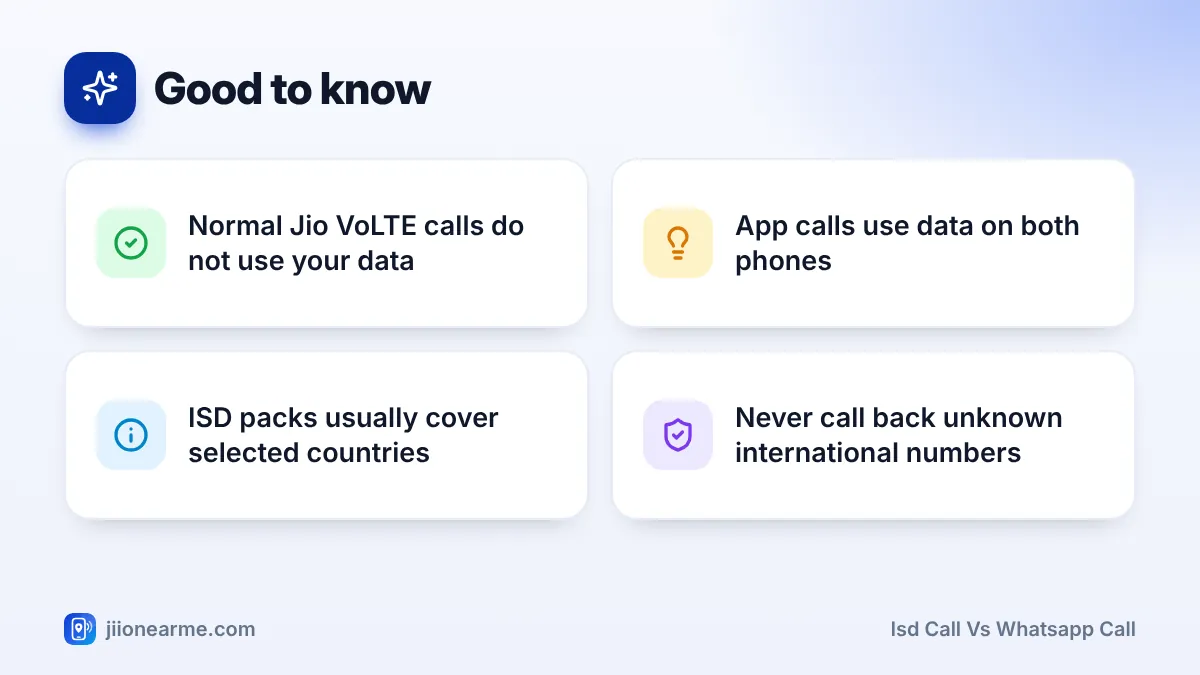
With an ISD call, you pay through pack minutes or the ISD rate, not through data. Your daily data stays untouched, which helps if your plan has a small daily data limit.
With an app call, you pay only through data. As a rough guide, a voice call over an app uses well under a megabyte per minute, while a video call can use several megabytes per minute depending on quality. A long video call on mobile data can take a noticeable share of your daily quota. On home Wi-Fi such as JioFiber or Jio AirFiber, this is rarely a concern.
Remember that the person you are calling also uses data. If they are on a limited or costly connection abroad, an ISD call from your side may be easier on them.
Which Option Suits You?
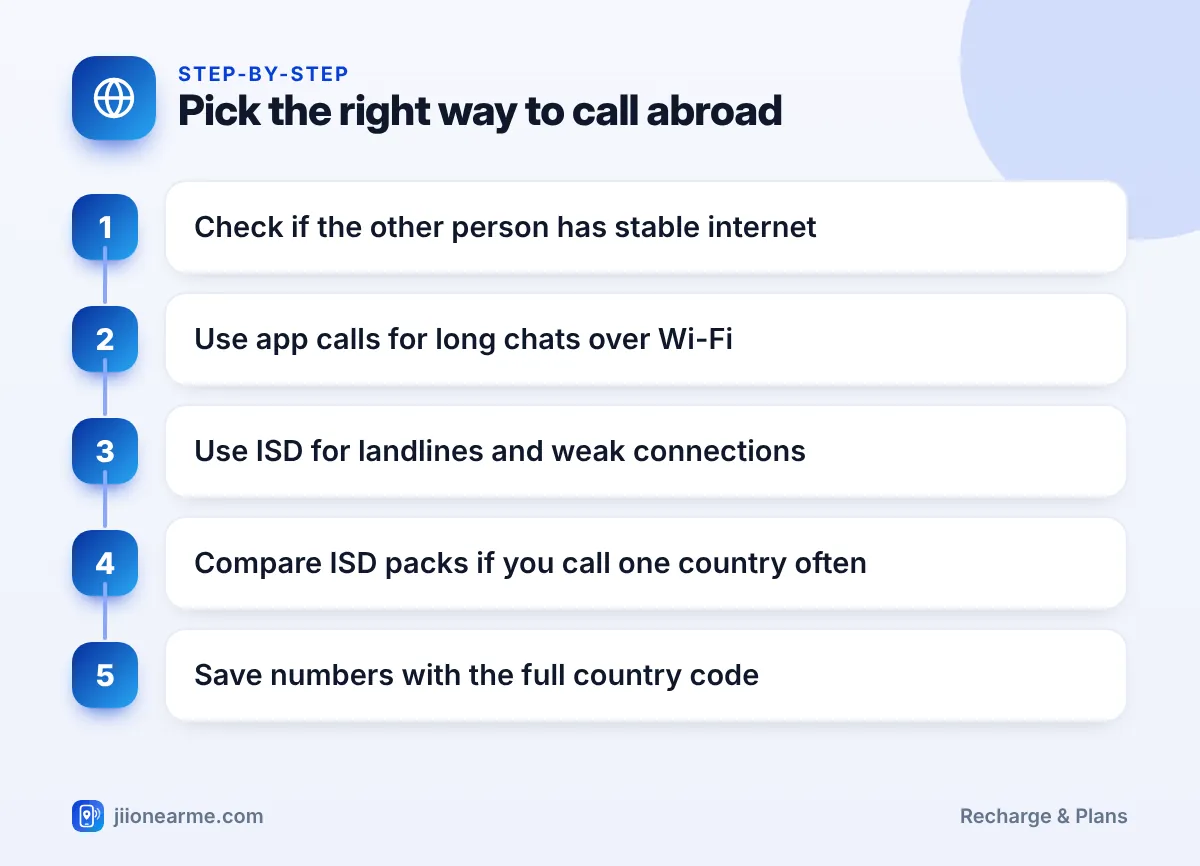
Use this short decision process before you call:
- Check how the other person connects. If they have a smartphone with stable internet, an app call is usually fine.
- Think about call length. For long chats and video, use an app call over Wi-Fi.
- Check the type of number. Offices, hotels, embassies and helplines need an ISD call.
- Consider how often you call the same country. If you call one country regularly, compare the current ISD packs for it in MyJio.
- Save numbers in full international format. Store them with a plus sign and country code, such as +1 or +44, so both ISD and app calls work.
Who should prefer ISD calls
- People calling parents or grandparents abroad who use basic phones
- Anyone calling landlines, offices, hotels or embassies
- Users with a small daily data limit
- Callers who need a dependable line for an important conversation
Who should prefer app calls
- Students and families who talk for long periods
- Anyone who wants video calls
- People who are on Wi-Fi at home or work most of the day
- Groups who need calls with several people at once
For an important call, try an app call on Wi-Fi first. If the quality is poor after a minute, end it and switch to an ISD call instead of struggling through.
Safety Tips for International Calls
Scammers often use international numbers. A common trick is a missed call from an unfamiliar foreign number, made in the hope that you call back. Do not return calls from international numbers you do not recognise.
Be careful with app calls too, because anyone can create an account with a foreign number. If a caller claims to be from a bank, a courier company or the police and asks for an OTP, Aadhaar details or a payment, hang up. You can report suspected fraud calls and messages through Chakshu on the Sanchar Saathi portal. For financial fraud, call the cybercrime helpline 1930.
No genuine company or official will ask for your OTP, PIN or password on a call, whether it is an ISD call or an app call.
Frequently Asked Questions
Does a WhatsApp call use my Jio data?
Yes. On mobile data, WhatsApp calls use data from your Jio plan. On Wi-Fi, they do not touch your mobile data.
Does an ISD call use mobile data?
No. An ISD call is a regular voice call over the network, so it uses ISD pack minutes or ISD rates instead of your data.
Why is my ISD call not connecting?
First check that you dialled the full country code and that you have an active ISD pack or can make calls at ISD rates. If it still fails, call Jio customer care on 199 from your Jio number to check whether ISD is working on your connection.
Can I call a landline abroad using WhatsApp?
No. WhatsApp calls only work between WhatsApp users. To reach a landline or a business number, use an ISD call.
Are ISD packs available for every country?
Not always. Packs usually cover selected countries, and the list can change. Check the ISD section in MyJio or on jio.com for the current options.
Final Thoughts
There is no single winner in the ISD call vs WhatsApp call question. App calls are great for long, casual and video conversations when both sides have good internet. ISD calls are the dependable fallback for landlines, basic phones and important conversations.
Many people use both: app calls for daily chats and an ISD pack for the country they call most often. Check current packs and rates in the MyJio app before you recharge, and keep your contacts saved with the full country code.
JIo Near me is an independent guide and is not affiliated with Reliance Jio. App menus, plans and policies can change – always confirm current details in the official MyJio app or on jio.com. We will never ask for your OTP, PIN or passwords.