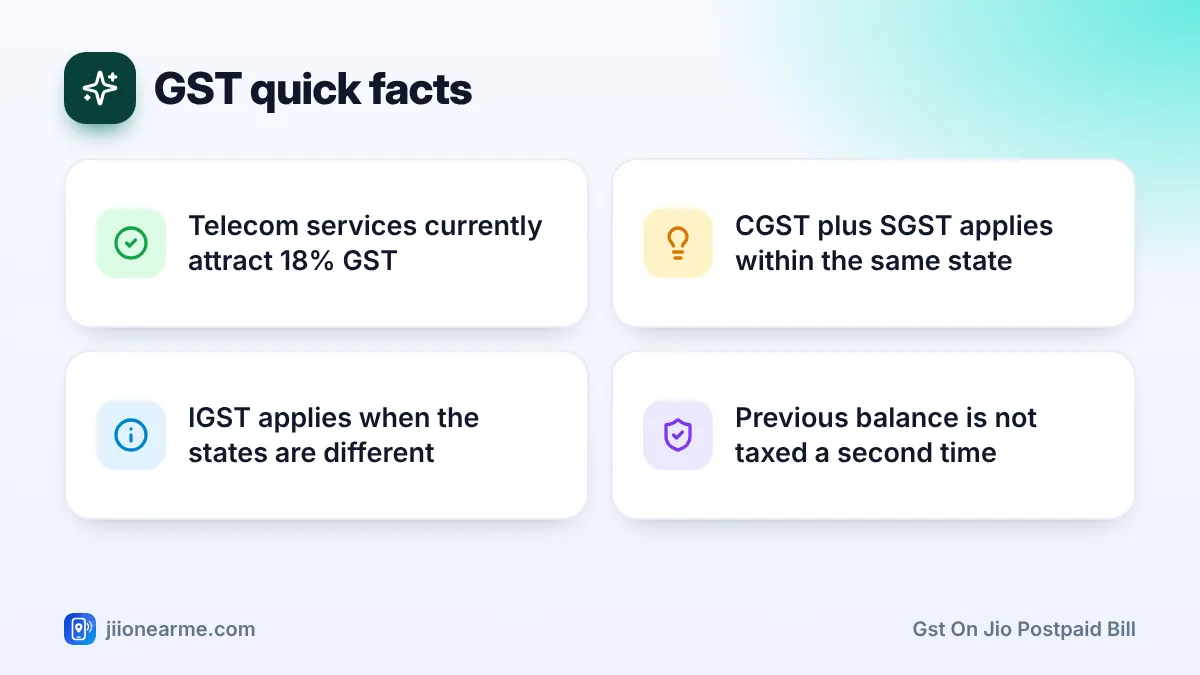
Your Jio postpaid bill is higher than your plan rental mainly because GST is added on top of the taxable charges. Telecom services in India currently attract 18% GST. On your invoice it appears either as CGST and SGST (half each) or as a single IGST line, not as one combined “tax” figure.
Extra usage, add-ons and part-month rental can also push the total up. This guide explains how the tax is worked out, where to find it on the invoice and what to do if the numbers do not add up.
- GST is added to the taxable charges on your postpaid bill, so the total is higher than the plan rental.
- Within the same state, the tax is split into CGST and SGST (or UTGST). Otherwise, it shows as IGST.
- Previous unpaid balance is not taxed again, and a refundable deposit is not a service charge.
- Your billing address on record decides which type of GST appears.
- If the tax looks wrong, contact Jio support before the due date.
Why Your Bill Total Is Higher Than the Plan Rental
Postpaid plan rentals in India are commonly listed before tax. When the bill is generated, GST is added to the rental and to any other taxable charges. So even if you used nothing beyond your plan, the total will be higher than the rental you saw while choosing the plan.
Check the plan details in the MyJio app or on jio.com to see whether the amount shown includes GST. The plan terms usually make this clear.
Other reasons your total may be higher include:
- Part-month rental on your first bill, or after a plan change in the middle of a cycle.
- Usage beyond your plan, such as extra data, SMS or ISD calls, depending on your plan terms.
- International roaming packs or roaming usage.
- Add-ons or value-added services that you subscribed to.
- Previous balance that was not fully paid.
- Late payment charges, if a past bill was paid after the due date.
All of these, except the previous balance, can attract GST on the current bill.
How GST on Jio Postpaid Bill Charges Is Calculated
The calculation follows a simple order. First, all taxable charges for the billing period are added up. This is the taxable value. Then GST is applied to it at the rate set by the government.
A rough way to picture it: for every 100 of taxable value, 18 is GST. Within the same state, that 18 is split into 9 of CGST and 9 of SGST. Across states, all 18 shows as IGST.
What is included in the taxable value
- Monthly plan rental for the cycle.
- Charges for usage beyond your plan allowance.
- ISD calls, roaming packs and roaming usage.
- Paid add-ons and subscriptions billed to your number.
- Late payment charges, which are generally taxable too.
Discounts or credits shown on the bill usually reduce the taxable value before tax is worked out.
What is not taxed again
- Previous balance: GST was already charged on the earlier bill, so it is carried forward as it is.
- Payments received: These only reduce what you owe.
- Refundable security deposit: A deposit is not a charge for service, so it is normally kept separate from the taxable amount.
GST rates are decided by the government and can change. The rate printed on your invoice is the one applied to that bill, so use it when you check the maths.
Reading the CGST, SGST and IGST Lines on Your Invoice
Jio postpaid bills are tax invoices. Along with your charges, they show Jio’s GST registration details, an invoice number, and a tax section with one or more of these lines.
| Tax line | Full name | When you usually see it |
|---|---|---|
| CGST | Central GST | Supply within the same state |
| SGST | State GST | Supply within the same state |
| UTGST | Union Territory GST | Certain union territories, in place of SGST |
| IGST | Integrated GST | Billing state differs from the supplier’s state |
You will see either CGST with SGST (or UTGST), or IGST alone. You should not see all of them charged on the same amount.
What decides the type of GST
For postpaid mobile services, the billing address on record is used to decide the place of supply. If that state matches the state of the Jio registration shown on your invoice, you get CGST and SGST. If they differ, you get IGST.
The total tax is the same either way. Only the split changes.
You may also see a SAC code on the invoice. This is a standard code that identifies the type of service for GST purposes. It does not affect your amount.
How to Check the GST on Your Bill Step by Step
App labels can differ slightly by version, so look for similar wording.
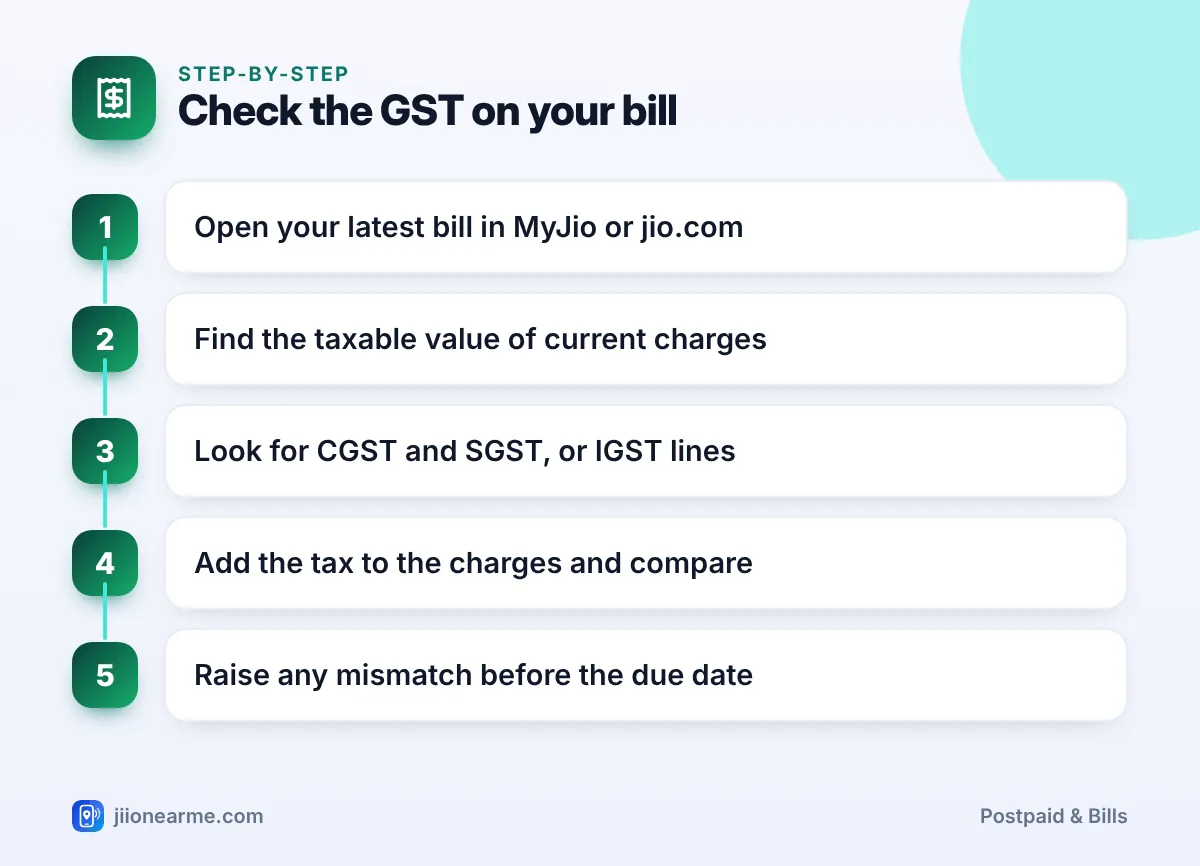
- Open the MyJio app, sign in and select your postpaid number.
- Go to the bills section. It may be on the home screen or in the menu (☰) under Bills or Statements.
- Open or download the latest bill as a PDF.
- Find the current charges summary. Note the taxable amount before tax.
- Find the tax section. Note the CGST and SGST amounts, or the IGST amount.
- Add the tax to the taxable amount. This should match the current charges total, apart from a tiny round-off.
- Compare with the amount due. Any difference should be explained by previous balance, payments or adjustments.
Adding Your GSTIN for Business Use
If you run a business and want to claim input tax credit on your phone bill, the invoice generally needs to show your business GSTIN. A personal bill without it may not be accepted for that purpose.
Contact Jio support or visit a Jio Store to ask whether your GSTIN can be added to your connection. The name and address on the account may need to match your GST registration. Check with your accountant whether you can claim the credit.
Do not change the name, GSTIN, dates or amounts on a downloaded bill. If a detail is wrong, ask Jio support for a corrected invoice through official channels.
When the GST on Your Bill Looks Wrong
Before you raise a complaint, check these points:
- IGST instead of CGST and SGST: Your billing address on record may be in a different state. Update it through MyJio, jio.com or a Jio Store if it is wrong. Documents may be needed.
- Tax seems too high: Look for extra usage, roaming or add-ons that increased the taxable value.
- Tax charged on the previous balance: Check the bill again. Usually the previous balance is listed separately and is not taxed.
- Round-off difference: Small differences of a few paise are normal.
If something still looks wrong, call 199 from your Jio number for queries or 198 to register a complaint. Do this before the due date and ask how the disputed part will be handled, so you do not get a late fee.
Keep the PDF of every bill in one folder. Comparing two months side by side is the fastest way to spot why the tax changed.
Frequently Asked Questions
Is GST included in the Jio postpaid plan price?
Postpaid rentals are commonly listed before tax, and GST is added on the bill. Check the plan details in MyJio or on jio.com to confirm whether the shown amount includes tax.
Why does my bill show IGST instead of CGST and SGST?
IGST appears when your billing address on record is in a different state from the Jio registration on the invoice. The total tax is the same; only the split is different.
Is GST charged again on my unpaid previous balance?
No. The previous balance already included GST when it was first billed. It is carried forward without being taxed again.
Can I claim input tax credit on my Jio postpaid bill?
Only registered businesses can claim it, and the invoice usually needs to show their GSTIN. Ask Jio support about adding a GSTIN, and check eligibility with your accountant.
Will the GST rate on my bill always stay the same?
The rate is set by the government and can change. Your invoice always shows the rate applied to that particular bill.
Final Thoughts
GST is the main reason your Jio postpaid bill total is higher than the plan rental. It is added to taxable charges and shown as CGST plus SGST, or as IGST, depending on your billing address.
Each month, check the taxable value, the tax lines and the amount due. If anything does not match, keep your bill PDF ready and contact Jio support on 199 before the due date.
JIo Near me is an independent guide and is not affiliated with Reliance Jio. App menus, plans and policies can change – always confirm current details in the official MyJio app or on jio.com. We will never ask for your OTP, PIN or passwords.