MyJio can only recognise your number automatically when your phone is using Jio mobile data from the SIM itself. On Wi-Fi, the app cannot see which SIM you have, so it asks you to prove ownership with a one-time password (OTP) sent by SMS. Both methods sign you in to the same account.
This explainer shows how number detection works, why Wi-Fi needs an OTP, and which other situations trigger a code. It also covers a hotspot catch that can show the wrong number, and what to do when the OTP is slow to arrive.
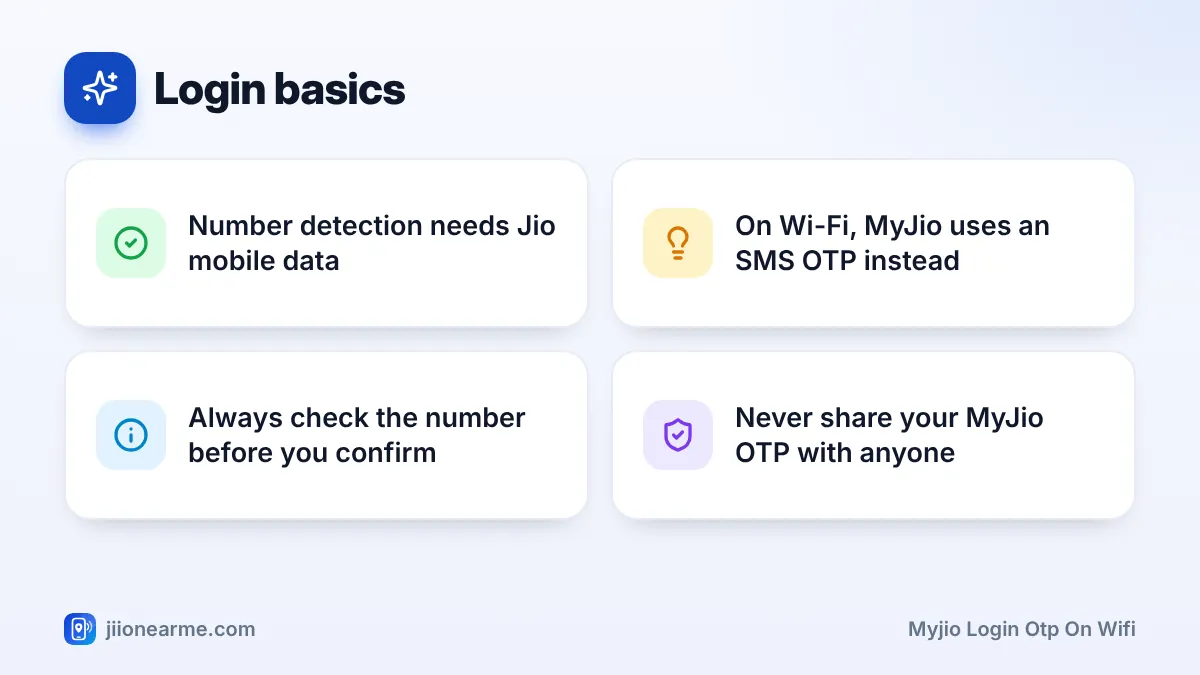
- On Jio mobile data, MyJio may detect your number and offer a quicker sign-in.
- On Wi-Fi, including home broadband, MyJio asks for an OTP sent by SMS to your number.
- Dual SIM data, a VPN, a new phone or signing in to another number also need an OTP.
- Always check the number on screen before you confirm, and never share your OTP.
How MyJio Recognises Your Number on Jio Mobile Data
When your phone uses mobile data from a Jio SIM, the connection runs through Jio’s network. The network knows which SIM that connection belongs to. MyJio can use this to identify your number and offer a faster sign-in, sometimes without asking for an OTP at all.
What you see depends on your phone and app version. The app may show your number and ask you to confirm it, or it may move straight to your account. On some versions, an OTP is still sent as an extra check.
This is the same reason the app sometimes “just works” the first time you open it on a new Jio SIM, while on another day it insists on a code.
Why MyJio Login Asks for an OTP on Wi-Fi
On Wi-Fi, your phone’s internet comes through a broadband connection, not through your SIM. The app has no reliable way to know which mobile number belongs to you. So it falls back to the standard check: it sends an OTP by SMS to the number you type, and you enter that code to show you have the SIM.
This applies to every Wi-Fi network, including JioFiber and Jio AirFiber at home. A home broadband connection is linked to that account, not to your personal mobile number.
The OTP is a security step, not a fault. It stops someone who knows your number from opening your account on their own phone.
MyJio updates its sign-in screens from time to time. Button names such as Sign in, Get OTP or Continue may differ on your version, but the logic stays the same.
Other Times MyJio Will Ask for an OTP
Wi-Fi is the most common reason, but not the only one. You will usually need an OTP when:
- Mobile data is set to the other SIM. On a dual-SIM phone, the app can only detect the number of the SIM carrying data.
- A VPN is on. A VPN sends your traffic through another server, so Jio’s network may not be able to identify the connection.
- You sign in to a number that is not in this phone, such as a parent’s number you help manage.
- You use a new phone, reinstall MyJio or clear its app data.
- You link another number to your MyJio account.
- You open a JioFiber or AirFiber account. These usually use an OTP sent to the registered mobile number.
- The app runs a security check after an update or a long gap.
| Situation | How you usually sign in |
|---|---|
| Jio mobile data from the same SIM | Number detected, quick confirm |
| Any Wi-Fi network | OTP by SMS |
| Data on the other SIM | OTP by SMS |
| VPN switched on | OTP by SMS |
| Another person’s number | OTP sent to that number |
How to Sign In Quickly Using Jio Mobile Data
If you would rather skip waiting for an OTP, try signing in on mobile data. The steps are similar on Android and iPhone.
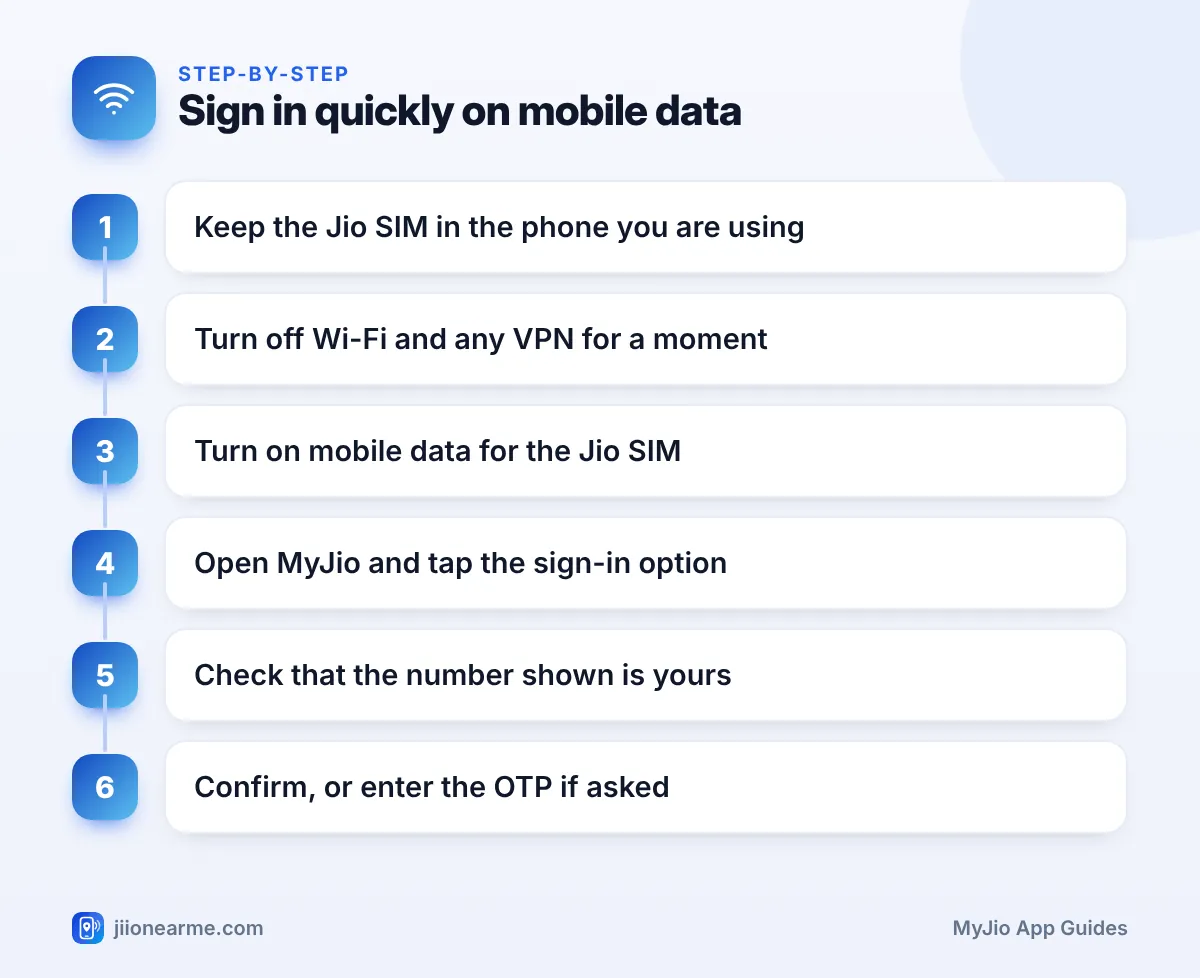
- Make sure the Jio SIM is in the phone you are using and has signal.
- Turn off Wi-Fi for a moment. Also turn off any VPN.
- On a dual-SIM phone, set mobile data to the Jio SIM in your phone’s SIM settings.
- Turn on mobile data and wait for the 4G or 5G icon to appear.
- Open MyJio and tap the sign-in option on the first screen.
- Check that the number shown is yours, then confirm. If the app asks for an OTP, enter it.
- Once you reach your home screen, you can turn Wi-Fi back on.
If you do get an OTP, let your phone fill it in. Android may read the code from the SMS automatically, and iPhone often suggests it above the keyboard. This avoids typing errors.
A Hotspot Catch: Check the Number Before You Confirm
If your phone is connected to someone else’s Jio hotspot, your internet is actually running on their SIM. In that case, the app may detect their number instead of yours. The same can happen if you sign in on a family member’s phone using their mobile data.
Before you tap Confirm or Continue, read the number on the screen. If it is not yours, go back and choose the option to sign in with a different number, then use the OTP method. This keeps you from opening someone else’s account by mistake.
Signing In on Wi-Fi Without Trouble
The OTP method works well on Wi-Fi if the SIM can receive SMS. Keep these points in mind:
- Type all 10 digits of your number carefully, without the country code.
- On a dual-SIM phone, check the messages for the Jio SIM slot.
- Look in your SMS app’s spam folder if the code does not appear.
- Wait at least a minute before tapping Resend OTP. Many quick requests can cause a temporary block.
- If the code still does not come, turn airplane mode on and off, or try the mobile data method above.
If nothing works, call Jio on 199 from your Jio number, or on the toll-free number 1800-889-9999.
Your MyJio OTP opens your account, including recharges, usage and personal details. Jio staff will never ask for it. If anyone calls or messages asking for your OTP, do not share it, and report the attempt on the Sanchar Saathi portal.
Frequently Asked Questions
Why did MyJio sign me in without an OTP?
You were most likely using Jio mobile data from the same SIM. The app recognised your number through Jio’s network and did not need a separate SMS check.
Does JioFiber Wi-Fi detect my mobile number?
No. JioFiber and AirFiber are home connections linked to their own account. On any Wi-Fi network, MyJio usually asks for an OTP to sign in to a mobile number.
Is it safe to sign in to MyJio on public Wi-Fi?
Signing in with an OTP inside the official app is generally fine. Avoid entering your number on pop-up web pages, and switch to mobile data if a network looks suspicious.
Will I need an OTP every time I open MyJio?
No. MyJio usually keeps you signed in until you sign out, clear app data, reinstall the app or move to a new phone.
Summary
MyJio recognises your number automatically only on Jio mobile data from the same SIM. On Wi-Fi, with data on another SIM, with a VPN or on a new phone, it asks for an OTP instead. For a quick login, switch to Jio mobile data for a moment. Either way, check the number on screen before you confirm and keep your OTP private.
JIo Near me is an independent guide and is not affiliated with Reliance Jio. App menus, plans and policies can change – always confirm current details in the official MyJio app or on jio.com. We will never ask for your OTP, PIN or passwords.
