To log in to JioTV, install the app, enter your Jio mobile number, request an OTP and type the code that arrives by SMS. That is the whole process, and it usually takes less than a minute. There is no separate password to create, and the same steps work on Android phones and iPhones.
Below you will find the JioTV login steps in detail, what keeps you signed in, how to use the same number on a second phone or tablet, and what to do when the OTP does not arrive. Screens and button names can change slightly between app versions, so look for similar wording if yours looks different.
- JioTV login uses your Jio mobile number and a one-time password (OTP) sent by SMS
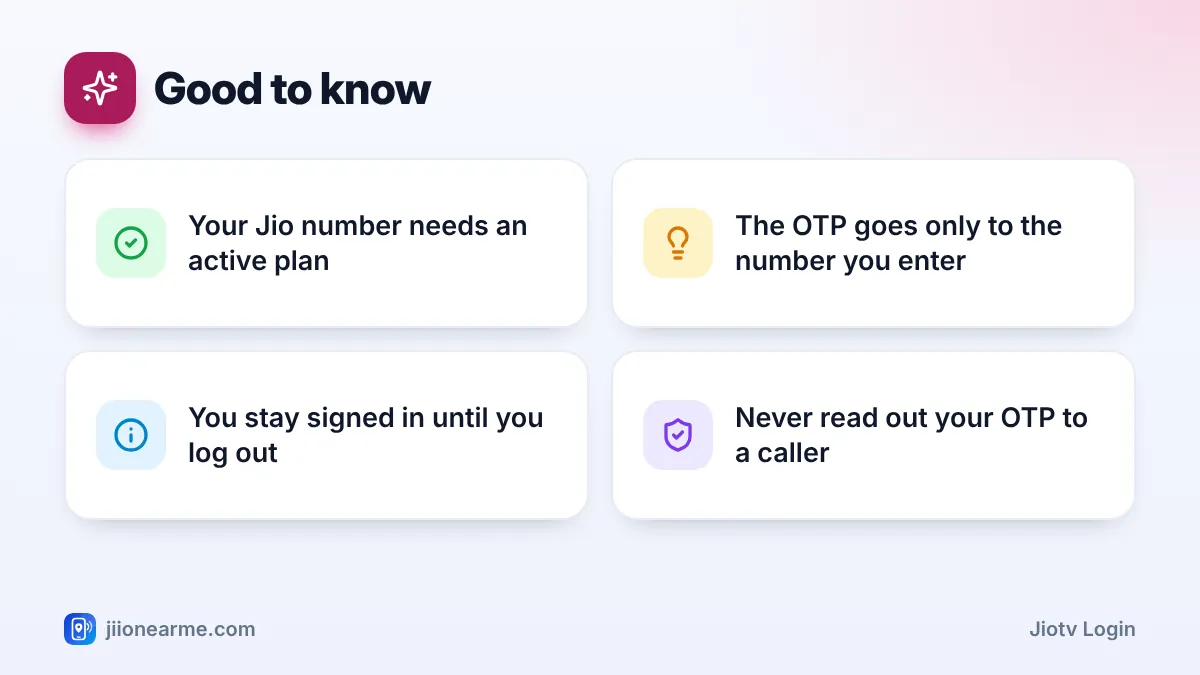
- Your Jio number needs an active plan for channels to play
- Once signed in, the app normally stays logged in until you log out, clear its data or reinstall it
- On a second phone, enter the same Jio number and read the OTP from the phone that holds your Jio SIM
What You Need Before You Sign In
Keep these ready before you start. Most login problems come from one of them being missing.
- An active Jio number. Prepaid and postpaid Jio mobile numbers can be used. Most Jio mobile plans have included JioTV, but open your plan in the MyJio app and check the listed benefits to be sure.
- Access to that number’s SMS. The OTP is sent only to the Jio number you type in, so the SIM must be in a phone you can check.
- An internet connection. Jio mobile data or any Wi-Fi network works for signing in.
- The official app. Download JioTV from the Google Play Store or the Apple App Store and check that the developer listed is Jio.
Search results sometimes show modified JioTV apps, APK files or websites that promise channels without a login. These can carry malware or try to capture your OTP. Install JioTV only from the official app store on your phone.
How to Complete Your JioTV Login Step by Step
Follow these steps on the phone that has your Jio SIM. This is the quickest way, because the OTP arrives on the same device.
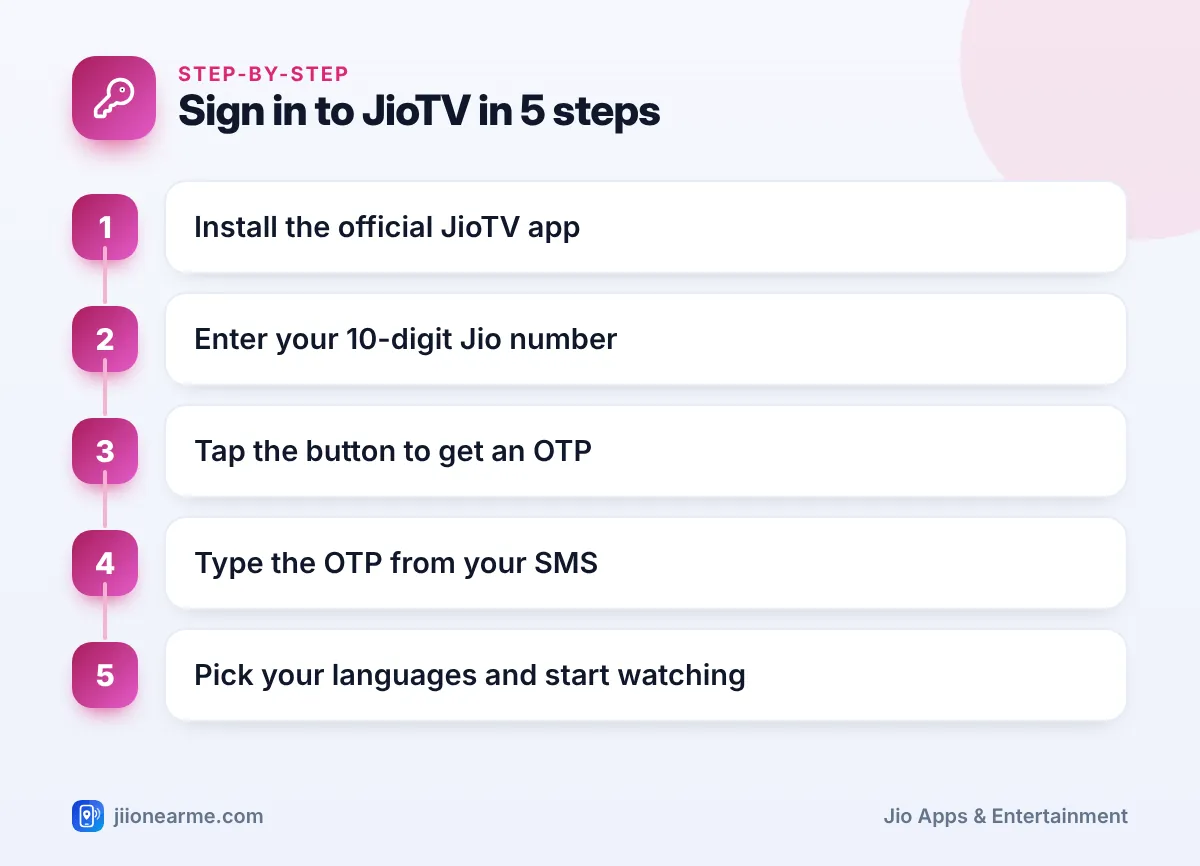
- Open the Play Store or App Store, search for JioTV, install the app and open it.
- If the app asks for permissions such as notifications, allow the ones you are comfortable with. Notifications are useful for show reminders.
- On the sign-in screen, type your 10-digit Jio number. Do not add +91 or a zero in front.
- Tap Generate OTP, Get OTP or a similar button.
- Wait for the SMS. On many Android phones the app reads the code by itself. If not, open your messages and note the OTP.
- Type the OTP and tap Submit, Verify or Login.
- If the app asks you to choose preferred languages, pick them. You can change this later.
After this, the home screen opens with live channels, and you can start watching straight away. On some versions, if you open the app while using Jio mobile data, it may recognise your number and shorten these steps.
Tips for entering the OTP correctly
An OTP is valid only for a few minutes. If you tap the button more than once, use the code from the latest SMS, because older codes stop working.
Staying Logged In to JioTV
Once you sign in, JioTV normally keeps you logged in, so you do not need an OTP every time. A few things will sign you out or ask you to verify again:
- Tapping Logout in the app’s menu or settings.
- Clearing the app’s data or storage from your phone settings.
- Uninstalling and reinstalling the app, or moving to a new phone.
- A security check by the app after a major update or a long period without use.
If your plan expires, you may stay signed in, but channels will not play until you recharge. Check your plan status in the MyJio app or on jio.com and recharge there if needed.
To log out yourself, open the menu (☰) or the profile icon, go to Settings and look for Logout or Sign out. The exact position can differ by app version.
Before you sell, exchange or give away an old phone, log out of JioTV and your other Jio apps, then factory reset the phone. That way nobody else can use your account on that device.
Signing In on a Second Phone or Tablet
You can watch JioTV on another device, such as a phone with a different SIM or a Wi-Fi tablet, using the same Jio number. The key point is that the OTP still arrives on the phone that holds your Jio SIM.
- Install the official JioTV app on the second device.
- Connect it to Wi-Fi or to a hotspot.
- Enter your Jio number on the sign-in screen and request the OTP.
- Pick up your main phone, open the SMS and read the code.
- Type the code into the second device yourself and submit it.
Do this only on devices you own or control. If someone else asks you to send them an OTP so they can watch on their phone, say no. An OTP is meant only for you.
Jio may limit how many devices can stay signed in on one number. If you see a device limit message, log out from a phone you no longer use and try again.
| Situation | What to do |
|---|---|
| Your own phone with the Jio SIM | Enter your number; the OTP is often filled in by itself |
| Second phone without a Jio SIM | Enter the same number and read the OTP on your main phone |
| Tablet on Wi-Fi | Same as a second phone; keep your Jio phone nearby |
| New phone after an upgrade | Install JioTV, sign in again and log out on the old phone |
| Plan has expired | Recharge first, then reopen the app |
Fixing Common JioTV Login Problems
The OTP does not arrive
- Check that you typed the correct 10-digit Jio number.
- Make sure the Jio phone has signal. Turning Airplane mode on and off for a few seconds often helps.
- Wait a minute before tapping Resend OTP. Many requests in a short time can lead to a temporary wait.
- Look in your SMS inbox, including any spam or blocked folder, and free up storage if your phone says it is full.
The app says the number is not eligible
JioTV sign-in works with Jio numbers only, so numbers from other networks will not be accepted. If you are using a Jio number, check in MyJio that the number has an active plan.
The app freezes or keeps closing
Update JioTV from the app store, restart your phone and make sure the date and time are set to automatic. Clearing the app’s cache (not its data) can also help on Android.
Nothing works
Call 199 from your Jio number for help, or 198 to register a complaint. You can also use the Jio toll-free number 1800-889-9999.
Frequently Asked Questions
Can I log in to JioTV without a Jio SIM in my phone?
The device you watch on does not need its own Jio SIM. You still need a Jio number, because the OTP is sent to that number, so keep the phone with your Jio SIM nearby.
Does JioTV need a password?
The usual login uses only your Jio number and an OTP. There is no separate password to remember, which also means you should guard every OTP carefully.
Why does JioTV ask me to log in again?
This happens after you log out, clear app data, reinstall the app or change phones. It can also happen after an app update or a security check. Simply sign in again with your number and a fresh OTP.
Can I watch JioTV on Wi-Fi after signing in?
Yes. After signing in, you can stream over any Wi-Fi, including JioFiber and Jio AirFiber. Your Jio number’s plan must still be active for channels to play.
Is my JioTV login linked to my MyJio login?
Both apps use your Jio number and an OTP, but each keeps its own sign-in. Logging out of one does not always log you out of the other.
Final Thoughts
Signing in to JioTV is simple once you have an active Jio number and its SIM within reach. Enter the number, type the OTP and you are in. Keep the app updated, log out before handing over an old phone and never share an OTP with anyone. If the code still does not arrive after the basic checks, Jio support on 199 can look into it for you.
JIo Near me is an independent guide and is not affiliated with Reliance Jio. App menus, plans and policies can change – always confirm current details in the official MyJio app or on jio.com. We will never ask for your OTP, PIN or passwords.
