Start with a simple restart. It fixes many Jio signal, data and calling glitches and costs you nothing. If the problem returns, a network settings reset is the next step, because it clears the phone’s connection settings without touching your photos or apps. A factory reset erases everything and should be your very last option.
Each of the three works at a different depth. Choosing the right one saves time and protects your data. This comparison explains what each option clears, what you lose and which Jio problems it is most likely to fix.
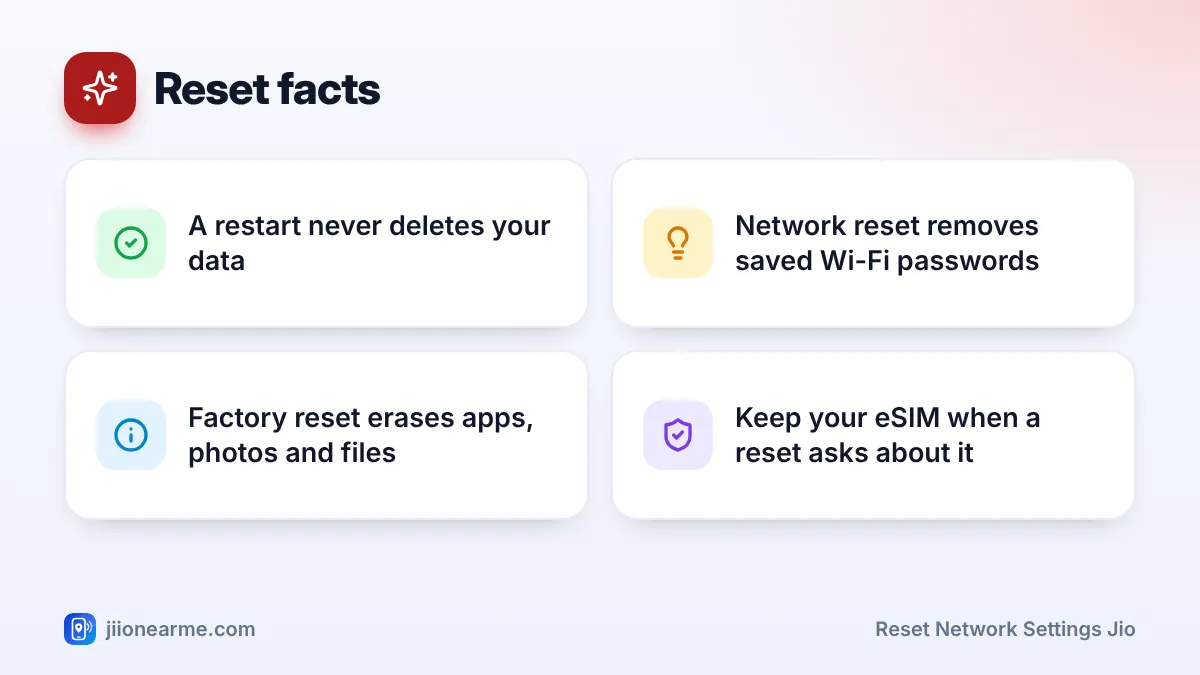
- A restart clears temporary glitches and deletes nothing.
- A network settings reset clears Wi-Fi, Bluetooth, mobile network and VPN settings but keeps personal data.
- A factory reset erases everything on the phone, so back up first.
- Try them in order: restart, network reset, then factory reset only if advised.
- None of them fixes an expired plan, a faulty SIM or a coverage gap.
The Three Options Compared
| What to compare | Restart | Network settings reset | Factory reset |
|---|---|---|---|
| What it clears | Running apps and temporary memory | Wi-Fi, Bluetooth, mobile network, APN and VPN settings | All apps, data, accounts and settings |
| What you lose | Nothing | Saved Wi-Fi passwords, Bluetooth pairings | Everything not backed up |
| Time needed | A minute or two | A few minutes, plus reconnecting Wi-Fi | An hour or more, plus restoring |
| Best for | Stuck signal, sudden glitches | Settings problems after updates or changes | Deep software faults, as advised by a service centre |
| Risk level | None | Low | High |
Option 1: Restart Your Phone
A restart closes all running processes and switches the phone’s radio off and on. It clears temporary glitches that build up over days of use, such as a stuck network connection or a modem that has stopped responding.
Try it first for:
- No service or weak signal that appeared suddenly
- Data that shows the 4G or 5G icon but loads nothing
- Calls failing after travel, a flight or time in a basement
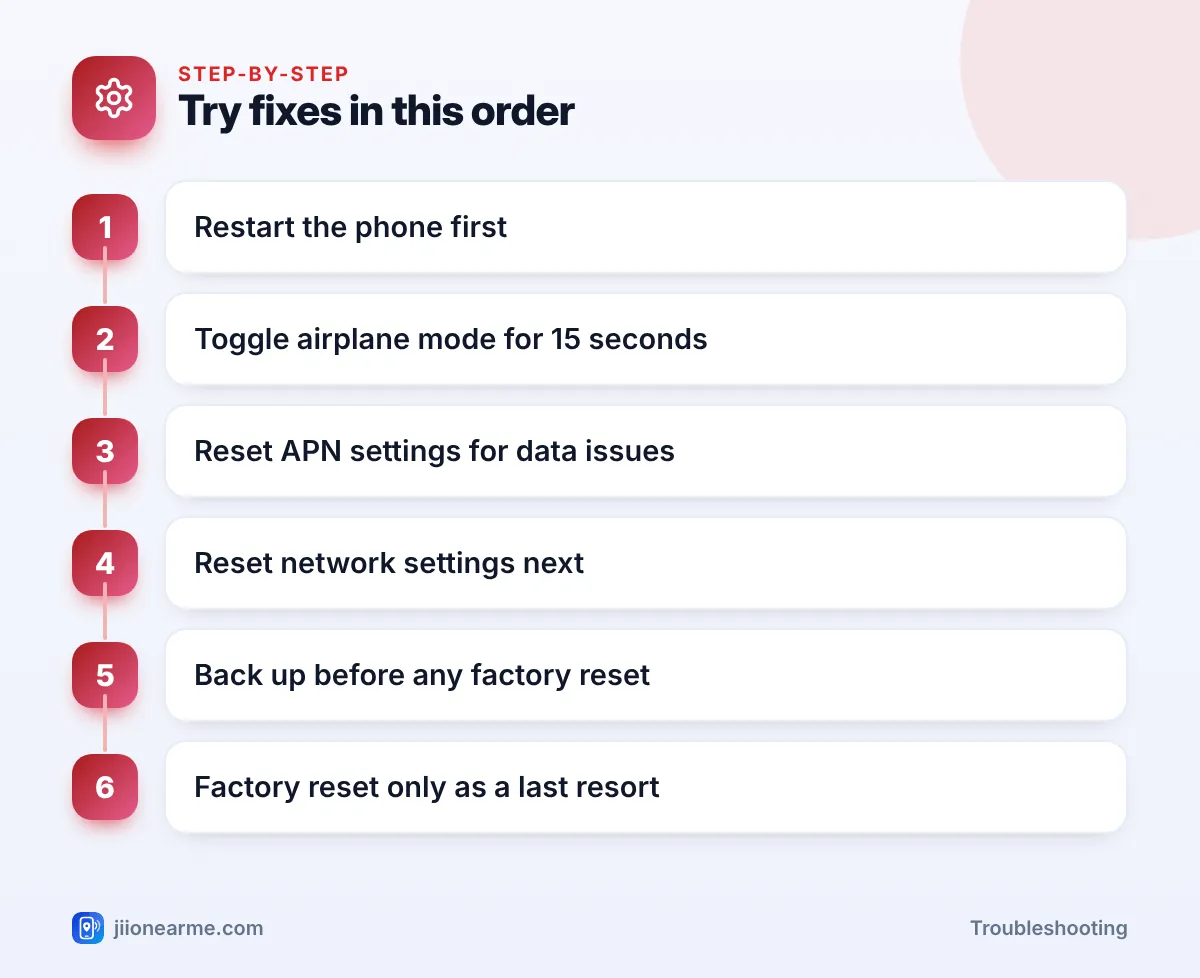
Before restarting, toggle Airplane mode on for about 15 seconds and off again. If that does not work, switch the phone off fully, wait 30 seconds and switch it on. Nothing is deleted.
Option 2: How to Reset Network Settings for Jio Problems
A network settings reset puts all connection settings back to factory defaults. It is useful when a setting has been changed, corrupted or mixed up, often after a software update, a new SIM or experimenting with options.
What it clears
- Saved Wi-Fi networks and passwords
- Bluetooth pairings with earbuds, watches and car systems
- Mobile network settings, including Preferred network type and APNs
- VPN settings, and on some phones, other network preferences
Your photos, messages, apps, contacts and accounts stay as they are.
Steps on Android and iPhone
- Note down your home Wi-Fi password and any custom APN or VPN details.
- On most Android phones, open Settings > System > Reset options, then choose the option to reset Wi-Fi, mobile and Bluetooth (some phones split this into separate mobile network and Wi-Fi resets).
- On Samsung phones, open Settings > General management > Reset and choose the network settings reset.
- On iPhone, open Settings > General > Transfer or Reset iPhone > Reset > Reset Network Settings.
- Confirm with your screen lock PIN, then let the phone restart.
- Reconnect to Wi-Fi, pair Bluetooth devices again and check that VoLTE and your Preferred network type are set correctly.
Menu labels differ by brand and software version. If you cannot find the option, search for “reset” in the Settings search bar.
Some reset screens offer to erase downloaded SIMs or eSIMs. Leave that option unticked. If you delete a Jio eSIM, you will need to get a new one from Jio before your number works on that phone again.
Option 3: Factory Reset
A factory reset wipes the phone back to the way it left the factory. All apps, photos, messages, accounts and settings are erased. It can fix deep software corruption, but it rarely fixes Jio network problems that a network settings reset could not.
Consider it only when:
- A service centre or the phone maker advises it
- The phone has many problems beyond the network, such as crashes and freezes
- You are giving away or selling the phone
Before you do it:
- Back up photos, contacts, chats and files to your cloud account or a computer.
- Make sure you know your Google account or Apple Account (Apple ID) password. After a reset, the phone may ask for it before you can use it again.
- Charge the phone fully.
- If you use a Jio eSIM, choose to keep it when the reset screen asks.
If a network problem began right after a software update, a factory reset may not help, because the same software returns afterwards. Check for a follow-up update first, and report the issue to the phone maker.
Which Option for Which Jio Problem?
- Signal dropped suddenly: restart, then reset network settings if it keeps happening.
- Data not working with full signal: restart, reset the APN to default, then reset network settings.
- Calls failing but data works: check that VoLTE is on, restart, then reset network settings.
- Problems after an update: restart, install any patch, then reset network settings.
- Problems on every SIM and many apps: visit a service centre before any factory reset.
None of these resets can fix an expired plan, a damaged SIM, a blocked number or a coverage gap. Check your validity in the MyJio app, test your SIM in another phone, and contact Jio if those point to the problem. Call 198 (complaints) or 199 (queries) from a Jio number, or the toll-free number 1800-889-9999.
Frequently Asked Questions
Does resetting network settings delete my Jio number or SIM?
No. A physical SIM is not affected. On eSIM phones, the reset does not remove the eSIM unless you choose to erase it, so leave that option unticked.
Will I lose my WhatsApp chats after a network reset?
No. A network settings reset does not touch apps or their data. Only a factory reset erases them, so back up before that.
How often can I restart my phone?
As often as you need. Restarting is safe and does not wear out the phone.
Do I need to set up Jio APN after a network reset?
Usually not. Phones set the Jio APN automatically after a reset. If data does not work, open Access Point Names and select the Jio APN, usually named jionet.
Is a factory reset needed to fix Jio 5G?
Very rarely. 5G problems usually come from coverage, phone support, software or network mode. Check those first.
Summary
Think of the three options as steps on a ladder. A restart is free and safe, so always start there. A network settings reset fixes most setting-related Jio problems while keeping your data. Keep the factory reset for the rare cases where a service centre recommends it, and back up everything first.
JIo Near me is an independent guide and is not affiliated with Reliance Jio. App menus, plans and policies can change – always confirm current details in the official MyJio app or on jio.com. We will never ask for your OTP, PIN or passwords.