The quickest way to report a Jio network problem in your area is to call 198 from your Jio number and register a complaint, or to raise it through the support section of the MyJio app. Either way, you should get a complaint or reference number that you can use to follow up.
What you say in that complaint matters as much as where you file it. “Network is bad” is hard for anyone to act on. An exact location, the type of problem and the times it happens give Jio’s team something they can actually check.
- Call 198 (complaints) from your Jio number, or use support in the MyJio app or on jio.com.
- First rule out your own phone, plan and settings, so the report is clearly about the network.
- Share the exact address, landmark and pincode, plus the type of problem and when it happens.
- Note down your complaint or reference number and use it every time you follow up.
- If the issue stays unresolved, use the escalation contacts Jio publishes on its website.
Check It Is a Network Problem, Not Your Phone
Spend five minutes ruling out problems on your side first. It makes your complaint stronger.
- Check your plan. Open the MyJio app and confirm your plan is active. An expired plan can look like a network fault.
- Restart your phone. Or turn Airplane mode on for 15 seconds and off again, so the phone searches for the network afresh.
- Check the network mode. In your SIM settings, the preferred network type should include 4G or 5G. Jio does not run a 2G or 3G network, so a 3G-only or 2G-only setting means no Jio service.
- Compare with others. Ask family members or neighbours with Jio SIMs whether they face the same problem at the same spot.
- Test somewhere else. If your phone works well a few streets away, the problem is likely local to that location.
If only your phone struggles while other Jio phones nearby work fine, the cause may be your handset or SIM. Mention this to support, as they may suggest a SIM check or replacement instead.
Collect the Details That Make a Report Useful
Network teams need to know where, what and when. Note these points before you call or start a chat:
- Exact location: house or flat number, street, nearby landmark, area, city and pincode.
- Type of problem: no signal, calls dropping, poor voice quality, slow data, or 5G not showing.
- Indoor or outdoor: whether it happens only inside, only on a certain floor, or outside too.
- Timing: all day, only in the evening, or since a particular date.
- Signal reading: the signal strength in dBm from your phone’s SIM status screen, if you can find it. On many Android phones it’s under Settings > About phone > SIM status.
- Speed test results: screenshots from a speed test app, ideally taken at different times of day.
- Phone model: useful if the problem is with calls or 5G.
Keep a simple note on your phone for a few days. Each time a call drops or data stops, write down the time, the place and what happened. A clear pattern, such as “every evening on the third floor”, is far more useful than a general complaint.
How to Report a Jio Network Problem Through Official Channels
Call 198 from your Jio number
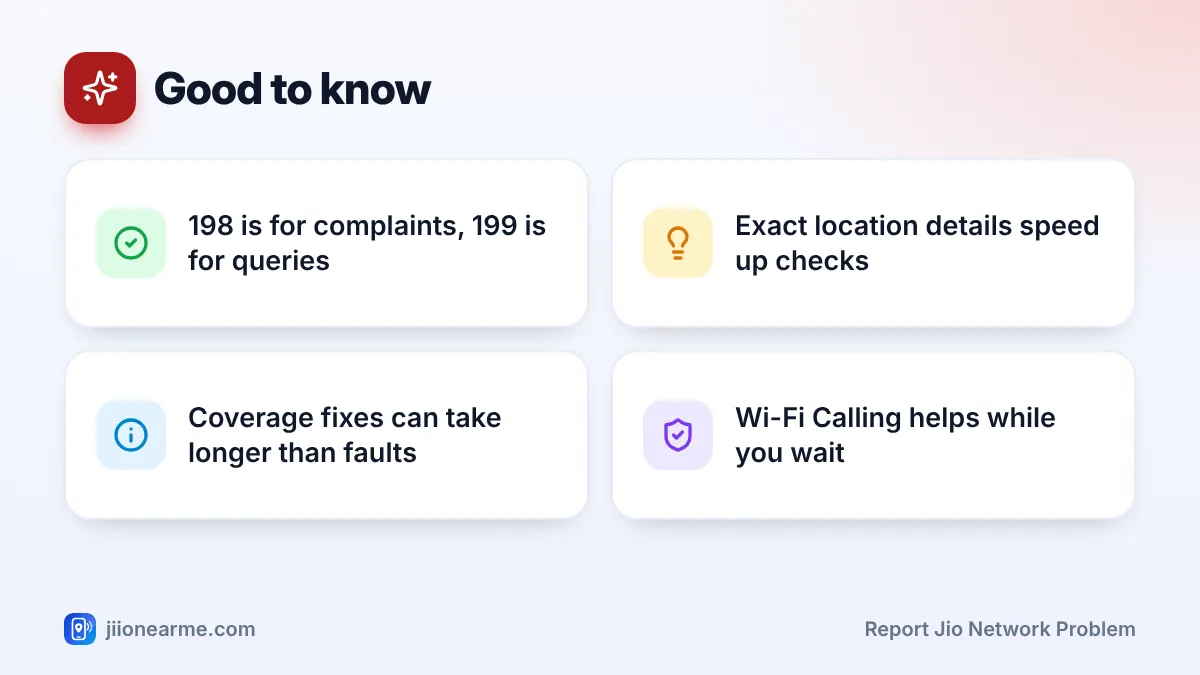
198 is Jio’s complaint number. Call it from the affected Jio number, pick the option for network issues (the menu can change), and explain the problem with the details you collected. Ask for a complaint or service request number before the call ends.
If the signal at home is too weak to call, step outside to a spot where it works. If you have home broadband and your phone supports Wi-Fi Calling, you can also call over Wi-Fi.
Use the MyJio app
Open the MyJio app and look for Help, Support or a chat option. Depending on your app version, it may be in the menu (☰) or under your profile. Choose the network or connectivity category and describe the issue with your full address.
Chat works well because you can type out the location, signal readings and speed test results, and you keep a written record.
Use jio.com or call the toll-free line
The support section on jio.com lists the current ways to contact Jio. For general questions, such as whether 5G is expected in your area, call 199 from your Jio number. From any other number, you can use the toll-free line 1800-889-9999.

What Happens After You Report
Once your complaint is registered, the support team may do one or more of the following:
- Check whether there is a known fault or maintenance work near you.
- Pass your report to the local network team for a closer look.
- Call you back to ask for more details or to check whether things have improved.
- Suggest a fix on your side, such as a SIM replacement or a settings change.
Some faults, like equipment that is temporarily down, are fixed fairly quickly. Others, like weak indoor coverage in a newly built area, may need new equipment and can take much longer. Support staff may not be able to give an exact date in such cases.
Your complaint or service request number is the key to every follow-up. Write it down with the date. When you call again, share this number first so the agent can see the earlier history.
Follow Up and Escalate if Needed
If the problem continues beyond the time support gave you, call 198 again with your reference number. Explain clearly what has or hasn’t changed.
If you’re still not satisfied, telecom operators publish contact details for a nodal officer and an appellate authority, who handle escalated complaints. Look for these in the support or contact section of jio.com. Keep all your earlier complaint numbers ready, because escalation usually needs them.
| Channel | Best for | What to keep |
|---|---|---|
| 198 from your Jio number | Registering a network complaint | Complaint number |
| MyJio app support or chat | Sharing written details and screenshots | Chat history |
| 199 or 1800-889-9999 | General queries | Date and time of the call |
| Nodal officer or appellate authority | Complaints that stay unresolved | All earlier complaint numbers |
Ways to Stay Connected While You Wait
A fix may take time, so these steps can help in the meantime:
- Turn on Wi-Fi Calling if you have broadband at home. Calls then go over Wi-Fi even when mobile signal is weak.
- Find your best spot. A window or a higher floor usually gets stronger signal than an inner room.
- Try a 4G mode if your phone keeps jumping between 4G and 5G at the edge of coverage. Switch back to 5G later.
- Consider home broadband. If home internet is your main worry, check JioFiber or Jio AirFiber availability in the MyJio app.
Avoid buying a mobile signal booster or repeater online. In India, using these without the operator’s involvement is generally not permitted, and a badly installed one can disturb the network for others.
Genuine Jio support will never ask for your OTP or ask you to dial a code to fix your network. Such codes can forward your calls to a fraudster. Report suspicious calls through Chakshu on the Sanchar Saathi portal.
Frequently Asked Questions
Which number should I call to report a Jio network problem?
Call 198 from your Jio number to register a complaint. For general queries, call 199 from your Jio number, or 1800-889-9999 from any number.
Can I report a problem at my office or another address?
Yes. Give the exact address, landmark and pincode of the place where the problem happens, not just your billing or home address.
How long does Jio take to fix a network problem?
It depends on the cause. A temporary fault may be fixed quickly, while weak coverage that needs new equipment can take much longer.
Should I still report if my neighbours have already complained?
Yes. Several reports from the same place help show how many people are affected. Share your own details and keep your own reference number.
Does the MyJio app show network complaints I've raised?
Many app versions let you see the status of service requests in the support section. If you can’t find it, call 198 with your reference number.
Final Thoughts
A good network complaint is specific. Check your own phone and plan first, then report through 198 or the MyJio app with the exact location, the type of problem and when it happens. Keep your reference number, follow up if nothing changes, and use Wi-Fi Calling to stay reachable while the issue is being looked at.
JIo Near me is an independent guide and is not affiliated with Reliance Jio. App menus, plans and policies can change – always confirm current details in the official MyJio app or on jio.com. We will never ask for your OTP, PIN or passwords.