If you own an iPhone XS, XR or any newer model, you can run your Jio number on an eSIM instead of a plastic card. Setup happens in two parts. First, Jio prepares an eSIM for your iPhone. Then you install it from Settings, give the line a label and choose which line handles calls and data.
The whole job takes a few minutes once Jio’s side is ready. This guide covers the iPhone-specific screens, the choices you will be asked to make, and the quick checks that confirm your eSIM is working properly.
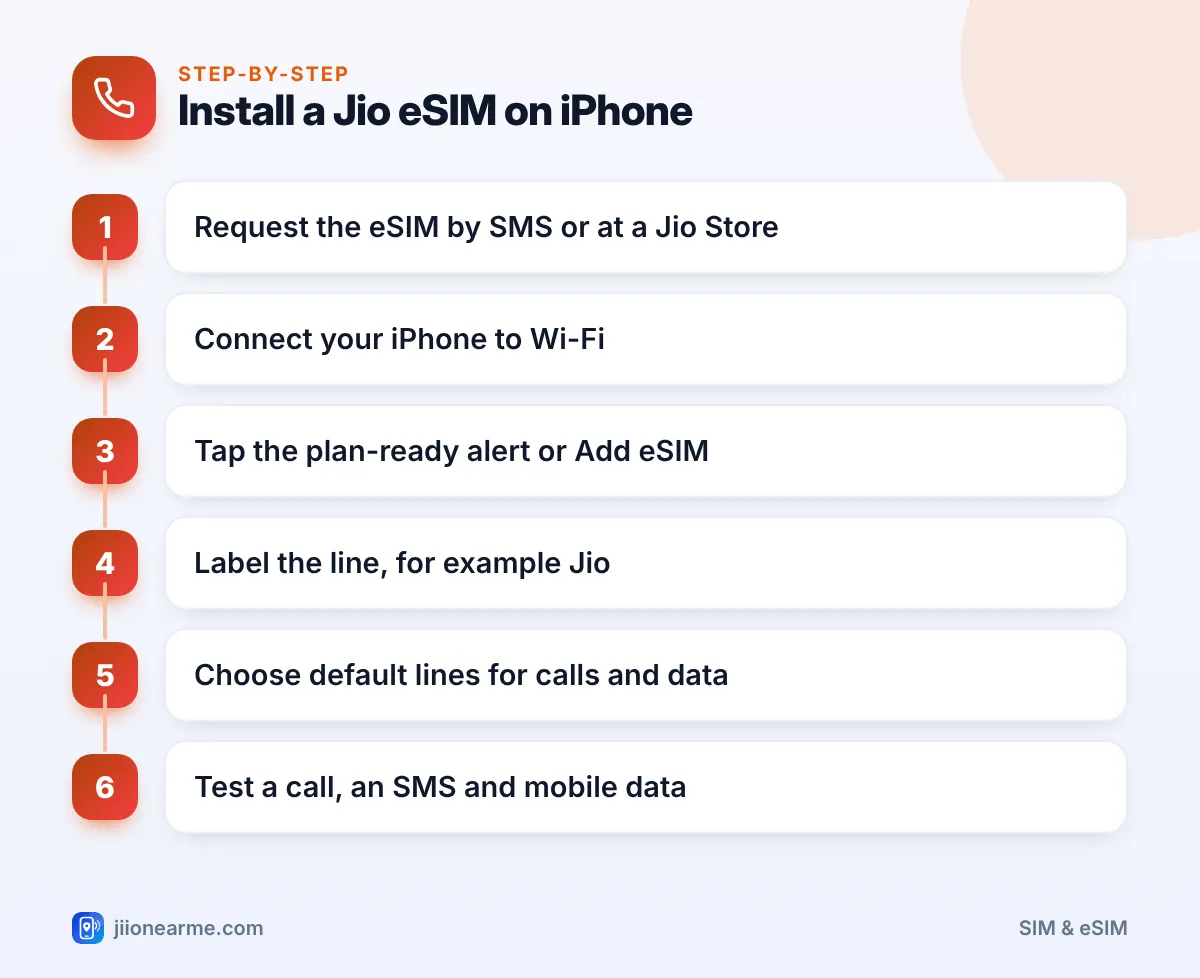
- Get the eSIM from Jio first, either by the SMS method or at a Jio Store.
- Install it from the plan-ready notification or from Add eSIM in Settings.
- Label the line clearly and choose your default line for calls, iMessage and mobile data.
- Check that VoLTE or 5G is on, then test a call, an SMS and mobile data.
- If something fails, turn the line off and on rather than deleting the eSIM.
Before You Begin: Check Your iPhone and Get the eSIM Ready
Make sure these basics are in place:
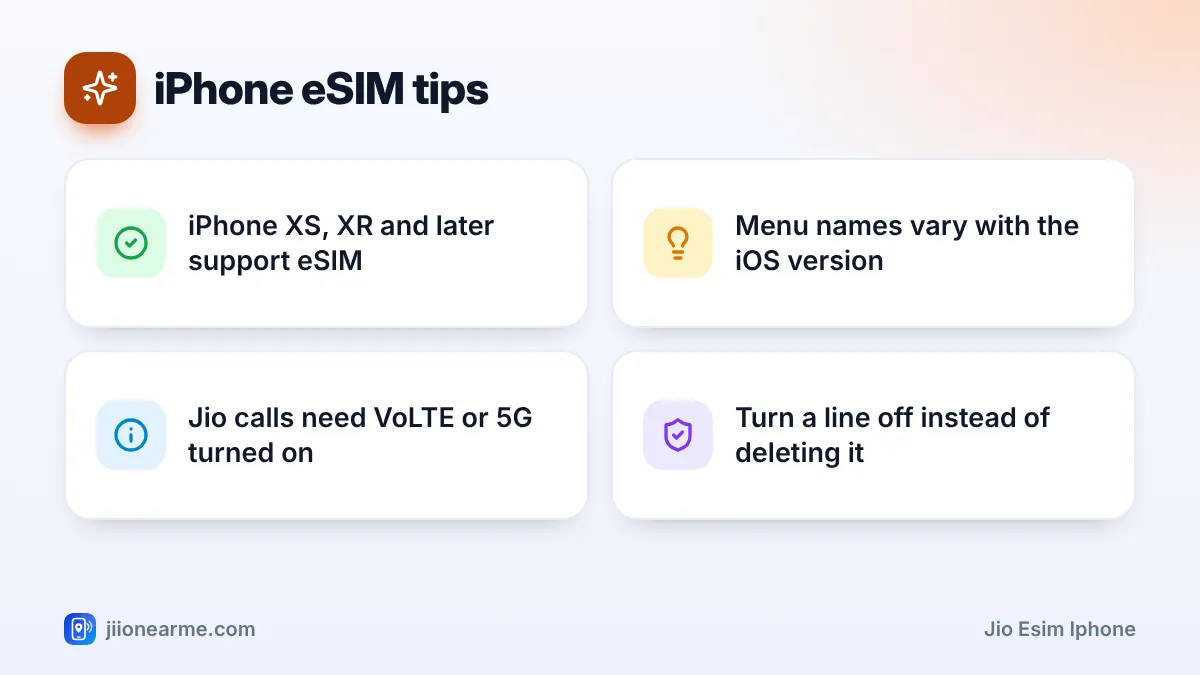
- A supported iPhone. The iPhone XS, XS Max, XR, SE (2nd generation) and all later models support eSIM. Models made for mainland China usually don’t.
- The latest iOS. Go to Settings > General > Software Update and install any pending update.
- Wi-Fi. The eSIM profile downloads over the internet, and your old SIM may stop working during the switch.
- Your EID and IMEI. Find both under Settings > General > About.
Next, ask Jio to issue the eSIM. You have two choices. You can send the SMS request from your Jio number using the format published on jio.com, which needs your EID and IMEI. Or you can visit a Jio Store with your original ID proof, where staff can verify you and give you a QR code. Either way, wait until Jio confirms the SIM change before you try to install.
Depending on your iOS version and language settings, the mobile menu may be called Mobile Service, Mobile Data or Cellular. The steps below use Mobile Service. Look for the closest match on your iPhone.
How to Install a Jio eSIM on iPhone
Option 1: From the notification
- Once Jio has activated the eSIM, your iPhone may show a notification such as Jio Cellular Plan Ready to Be Installed. A similar banner can also appear at the top of Settings.
- Tap the notification or banner.
- Tap Continue and follow the prompts.
- Wait for the activation screen to finish. Don’t lock the phone or leave Wi-Fi while it works.
Option 2: From Settings with a QR code
- Open Settings > Mobile Service.
- Tap Add eSIM.
- Choose Use QR Code and point the camera at the QR code from the Jio Store.
- Confirm when the iPhone shows the Jio plan, then follow the prompts.
If no plan or QR option appears, check that Jio has completed the SIM change and that you are on Wi-Fi. Restart the iPhone and look again.
Labelling Lines and Choosing the Default Line
Right after installation, iOS asks you to set up your lines. These choices matter most if you also keep another SIM in the phone.
- Label the line. Pick a label such as Primary or Personal, or choose a custom label and type “Jio”. Clear labels stop you from mixing up numbers later.
- Choose the default line. This is the number used for calls and SMS to people who are not saved in your contacts.
- Pick a line for iMessage and FaceTime. Most people use their main number.
- Choose the mobile data line. Select the line whose plan you want to use for internet.
You can change any of these later. Open Settings > Mobile Service, then tap Default Voice Line, Mobile Data or the Jio line itself.
| Setting | Where to change it | Suggested choice |
|---|---|---|
| Line label | Mobile Service > Jio line > Line label | A clear name like “Jio” |
| Default voice line | Mobile Service > Default Voice Line | Your main number |
| Mobile data line | Mobile Service > Mobile Data | The line with your data plan |
| Data switching | Mobile Data > Allow Mobile Data Switching | Off, unless you need it |
If you turn on Allow Mobile Data Switching, the iPhone can use the other line’s data during calls. Leave it off if you don’t want the other plan’s data used.
Turning On 5G, VoLTE and Wi-Fi Calling
Jio calls need VoLTE or 5G, so check the voice settings for your new line.
- Open Settings > Mobile Service and tap your Jio line.
- Tap Voice & Data.
- Choose a 5G option on a 5G-capable iPhone, or select 4G and make sure VoLTE is on.
- Go back and turn on Wi-Fi Calling if you want calls to work over Wi-Fi in weak signal areas.
Jio True 5G needs a supported iPhone with an updated iOS and coverage in your area. Labels on this screen can differ slightly between iOS versions.
Confirm That Calls, SMS and Data Work
Run these quick tests before you rely on the eSIM:
- Call a family member and check that both of you can hear clearly.
- Send an SMS to another phone and ask them to reply.
- Turn off Wi-Fi and open a website to test mobile data.
- Sign in to MyJio with your number to confirm your plan and validity show correctly.
If all four work, your Jio eSIM is ready. Take out the old plastic SIM, keep it aside for a few days, and then cut it up before throwing it away.
Save the line label you chose as part of your contact card. Your iPhone also remembers which line you last used with each contact, which helps if you carry two numbers.
Fixing Common Jio eSIM iPhone Problems
“No Service” on the new line
Wait a few minutes and restart the iPhone. Check that the line is switched on under Settings > Mobile Service. Set Network Selection to automatic for the Jio line.
The eSIM won’t install
Make sure you are on a stable Wi-Fi network and that iOS is updated. If the error continues, contact Jio on the toll-free number 1800-889-9999 from another phone.
Calls fail but data works
Turn on VoLTE or a 5G option under Voice & Data, then restart. Jio calls do not work without it.
Deleting the eSIM removes the profile, and you will need Jio to issue a new one. Turn the line off and on instead, and contact Jio support if the problem continues.
Frequently Asked Questions
Can I install the same Jio eSIM on two iPhones?
No. An eSIM profile is tied to one device. To use your number on another iPhone, ask Jio for a new eSIM for that phone.
Does a Jio eSIM work on an iPhone bought abroad?
It can, if the model supports eSIM, is not locked to a foreign operator and appears on Jio’s eSIM list. Check these points before requesting the eSIM.
Can I keep a physical SIM and a Jio eSIM together on my iPhone?
Yes. Most eSIM iPhones support one physical SIM and one eSIM, and many newer models can hold two active eSIMs.
Will my WhatsApp and contacts change after moving to eSIM?
No. Your number stays the same, so WhatsApp keeps working. Contacts saved to iCloud or your phone are not affected.
Summary
Setting up a Jio eSIM on iPhone is mostly about getting Jio’s side done first. Once the eSIM is ready, install it from the notification or Add eSIM, label the line, and choose your default lines.
Finish with the VoLTE check and the three quick tests. If anything breaks, switch the line off and on, and contact Jio support before deleting anything.
JIo Near me is an independent guide and is not affiliated with Reliance Jio. App menus, plans and policies can change – always confirm current details in the official MyJio app or on jio.com. We will never ask for your OTP, PIN or passwords.
