Yes, a JioBharat phone is a sensible choice for many senior citizens, especially those who mainly make and receive calls. The physical keypad, simple menus and long gaps between charges suit people who find touchscreens confusing. It is a weaker choice for elders who want WhatsApp video calls with grandchildren.
The right answer depends on how your parent or grandparent actually uses a phone. This article sets out what JioBharat does well, where it falls short, and how to set it up so an elderly user feels confident from day one.
- JioBharat suits seniors who mainly need calls, SMS and a long-lasting battery.
- It does not offer WhatsApp or video calling, so families who rely on video chats may need a smartphone.
- The phone works only with a Jio SIM and uses its own JioBharat plans.
- A few minutes of setup, such as large ringtone volume and speed dial, makes daily use much easier.
Who a JioBharat Phone Suits Best
A JioBharat phone tends to work well for an elder who:
- Mainly calls a small circle of family, friends and doctors.
- Finds touchscreens, swipes and pop-ups confusing or stressful.
- Often forgets to charge the phone every night.
- Wants a light, sturdy phone that is easy to grip and dial.
- Needs a simple second phone kept by the bed or in a bag for emergencies.
If your parent already uses a smartphone comfortably, switching to a keypad phone may feel like a step back. In that case, keep the smartphone and simplify it instead.
Strengths of a JioBharat Phone for Senior Citizens
A physical keypad
Real buttons are easier for many elders than a touchscreen. They can feel each key, dial by habit and answer calls with a single press of the green key. There are no accidental swipes or hidden menus.
Simple menus in Indian languages
JioBharat phones support many Indian languages for menus and typing. An elder can use the phone in the language they read most comfortably, which reduces confusion.
Battery that lasts between charges
Keypad phones use far less power than smartphones. A JioBharat phone usually lasts much longer on a single charge, though the exact time depends on the model and how much it is used. This matters for seniors who forget to plug in their phone.
Clear 4G calling
JioBharat phones use Jio’s 4G network with VoLTE calling, so voice quality is generally clear where the signal is good. That is the main thing most elderly users care about.
Low running cost
JioBharat numbers have their own plans, which are designed around calling and light data use. Check the current options in the JioBharat section of the MyJio app or on jio.com before choosing.
Family safety features on newer models
Jio has announced safety features for newer JioBharat phones, such as location updates for family members and control over who can call the user. These differ by model, so ask the store or check the box to confirm what your chosen phone includes.
Limitations to Consider
No phone suits everyone. Be honest about these trade-offs before buying:
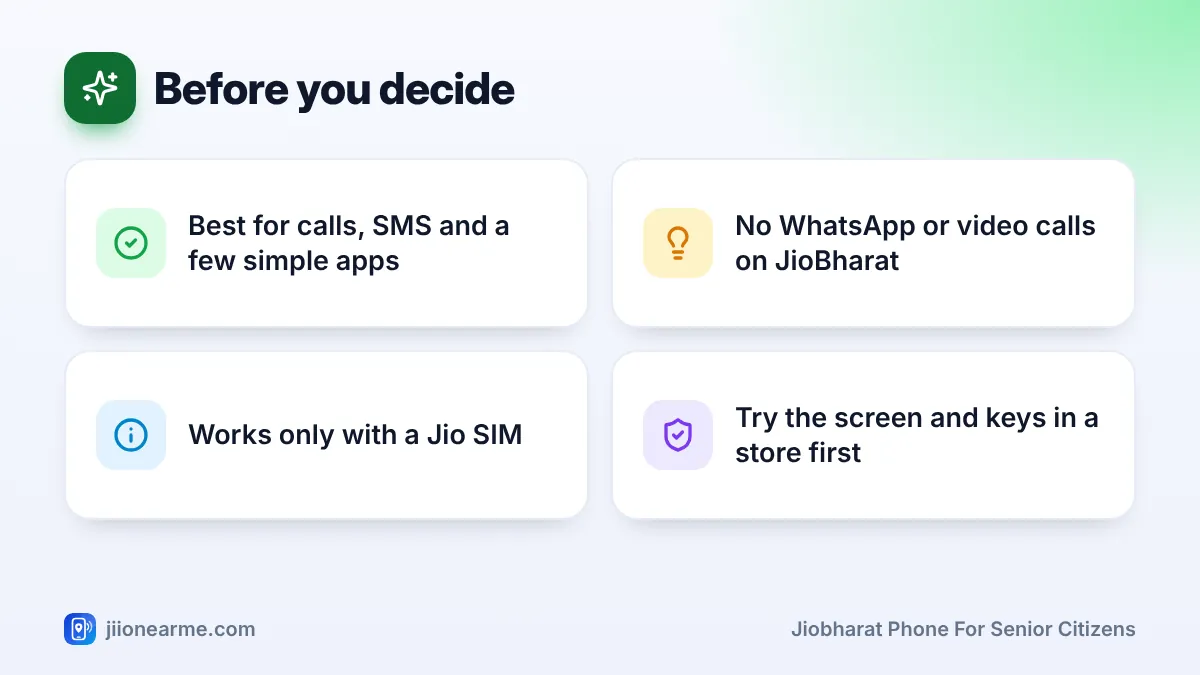
- No WhatsApp or video calls: Elders who love seeing grandchildren on video will miss this.
- Small screen and text: The display is small. Seniors with weak eyesight may struggle to read SMS or caller names.
- Jio SIM only: The phone does not work with another operator’s SIM.
- Limited apps: You get the preloaded apps, such as JioPay and entertainment apps on many models, not a full app store.
- Basic camera: It can take simple photos, but not the clear pictures a smartphone takes.
- Slow typing: Typing messages on a keypad takes patience.
Here is a quick comparison to help you decide:
| What the elder needs | JioBharat phone | Simple smartphone |
|---|---|---|
| Easy calling with physical keys | Strong fit | Possible with a simplified home screen |
| WhatsApp and video calls | Not available | Available |
| Long battery life | Usually very good | Usually needs daily charging |
| Reading large text | Limited by small screen | Larger screen and adjustable text size |
| Learning curve | Very low | Moderate |
How to Set Up a JioBharat Phone for an Elderly User
Spend ten minutes on these settings before you hand the phone over. Menu names can vary slightly by model.
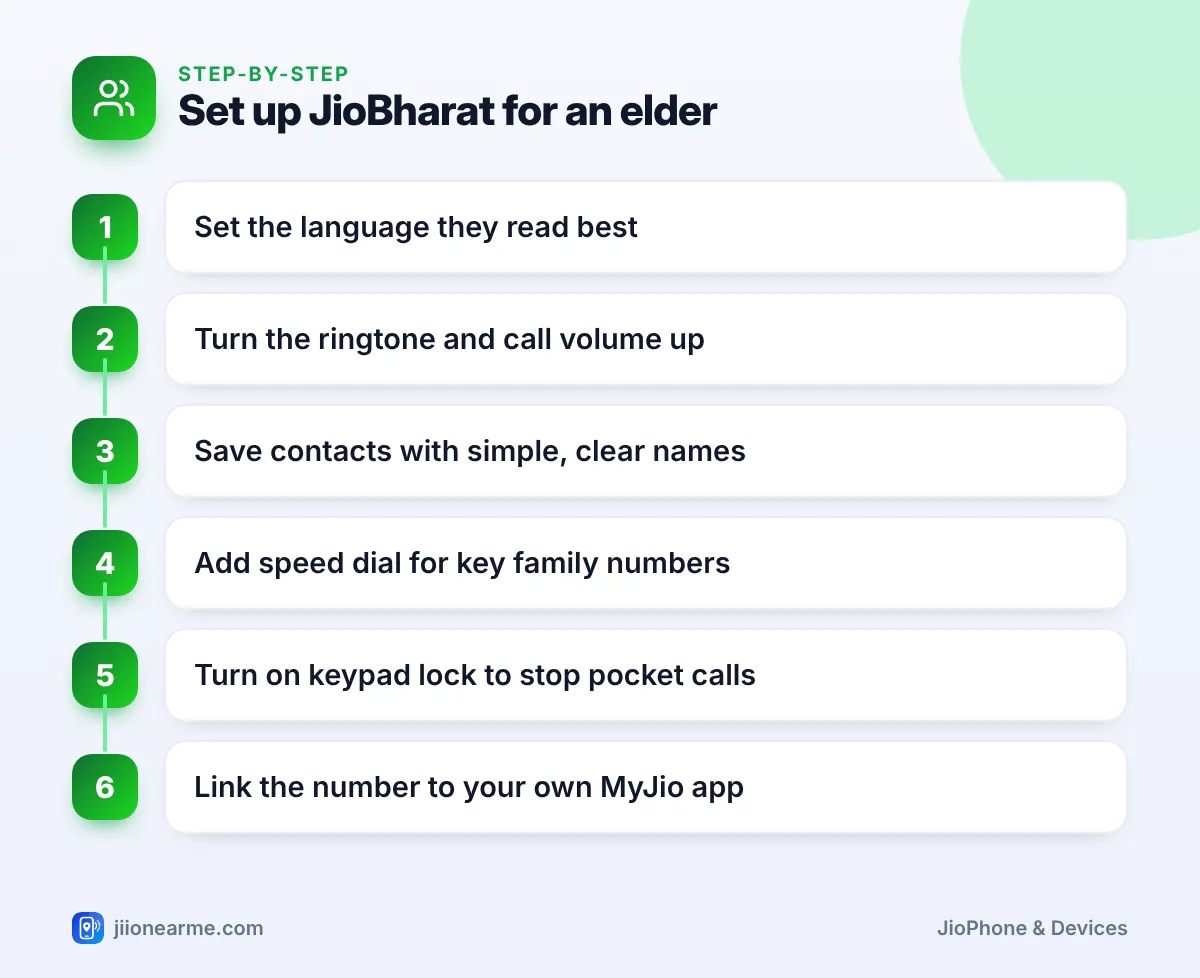
- Set the language. Open Settings and look for Language. Choose the one your parent reads best.
- Raise the ringtone and call volume. Use the volume keys during a test call, and set the ringtone volume to high in the sound or profile settings.
- Save contacts with simple names. Use names like “Beta Amit” or “Doctor Mehta” rather than full formal names.
- Add speed dial. If the model offers it, assign key family numbers to number keys so a long press makes the call.
- Turn on keypad lock. This prevents accidental calls from a pocket or handbag.
- Link the number to your MyJio app. This lets you check the plan and recharge it from your own phone.
Write the most important numbers and two or three simple instructions on a card, such as “Green key to answer, red key to end”. Keep it next to the phone. It helps on days when memory or confidence is low.
Also show your parent how to charge the phone and where the charger lives. Practise a few calls together until they feel relaxed.
Keeping an Elderly Parent Safe from Scam Calls
Seniors are frequent targets of fraud calls that pretend to be from a bank, a telecom company or the police. A simple phone does not protect them from this, so a short conversation matters.
Teach these rules:
- Never share an OTP, PIN, card number or Aadhaar details on a call.
- Jio staff will never ask for an OTP.
- If a caller creates panic or urgency, hang up and call a family member.
If an elder receives a suspicious call or SMS, report it through Chakshu on the Sanchar Saathi portal. If money has been lost, call the national cybercrime helpline 1930 straight away. To reduce promotional calls, register the number for DND by calling or sending an SMS to 1909.
Frequently Asked Questions
Can my parent use WhatsApp on a JioBharat phone?
No. JioBharat phones do not offer WhatsApp, so video calls and WhatsApp messages are not possible. If these matter, choose a smartphone such as JioPhone Next.
Is the text on a JioBharat phone large enough for seniors?
The screen is small, so text is limited in size. Ask the store to let your parent read a few menu items and an SMS before buying.
Can I recharge my parent's JioBharat number from my phone?
Yes. Use the MyJio app, jio.com or a UPI app on your phone, enter their number and choose a plan from the JioBharat section.
Will their old Jio SIM work in a JioBharat phone?
Yes, an active Jio SIM can be moved into a JioBharat phone. A SIM from another operator will not work unless the number is first ported to Jio.
Is JioBharat good as an emergency or backup phone?
It works well as a backup because it is simple and the battery lasts long. Keep it charged and recharged so it is ready when needed.
Wrapping Up
For an elder who mostly wants to call family and does not need video chats, a JioBharat phone is simple, sturdy and easy to live with. If WhatsApp or larger text matters more, a simple smartphone is the better pick. Whichever you choose, spend time on setup and safety, because that is what helps an elderly user feel confident.
JIo Near me is an independent guide and is not affiliated with Reliance Jio. App menus, plans and policies can change – always confirm current details in the official MyJio app or on jio.com. We will never ask for your OTP, PIN or passwords.