Your Jio number can stop receiving calls even when the phone itself seems fine. The usual reasons are a blocked number, call forwarding, Do Not Disturb, or your phone losing its registration on Jio’s network. If callers hear “not reachable” while your phone is right beside you, check these before you suspect the SIM.
The quickest way to narrow it down is to find out what the caller experiences. That one detail points to the likely cause, and the fixes below are grouped to match.
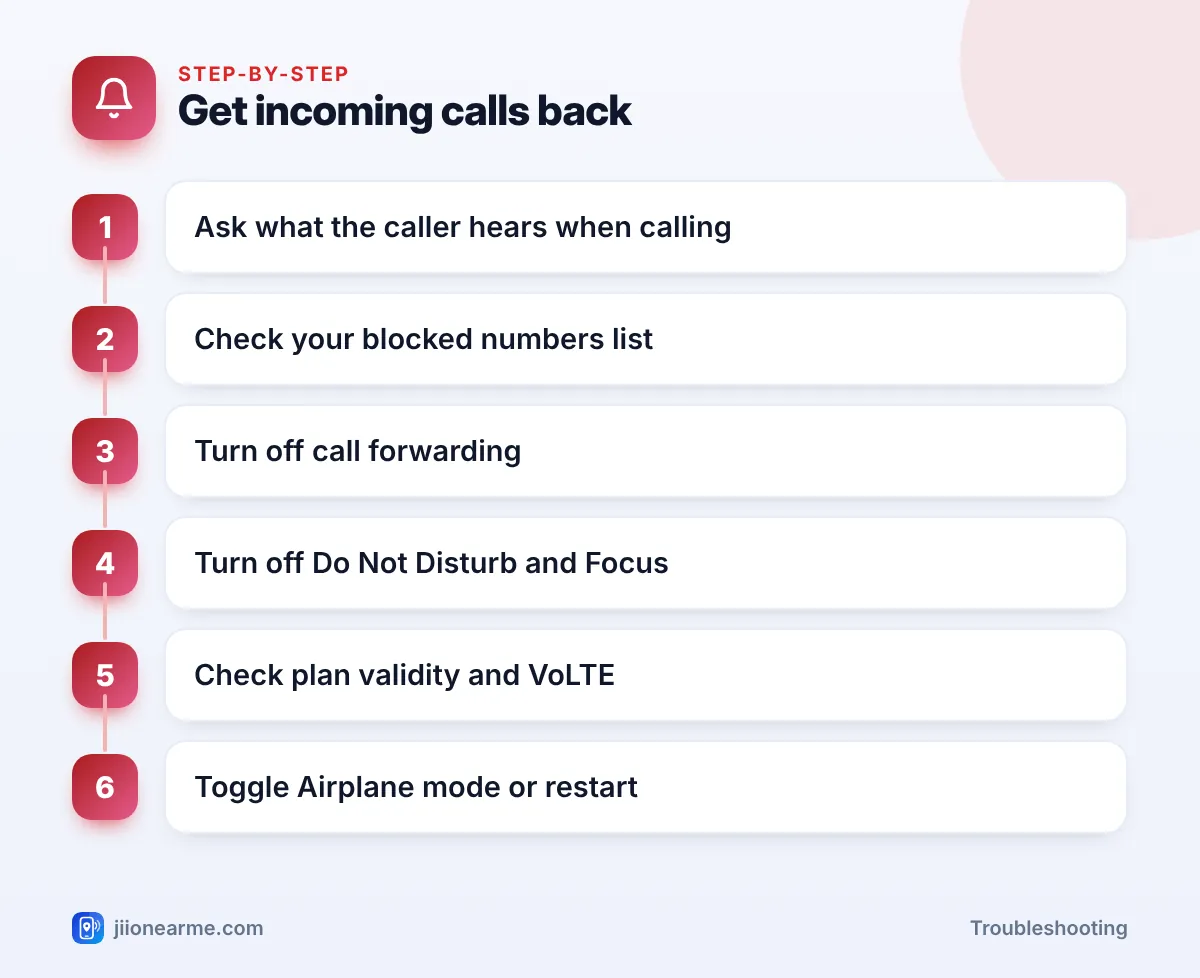
- Ask the caller what they hear: ringing, busy tone, “not reachable” or another person answering.
- Check your phone’s blocked numbers list and any spam-blocking apps.
- Make sure call forwarding is off, especially “forward when unreachable”.
- Do Not Disturb or Focus can silence calls so they only show as missed.
- If nothing reaches you at all, check plan validity, VoLTE and network registration.
First, Find Out What the Caller Hears
Ask a friend or family member to call you and tell you exactly what happens on their side.
| What the caller hears | What you see | Most likely cause |
|---|---|---|
| Normal ringing, then no answer | A missed call, or nothing | Do Not Disturb, Focus, silent mode or call screening |
| Busy tone | Nothing | Call waiting off while you’re on a call, or a blocked number |
| “Switched off” or “not reachable” | Nothing | Network registration, Airplane mode or weak signal |
| Someone else answers | Nothing | Call forwarding is on |
| Call cuts instantly | Nothing | Blocked number or spam filter |
What a blocked caller hears differs between phones, so use the table as a starting point rather than a rule.
Check Blocked Numbers and Spam Filters
Phones make it easy to block a number by mistake, for example when clearing spam from the call log.
- Android: Open the Phone app, tap the menu (⋮) > Settings > Blocked numbers (or Block numbers). Remove anyone who shouldn’t be there. Also check whether Block unknown callers or a similar option is on.
- iPhone: Go to Settings > Phone (on newer iOS, Apps > Phone) > Blocked Contacts. Also check Silence Unknown Callers, which sends calls from numbers not in your contacts straight to your recent calls list without ringing.
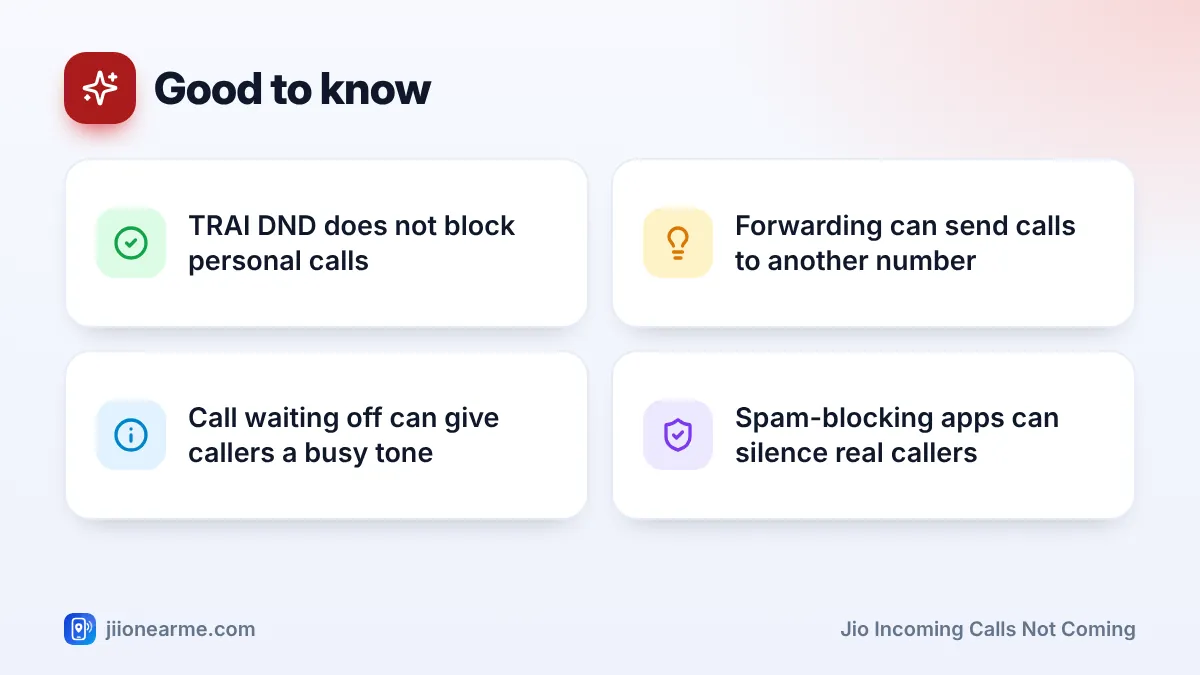
If you use a caller ID or spam-blocking app, open it and check its block list too. These apps sometimes mark a genuine number as spam and silence it.
Turn Off Call Forwarding
If call forwarding is on, your calls go to another number. “Forward when unreachable” or “forward when busy” can catch you out because your phone still works normally for outgoing calls.
- Open the Phone app and go to Settings.
- Find Calls, Calling accounts or Supplementary services, and pick your Jio SIM.
- Open Call forwarding and check all four options: always, when busy, when unanswered and when unreachable.
- Turn off any forwarding you didn’t set up yourself.
On iPhone, go to Settings > Phone > Call Forwarding. Some phones need mobile data turned on to load these settings, so switch it on if you see an error.
If you find forwarding to a number you don’t know, turn it off at once. Fraudsters trick people into dialling codes that forward calls, so they can receive OTP calls. Never dial codes a caller reads out, and report fraud on 1930 or at cybercrime.gov.in if you’ve lost money.
Check Do Not Disturb, Focus and Silent Modes
Your phone’s Do Not Disturb lets calls arrive but stops them from ringing. They show up as missed calls, or sometimes only in a notification.
- Android: Swipe down to Quick Settings and check Do Not Disturb. In its settings, see which callers are allowed and whether a schedule turns it on automatically at night.
- iPhone: Open Control Centre and check Focus. A Focus mode can silence calls from anyone not on its allowed list.
- Ring volume and silent mode: Make sure the ringer isn’t muted.
Don’t confuse this with TRAI’s DND service. TRAI DND, set through the TRAI DND app or 1909, only blocks commercial calls and messages. It doesn’t stop personal calls from reaching you.
Call waiting
If Call waiting is off, anyone who calls while you’re already on a call gets a busy tone and no notification reaches you. Turn it on in your call settings, usually under Supplementary services or Additional settings.
Jio Incoming Calls Not Coming at All: Network and SIM Checks
If callers hear “not reachable” and nothing appears on your phone, your phone may not be registered on Jio’s network.
- Check your plan. Open the MyJio app and confirm your plan is active. After a plan expires, incoming calls may continue for a while, but they eventually stop too.
- Check VoLTE. Jio calls run over VoLTE. In your SIM settings, make sure VoLTE, 4G Calling or a similar option is on, and that the network mode includes 4G or 5G.
- Toggle Airplane mode. Turn it on for 15 seconds and then off, so your phone registers again.
- Set network selection to automatic in your SIM settings.
- Check Wi-Fi Calling. If you’re indoors with weak signal, turning on Wi-Fi Calling helps calls reach you over your home Wi-Fi.
- Restart your phone and install any pending software updates.
- Reinsert the SIM. Power off, remove the SIM, check it for damage and put it back.
Try your Jio SIM in another VoLTE phone for a few minutes. If calls come in fine there, the problem is with your phone’s settings or software. If they still don’t, the issue is with the SIM, your account or the network.
When to Contact Jio Support
Call 198 from your Jio number to register a complaint if:
- Incoming calls don’t work even after you’ve checked all the settings above.
- Calls fail only at one location, such as your home, while they work elsewhere.
- Your SIM fails in a second phone as well.
If you have just ported your number to Jio, some callers may face a short period of trouble while routing updates. If it continues beyond a day or two, report it on 198. You can also ask 199 to confirm that no forwarding or barring is active on your number.
Frequently Asked Questions
Why do callers hear "not reachable" when my phone is on?
Usually your phone has lost registration with the network, has weak signal, or forwarding is set for when unreachable. Toggle Airplane mode, check forwarding and confirm your plan is active.
Does TRAI DND block calls from friends and family?
No. TRAI DND blocks only commercial calls and messages. If personal calls are being silenced, check your phone’s Do Not Disturb or Focus settings.
Why do some people reach me but others can't?
You may have blocked their numbers, or a spam-blocking app may be filtering them. If they’re on another network, ask them to try again later and report it on 198 if it keeps happening.
Will a new SIM fix incoming calls?
Only if the SIM itself is faulty. Test it in another VoLTE phone first. If it fails there too, visit a Jio store with valid ID to ask about a replacement.
Why do calls show as missed without ringing?
The call reached your phone but was silenced, often by Do Not Disturb, Focus, Silence Unknown Callers or a call screening feature. Check these settings and your ring volume.
Final Thoughts
When Jio incoming calls aren’t coming, start by asking what the caller hears. Then check blocked numbers, call forwarding, Do Not Disturb and call waiting, before moving on to plan validity, VoLTE and network registration. Most people fix it at one of these points. If not, call 198 and share what you’ve already checked.
JIo Near me is an independent guide and is not affiliated with Reliance Jio. App menus, plans and policies can change – always confirm current details in the official MyJio app or on jio.com. We will never ask for your OTP, PIN or passwords.