When a Jio recharge includes a streaming subscription, the benefit is linked to the mobile number you recharged. You usually start using it by signing in to the streaming app with that same number, or by tapping an activation option in the MyJio app.
How long the subscription lasts depends on the plan. Sometimes it runs for the same period as the plan, and sometimes for a fixed period stated in the plan details. This guide explains activation, the number link and validity, so you know exactly what you are paying for.
- OTT benefits are attached to the Jio number that was recharged, not to a device or email.
- For JioHotstar, signing in with your Jio number is usually all it takes.
- Some partner subscriptions need a one-time activation from the MyJio app.
- Always read the plan details for the subscription tier and how long it lasts.
What an OTT Bundle on a Jio Plan Means
OTT stands for over-the-top. It simply means streaming apps that deliver shows, films and sport over the internet. Some Jio prepaid plans include a subscription to one or more of these apps along with the usual calls, SMS and data.
JioHotstar, formed when JioCinema merged with Disney+ Hotstar in 2025, is the subscription you will see most often on Jio plans. Some plans list other partner streaming services as well. The plan card and its details page name the exact service and the type of subscription.
Plans with these benefits are usually grouped in an entertainment or OTT section of the recharge page in MyJio and on jio.com. The lineup changes often, so check the current list there before you recharge.
How Jio Plans with OTT Benefits Are Activated
JioHotstar
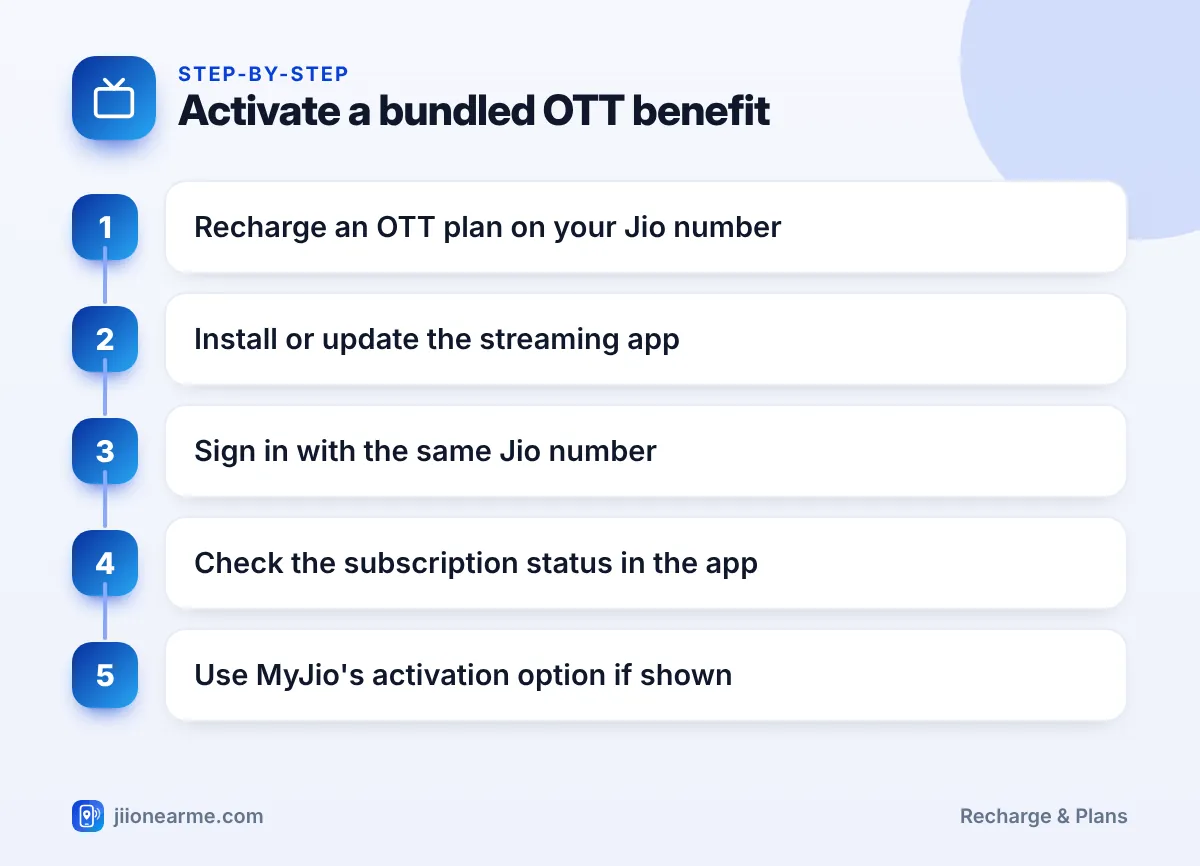
- Recharge the plan on your Jio number and wait for the confirmation.
- Install or update the JioHotstar app on your phone.
- Sign in using the same Jio mobile number. Enter the OTP that arrives on that number into the app.
- Open the account or subscription section in the app to check that your plan shows as active.
The subscription can take a short while to appear after a recharge. If it does not show, sign out and sign in again later.
Partner streaming apps
Some partner services do not activate just by signing in. After the recharge, open the MyJio app and look for an Activate button or banner on your plan card or in a subscriptions section. Follow the steps there to link the service to your number or to an account with that service.
Menu names can differ by app version, so look under your plan details if you do not see a banner on the home screen.
Which Number the Subscription Is Tied To
The OTT benefit belongs to the number that received the recharge. This has a few practical effects:
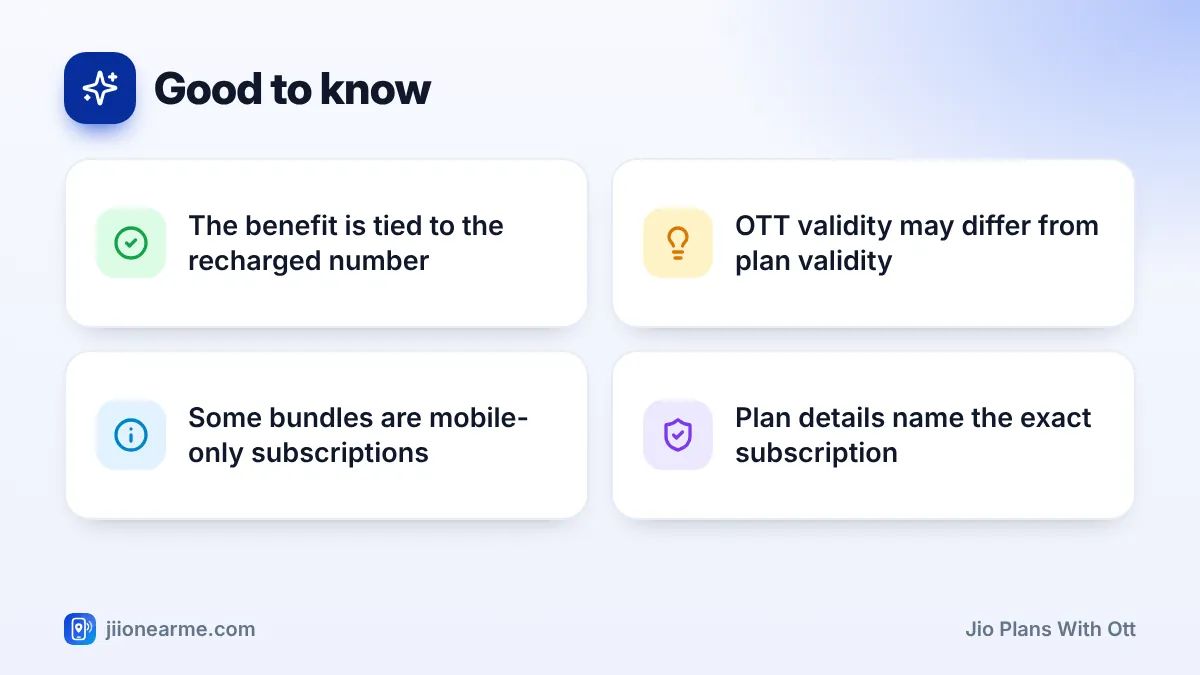
- Recharging for family: if you recharge your father’s number with an OTT plan, the subscription belongs to his number. He, or someone helping him, signs in with his number.
- Watching on a TV: to use the subscription on a smart TV, sign in on the TV app with the same Jio number. Some bundled subscriptions are limited to mobile screens, so check the tier before you buy.
- Dual-SIM phones: sign in with the Jio number that was recharged, even if your other SIM is your main number for other apps.
- Changing your number: the benefit does not move with you to a different number. It stays with the number that was recharged.
To log in, you enter the OTP from your Jio number into the streaming app yourself. Never share that OTP with anyone who calls or messages you, even if they say they will activate your subscription for you.
How OTT Validity Relates to Your Plan
Plan validity and subscription validity are related, but they are not always the same. Here is how the common situations usually work:
| Situation | What usually happens |
|---|---|
| Plan states the subscription lasts for plan validity | The OTT benefit ends when the plan ends |
| Plan states a fixed subscription period | The benefit runs for that period, which may be shorter or longer than the plan |
| You queue the same plan in advance | The OTT benefit of the new plan usually starts when that plan becomes active |
| Your plan expires | The bundled subscription stops unless you renew with a plan that includes it |
| You switch to a plan without OTT | The app may switch to a free or limited version after the old benefit ends |
The exact terms are written in the plan details. Read them before recharging, especially if you are choosing between two similar plans.
After you recharge, open the streaming app’s account section and note the subscription end date shown there. Set a phone reminder a few days before it, so you can decide whether to renew.
Questions to Ask Before Choosing an OTT Plan
An OTT plan is good value only if you use the subscription. Before you recharge, ask yourself:
- Will I actually watch it? If you rarely open the app, a regular plan may suit you better.
- Which tier is included? A mobile-only tier will not work the way you expect if you mainly watch on a TV.
- Do I already pay for this service? A bundled subscription may not merge with a separate one you already pay for, so check before doubling up.
- Is my data enough for streaming? Watching video on mobile data uses your daily quota quickly. On home Wi-Fi such as JioFiber or Jio AirFiber, this is less of a worry.
If the Subscription Is Not Showing
Try these steps in order:
- Confirm the recharge was successful in MyJio and that the plan includes the subscription.
- Make sure you signed in with the exact Jio number that was recharged.
- Update the streaming app and the MyJio app, then sign out and sign in again.
- Check MyJio for an Activate option you may have missed.
- If it still does not appear, contact Jio through the help section in MyJio or call 199 from your Jio number.
Frequently Asked Questions
Do I need to pay separately for the OTT app after an OTT recharge?
No, the plan covers the subscription described in its details. You only need to sign in or activate it as explained above.
Can I use the subscription on my TV?
It depends on the tier included. Some bundled subscriptions are limited to mobile screens, so check the plan details before you recharge.
Will the OTT benefit continue if I recharge with a different plan?
Only if the new plan also includes it. If not, the subscription ends when the current benefit period is over.
Can I move the subscription to another Jio number?
No. The benefit stays with the number that received the recharge. To use it on another number, that number has to be recharged with an OTT plan.
Why does my subscription end before my plan validity?
Some plans give a subscription for a fixed period that is shorter than the plan. The plan details on jio.com or in MyJio state the exact period.
Final Thoughts
OTT bundles are simple once you know the rules: the benefit belongs to the recharged number, you activate it by signing in or through MyJio, and its validity follows the terms in the plan details.
Before recharging, check which service and tier are included and how long the subscription lasts. If you will use it regularly, a bundled plan can be a convenient way to manage your streaming and mobile service in one recharge.
JIo Near me is an independent guide and is not affiliated with Reliance Jio. App menus, plans and policies can change – always confirm current details in the official MyJio app or on jio.com. We will never ask for your OTP, PIN or passwords.