Most Android phones that support eSIM keep the setting inside the SIM or mobile network menu. On Samsung Galaxy phones, look under Settings > Connections > SIM manager. On Google Pixel, it is Settings > Network & internet > SIMs. Once Jio has prepared your eSIM, you add it from there, turn it on and give it a name.
The menus differ a little between brands and software versions, so this guide explains the common steps first and then where to find them on Samsung, Pixel and other Android phones. If a label on your phone looks slightly different, the option is usually close by.
- First confirm your Android phone supports eSIM and is on Jio’s device list.
- Request the Jio eSIM by SMS from your Jio number or at a Jio Store.
- Add it from the SIM manager on Samsung or the SIMs menu on Pixel.
- Give the line a clear name and set it for calls, SMS and data.
- Use the Settings search bar if your menus look different.
Before You Start: Check Support and Find Your EID
Not every Android phone has eSIM hardware, even among newer models. Check that your exact model is on Jio’s eSIM device list on jio.com. Then prepare the following:
- Updated software. Install any pending system updates first. This avoids many download errors.
- Your EID and IMEI. Dial
*#06#on most phones to see them. You can also look under Settings > About phone. On Samsung, it may sit under Status information inside that menu. - Your working Jio SIM, if you are converting an existing number by SMS.
- A stable Wi-Fi connection for downloading the profile.
Most eSIM phones list two IMEI numbers. Use the one that Jio’s current eSIM instructions specify for your phone, and copy every digit carefully.
How to Activate a Jio eSIM on Android: The Common Steps
Whatever the brand, the process follows the same pattern.
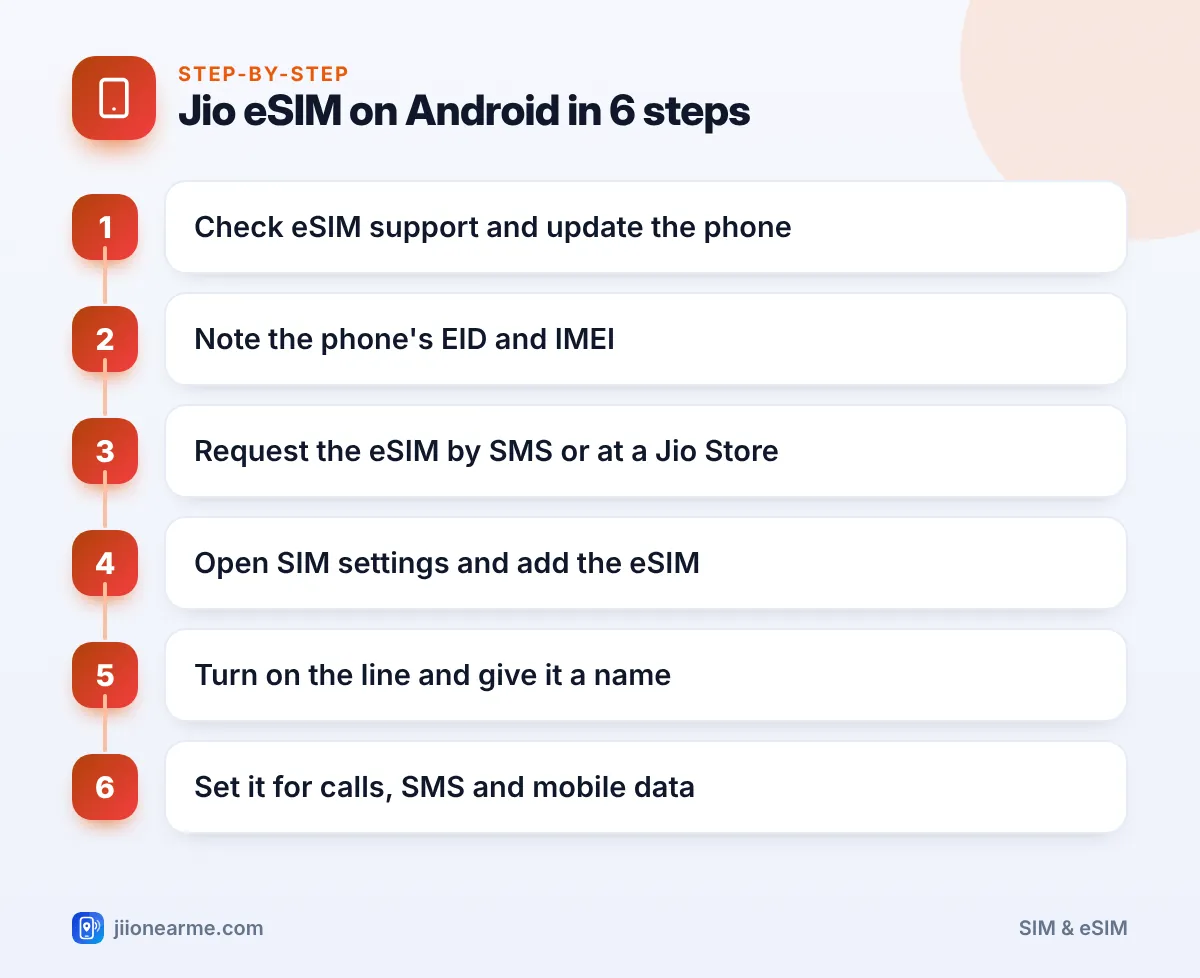
- Request the eSIM. From your Jio number, send the eSIM request SMS to 199 in the format Jio publishes, using your phone’s EID and IMEI. If you prefer, visit a Jio Store with your original ID proof instead.
- Follow Jio’s replies. Jio sends back details, asks you to send a SIM change request and then asks you to confirm. Reply exactly as each message instructs.
- Wait for the switch. Once confirmed, your plastic SIM stops working. Stay on Wi-Fi.
- Add the eSIM. Open your phone’s SIM settings and choose the option to add an eSIM. The phone may find the Jio plan by itself. If a store gave you a QR code, choose the scan option.
- Turn on the line and name it. Give it a clear name such as “Jio eSIM”.
- Set your preferences for calls, SMS and mobile data, then test the line.
Jio can change its SMS formats and steps, so compare them with the current instructions on jio.com before you send anything.
Samsung Galaxy: Where the eSIM Settings Are
On most recent Galaxy phones:
- Open Settings > Connections > SIM manager. Older versions call it SIM card manager.
- Tap Add eSIM. On older software, this is Add mobile plan.
- Let the phone search for available plans, or choose the option to scan a QR code from your service provider.
- When the Jio plan appears, tap to add it and follow the prompts.
- Back in SIM manager, tap the new line to switch it on, rename it and pick an icon.
Under Preferred SIM card, you can then choose which line Samsung uses for calls, messages and mobile data.
Google Pixel: Where the eSIM Settings Are
On Pixel phones:
- Open Settings > Network & internet > SIMs.
- Tap Add SIM or the plus (+) button.
- If asked about a physical SIM, choose the option to download an eSIM instead.
- Follow the prompts. The phone may find your Jio plan, or you can scan the QR code.
- Tap the new SIM to turn it on, then edit its name.
Pixel phones may also show a notification when the Jio eSIM is ready. Tapping it takes you straight to the install screen.
Other Android Phones: Motorola, OnePlus, Vivo and More
Other brands use slightly different wording. Look in these places:
- Settings > Network & internet > SIMs on phones close to stock Android, such as Motorola.
- Settings > Mobile network or SIM & network on several other brands.
- Settings > SIM cards & mobile networks on some Xiaomi phones.
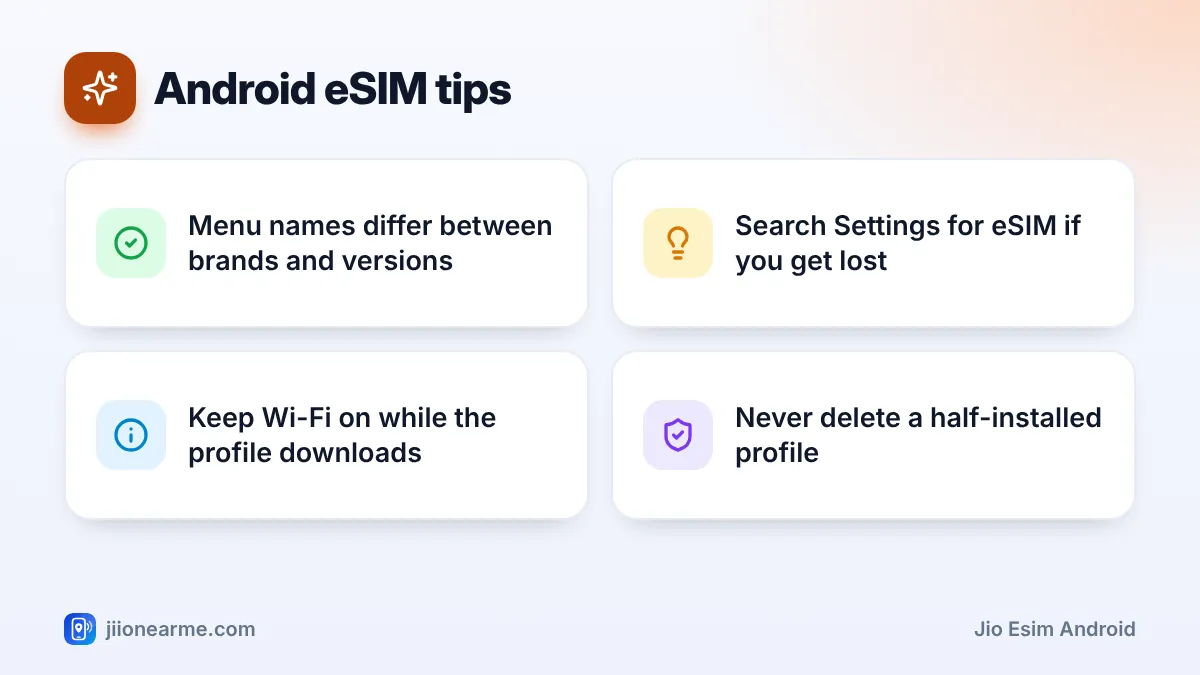
If you cannot find it, type “eSIM” into the search bar at the top of Settings. The add option is usually labelled Add eSIM, Download a SIM or Add mobile plan.
After the eSIM works, check that VoLTE calling is on and that the preferred network type includes 5G if your phone supports it. These settings sit in the same SIM or mobile network menu and help you use Jio True 5G where it is available.
Fixing Common Android eSIM Problems
- The phone does not find a plan. Restart, stay on Wi-Fi and try Add eSIM again. If Jio gave you a QR code, use the scan option instead.
- Download fails. Try a different Wi-Fi network and install any pending software update.
- The line shows “No service”. Make sure the eSIM is switched on in SIM settings, then restart the phone.
- Calls or data use the wrong line. Check your preferred SIM settings for calls, SMS and mobile data.
Do not delete an eSIM profile that seems stuck unless Jio support tells you to. A deleted profile usually cannot be reinstalled, and you may need a store visit to get a new one.
If nothing works, call Jio’s toll-free number 1800-889-9999 from another phone, or visit a Jio Store with your original ID.
Frequently Asked Questions
How do I know if my Android phone supports eSIM?
Check Jio’s eSIM device list on jio.com. You can also look in your SIM settings for an option such as Add eSIM or Download a SIM.
Can I use the same QR code again after a reset?
Usually not. eSIM QR codes are generally single-use, so a deleted or erased profile needs a fresh eSIM from Jio.
Can I keep a physical SIM along with my Jio eSIM?
Yes, on phones that support dual SIM with an eSIM. Set which line handles calls, SMS and data in the SIM settings.
Why is my Jio eSIM not showing in SIM manager?
The request may not be complete yet, or the line may be switched off. Check your SMS from Jio, stay on Wi-Fi, restart and look again.
Do I need a Jio Store visit for an Android eSIM?
Not always. You can request it by SMS from your active Jio number. A store visit with your original ID is the option if SMS is not possible.
Final Thoughts
Activating a Jio eSIM on Android comes down to three things. Request the eSIM from Jio, add it from your phone’s SIM settings, and then name and set up the line.
On Samsung, start in SIM manager; on Pixel, start in SIMs. On other brands, the Settings search bar will usually find the right screen in seconds.
JIo Near me is an independent guide and is not affiliated with Reliance Jio. App menus, plans and policies can change – always confirm current details in the official MyJio app or on jio.com. We will never ask for your OTP, PIN or passwords.