No, you cannot use WhatsApp on a JioBharat phone at present. These keypad phones run Jio’s own simple software with a fixed set of preloaded apps, and WhatsApp is not one of them. If WhatsApp is essential, a smartphone such as JioPhone Next is the better choice.
That does not make JioBharat a poor phone. It is built for clear calling, long battery life and a few useful Jio apps. Below are straight answers to the questions buyers ask most, so you can pick the right phone for yourself or a family member.
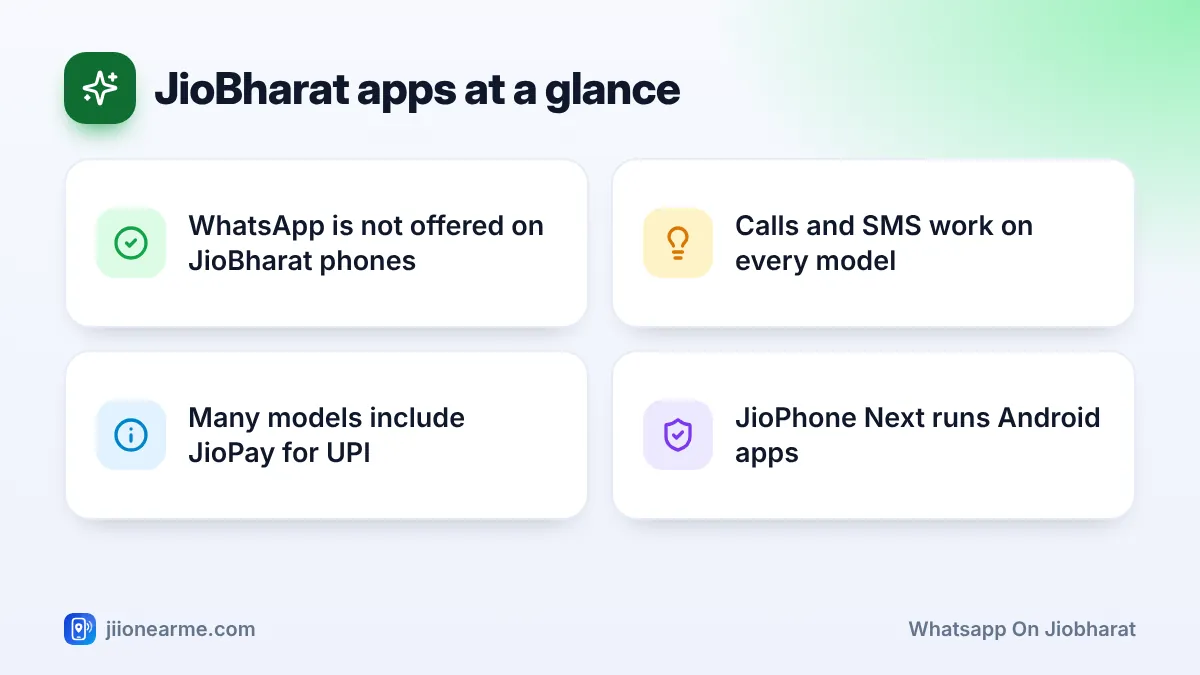
- WhatsApp is not available on JioBharat phones, and there is no official way to install it.
- JioBharat phones focus on calls, SMS and preloaded Jio apps such as JioPay on many models.
- Avoid websites or files that claim to add WhatsApp to a JioBharat phone.
- If WhatsApp or video calls matter, choose an Android smartphone such as JioPhone Next.
Can You Get WhatsApp on JioBharat Phones?
Not today. A smartphone lets you install almost any app from an app store. A JioBharat phone works differently. It comes with a set of apps chosen for the device, and you cannot add WhatsApp to that list yourself.
App support is decided by the phone maker and by the app’s developer, so it can change with software updates. If you see news claiming WhatsApp has come to JioBharat, confirm it on jio.com or with a Jio store before buying. Do not rely on social media posts or video thumbnails.
Websites and videos sometimes promise a WhatsApp file for keypad phones. These do not work on JioBharat and can be scams designed to steal personal details. Unofficial or modified versions of WhatsApp can also lead to your account being banned. Use WhatsApp only from an official app store on a supported phone.
Which Apps Does a JioBharat Phone Have?
The exact list depends on the model and its software version, so always check the box or the product page. Many JioBharat phones include:
- Calling and SMS: Clear 4G voice calls and text messages, which work on every model.
- JioPay: For UPI payments and scanning QR codes, on models that support it.
- Entertainment apps: Apps such as JioTV for live TV and JioSaavn for music on many models.
- Basic tools: A camera, FM radio, torch, calculator and alarm, depending on the model.
Here is how a JioBharat phone compares with a smartphone for common needs:
| What you want to do | JioBharat phone | Android smartphone |
|---|---|---|
| Voice calls and SMS | Yes | Yes |
| WhatsApp chats and video calls | No | Yes |
| UPI payments | Yes, on many models via JioPay | Yes, through many UPI apps |
| Live TV and music | Yes, through preloaded Jio apps on many models | Yes |
| Install apps of your choice | No | Yes |
Other Ways to Stay in Touch Without WhatsApp
A JioBharat user can still keep in close contact with family. These options work well:
- Regular voice calls: Calls are the main strength of these phones and are usually clear on Jio’s 4G network.
- SMS: Simple text messages still work for short updates, addresses and reminders.
- Conference calls: Some keypad phones let you add a second person to a call. Check the options during a call to see if yours does.
- Preloaded messaging apps: Some newer models include a Jio messaging app with voice messages or group chats. Check your model’s app list to see whether it has one.
For many elders and second-phone users, calls and SMS cover almost everything they need.
How to Check a Phone Before You Buy
A few minutes of checking can save you from buying the wrong phone.
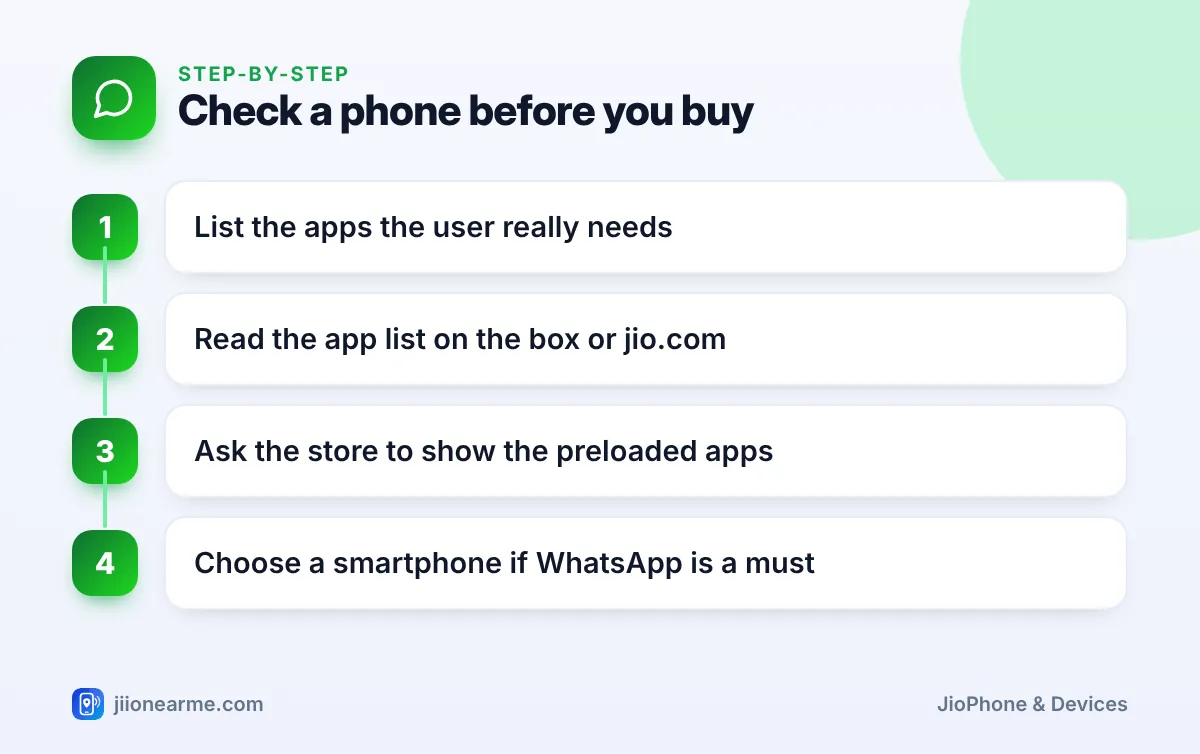
- List the must-have apps. Write down what the user needs daily, such as WhatsApp, YouTube, UPI or only calls.
- Read the official app list. Check the box or the model’s page on jio.com for the preloaded apps.
- Ask for a demo. At a Jio store or retailer, ask the staff to open the app menu and show you what is installed.
- Decide honestly. If WhatsApp appears on your must-have list, choose a smartphone instead.
When a JioPhone or Smartphone Fits Better
Choose a different phone if the user needs WhatsApp, video calls or a wide choice of apps.
JioPhone Next
JioPhone Next is an Android smartphone with a touchscreen, so it supports WhatsApp and other apps from the Google Play Store. It is a natural step up for someone moving from a keypad phone.
Keypad JioPhone models
Older keypad JioPhone models run KaiOS, and WhatsApp support on keypad phones has changed over time. WhatsApp has ended support for some older KaiOS phones and software versions. If you are considering a keypad JioPhone mainly for WhatsApp, confirm current support for that exact model before buying.
Any other Android smartphone
Any recent Android phone works with a Jio SIM and supports WhatsApp. For an elderly user, you can simplify the home screen and enlarge the text. Set it up before handing it over: install WhatsApp, add the family contacts and keep the most-used apps on the first screen.
If a family member already has a JioBharat number, you do not need a new SIM to try WhatsApp. Move the Jio SIM into a smartphone and register WhatsApp with that number. Before moving it, check how the switch affects their JioBharat plan.
Frequently Asked Questions
Will WhatsApp come to JioBharat phones in the future?
Only Jio and WhatsApp can confirm that. Features can change with software updates, so check jio.com or ask at a Jio store for the latest information on your model.
Can I register WhatsApp on another phone using my JioBharat number?
Yes. WhatsApp needs a number that can receive its verification SMS or call. You can register WhatsApp on a smartphone with your JioBharat number, but you must never share the verification code with anyone.
Can I make video calls on a JioBharat phone?
No. JioBharat phones are designed for voice calls and SMS. For video calls, you need a smartphone with an app such as WhatsApp.
Can I use YouTube or Facebook on a JioBharat phone?
These apps are not part of the standard JioBharat app list. Check your model’s preloaded apps, and choose a smartphone if these apps are important.
What happens to my JioBharat plan if I move the SIM to a smartphone?
JioBharat plans are designed for JioBharat phones, so the benefits may not work as expected in a smartphone. Check the plan terms in MyJio and switch to a suitable regular plan if needed.
Conclusion
WhatsApp is not available on JioBharat phones, and no safe workaround exists. These phones are excellent for calls, SMS and simple Jio apps, but not for chat apps or video calls. If WhatsApp is a daily need, choose JioPhone Next or another Android smartphone, and use JioBharat where simple calling is all that matters.
JIo Near me is an independent guide and is not affiliated with Reliance Jio. App menus, plans and policies can change – always confirm current details in the official MyJio app or on jio.com. We will never ask for your OTP, PIN or passwords.