The small symbols at the top of your phone screen tell you how your Jio SIM is connected at this moment. Signal bars show strength, labels like 5G, 4G or LTE show the network type, and icons such as VoLTE, HD or R describe calling and roaming.
Once you know what each one means, you can spot problems quickly. For example, you will know why data fails when a small “!” appears, or why an R shows up during a trip. Icons look slightly different on Samsung, Xiaomi, OnePlus, Pixel and iPhone, so treat the descriptions here as a general guide.
- Signal bars show strength, not speed. Full bars can still be slow on a busy tower.
- 5G, 4G and LTE show which network you are on right now. 4G+ or LTE+ means combined bands.
- VoLTE or HD means calls are going over Jio’s 4G network in good quality.
- R means roaming. It can appear outside your home circle within India, or abroad.
- An X, “!” or “No service” points to a problem worth checking.
Signal Bars and Basic Status Symbols
The bars show how strong the radio signal is between your phone and the nearest Jio tower. More filled bars mean a stronger signal. Older iPhones used dots instead of bars, but the idea is the same.
Bars do not measure speed. You can have full bars on a crowded tower and still get slow data, or two bars on a quiet tower and get good speeds.
Other basic symbols you will often see:
- Small up and down arrows next to 4G or 5G show data being sent or received. They flicker when apps use the internet.
- An airplane icon means airplane mode is on and mobile signal is switched off.
- A Wi-Fi fan icon means you are connected to Wi-Fi. Most phones use Wi-Fi for data instead of mobile data when both are available.
- A small “!” or triangle near the bars or Wi-Fi icon usually means connected but no internet.
Network Icons Meaning at a Glance
This table covers the network type icons you are most likely to see with a Jio SIM.
| Icon | What it means | What to know on Jio |
|---|---|---|
| 5G | Connected to a 5G network | Jio True 5G, if your phone, plan and area support it |
| 5G+ | Varies by brand | Some phones use it for faster 5G connections |
| 4G or LTE | Connected to 4G | Same network, different label by brand |
| 4G+ or LTE+ | 4G with combined bands | Carrier aggregation for higher speed |
| H, H+, 3G, E or G | Older 3G or 2G networks | Jio has none, so this belongs to another SIM |
| X or crossed bars | No service | No connection to any network |
4G and LTE are the same thing
LTE is the technical name of the 4G standard. Some brands show 4G, others show LTE, and some let you choose in settings. The underlying connection is identical.
What 4G+ or LTE+ adds
The plus sign means your phone is using carrier aggregation. It combines two or more 4G bands at once for extra speed. The icon comes and goes as you move, which is normal.
Calling Icons: VoLTE, HD and Wi-Fi Calling
Jio calls use VoLTE (voice over LTE), because Jio has no 2G or 3G network to fall back to. Many Android phones show a VoLTE, Vo LTE or HD icon in the status bar when VoLTE is active. Some show HD only during a call.
If your phone shows a Wi-Fi Calling label, VoWiFi or a phone handset with Wi-Fi waves, calls are going over your Wi-Fi connection instead of the mobile tower. On iPhone, the network name may show as Jio Wi-Fi in Control Centre.
Several Android phones let you hide the VoLTE or HD icon under Settings > Notifications & status bar or a similar menu. Hiding the icon does not turn VoLTE off.
What the R Icon Means on a Jio SIM
R stands for roaming. It means your phone is registered on a network outside your SIM’s home area.
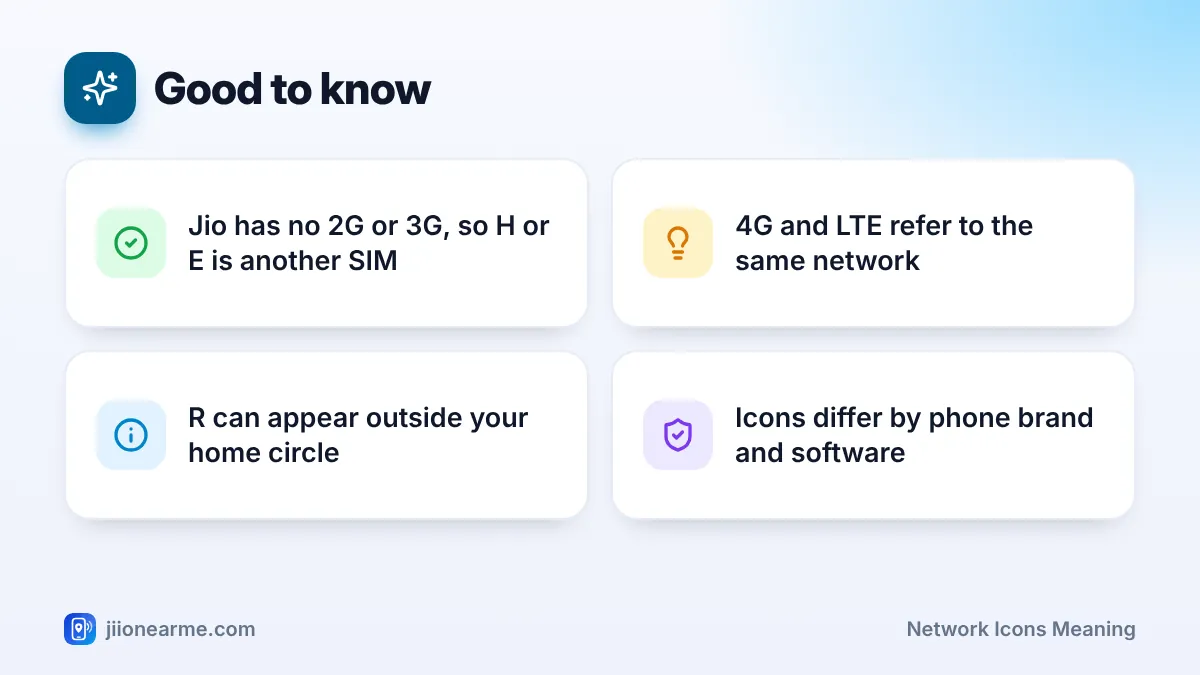
- Within India: Jio uses different network codes in different telecom circles. When you travel to another state, some phones show R because the circle has changed. Calls and data while roaming within India normally work as per your plan, but check your plan details in the MyJio app.
- Abroad: R means you are on a partner network in another country. Use international roaming only with a suitable roaming pack, and check the current packs in the MyJio app or on jio.com.
Some Android phones show a small triangle beside the bars instead of a letter. Others let you hide the roaming indicator entirely.
If you live or travel near India’s international borders and see R without leaving the country, your phone may have picked a foreign network. Switch to manual network selection, choose Jio, and turn automatic selection back on later.
How to Check Network Details on Dual SIM Phones and iPhone
On dual SIM phones, the status bar shows two sets of bars. The order usually matches SIM 1 and SIM 2, and the network type label may appear only for the data SIM.
- Swipe down to see the full status bar, as some icons are hidden on the lock screen.
- Check which SIM shows the 5G, 4G or LTE label for data.
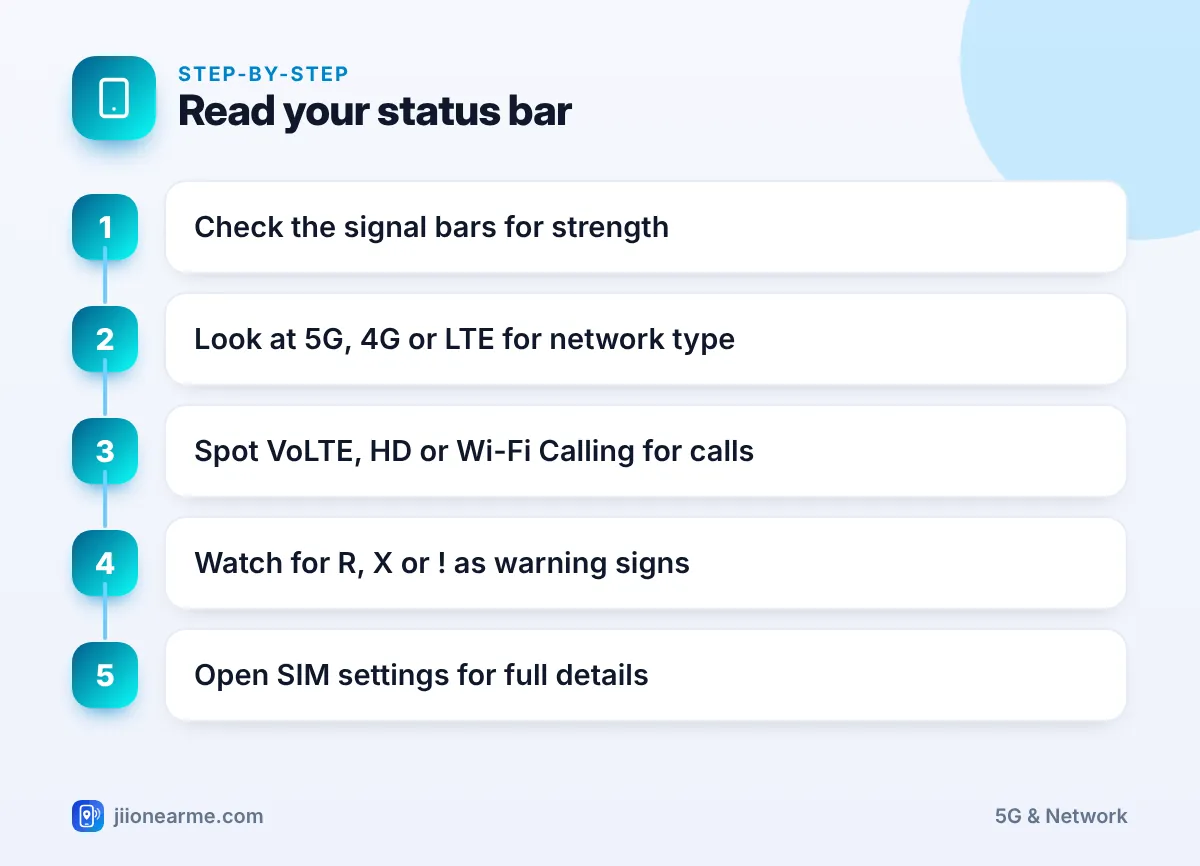
- Open your SIM settings to see each SIM’s name and status.
- On iPhone, swipe down from the top-right corner (or up from the bottom on Home button models) to open Control Centre, where both lines and their network labels appear.
Icons That Suggest a Problem
Some icons are early warnings. Here is what to do when you see them:
- Emergency calls only or SOS: The phone sees a network but cannot register on Jio. Restart, check the SIM and network mode, and confirm your number is active.
- No SIM or a SIM with a cross: The phone cannot read the SIM. Switch off, reseat the SIM and switch on again.
- H, E, G or 3G icons: These come from another SIM, because Jio has no 2G or 3G network. If your Jio SIM shows no service at the same time, check that its network mode includes 4G or 5G.
- A “!” next to 4G or 5G: Data is not working. Check your data balance, the data SIM setting and the APN.
- Signal keeps switching between 5G and 4G: You are at the edge of 5G coverage. This is normal, but you can choose a 4G mode if it disturbs calls or games.
Frequently Asked Questions
Why does my phone show 4G instead of 5G?
You may be outside Jio 5G coverage, indoors, or your phone may be set to a 4G mode. Your phone and plan also need to support Jio True 5G.
Is VoLTE the same as HD?
They are linked. VoLTE is the technology that carries calls over 4G, and HD refers to the clearer, wideband voice quality it allows.
Does the R icon mean I am being charged extra?
Not necessarily. Within India, calls and data while roaming normally follow your plan. Abroad, charges depend on your roaming pack, so check before using services.
Why do I see H+ on my phone if Jio has no 3G?
The icon belongs to your second SIM, since Jio has no 3G network. If your Jio SIM shows no service, check that its preferred network type includes 4G or 5G.
What does the small triangle next to my signal bars mean?
On many Android phones, a small triangle means roaming. On some, a triangle with “!” means connected without internet.
Wrapping Up
Network icons are a quick health check for your Jio connection. Bars show strength, 5G or 4G shows the network, VoLTE and HD show call quality, and R shows roaming. When you see an X, “!” or an old 2G or 3G icon on your Jio SIM, check your plan, SIM and network mode, and contact Jio on 199 if the problem stays.
JIo Near me is an independent guide and is not affiliated with Reliance Jio. App menus, plans and policies can change – always confirm current details in the official MyJio app or on jio.com. We will never ask for your OTP, PIN or passwords.
