Call forwarding on Jio can go wrong in two ways. Either your calls don’t forward when you want them to, or they keep going to another number after you thought you’d switched forwarding off. Both are usually fixed by checking each forwarding option in your phone’s call settings, with mobile data turned on.
This guide explains how forwarding works on a Jio SIM, why changes sometimes don’t save, and how to reset everything properly.
- There are four forwarding types: always, when busy, when unanswered and when unreachable.
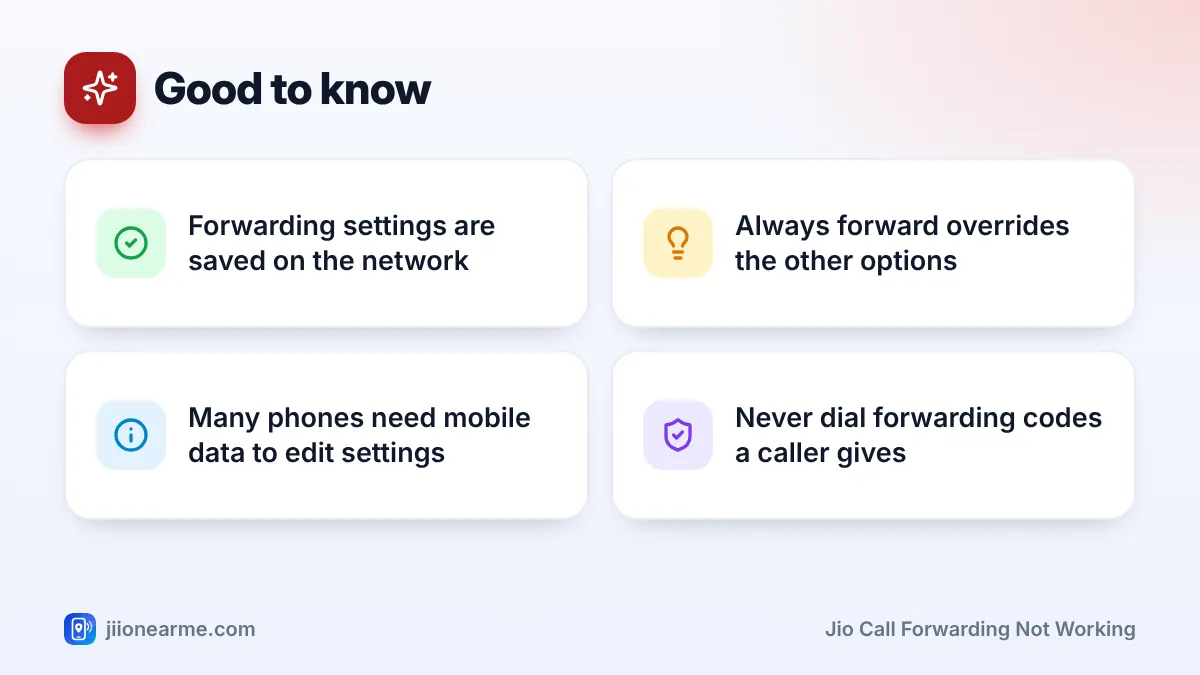
- Forwarding is stored on Jio’s network, so it can stay on even after you change phones.
- Many phones need mobile data on to load or save call forwarding settings on Jio.
- “Always forward” overrides the other three options.
- If you find forwarding you didn’t set up, turn it off and treat it as a possible scam.
How Call Forwarding Works on a Jio SIM
Call forwarding sends incoming calls to another number. Phones usually offer four types:
- Always forward: every call goes to the other number. Your phone doesn’t ring.
- Forward when busy: calls forward only while you’re on another call.
- Forward when unanswered: calls forward if you don’t pick up within a set time.
- Forward when unreachable: calls forward when your phone is off or has no signal.
These settings are saved on Jio’s network, not just on your phone. That’s why forwarding can stay active after a phone change, a factory reset or a SIM move. It’s also why your phone needs to talk to the network to show or change them.
A forwarded call is generally treated like a call made from your number to the forwarding number. Check your plan’s calling benefits in the MyJio app if you forward calls often.
Check Your Current Forwarding Settings
Before you fix anything, see what’s actually set.
On Android
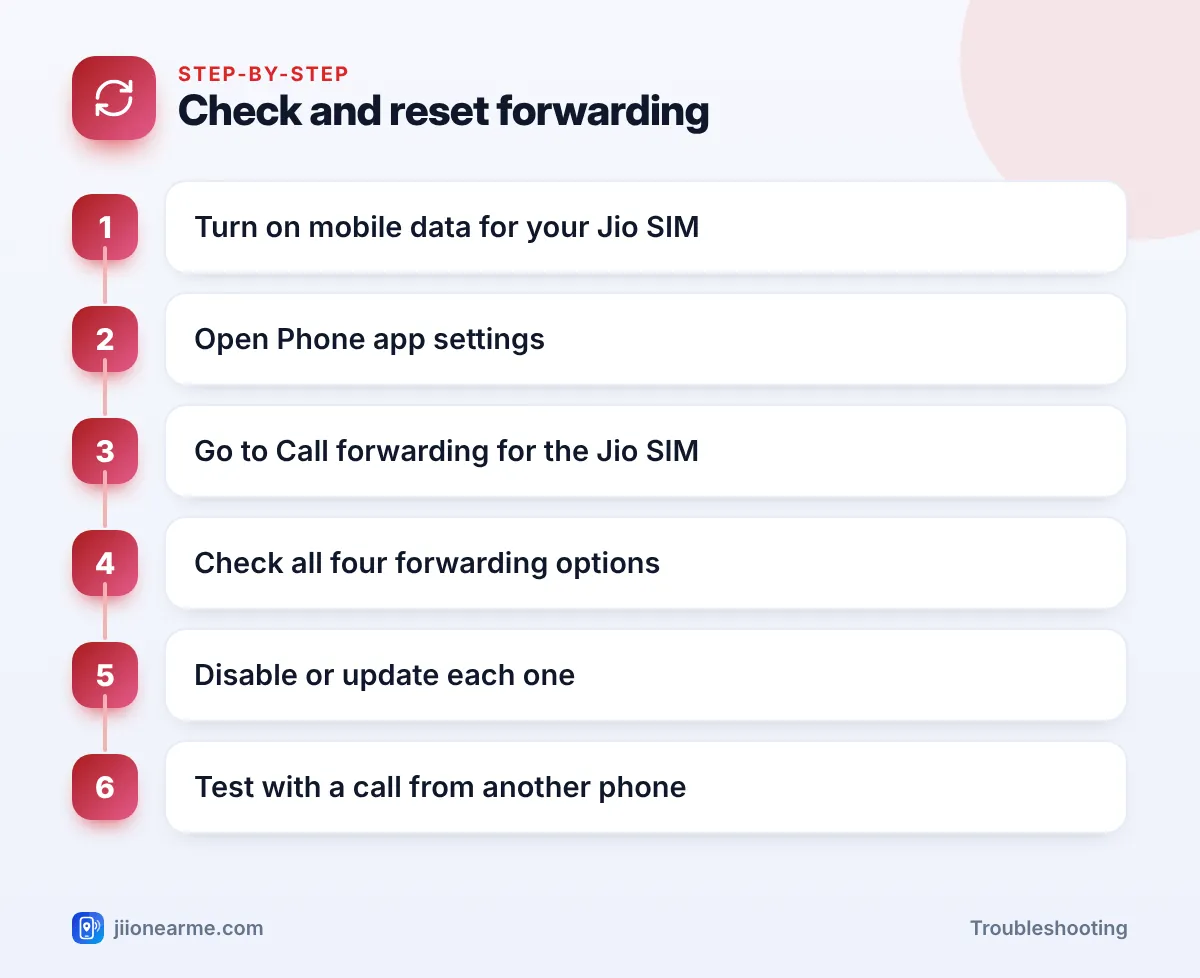
- Turn on mobile data for your Jio SIM.
- Open the Phone (dialler) app and tap the menu (⋮) > Settings.
- Go to Calls, Calling accounts or Supplementary services, and select your Jio SIM.
- Tap Call forwarding, then Voice calls if asked.
- Wait for the settings to load, then check all four options.
On iPhone
- Go to Settings > Phone (on newer iOS, Apps > Phone).
- Tap Call Forwarding. On a dual-SIM iPhone, pick your Jio line first.
- See whether it’s on and which number it forwards to.
The iPhone screen mainly controls “always forward”. Other types may not appear here, so ask Jio support on 199 if you suspect conditional forwarding is still on.
Jio Call Forwarding Not Working: Common Causes and Fixes
| Problem | Likely cause | Fix |
|---|---|---|
| “Network or SIM card error” when opening settings | Mobile data is off, or Wi-Fi only | Turn on mobile data for the Jio SIM and retry |
| Settings take forever to load | Weak signal or a temporary glitch | Toggle Airplane mode, then try again |
| Calls never forward | Wrong number or format, or forwarding not saved | Re-enter the number and confirm it saved |
| “When unanswered” doesn’t work | “Always forward” is also on, or ring time is too long | Turn off always forward; check the timer if offered |
| Calls don’t forward when phone is off | “When unreachable” isn’t set | Set the unreachable option |
| Calls keep going to another number | Forwarding is still active on the network | Disable each type and test |
Settings won’t open or save
On Jio’s VoLTE network, many phones load and save call forwarding settings over mobile data. If mobile data is off, or the phone is using Wi-Fi only, you may see an error such as Network or SIM card error or Call settings error. Turn on mobile data for the Jio SIM, turn off Wi-Fi briefly, and try again.
On dual-SIM phones, make sure you’re editing the settings for the Jio SIM, not the other one. If the error continues, restart the phone and check for a software update.
Forwarding is on, but calls still ring on your phone
This usually means only a conditional option, such as “when busy”, is set. Calls ring normally until that condition happens. If you want every call to forward, use “always forward” instead.
Also check the forwarding number. Enter it as a 10-digit mobile number, or with +91 in front. A typing mistake means calls fail to forward or go to the wrong person.
After any change, ask someone to call you while you test each case: phone on and idle, phone busy on another call, call not answered, and phone switched off. It’s the only reliable way to confirm forwarding works as you want.
Calls Keep Going to Another Number: Turn Forwarding Off
If calls keep reaching another phone, forwarding is still active somewhere.
- Turn on mobile data for your Jio SIM.
- Open the call forwarding settings as shown above.
- Open each of the four options and choose Disable or Turn off.
- Wait for the confirmation message on each one.
- Ask someone to call you and check that your phone rings.
On many networks, dialling ##002# cancels all types of call forwarding at once. This code may not work on every phone or network, so always confirm the result in your settings or by calling 199 from your Jio number.
If your calls are forwarding to a number you don’t recognise, turn it off right away. Fraudsters pose as courier or telecom staff and ask people to dial codes that forward calls to them, so they can receive OTP calls. If you’ve lost money, call 1930 or report it at cybercrime.gov.in.
When to Contact Jio Support
Call 199 from your Jio number if:
- Your phone keeps showing an error and you can’t open forwarding settings.
- Calls still forward after you’ve disabled every option.
- You need to confirm whether any forwarding or barring is active on your number.
Call 198 to register a complaint if the problem continues after the support team’s advice. Never share your OTP with anyone during these calls, and don’t follow instructions from callers who contact you claiming to be from Jio.
Frequently Asked Questions
Why does my phone show an error when I open call forwarding?
On Jio, many phones need mobile data to load these settings. Turn on mobile data for the Jio SIM, turn off Wi-Fi briefly and try again.
Does call forwarding stay on if I change phones?
Yes. Forwarding is stored on Jio’s network, so it can stay active after you move the SIM. Check the settings on your new phone.
Can I forward calls only when my phone is switched off?
Yes. Use the “forward when unreachable” option. It works when the phone is off or has no signal.
Does call forwarding forward SMS too?
No. Call forwarding diverts voice calls only. Text messages still arrive on your own phone.
Will forwarded calls use my plan's benefits?
Forwarded calls are generally treated like calls from your number. Check your plan’s calling benefits in the MyJio app.
Summary
When Jio call forwarding isn’t working, check all four forwarding types with mobile data on, re-enter the number carefully, and make sure “always forward” isn’t overriding the rest. If calls keep going elsewhere, disable each option and test. If anything looks unfamiliar or the settings won’t change, contact Jio support on 199.
JIo Near me is an independent guide and is not affiliated with Reliance Jio. App menus, plans and policies can change – always confirm current details in the official MyJio app or on jio.com. We will never ask for your OTP, PIN or passwords.