Echo, a robotic voice and words that keep breaking up are three different symptoms, and each tends to have its own cause. Echo usually comes from a speaker and microphone at one end of the call. A robotic or metallic voice and breaks point to a weak or unsteady connection.
Once you know which symptom you’re dealing with, the fix is usually simple. This guide matches each problem to its likely cause and walks you through what to change.
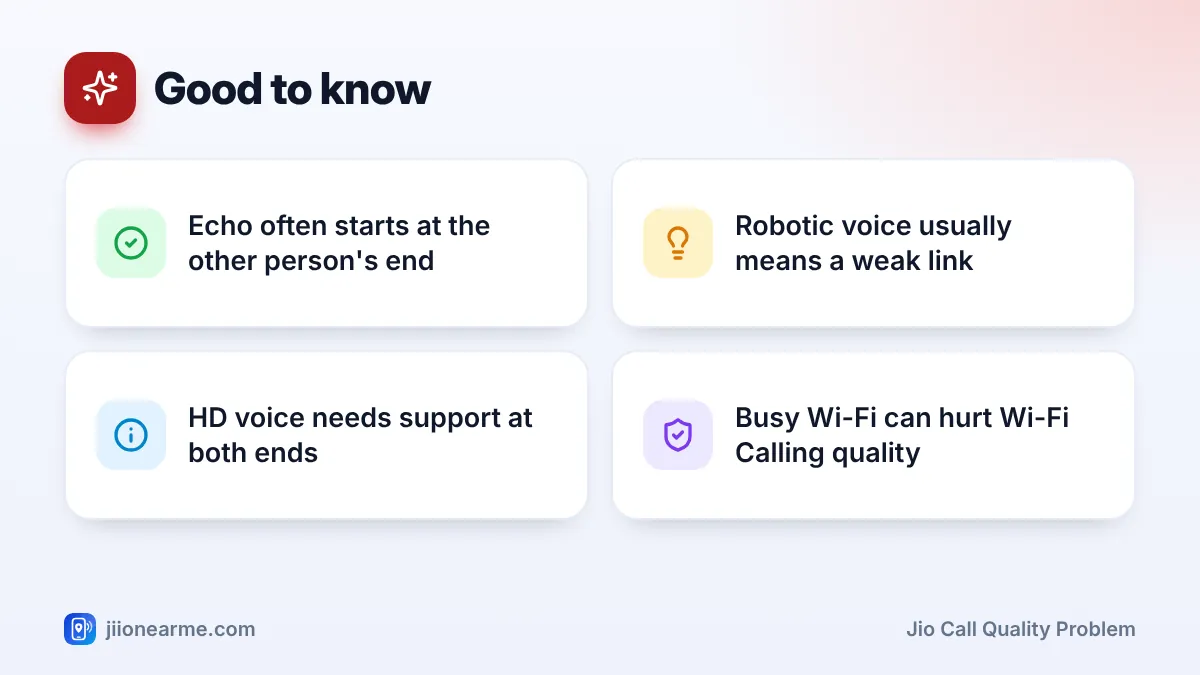
- Echo is often caused by speakerphone or high volume at the other person’s end.
- Robotic voice and breaks usually come from weak signal or a busy Wi-Fi connection.
- Jio calls use VoLTE, which can give HD voice when both phones and networks support it.
- Wi-Fi Calling helps indoors, but only if your Wi-Fi is strong and not overloaded.
- Blocked microphone openings and covers can make your voice sound muffled.
Match the Symptom to the Likely Cause
| What you hear | Likely cause | First thing to try |
|---|---|---|
| Your own voice echoing back | Other person on speakerphone or high volume | Ask them to lower volume or use the earpiece |
| Other person hears their echo | Your speakerphone or volume is high | Lower volume or switch off speaker |
| Robotic or metallic voice | Weak signal or unsteady Wi-Fi | Move to a better spot, or switch Wi-Fi Calling off |
| Words cut out or freeze | Weak signal, tower handover or congestion | Stay still in a strong signal area |
| Muffled sound | Blocked mic, case or dirt | Clean openings, remove the case |
| Fine with some people, poor with others | Problem at their end | Ask about their signal and phone |
Test with two or three different people. If the problem only happens with one person, the cause is probably on their side.
Improve Your Signal Position
Voice on Jio travels as data over the 4G or 5G network. When the signal is weak, small pieces of the voice stream arrive late or not at all. That’s what makes a voice sound robotic or break into pieces.
- Take calls near a window, on a balcony or on a higher floor.
- Avoid basements, lifts and rooms in the middle of a building.
- Stay still during important calls. Walking can move you between towers.
- Check the signal reading in dBm in Settings > About phone > SIM status on many Android phones. Readings closer to zero are better.
If the signal is poor in your home every day, report it by calling 198 from your Jio number with your full address.
Make Sure HD Voice (VoLTE) Is Working
Jio calls run over VoLTE. When both phones and networks support it, calls can be in HD voice, which sounds clearer and fuller. Some phones show an HD or VoLTE icon during a call. Others show nothing, even when VoLTE is working.
To check the setting:
- Android: Go to Settings > Network & internet (or Connections) > SIMs or Mobile networks, choose Jio and make sure VoLTE, 4G Calling or Enhanced 4G LTE Mode is on.
- iPhone: Go to Settings > Mobile Service (or Mobile Data) > Mobile Data Options > Voice & Data and choose an option with VoLTE.
HD voice depends on both ends. A call to an older phone, a landline or a weak-signal area may still sound less clear.
Use Wi-Fi Calling the Right Way
Wi-Fi Calling sends your call over your home or office Wi-Fi. It’s very helpful when mobile signal is weak indoors. But Wi-Fi Calling is only as good as the Wi-Fi itself.
- Strong mobile signal, patchy Wi-Fi: choose Mobile network preferred in the Wi-Fi Calling settings, if your phone offers it, or turn Wi-Fi Calling off.
- Weak mobile signal, strong Wi-Fi: turn on Wi-Fi Calling and choose Wi-Fi preferred.
- Busy home network: pause large downloads, game updates and 4K streaming on other devices during important calls.
- Far from the router: move closer, or add a mesh unit or extender for that part of the house.
If calls sound robotic only at home, test one call with Wi-Fi turned off and one with Wi-Fi on. Whichever sounds better tells you whether to rely on Wi-Fi Calling or on mobile signal in that room.
Check Your Phone’s Audio Settings and Hardware
Some quality problems have nothing to do with the network.
- Clean the openings. Dust in the microphone hole at the bottom or the earpiece grille at the top can muffle sound. Use a soft, dry brush. Don’t push pins inside.
- Check the case and screen protector. A case or protector that covers the microphone or earpiece makes voices sound muffled.
- Check noise reduction settings. Some phones have options such as Noise reduction or Clear voice in the call settings. Try switching them on or off to see what sounds better. Labels differ by brand.
- Watch the volume. Very high volume on speakerphone can cause echo for the other person.
- Check Bluetooth. A weak Bluetooth link to earbuds or a car can cause crackling or gaps. Disconnect it and test the earpiece.
- Update and restart. Software updates often include calling fixes.
Step-by-Step Fix for a Jio Call Quality Problem
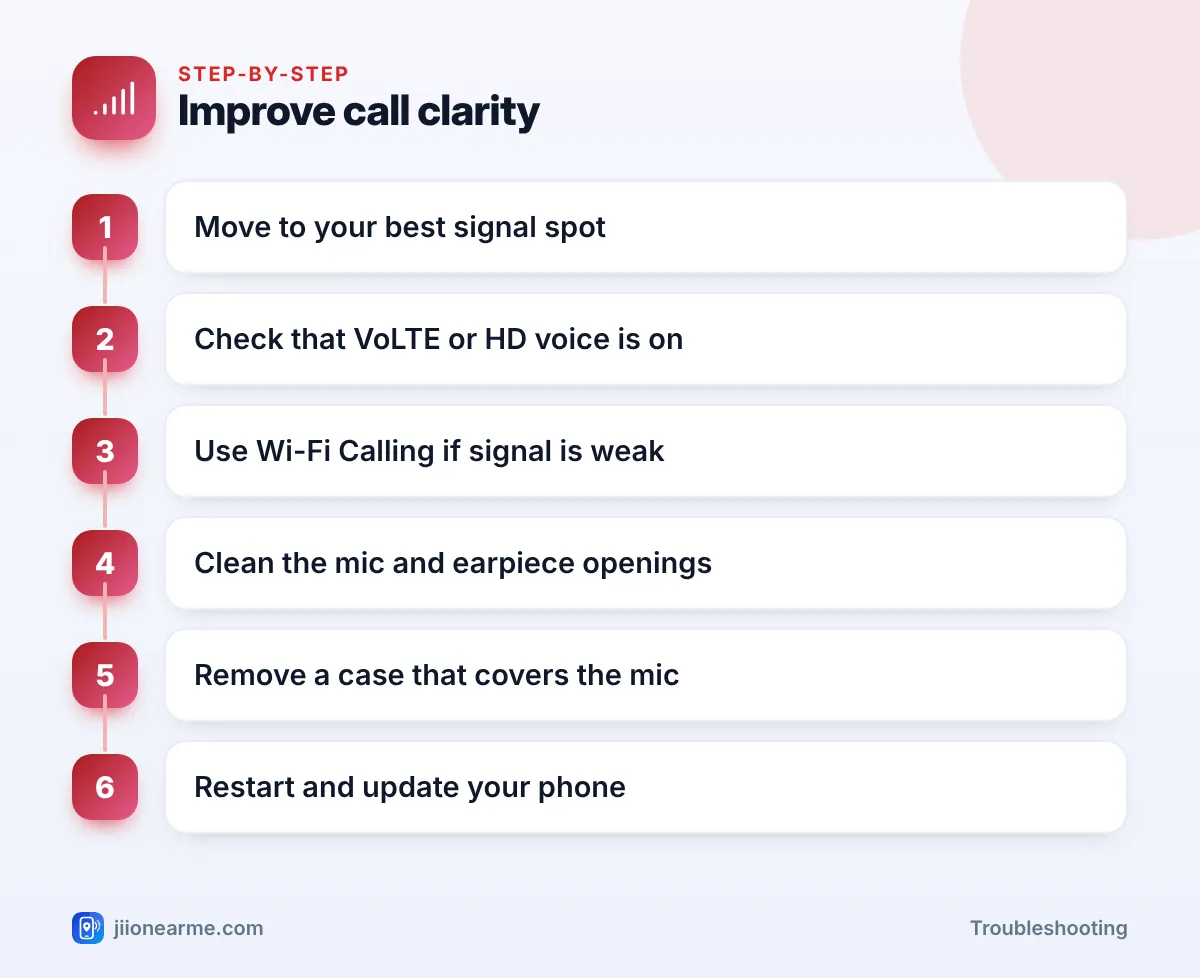
Follow these in order and test a call after each step:
- Move to your best signal spot and stay still.
- Check that VoLTE or 4G Calling is on for your Jio SIM.
- Turn Wi-Fi Calling on or off depending on which connection is stronger.
- Disconnect Bluetooth devices and test with the earpiece.
- Remove the case and clean the mic and earpiece openings.
- Restart your phone and install pending software updates.
If only one contact sounds bad, ask them to move to a better spot, take you off speakerphone and lower their volume. Their phone, network or surroundings may be the real cause.
When to Report Poor Call Quality to Jio
If calls sound poor at one location even after these steps, call 198 from your Jio number. Share the address, the type of problem (echo, robotic voice or breaks), the times it happens and your phone model. Note your complaint number for follow-ups.
Frequently Asked Questions
Why do I hear my own voice echo on Jio calls?
Usually because the other person is on speakerphone or has very high volume. Their microphone picks up your voice from their speaker and sends it back to you.
What causes a robotic voice on calls?
A robotic or metallic voice usually means parts of the voice data are lost or delayed. Weak signal and busy Wi-Fi are the most common reasons.
Does Wi-Fi Calling give better call quality?
It can, when your Wi-Fi is strong and not overloaded. On weak or crowded Wi-Fi, calls can sound worse than on mobile signal.
Why don't I see the HD icon during calls?
Many phones don’t show it at all, even when VoLTE is working. If your Jio calls connect, VoLTE is active.
Can a screen protector affect call quality?
Yes, if it covers the earpiece or a microphone opening. Check that all openings are clear.
Wrapping Up
A Jio call quality problem is usually easier to solve once you name the symptom. Echo often starts with speakerphone or volume, while robotic voice and breaks point to weak signal or poor Wi-Fi. Find your best signal spot, use Wi-Fi Calling only when Wi-Fi is strong, keep the phone’s openings clear, and report location-based problems on 198.
JIo Near me is an independent guide and is not affiliated with Reliance Jio. App menus, plans and policies can change – always confirm current details in the official MyJio app or on jio.com. We will never ask for your OTP, PIN or passwords.