When you can’t hear the person you’re talking to, or they can’t hear you, the problem is called one-way audio. The call connects and the timer runs, but sound only travels in one direction, or not at all.
On Jio calls, this is usually caused by something on the phone: audio going to a Bluetooth device, the microphone being blocked or switched off, or a calling setting that’s out of step. Network issues can cause it too, but they’re less common. Start with the quick checks below.
- First work out which side has no sound: you, the other person, or both.
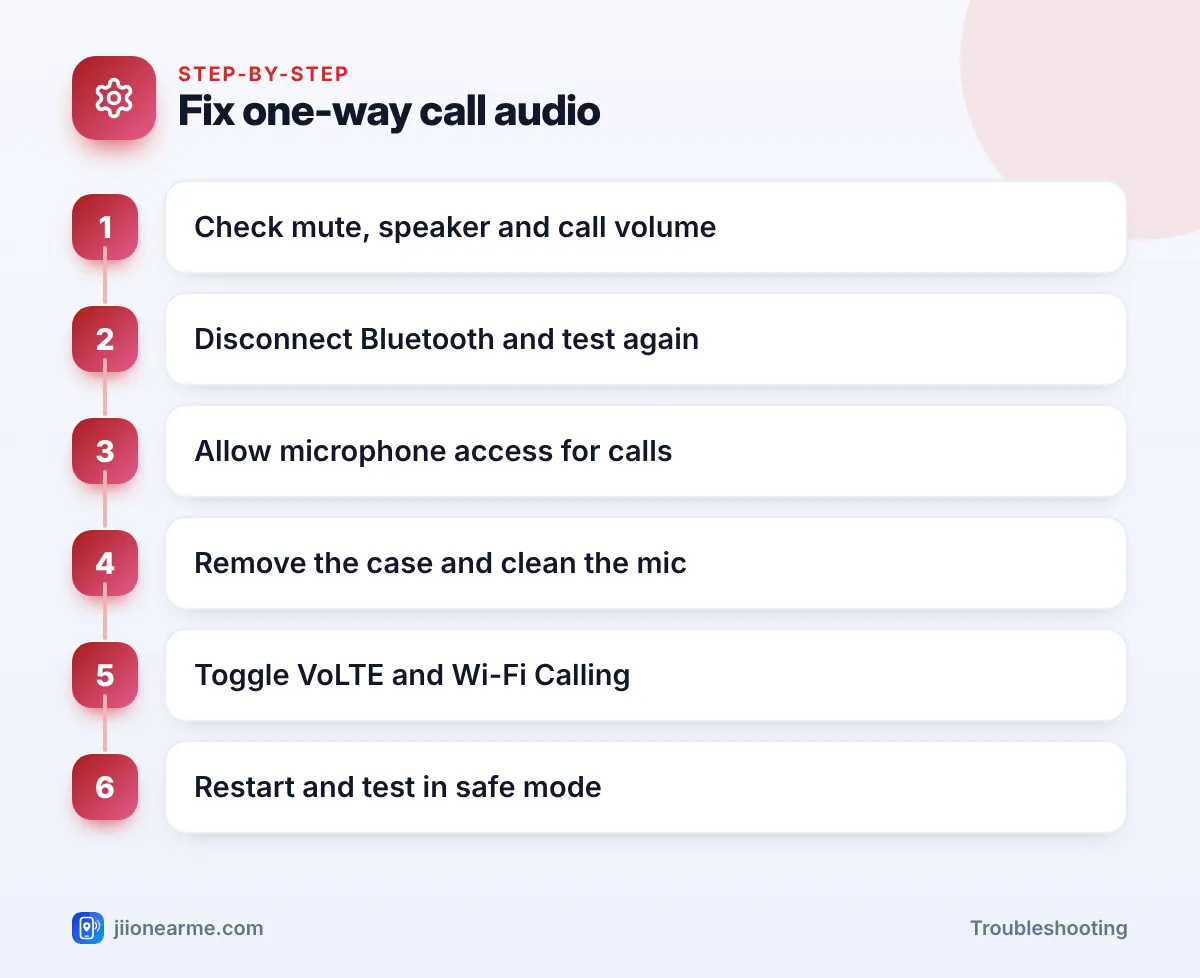
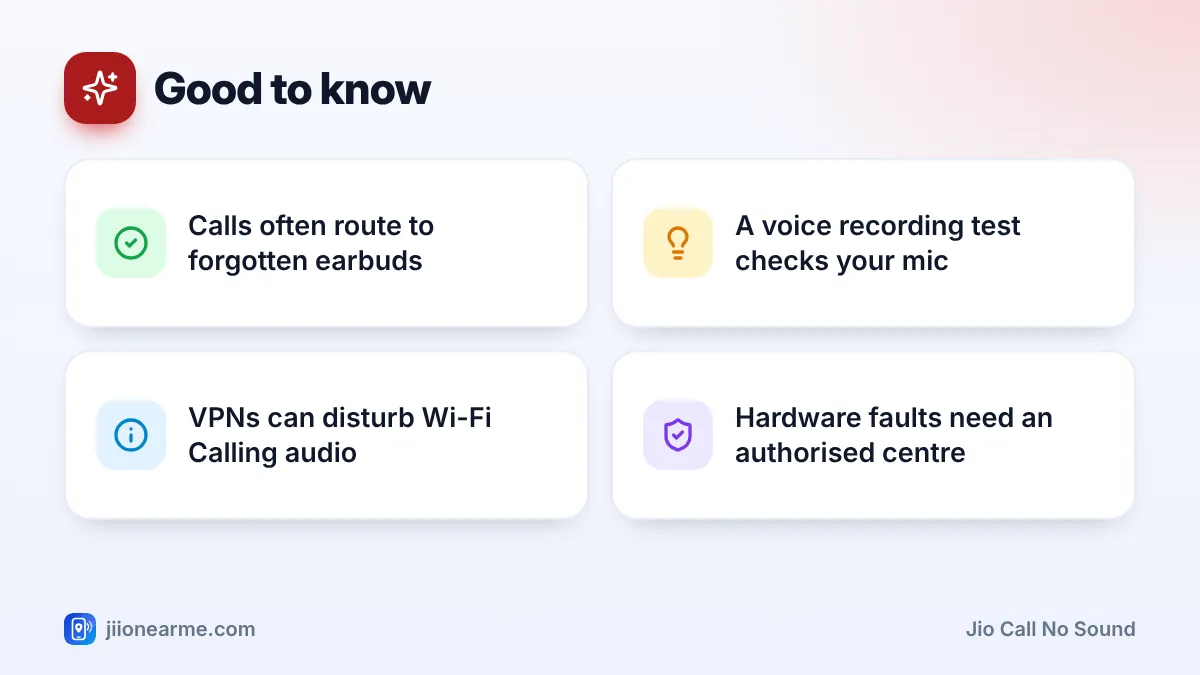
- Disconnect Bluetooth devices, since calls often route to earbuds or a car you’ve forgotten about.
- Check microphone access and app permissions, especially after an update.
- Clean the mic and earpiece openings, and remove a case that covers them.
- If it happens only on Wi-Fi Calling, the router or a VPN may be the cause.
Work Out Which Side Has No Sound
The direction of the problem tells you where to look.
| Symptom | Where to look first |
|---|---|
| You can’t hear them, they can hear you | Earpiece, volume, Bluetooth, audio routing |
| They can’t hear you, you can hear them | Microphone, mute button, mic access, case |
| No sound either way | Bluetooth, VoLTE or Wi-Fi Calling, network |
| Problem only with one contact | Their phone or signal |
| Problem only on Wi-Fi | Router, VPN or Wi-Fi Calling |
Try calling two different people. If the problem follows you on every call, it’s on your side.
Quick Checks During the Call
Before changing any settings, look at the call screen:
- Mute: Make sure the mute button isn’t on.
- Speaker: Tap the speaker button. If you can hear on speaker but not the earpiece, the earpiece may be blocked or faulty.
- Volume: Press the volume-up button during the call. Call volume is separate from ringtone and media volume.
- Audio output: Many phones show an audio or Bluetooth icon on the call screen. Tap it and choose Phone or Earpiece.
Check Bluetooth and Audio Routing
This is one of the most common causes of Jio call no sound complaints. Earbuds in your bag, a smartwatch or your car’s audio system can grab the call without you noticing.
- Turn off Bluetooth completely.
- Make a test call.
- If it works, turn Bluetooth on again and remove or re-pair the device that caused the problem.
On iPhone, also check Settings > Accessibility > Touch > Call Audio Routing. Set it to Automatic unless you’ve chosen something on purpose.
Record a short voice note with your phone’s voice recorder and play it back. If your voice is clear in the recording, your microphone works, and the problem is more likely a setting, Bluetooth or the network.
Check Microphone Access and Permissions
If the other person can’t hear you, the phone may be blocking the microphone.
- Microphone access toggle: On newer Android phones, there’s a Microphone access switch in Quick Settings or under Settings > Privacy (or Security & privacy). If it’s turned off, apps can’t use the microphone. Turn it on and test a call.
- Phone app permission: Go to Settings > Apps > Phone > Permissions and make sure Microphone is allowed. If you use a different dialler app, check that app too.
- Other apps using the mic: Call recorder apps, voice assistants and some accessibility apps can interfere with call audio. Pause or uninstall recently added ones and test again.
Look for Physical Blockages
A blocked microphone or earpiece is easy to miss.
- Remove the phone case and test a call. Some cases, especially poorly fitting ones, cover a microphone opening at the bottom or top.
- Peel back a screen protector if it covers the earpiece grille at the top.
- Gently clean openings with a soft, dry brush. Don’t push pins or needles inside.
- If your phone got wet recently, sound may be muffled until it dries fully. Don’t use heat to dry it.
Fix Jio Call No Sound Linked to VoLTE or Wi-Fi Calling
If both sides lose sound, or the problem started suddenly with no hardware change, the calling settings may need a reset.
- Toggle VoLTE. In your SIM settings, turn VoLTE or 4G Calling off and on again. Jio calls need VoLTE, so leave it on.
- Test without Wi-Fi Calling. Turn off Wi-Fi Calling and make a call over mobile signal. If sound works, the problem is with Wi-Fi Calling.
- Turn off any VPN. A VPN app on your phone, or on your router, can disturb Wi-Fi Calling audio.
- Restart the router if the problem only happens at home over Wi-Fi.
- Toggle Airplane mode to refresh the network connection.
- Restart your phone and install any pending software updates.
- Try safe mode on Android. Safe mode turns off downloaded apps for a while. If calls work there, a recently installed app is the cause. The way to start safe mode differs by brand.
When only one person has the issue, ask them to check their mute button, Bluetooth and signal. Their phone or network may be the real cause, not yours.
When It’s a Hardware Problem
If none of the steps work, and the voice recorder test also gives no sound or very faint sound, the microphone or earpiece may be faulty. Visit the phone brand’s authorised service centre. Back up your data before giving your phone for repair.
If your phone works fine with another SIM, or your Jio SIM has the same issue in another phone, call 198 from your Jio number to report it. A SIM replacement can be done at a Jio store with valid ID.
If someone calls claiming to be a service agent and asks for an OTP to “fix” your call audio, hang up. Genuine Jio support and repair centres don’t need your OTP to fix call problems.
Frequently Asked Questions
Why can't the other person hear me on Jio calls?
Check that mute is off, the microphone isn’t blocked by a case, and microphone access is allowed. Then disconnect Bluetooth and test again.
Why can I hear on speaker but not on the earpiece?
The earpiece may be blocked by dust or a screen protector, or the call may be routed to another output. Clean the grille and check the audio output on the call screen.
Can Wi-Fi Calling cause one-way audio?
Yes, sometimes. VPNs and some router settings can disturb Wi-Fi Calling audio. Test a call with Wi-Fi Calling off to check.
Does a software update cause call sound problems?
Occasionally, after a big update, settings or permissions can change. Restart the phone, check microphone access, and install any follow-up update.
Is one-way audio a Jio network fault?
It can be, but it’s more often a phone setting, Bluetooth or a blocked mic. If it continues after all checks, report it on 198.
Final Thoughts
One-way audio feels serious, but the fix is usually simple. Work out which side has no sound, check mute, volume and Bluetooth, make sure the microphone isn’t blocked or switched off, and test with and without Wi-Fi Calling. If a voice recording also fails, it’s time for an authorised service centre.
JIo Near me is an independent guide and is not affiliated with Reliance Jio. App menus, plans and policies can change – always confirm current details in the official MyJio app or on jio.com. We will never ask for your OTP, PIN or passwords.