The best place for your JioFiber router is a central, open spot in your home, raised to shelf height or higher and away from thick walls, metal and kitchen appliances. Wi-Fi spreads out in all directions from the router. Placing it in the middle of the rooms you use most gives every corner a fairer share of the signal.
There is one practical limit: the router must stay within reach of the fibre cable, which should never be stretched or bent sharply. This guide explains what weakens Wi-Fi inside a typical Indian home and how to find the best spot within that limit.
- Place the router centrally, not in a corner or at one end of the home.
- Keep it raised and in the open, not inside a cabinet or on the floor.
- Concrete walls, mirrors, metal cupboards and appliances all weaken Wi-Fi.
- Ask Jio to reroute the fibre cable rather than moving it yourself.
How Your Home Affects Wi-Fi Signal
Wi-Fi is a radio signal. Everything between the router and your device either lets it through, weakens it or bounces it away. Knowing the common culprits makes placement much easier.
Walls and floors
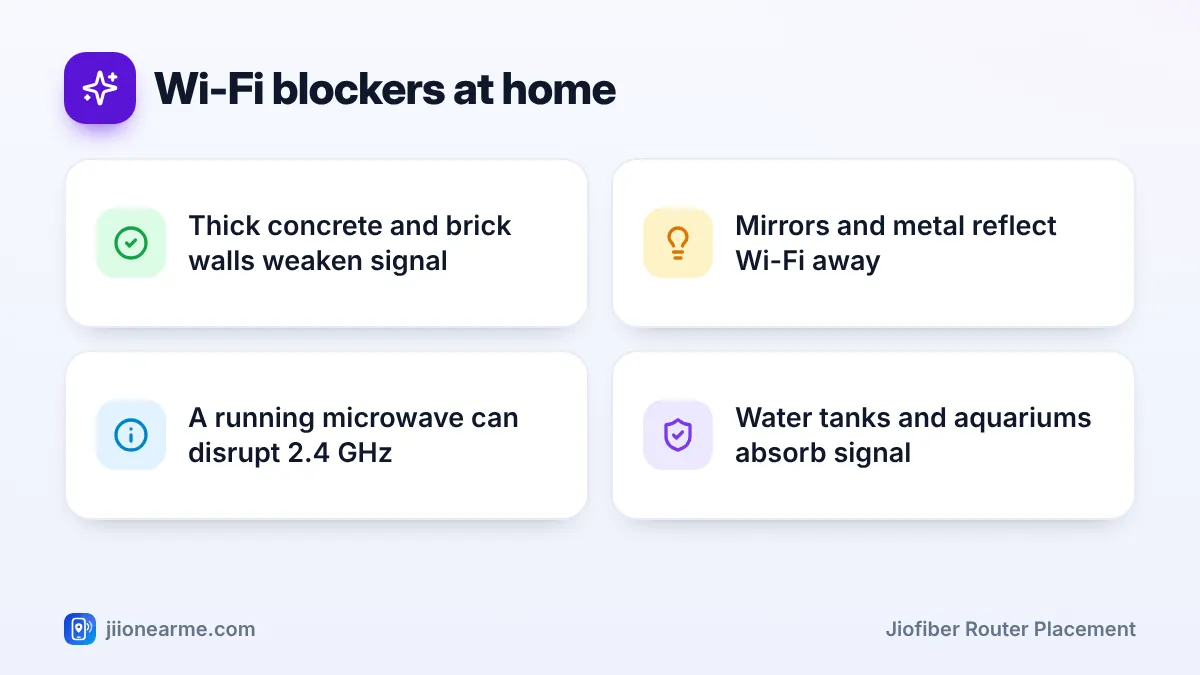
Brick and reinforced concrete walls, common in Indian flats, absorb a lot of Wi-Fi signal. Each wall between you and the router reduces speed, and the 5 GHz band is affected more than 2.4 GHz. Floors and ceilings are often even thicker, which is why upstairs rooms in independent houses struggle.
Height
Routers usually spread signal outwards and slightly downwards. A router on the floor or behind a sofa wastes much of its signal on the floor and furniture. A shelf, wall mount or top of a bookcase works far better.
Mirrors and metal
Large mirrors, steel almirahs, metal cupboards and metal grilles reflect Wi-Fi. A router placed beside a steel cupboard can create a weak zone on the other side of it.
Kitchen appliances and water
A microwave oven can disrupt 2.4 GHz Wi-Fi while it is running. Refrigerators are large metal boxes that block signal. Water also absorbs Wi-Fi, so aquariums, water tanks and even a wall with water pipes running through it can create dead spots.
Other electronics
Cordless phones, baby monitors and some Bluetooth devices also use the 2.4 GHz band. Keep the router at least an arm’s length away from them where you can.
What Makes a Good JioFiber Router Placement
A good spot ticks most of these boxes:
- Central: Roughly in the middle of the rooms where you use Wi-Fi most.
- Raised: At shelf height or above, ideally between chest height and a little below the ceiling.
- Open: Not inside a closed cabinet, TV unit drawer or behind a curtain.
- Clear: Away from metal cupboards, mirrors, the fridge and the microwave.
- Ventilated: With space around it, so it does not overheat.
- Powered: Near a stable socket, ideally on inverter backup to keep Wi-Fi running during short power cuts.
If your router has external antennas, point some straight up and others sideways. This helps the signal reach devices on the same floor and on floors above or below.
Working Within Reach of the Fibre Cable
The fibre cable that enters your home is made of thin glass inside a protective jacket. It can be damaged if it is pulled, pinched in a door or bent tightly around a corner. Damage can cut your internet completely and needs a technician to fix.
That is why the best spot must also be one the cable can reach comfortably. If the cable ends in a corner room, you have three choices:
- Ask Jio to reroute the cable to a more central spot. Raise a request through the MyJio app or customer care on 199. Ask whether any charge applies before the visit.
- Use an Ethernet cable from the router to a second access point or mesh unit in the centre of your home.
- Add a mesh system or extender to carry Wi-Fi into the far rooms.
Never pull, cut, rejoin or tightly coil the fibre cable to shift the router. If the cable needs to be moved, let a Jio technician do it.
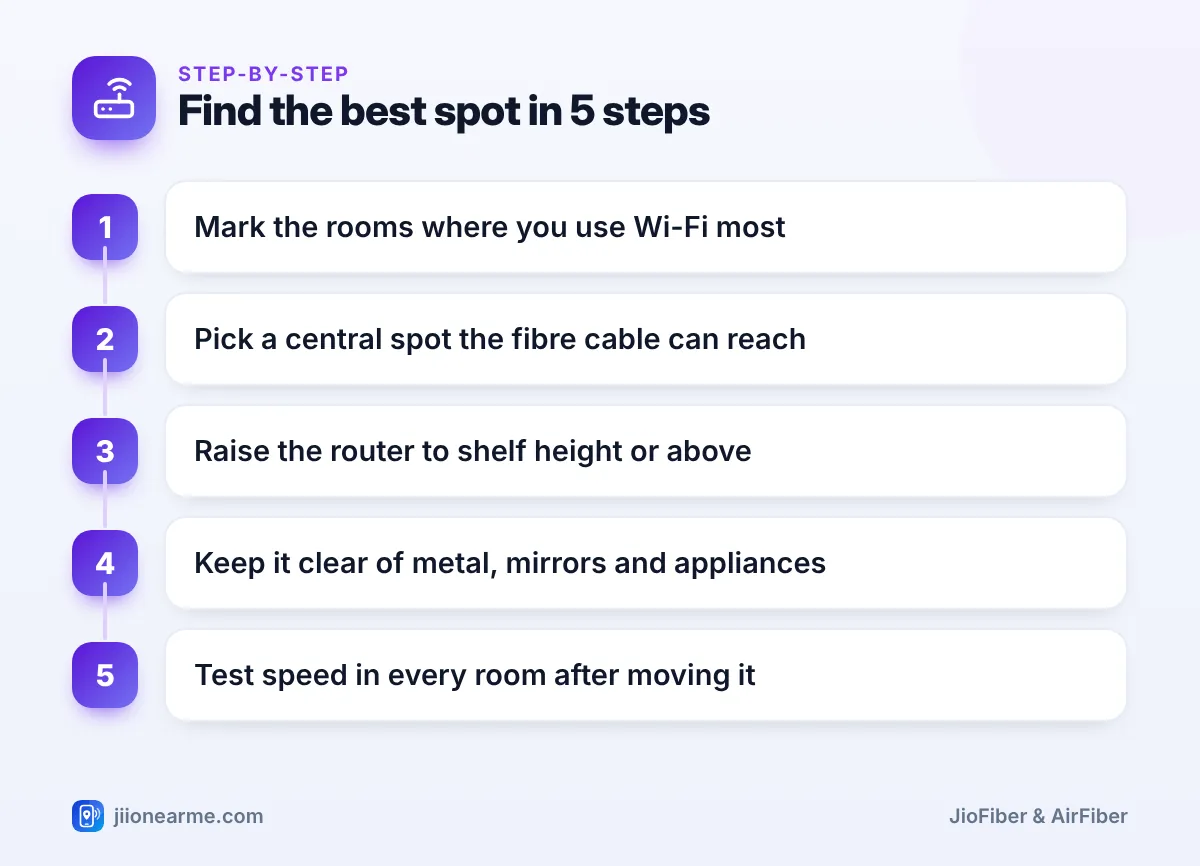
How to Find the Best Spot Step by Step
Use this simple method to compare a few possible spots:
- List the rooms where you use Wi-Fi most, such as the living room, study and bedrooms.
- Find a central point between them that the fibre cable can reach.
- Raise the router to a shelf or wall mount at that point.
- Clear away metal objects, mirrors and appliances from around it.
- Run a speed test on your phone in each important room on both Wi-Fi bands.
- Try one or two other spots and repeat the test, if the cable allows it.
- Keep the spot that gives the best overall results, not just the best result in one room.
Spots to avoid
| Spot | Why it causes problems |
|---|---|
| On the floor or behind the TV | Signal is blocked by furniture and the TV panel |
| Inside a cabinet or drawer | Wood and doors weaken signal, and the router may overheat |
| In the kitchen next to the microwave or fridge | Appliances interfere with or block Wi-Fi |
| Beside a steel almirah or large mirror | Metal and mirrors reflect signal away |
| At one far end of the home | Rooms at the other end get very weak Wi-Fi |
Frequently Asked Questions
Can I keep the JioFiber router inside a TV cabinet?
It is better not to. Closed cabinets weaken the signal and trap heat. If it must sit in a TV unit, use an open shelf with space around the router.
Does it help to mount the router on a wall?
Yes, a wall mount at a good height often improves coverage, as long as it is central and not on a wall covered by a mirror or metal fittings.
Will moving the router a few feet really make a difference?
It can. Moving it away from a metal cupboard, out of a cabinet or up from the floor often improves the signal noticeably in nearby rooms.
Why is Wi-Fi weak upstairs even with good router placement?
Floors and ceilings are thick and block a lot of signal. For multi-floor homes, a mesh system or a second access point connected by Ethernet usually works better than moving the router.
Can I move my JioFiber router to another room myself?
You can move it within the length of the existing cable without stretching or bending it. For a longer move, ask Jio to reroute the fibre cable.
Summary
Good JioFiber router placement means a central, raised and open spot that the fibre cable can reach without strain. Keep the router away from walls, metal, mirrors, the microwave and the fridge, and test speeds in every room after moving it. If one spot cannot cover your whole home, add a mesh system or extender instead of stretching the cable.
JIo Near me is an independent guide and is not affiliated with Reliance Jio. App menus, plans and policies can change – always confirm current details in the official MyJio app or on jio.com. We will never ask for your OTP, PIN or passwords.
