A JioBook is not a direct replacement for a Windows laptop. It runs JioOS, an Android-based system, so it handles browsing, online classes, documents and entertainment well, but it cannot run Windows software. A Windows laptop costs more in most cases, yet it runs a far wider range of programs and handles heavier work.
The right choice depends on what you need to do every day. This comparison looks at software, apps, document work, storage and connectivity, then explains who each one suits. Check the current models and prices on official sites, as specifications vary.
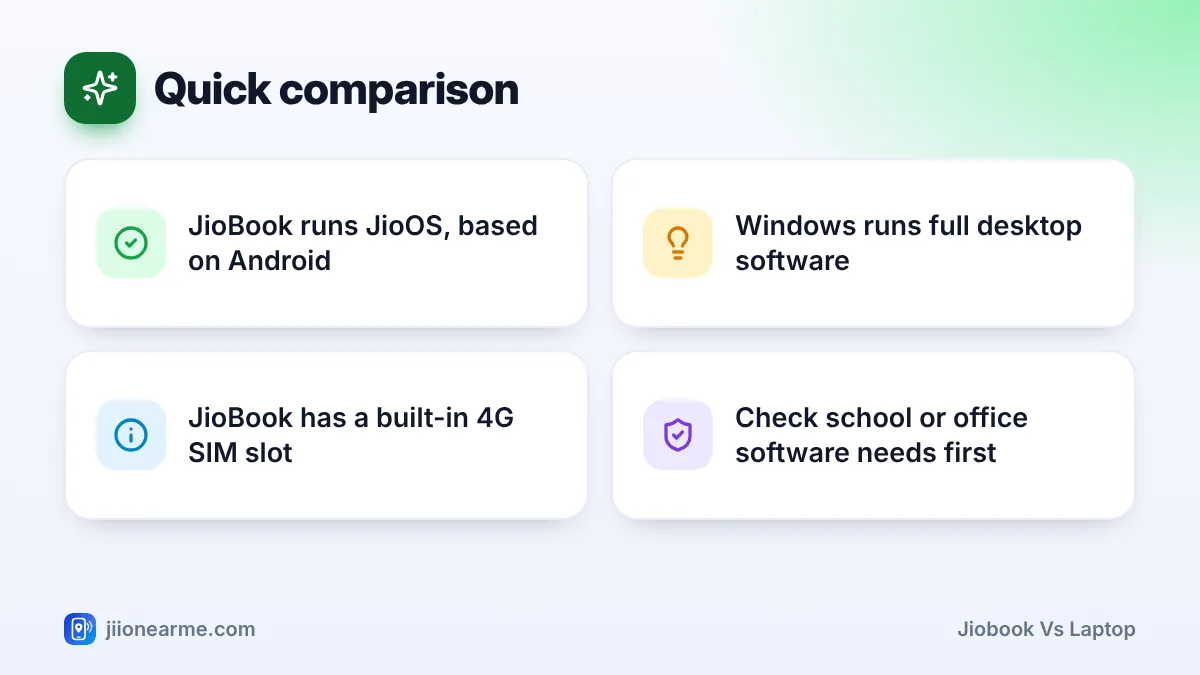
- JioBook runs JioOS and installs apps from its built-in store, not Windows programs.
- Windows laptops run full desktop software such as accounting, design and many exam tools.
- JioBook’s built-in 4G SIM slot is handy for users without home Wi-Fi.
- Make a list of the software you must use before deciding.
The Basic Difference: JioOS vs Windows
The biggest difference is the operating system.
- JioBook runs JioOS, which is based on Android. It is designed to be light, simple and quick to learn. Apps come from the built-in app store, usually called JioStore.
- A Windows laptop runs Microsoft Windows. You can install software from the Microsoft Store and from software makers’ websites, including large desktop programs.
This one difference affects almost everything else, from which apps you can use to how much work the laptop can handle.
JioBook vs Laptop: Quick Comparison Table
| Feature | JioBook | Typical Windows laptop |
|---|---|---|
| Operating system | JioOS (Android-based) | Windows |
| Where apps come from | Built-in app store | Microsoft Store and software websites |
| Desktop software | Not supported | Supported |
| Office documents | Office-type apps and browser tools | Full desktop office suites and browser tools |
| Built-in mobile internet | 4G with a Jio SIM | Usually not available |
| Storage | Modest, expandable with a memory card on many models | Usually larger, with SSD options |
| Learning curve | Easy, especially for Android users | Moderate |
| Heavy multitasking | Limited | Better, depending on the model |
Apps and Software
What works well on a JioBook
The JioBook handles everyday tasks well. You can browse the web, attend video classes or meetings, watch videos, listen to music, write notes and use Jio apps such as JioTV, JioMeet and JioAICloud where available. Many services also work in the browser.
What a JioBook cannot do
You cannot install Windows programs on JioOS. This rules out desktop accounting software, professional photo and video editors, many engineering and design tools, and PC games. Some online exam platforms also require a Windows or Mac computer with special software.
Where Windows wins
Almost any desktop program made for PCs runs on Windows. If your college, coaching class or office uses specific software, a Windows laptop is the safer choice.
Documents, Office Work and Printing
For basic documents, both can do the job. On a JioBook, you can use office-type apps from the store or browser-based tools to write, edit and share documents, spreadsheets and presentations.
Differences show up in heavier work:
- Complex spreadsheets and formatting are easier in a full desktop office suite on Windows.
- Large files with many images may feel slow on a JioBook.
- Printing and scanning are well supported on Windows. On a JioBook, wireless printing may work with compatible printers, but check your printer model first.
If you mostly type assignments, letters and simple sheets, a JioBook is enough. If you work with accounts, reports or detailed formatting daily, choose Windows.
Storage, Performance and Multitasking
JioBooks are built to be light and affordable, so they come with modest memory and storage. That is fine for documents, a handful of apps and some photos. Many models let you add a memory card for more space.
Windows laptops vary widely. Most mid-range models have more memory, larger and faster storage, and stronger processors. That helps when you keep many browser tabs open, edit photos or run several programs at once.
Specifications change between models and years. Before buying either type, compare the memory, storage, display and battery details on the official product page or the box, rather than relying on general descriptions.
Connectivity: Built-In 4G vs Wi-Fi Only
This is where the JioBook stands out. It has a SIM slot, so with an active Jio SIM you can get online almost anywhere with 4G coverage. You do not need a separate hotspot or home broadband.
Most Windows laptops connect only through Wi-Fi or an Ethernet cable. Away from Wi-Fi, you need a phone hotspot or a device such as JioFi. A few business laptops do have SIM slots, but they are not common in most price ranges.
Both types support Wi-Fi, so either works well at home with JioFiber or Jio AirFiber.
If you study in a village, travel often or have no broadband at home, the JioBook’s built-in 4G is a real advantage. If you have reliable home Wi-Fi, this matters less and software needs should guide your choice.
Who Each One Suits
A JioBook suits:
- School students who need online classes, browsing and simple homework.
- First-time laptop users who want something easy to learn.
- People without home broadband who need built-in 4G.
- Anyone who mainly browses, watches videos and writes simple documents.
A Windows laptop suits:
- College students whose courses need specific desktop software.
- Office workers, accountants and small business owners.
- Anyone who edits photos or videos, codes, or plays PC games.
- Users who keep many programs open at once.
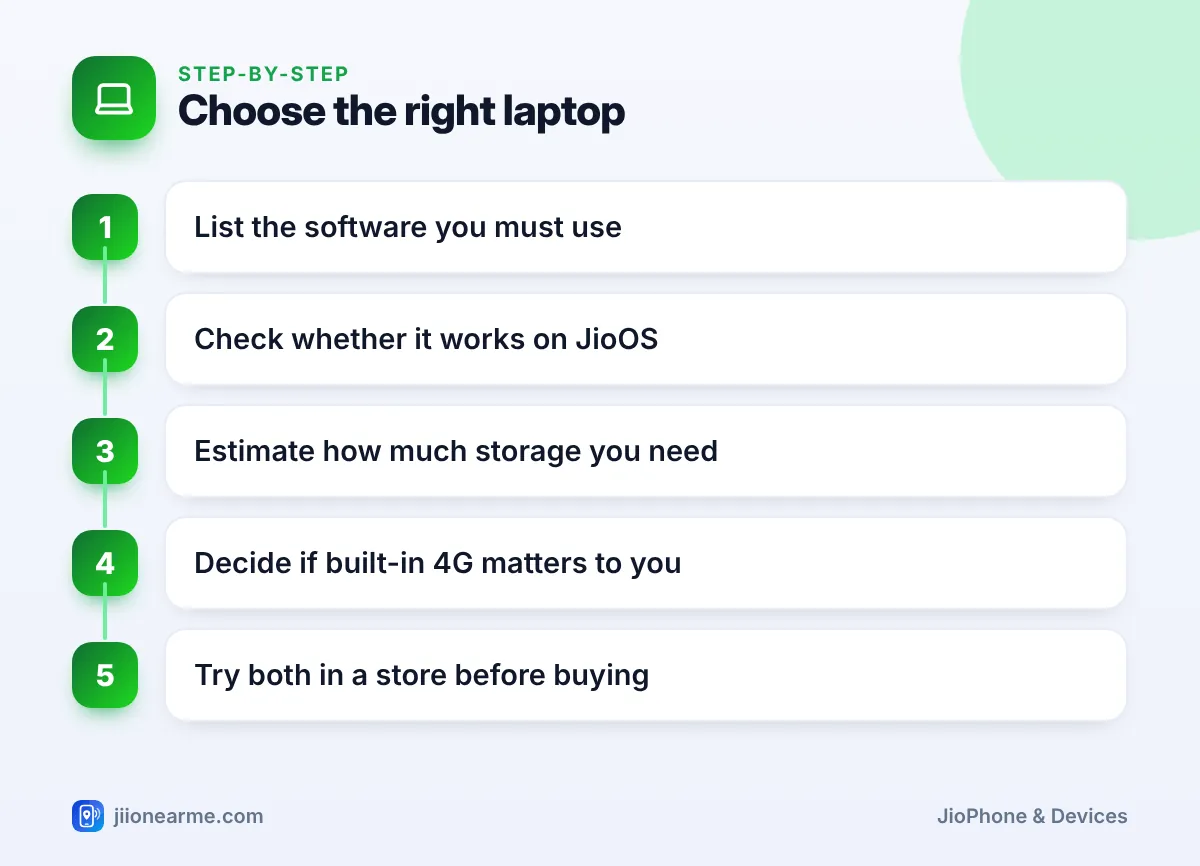
Before buying for a course or a job, ask which software and exam platforms are required. Buying a laptop that cannot run a required program is the most common and costly mistake.
Frequently Asked Questions
Can I install Windows on a JioBook?
No. The JioBook is designed to run JioOS. Trying to replace the operating system is not supported and could affect your warranty.
Can I use Microsoft Office on a JioBook?
Desktop Office cannot be installed. You may be able to use web-based office tools in the browser, or an office-type app from the JioBook’s app store.
Is a JioBook good enough for college?
It depends on the course. It handles browsing, online classes and documents, but courses that need specialised desktop software require a Windows or Mac laptop.
Do Windows laptops have built-in 4G like the JioBook?
Most do not. They connect through Wi-Fi, so you need a hotspot such as JioFi or your phone when you are away from Wi-Fi.
Which one lasts longer on battery?
It varies by model. Check the battery life stated on the official product page, and remember that real-world use is often lower.
Conclusion
Choose a JioBook if your needs are simple, you value built-in 4G and you want something easy to learn. Choose a Windows laptop if you need specific software, heavier multitasking or more storage. List your must-have software first, check it against each option, and the right choice usually becomes obvious.
JIo Near me is an independent guide and is not affiliated with Reliance Jio. App menus, plans and policies can change – always confirm current details in the official MyJio app or on jio.com. We will never ask for your OTP, PIN or passwords.