Two-step verification adds a six-digit PIN that WhatsApp asks for whenever your number is registered on a phone. Even if a scammer tricks you into sharing the SMS registration code, they cannot finish setting up your account without that PIN. You can switch it on in under a minute from Settings > Account > Two-step verification.
This guide explains how account takeovers happen, how the PIN blocks them, and how to set it up with a recovery email. It also covers what to do if you forget the PIN.
- WhatsApp two-step verification adds a PIN that you create, on top of the SMS or call code.
- A leaked registration code alone is not enough to take over your account once the PIN is on.
- Add a recovery email so you can reset the PIN if you forget it.
- Never share the PIN or the registration code, even with someone claiming to be from WhatsApp.
How WhatsApp Accounts Get Taken Over
To set up WhatsApp on a phone, you enter your number and WhatsApp sends a six-digit registration code by SMS or call. Whoever enters that code can register your number on their device. Scammers try to get this code from you in several ways:
- “Sent by mistake” messages. A friend’s hacked account says it sent you a code by mistake and asks you to forward it.
- Fake support. Someone pretends to be from WhatsApp, Jio or a bank and says your account needs “verification”.
- Call forwarding tricks. A caller asks you to dial a code starting with * or # to “fix” a problem. It quietly forwards your calls, so the voice-call registration code reaches them.
- Contest or job offers that ask for a code to “confirm your entry”.
Once a scammer takes over an account, they often message your contacts asking for money or more codes.
WhatsApp, Jio and banks will never ask for your WhatsApp registration code or two-step PIN. Anyone who does is attempting fraud, even if the message comes from a friend’s number.
Why WhatsApp Two-Step Verification Matters
With two-step verification on, registering your number on a new phone needs two things: the registration code sent to your number, and the PIN only you know.
| Feature | Registration code | Two-step PIN |
|---|---|---|
| Who creates it | WhatsApp, each time | You, once |
| How you get it | SMS or voice call | You remember it |
| When it is needed | Registering on a phone | Registering, and occasional checks |
| Can a scammer intercept it | Yes, through tricks | Only if you tell them |
So even if a code leaks, the person cannot complete registration without your PIN. It is one of the simplest ways to protect your account.
How to Turn On Two-Step Verification on WhatsApp
The steps are almost the same on Android and iPhone. Labels can differ slightly between app versions.
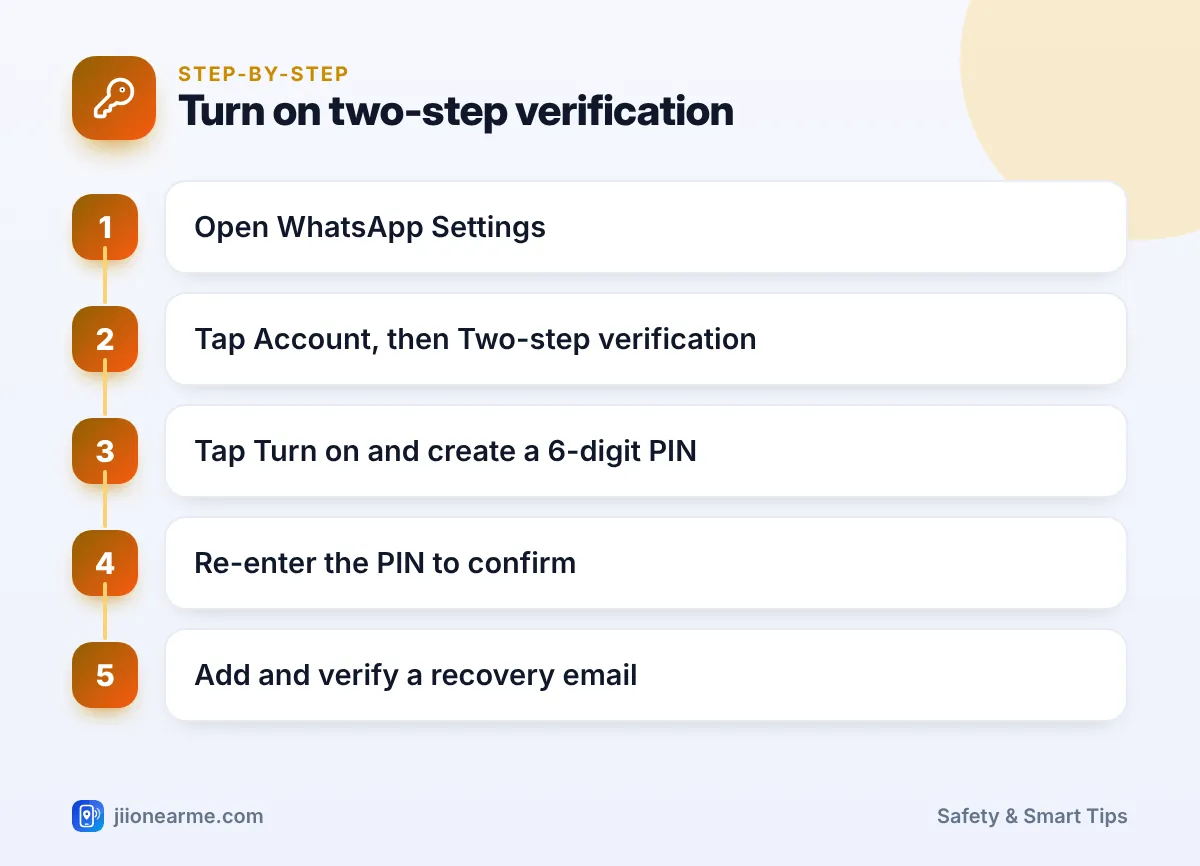
- Open WhatsApp.
- Go to Settings. On Android, tap the three-dot menu (⋮) and choose Settings. On iPhone, tap the Settings tab at the bottom.
- Tap Account.
- Tap Two-step verification.
- Tap Turn on or Create PIN.
- Enter a six-digit PIN that you will remember but others cannot guess.
- Enter the same PIN again to confirm.
- Add an email address when asked, or skip it if you prefer. Adding it is strongly recommended.
- Confirm the email address, then tap Done or Save.
Choosing a good PIN
- Avoid easy patterns such as 123456, 000000 or your birth date.
- Do not reuse your UPI PIN, ATM PIN or screen lock PIN.
- Write it down somewhere safe and private if you worry about forgetting it, not on your phone’s home screen.
Why You Should Add a Recovery Email
The email address is your backup if you forget the PIN. WhatsApp sends a verification link to confirm the address, so check your inbox and spam folder and tap the link.
If you ever forget the PIN, you can request a reset link at that email. Without an email, recovery is slower, as explained below.
Use an email account that you can still open if your phone is lost, and protect that email with its own strong password and two-step login.
If You Forget Your WhatsApp PIN
WhatsApp asks for your PIN now and then to help you remember it. If you forget it:
- On the PIN screen, tap Forgot PIN?
- If you added an email, choose to send a reset link to it.
- Open the email, tap the link and confirm that you want to turn off two-step verification.
- Return to WhatsApp, finish registering, and set a new PIN.
If you did not add an email, WhatsApp’s help pages say you will need to wait 7 days after you last used WhatsApp before you can re-register without the PIN. You may lose pending messages when you do this. If the wait stretches past 30 days, the account may be deleted and a new one created when you register again.
Changing, Turning Off and Adding Extra Protection
To change your PIN or email, open Settings > Account > Two-step verification and choose Change PIN or Change email address. The Turn off option is in the same place, but it is best left on.
For even better protection:
- Check Linked devices in Settings and log out of any computer or browser you don’t recognise.
- Turn on security notifications if your version offers them, so you know when a contact’s security code changes.
- Lock WhatsApp with your fingerprint, face or passcode through the privacy settings.
If you suspect someone turned on call forwarding through a trick, check your phone’s call settings for call forwarding and switch it off. You can also call Jio customer care on 199 from your Jio number for help.
Frequently Asked Questions
Is the two-step PIN the same as the six-digit SMS code?
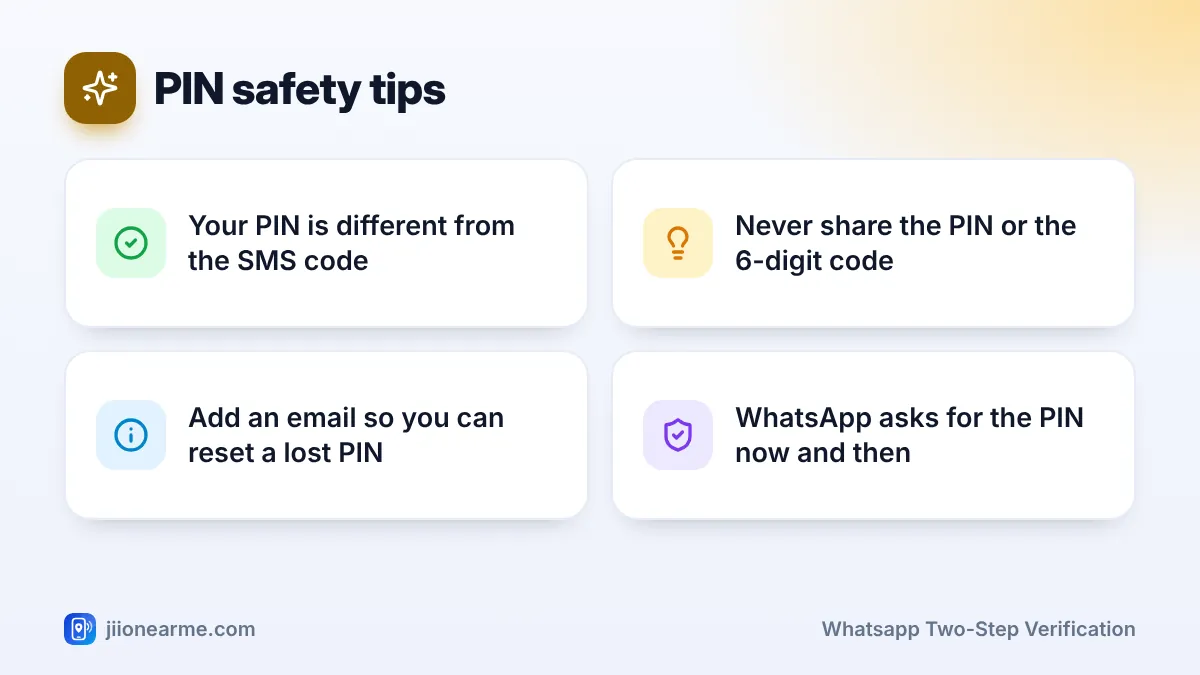
No. The SMS or call code is sent by WhatsApp each time you register. The two-step PIN is one you create yourself, and it adds a second check.
Why does WhatsApp keep asking for my PIN?
WhatsApp asks for it from time to time so you do not forget it. Entering it correctly keeps your account working as normal.
Can WhatsApp support ask for my PIN?
No. WhatsApp does not ask for your PIN or registration code through calls, chats or SMS. Treat any such request as a scam.
What if my account was already taken over?
Register WhatsApp again with your number and the SMS code you receive, which logs the other person out. If they set their own PIN, you may have to wait 7 days to register without it. Meanwhile, warn your contacts not to send money.
Final Thoughts
WhatsApp two-step verification takes a minute to set up and closes the most common route to account takeover. Create a PIN you can remember, add a recovery email, and never share any code or PIN with anyone. Make it part of your setup on every new phone.
JIo Near me is an independent guide and is not affiliated with Reliance Jio. App menus, plans and policies can change – always confirm current details in the official MyJio app or on jio.com. We will never ask for your OTP, PIN or passwords.