Your phone already knows how much data you use. The quickest way to estimate your daily need is to check its data usage screen for the last week or month, divide by the number of days and add a small buffer for heavier days.
If you have a new phone or your habits are changing, you can also build an estimate from your daily routine using typical data use for video, music, calls and browsing. This guide shows both methods so you can choose a daily data quota that fits.
- Your phone’s settings and the MyJio app show how much data you really use.
- Average your use over at least a week, then add a buffer for busy days.
- Video is usually the biggest data user, and quality settings make a huge difference.
- Normal Jio VoLTE calls do not use data, but app calls and video calls do.
Why Estimating Your Daily Data Matters
Many Jio prepaid plans give a daily data limit. If your plan is too small, your high-speed data runs out in the evening and the rest of the day crawls at a much lower speed. If it is too big, you pay for data that disappears unused at midnight.
A realistic estimate helps you pick the right plan, and tells you when a one-off data pack is a better idea than a bigger plan.
Method 1: Check Your Phone’s Data Usage Stats
On Android
- Open Settings.
- Go to Network & internet or Connections.
- Look for Data usage, Mobile data usage or App data usage.
- Choose the period you want to see and note the total.
- Scroll down to see which apps used the most data.
On iPhone
- Open Settings.
- Tap Mobile Service (shown as Mobile Data or Cellular on some versions).
- Look at the usage for the Current Period and the list of apps below it.
- Scroll to the bottom to see when the statistics were last reset.
The iPhone shows usage since the last reset, not per day. To get a clean figure, reset the statistics, use your phone normally for a week and then check again.
In the MyJio app
Open your plan details or usage history to see day-wise data use on your Jio number. This is handy because it shows each day separately. Menu names can differ by app version.
Your phone tracks mobile data and Wi-Fi separately. For your plan, only mobile data matters. If you are on Wi-Fi at home most evenings, your mobile data need will be lower.
How Much Data Do I Need Per Day? Work It Out in 4 Steps
Once you have your usage figures, the calculation is simple:
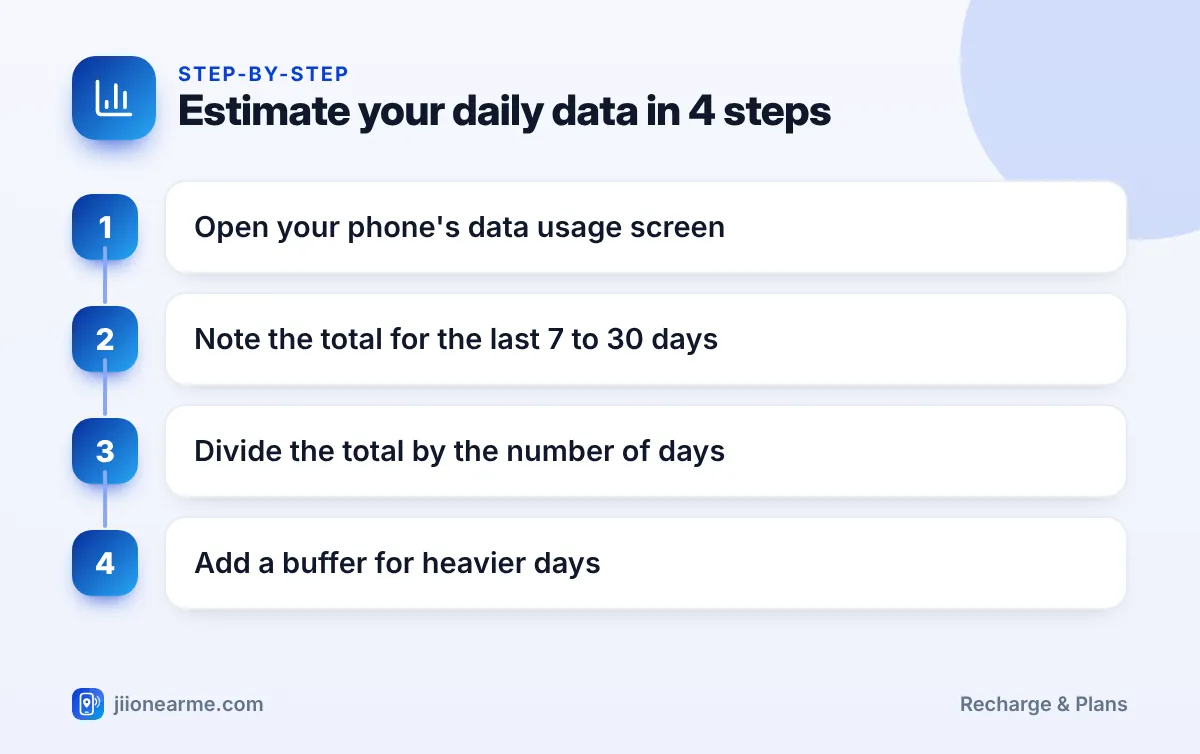
- Find your total mobile data use for a period, such as the last 7 or 30 days.
- Divide by the number of days to get your average daily use.
- Look at your heaviest days in the MyJio usage history to see how far above average they go.
- Add a buffer of around 20 percent to cover busier days, then compare it with the daily data on current plans.
For example, if you used 7 GB of mobile data in 7 days, your average is 1 GB a day. Adding a 20 percent buffer gives you about 1.2 GB a day as a comfortable target.
Typical Data Use by Activity
If you do not have usage history, this table gives rough estimates. Actual use varies by app, quality setting and network, so treat these as ballpark figures only.
| Activity | Rough data use |
|---|---|
| Messaging with text and photos | Low, usually a few MB per hour |
| Web browsing and email | Low to moderate, more on image-heavy pages |
| Social media feeds with autoplay video | Moderate to high, similar to video streaming |
| Music streaming at normal quality | About 40 to 150 MB per hour |
| Video at low or standard quality | About 0.3 to 1 GB per hour |
| Video in HD | About 1 to 3 GB per hour |
| Voice call on an app | Well under 1 MB per minute |
| Video call on an app | A few hundred MB per hour or more |
| Maps and navigation | Usually light, a few MB to tens of MB per hour |
| App and system updates | Can be hundreds of MB or more each |
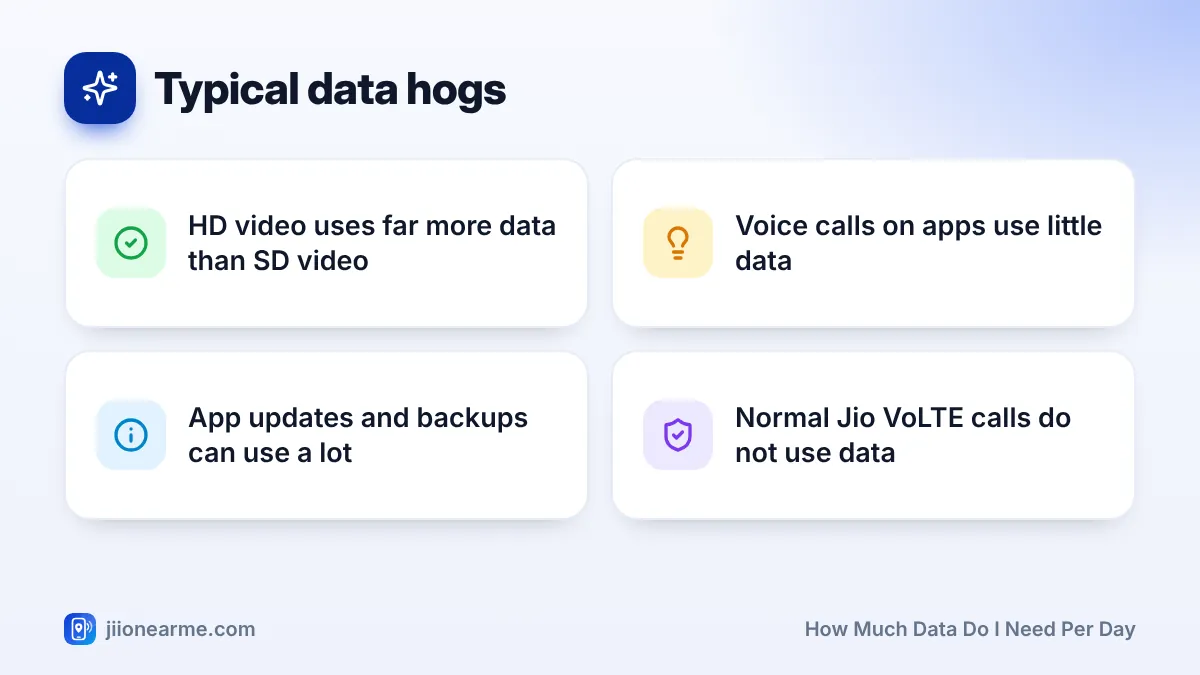
Normal phone calls on Jio use VoLTE and are not counted against your data. Only calls made through apps use data.
Building an Estimate from Your Daily Routine
To estimate from scratch, list what you do on mobile data in a typical day and add it up. Here is an example for someone who uses Wi-Fi at home but mobile data while commuting and at college:
- One hour of video at standard quality on the commute
- One hour of music streaming
- About an hour of social media and browsing through the day
- Twenty minutes of app voice calls
Using the rough figures above, this adds up to roughly 1 to 1.5 GB a day, depending on video quality and how much video plays in social feeds. Add a buffer, and pick a plan whose daily data comfortably covers it.
Lowering the video quality in your streaming apps to standard on mobile data can cut your daily use sharply. Save HD for Wi-Fi.
Ways to Reduce Your Daily Data Use
If your estimate is higher than you would like, try these changes before upgrading your plan:
- Set streaming apps to a lower quality on mobile data.
- Turn off autoplay for videos in social media apps.
- Set app updates and photo backups to Wi-Fi only.
- Download music, videos and maps on Wi-Fi to use offline.
- Turn on data saver mode in your phone settings.
- Check which apps use background data and restrict the heavy ones.
Frequently Asked Questions
Do normal Jio calls use mobile data?
No. Regular calls on Jio use VoLTE and are not deducted from your data. Calls through apps like WhatsApp do use data.
Why does my data run out faster than my estimate?
Hidden use is the usual cause, such as autoplay videos, app updates, cloud backups or hotspot sharing. Check the per-app list in your phone settings to find the culprit.
Does hotspot use count towards my daily data?
Yes. Data shared through your phone’s hotspot comes from your plan, so laptops and other phones connected to it add to your daily use.
How often should I recheck my data needs?
Check every few months, or after a big change such as a new phone, a new job or moving home. Your habits change, and so does your data use.
What if I need extra data only on some days?
Buy a data pack on those days instead of upgrading your whole plan. Data packs are listed in the recharge section of MyJio and on jio.com.
Wrapping Up
The best estimate comes from your own usage. Check your phone settings or MyJio for a week or a month, work out the daily average and add a buffer for busier days.
If you have no history yet, use the activity table as a rough guide and adjust after a week. Then pick a plan that covers your typical day, and keep data packs for the occasional heavy one.
JIo Near me is an independent guide and is not affiliated with Reliance Jio. App menus, plans and policies can change – always confirm current details in the official MyJio app or on jio.com. We will never ask for your OTP, PIN or passwords.