For online classes, homework, documents and typing practice, a JioBook can do the job well for most school students. It struggles with heavy software, Windows-only programs and some online exam tools. So the honest answer is yes for everyday school work, but check your course needs first.
The JioBook runs JioOS, an Android-based system, and it has built-in 4G with a Jio SIM. That makes it easy to learn and handy where home Wi-Fi is weak. This guide sets realistic expectations and suggests settings that help students focus.
- A JioBook handles video classes, browsing, documents and typing practice for most school students.
- It cannot run Windows software, so check any software your school or exam board requires.
- Built-in 4G helps students in homes without reliable broadband.
- Simple settings like a screen lock, fewer notifications and regular backups make study smoother.
What a JioBook for Students Does Well
A JioBook is designed for light, everyday computing. For a typical school student, that covers most of the day:
- Online classes: Video meetings through apps from the store or through the browser.
- Homework and projects: Writing, simple presentations and spreadsheets with office-type apps or browser tools.
- Research: Browsing websites, reading e-books and watching educational videos.
- Typing practice: A full-size keyboard is far better for learning to type than a phone screen.
- Entertainment in moderation: Music, videos and Jio apps such as JioTV and JioSaavn where available.
Its light weight and simple interface also suit younger students who are using a laptop for the first time.
Online Classes on a JioBook
Most schools use video meeting platforms for online classes. You can join them in two ways:
- Through an app. Search for your school’s meeting app in the built-in app store and install it. JioMeet may also be available.
- Through the browser. Many platforms let you join from the web browser using the class link.
Before the first class, do a quick test:
- Open the meeting app or a test call and check that the camera shows your face clearly.
- Speak and check that the microphone picks up your voice.
- Sit facing a window or lamp, not with the light behind you.
A wired or Bluetooth headset with a microphone reduces echo and background noise. It also helps the student hear the teacher clearly in a busy home.
For a stable connection, use home Wi-Fi when available. Otherwise, use the JioBook’s built-in 4G with an active Jio SIM. Video classes use a fair amount of data, so keep an eye on the balance in the MyJio app.
Homework, Documents and Typing Practice
Documents and assignments
Office-type apps from the store or browser-based tools can create documents, spreadsheets and slides. Save work regularly and keep a copy in a cloud service such as JioAICloud or on a USB drive.
Typing practice
Learning to type properly is one of the best uses of a laptop for students. Use a typing practice website or app, and practise for short sessions every day. Keep the fingers on the home row and try not to look at the keys.
Reading and research
Use the browser for research and bookmark trusted sites for each subject. Teach younger children to check facts with teachers and textbooks rather than believing every website.
Where a JioBook Falls Short
Setting expectations early avoids frustration later:
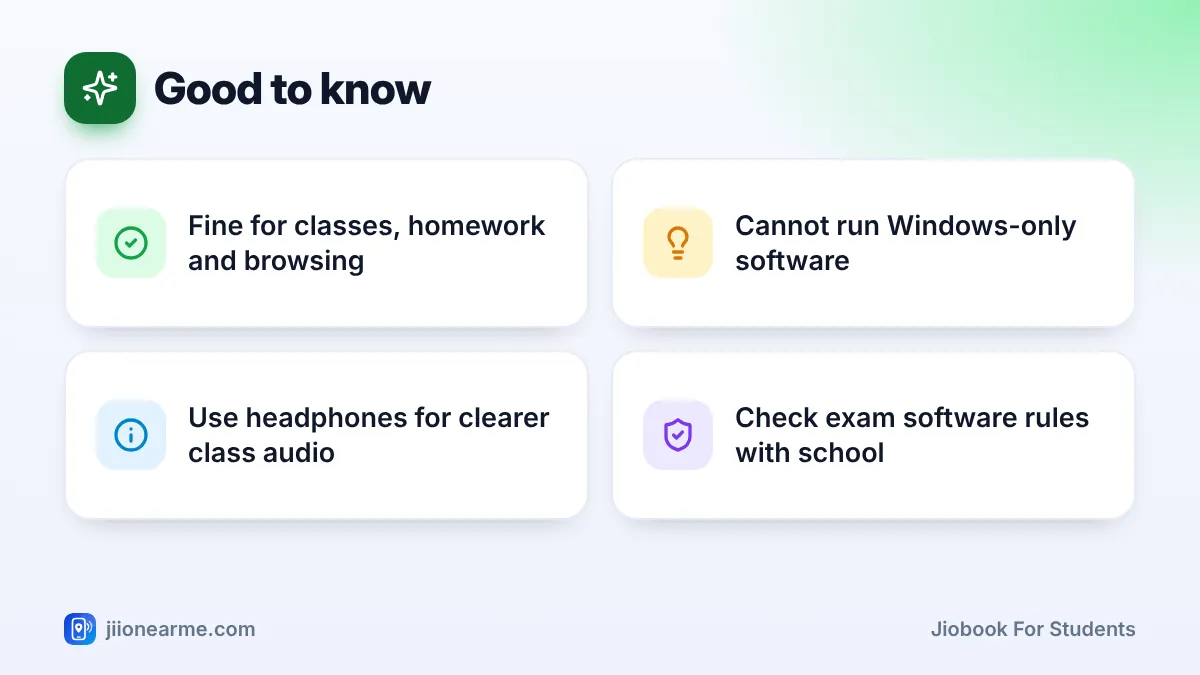
- No Windows software. Programs made only for Windows, such as some coding tools, design software and certain school apps, will not install.
- Online exam rules. Some exam platforms require a Windows or Mac computer with special lockdown software. Ask the school before relying on a JioBook for exams.
- Heavy multitasking. Many tabs, large files or video editing can make it slow.
- Limited storage. Large video projects and big downloads fill it quickly. A memory card helps on models that support it.
| School task | Works on a JioBook? |
|---|---|
| Video classes | Yes, through apps or the browser |
| Writing assignments | Yes |
| Typing practice | Yes |
| Basic coding exercises | Often through browser-based tools |
| Windows-only software | No |
| Some proctored online exams | Check with the school |
Settings That Help Students Focus
A few minutes of setup makes the JioBook a better study tool. Menu names can vary by software version.
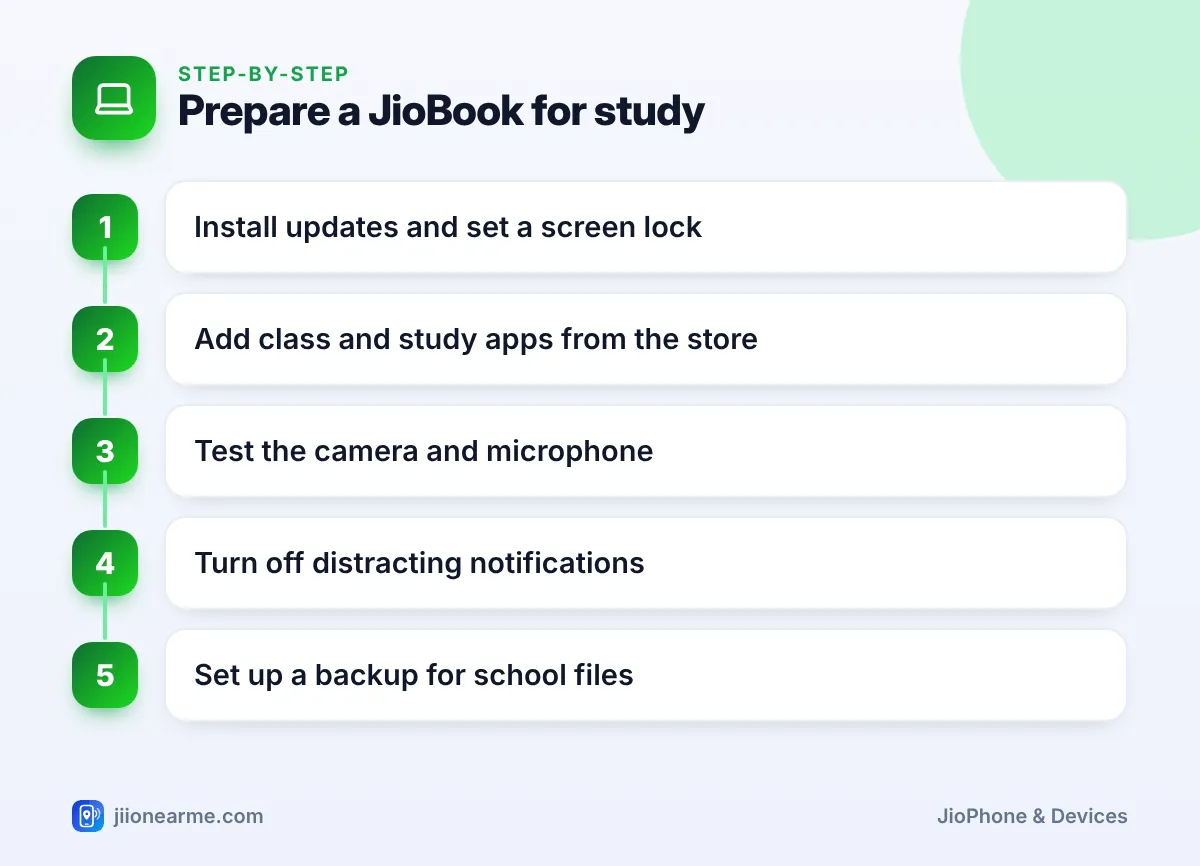
- Install updates. Open Settings and look for System update. Updated software is safer and more reliable.
- Set a screen lock. A PIN or password keeps school work private.
- Install only study apps first. Add class, typing and document apps from the built-in store before anything else.
- Turn off distracting notifications. In Settings, open the notifications section and switch them off for games and entertainment apps.
- Set up backups. Save important files to JioAICloud, a memory card or a USB drive.
If your JioBook’s software version offers screen time limits or parental controls, set them up for younger children. If it does not, keep the laptop in a shared family space and agree on study and break times together.
Tips for Parents
- Ask the school first. Find out which apps, websites and exam tools are required.
- Teach online safety. Children should never share passwords, OTPs or personal details with strangers online.
- Watch for scams. Fake scholarship or prize messages often target students. Report suspicious calls and messages through Chakshu on the Sanchar Saathi portal.
- Keep the charger handy. Long video classes drain the battery, so plug in during classes when possible.
Frequently Asked Questions
Can a JioBook handle daily online classes?
Yes, for most school classes. Install the meeting app your school uses or join through the browser, and use a stable Wi-Fi or 4G connection.
Can students do coding on a JioBook?
Basic coding practice often works through browser-based tools. Courses that need specific desktop programming software may require a Windows or Mac laptop.
Is a JioBook good for typing practice?
Yes. The physical keyboard is ideal for learning to type. Short daily sessions with a typing practice app or website work best.
Will a JioBook work for online board or entrance exams?
Some exams require specific software that runs only on Windows or Mac. Check the exam’s technical requirements well before the exam date.
Does a student need a Jio SIM for the JioBook?
No. A JioBook works on Wi-Fi alone. A Jio SIM is useful only if you want built-in 4G internet away from Wi-Fi.
Final Thoughts
A JioBook is a sensible, easy-to-learn laptop for school students who mainly attend online classes, write assignments and practise typing. It is not the right tool for Windows-only software or demanding college courses. Check your school’s requirements, set it up with focus in mind, and it can serve a student well.
JIo Near me is an independent guide and is not affiliated with Reliance Jio. App menus, plans and policies can change – always confirm current details in the official MyJio app or on jio.com. We will never ask for your OTP, PIN or passwords.