Most Jio Wi-Fi Calling problems trace back to one of four things: the phone doesn’t support it, the setting is off, VoLTE isn’t set up properly, or the Wi-Fi network is blocking the connection it needs. Check them in that order and you’ll usually find the cause.
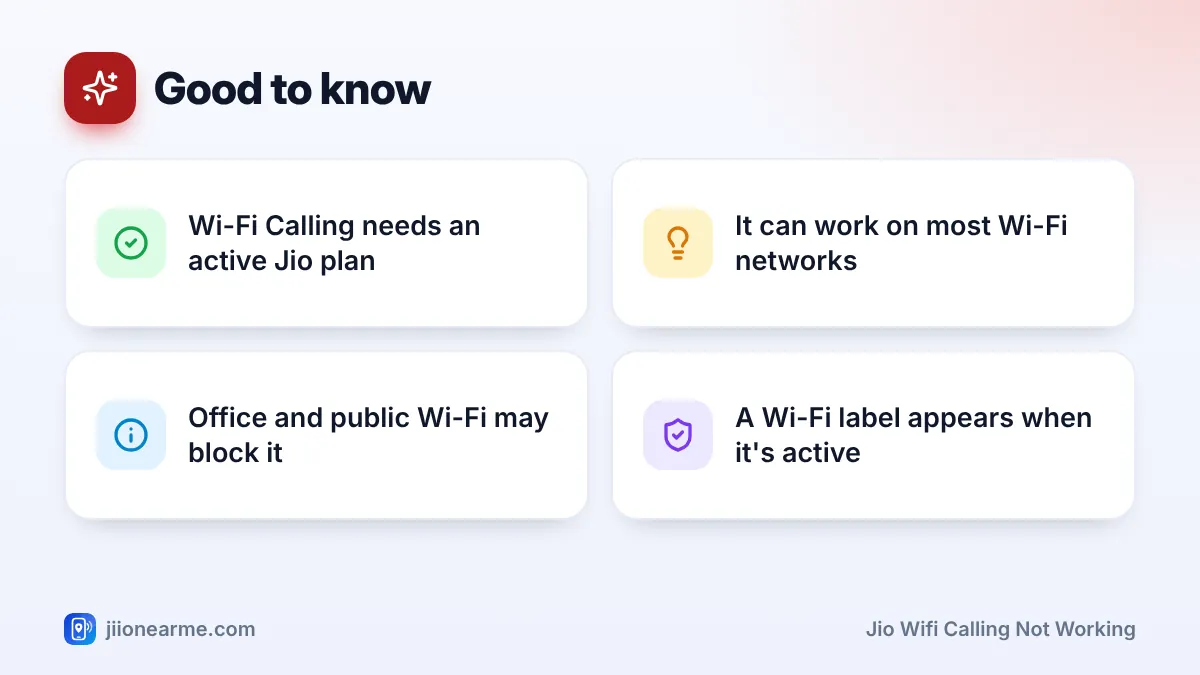
When Wi-Fi Calling works, your phone shows a Wi-Fi or VoWiFi label near the Jio network name, and calls go over your Wi-Fi instead of the mobile network. That’s very handy at home when indoor signal is weak.
- Your phone must support Jio Wi-Fi Calling, and its software should be up to date.
- VoLTE should be working on your Jio SIM before Wi-Fi Calling will activate.
- Wi-Fi Calling must be switched on for the Jio SIM in your phone settings.
- VPNs, some router settings and office or public Wi-Fi can block Wi-Fi Calling.
- Your Jio plan must be active; Wi-Fi Calling uses your normal calling benefits.
What Jio Wi-Fi Calling Needs to Work
Wi-Fi Calling (also called VoWiFi) needs all of these:
- A phone model that supports Jio Wi-Fi Calling, with recent software.
- An active Jio plan.
- VoLTE set up and working on your Jio SIM.
- Wi-Fi Calling turned on for the Jio SIM.
- A working internet connection over Wi-Fi that allows secure calling traffic.
If any one of these is missing, Wi-Fi Calling either won’t switch on or will switch on but not connect calls.
Check Phone Support and Software
Most recent smartphones support Jio Wi-Fi Calling, but not all, especially older or imported models. Jio lists supported phones on jio.com, so check there if you’re unsure.
Then update your phone:
- Android: Settings > System > Software update (labels vary by brand).
- iPhone: Settings > General > Software Update. Also check Settings > General > About, where a carrier settings update prompt appears if one is available.
Updates often add or fix Wi-Fi Calling support for Indian networks.
Turn On Wi-Fi Calling Correctly
On Android
- Open Settings > Network & internet (or Connections).
- Go to SIMs or Mobile networks and pick your Jio SIM.
- Turn on Wi-Fi Calling. On some phones, such as Samsung, it’s also in the Phone app under Settings.
- If you see a calling preference, choose Wi-Fi preferred for testing.
On iPhone
- Open Settings > Phone (on newer iOS, Apps > Phone).
- Tap Wi-Fi Calling and turn on Wi-Fi Calling on This iPhone.
- On a dual-SIM iPhone, make sure you’re changing the setting for your Jio line.
On some phones, Wi-Fi Calling activates more reliably if you switch it on while you still have some Jio mobile signal. Once it’s set up, it can work where mobile signal is very weak.
Make Sure VoLTE Is Working First
Jio Wi-Fi Calling builds on the same calling setup as VoLTE. If VoLTE is off or not working, Wi-Fi Calling often won’t activate.
- Turn on VoLTE or 4G Calling in your Jio SIM settings.
- Set the network type to include 4G or 5G.
- Make a normal call over mobile signal to confirm VoLTE works.
If normal Jio calls fail too, fix that first. The problem isn’t only with Wi-Fi Calling.
Jio WiFi Calling Not Working? Check Your Router and Wi-Fi
Wi-Fi Calling creates a secure, encrypted link from your phone to Jio’s network over the internet. Some networks block or disturb this link.
| Situation | Why it can fail | What to try |
|---|---|---|
| VPN app on your phone | Traffic goes through another server | Turn off the VPN |
| Office or college Wi-Fi | Firewall blocks secure calling traffic | Ask IT, or use mobile signal |
| Public Wi-Fi with login page | Calls can’t connect before you log in | Complete the login, or avoid it |
| Home router with strict security | Firewall or VPN passthrough settings block it | Restart router; check firewall options |
| Weak or busy Wi-Fi | Connection too unsteady for calls | Move closer; pause big downloads |
Wi-Fi Calling uses secure (IPsec) connections, which typically need UDP ports 500 and 4500 open. Most home routers allow this by default. If you or your technician changed firewall settings, or if your router has an option for IPsec passthrough or VPN passthrough, make sure it’s enabled. Router menus differ, so check your router’s guide.
Jio Wi-Fi Calling isn’t limited to JioFiber or Jio AirFiber. It can work on most home Wi-Fi networks, as long as the internet connection is steady and the router doesn’t block it.
Step-by-Step Troubleshooting for Jio Wi-Fi Calling
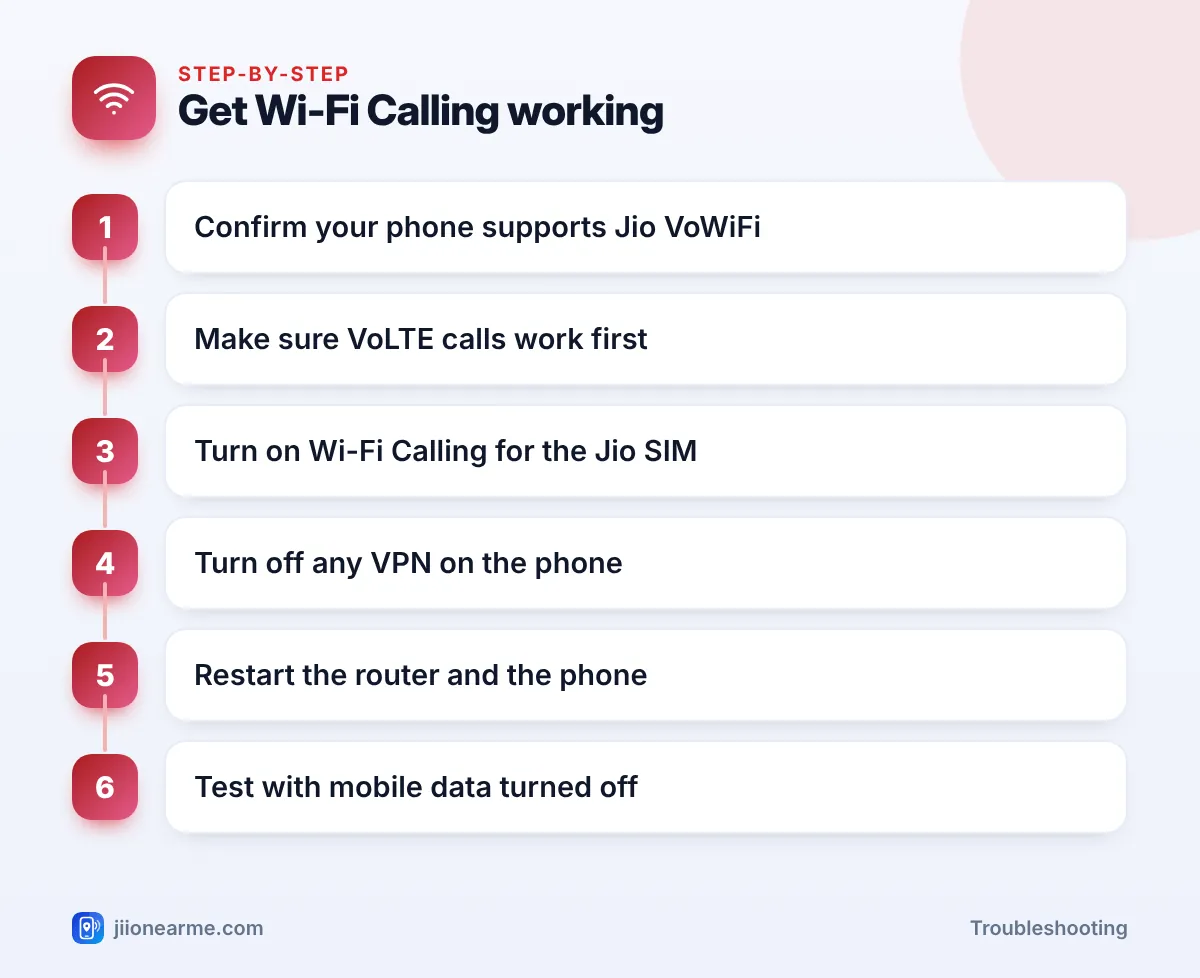
Work through these steps and test after each one:
- Check your plan is active in the MyJio app.
- Confirm VoLTE calls work over mobile signal.
- Turn Wi-Fi Calling off and on for the Jio SIM.
- Turn off any VPN on the phone.
- Forget and rejoin the Wi-Fi network, then wait a minute.
- Restart the router by turning it off for 30 seconds.
- Restart your phone.
- Test with mobile data turned off. Turn off mobile data, keep Wi-Fi on, and make a call. Look for the Wi-Fi Calling label near the network name.
- Reset network settings if nothing else works. This clears saved Wi-Fi passwords and Bluetooth pairings.
If Wi-Fi Calling works on another Wi-Fi network but not at home, the problem is your home router or internet connection. If it fails everywhere, the issue is your phone, settings or SIM.
When to Contact Jio Support
Call 199 from your Jio number if your phone is listed as supported but Wi-Fi Calling still won’t activate after these steps. Call 198 to register a complaint if the problem continues. Mention your phone model, software version and what you’ve already tried.
Frequently Asked Questions
Does Jio charge extra for Wi-Fi Calling?
Calls over Wi-Fi Calling use your plan’s normal calling benefits. Your Wi-Fi connection’s own data usage still applies, as for any internet use.
Can I use Jio Wi-Fi Calling on another company's broadband?
Yes. It can work on most Wi-Fi networks, not only JioFiber or Jio AirFiber, as long as the router allows the secure connection.
How do I know a call is going over Wi-Fi?
Most phones show a Wi-Fi or VoWiFi label next to the Jio network name. Some phones also show a Wi-Fi symbol in the call log.
Why does Wi-Fi Calling work at home but not at the office?
Office networks often have firewalls that block the secure traffic Wi-Fi Calling needs. Ask the IT team, or use mobile signal there.
Will Wi-Fi Calling work if my Jio plan has expired?
No. You need an active plan for Jio calls, whether over mobile signal or Wi-Fi.
Wrapping Up
When Jio Wi-Fi Calling isn’t working, go through the basics in order: phone support and updates, VoLTE, the Wi-Fi Calling setting, and then your Wi-Fi network. VPNs and strict router or office firewalls are common hidden causes. If Wi-Fi Calling works elsewhere but not at home, focus on the router.
JIo Near me is an independent guide and is not affiliated with Reliance Jio. App menus, plans and policies can change – always confirm current details in the official MyJio app or on jio.com. We will never ask for your OTP, PIN or passwords.