If you run a business or work as a freelancer, your Jio postpaid bill can support an input tax credit (ITC) claim, but only when the invoice carries your GSTIN and registered business details. To get that, you share your GST details with Jio through an official channel, and invoices raised after the update show them.
This guide explains why the GSTIN matters, what to keep ready, how to share the details with Jio and how to check each invoice before you file returns. For decisions about how much credit your business can take, always confirm with your chartered accountant (CA).
- A Jio postpaid GST invoice needs your GSTIN and registered business name to support an input tax credit claim.
- You can add or update GST details through MyJio, jio.com, a Jio Store or customer care on 199.
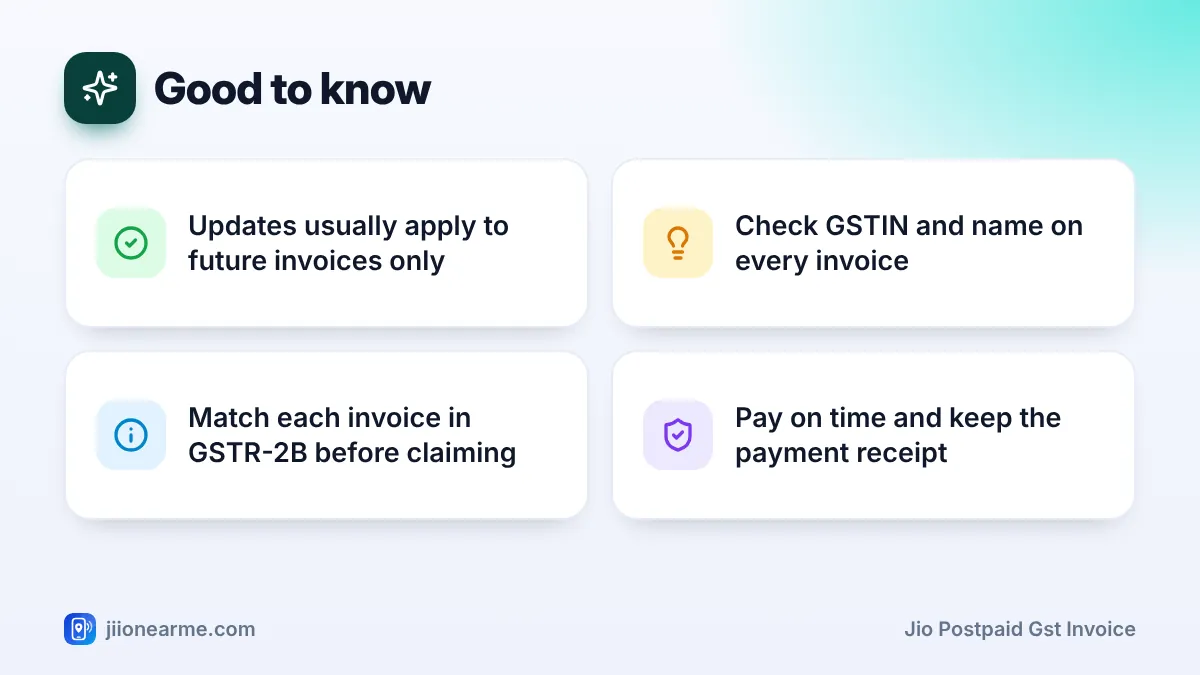
- Updates usually apply to invoices raised after the change, so add your GSTIN early.
- Check every invoice and match it in GSTR-2B before claiming credit.
Why Your GSTIN on the Jio Invoice Matters
Every postpaid bill includes GST. If you are registered under GST and use the connection for business, you may be able to claim that GST back as input tax credit. This reduces the tax you pay on your own sales.
Credit is tied to your GSTIN. A bill issued only in your personal name, without a GSTIN, generally does not support an ITC claim. When Jio has your GSTIN, it reports the invoice against it in its GST filings, and the invoice then appears in your auto-drafted statement (GSTR-2B) on the GST portal.
Who should add a GSTIN
- Freelancers and consultants registered under GST who use their phone for client work.
- Small business owners who run a shop or office using a postpaid connection.
- Companies paying for connections taken in the company’s name.
If you are not registered under GST, you do not need to add anything. A normal bill is fine for your personal records.
If one number is used for both personal and business calls, GST rules generally limit credit to the business share. Your CA can tell you how to work out that share for your situation.
What to Keep Ready for a Jio Postpaid GST Invoice
Keep these details handy so your request goes through smoothly:
- Your 15-character GSTIN, exactly as it appears on your registration certificate.
- The legal name of your business, as registered under GST.
- Your registered business address and state.
- The Jio postpaid number or numbers you want covered.
- A copy of your GST registration certificate, in case it is asked for during verification.
Check the GSTIN character by character. One wrong letter or digit can mean the invoice is reported against the wrong registration, and you may lose the credit for that month.
Why the state matters
Your GST state and the billing address on the connection affect how tax is shown on the invoice, either as CGST plus SGST, or as IGST. If your business is registered in one state and the connection’s billing address is in another, speak to your CA before updating, so the invoice actually helps you.
How to Add Your GSTIN to Your Jio Postpaid Account
App menus change over time, so look for similar wording if your screen looks different.
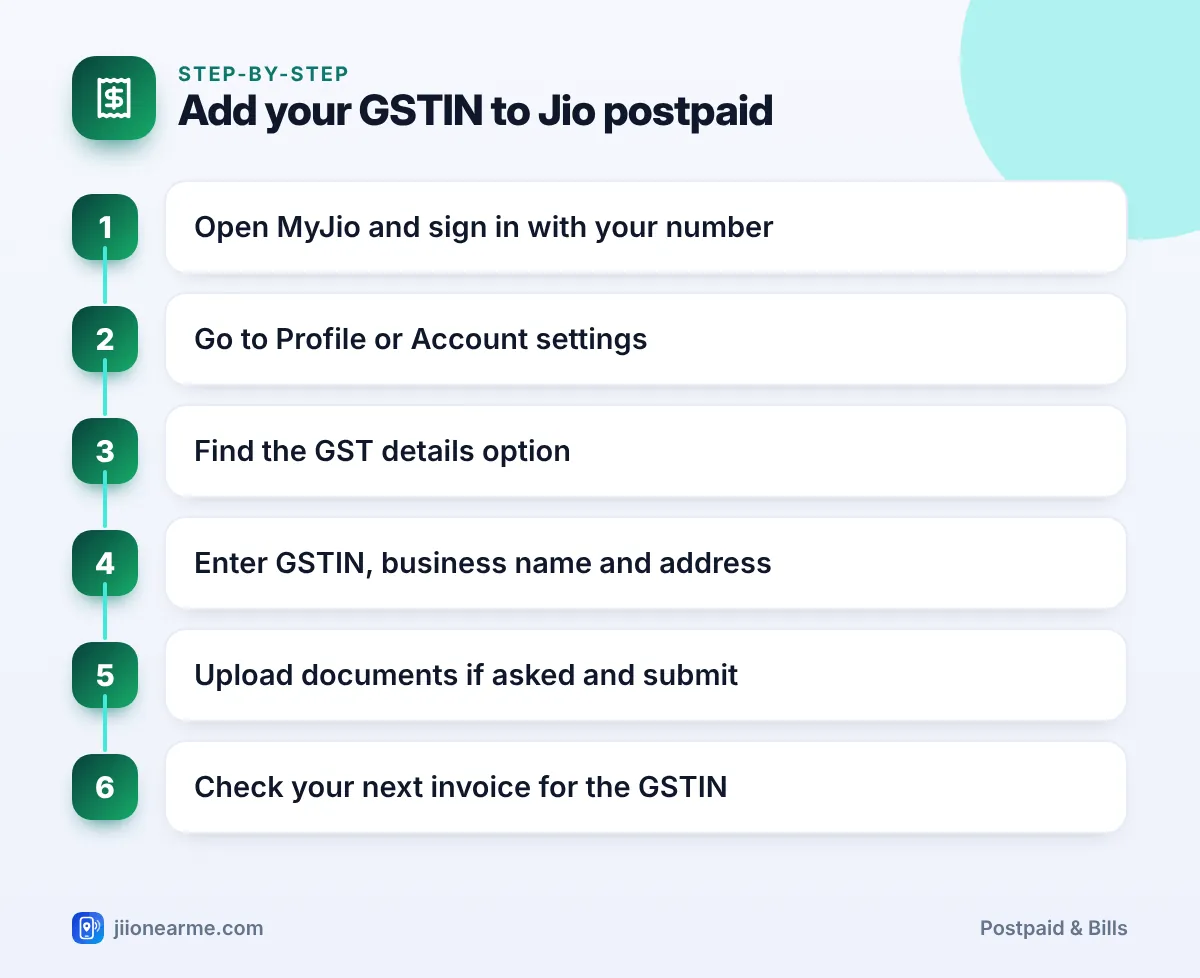
- Open the MyJio app and sign in with your postpaid number.
- Go to your profile or account area. Open the menu (☰) and look for Profile, Account or My Account.
- Look for a GST option. It may appear as GST details, Update GSTIN or similar, sometimes inside billing settings.
- Enter your GSTIN, business name and address exactly as they appear on your certificate.
- Upload documents if asked, then submit the request.
- Wait for confirmation by SMS or email, then check that your next invoice shows the GSTIN.
Other official ways to share GST details
If you cannot find the option in the app, try one of these:
- Jio website: Sign in on jio.com and check the account or billing section for GST details.
- Jio Store: Visit with your GST registration certificate and your phone. Staff can raise the request for you.
- Customer care: Call 199 from your Jio number for queries, or the toll-free number 1800-889-9999.
Your GSTIN is not a secret, but your GST portal password and OTPs are. Jio does not need your GST portal login or any code sent to your phone to update an invoice. Never share these with anyone who calls offering to fix your bill.
What Changes on the Invoice After the Update
Once your GSTIN is linked, a few details on the invoice change. Compare an old bill with a new one to see the difference.
| Detail | Bill without GSTIN | Invoice with GSTIN |
|---|---|---|
| Recipient name | Your personal name | Your registered business name |
| Recipient GSTIN | Not shown | Your 15-character GSTIN |
| Use for ITC | Generally not usable | Can support a claim if other conditions are met |
| Shows in your GSTR-2B | No | Yes, once Jio files its returns |
| Plan and charges | As per your plan | Same as before |
What about older bills?
The update usually applies only to invoices generated after your request is processed. Earlier bills are generally not reissued with your GSTIN. You can ask customer care about a correction, but do not count on it. This is why it makes sense to add your GSTIN as soon as you register under GST or take a new connection.
How to Check Each GST Invoice Before Claiming Credit
A short monthly check saves trouble at return filing time:
- Download the invoice as a PDF from MyJio or jio.com.
- Check your GSTIN, legal name and state against your registration certificate.
- Note the invoice number, date and tax amounts.
- Look for the invoice in GSTR-2B on the GST portal once the period’s returns are filed.
- Pay the bill on time and keep the receipt, since paying your supplier is one of the conditions for keeping the credit.
- Send the invoice to your accountant along with your other purchase records.
Create a folder for each financial year and save every month’s invoice and payment receipt together. At filing time, your accountant gets everything in one place.
Common Problems and How to Fix Them
- GST option not visible in the app: Update MyJio, try jio.com, or visit a Jio Store.
- Invoice shows the wrong GSTIN or name: Call 198 from your Jio number to register a complaint, and note the reference number.
- Invoice missing in GSTR-2B: Suppliers file returns on a fixed schedule, so wait for the period to close. If it is still missing, raise it with Jio and share the invoice details.
- Business moved to another state: Both your GST registration and your Jio billing details may need updating. Check with your CA first.
- Several numbers: Make sure each postpaid number you want covered is linked to the GSTIN.
Frequently Asked Questions
Can I claim input tax credit on a Jio bill without a GSTIN?
Generally, no. A valid tax invoice showing your GSTIN is one of the main conditions for claiming ITC. Your CA can confirm the rules for your case.
Does adding a GSTIN change my plan or bill amount?
No. Your plan and charges stay the same. Only the recipient details on the invoice change.
Can I link one GSTIN to several Jio postpaid numbers?
Usually, yes. A business can have more than one connection under the same GSTIN. Make sure each number is updated and check each invoice separately.
How long does a GSTIN update take?
It varies by channel and verification. Wait for the confirmation, then check your next invoice. If the GSTIN is still missing, contact customer care.
Do I need a separate number for business use?
Not always, but a separate business connection keeps records cleaner and makes the business share of usage easier to show.
Final Thoughts
Getting a Jio postpaid GST invoice is mostly about giving Jio the right details early. Add your GSTIN through MyJio, jio.com or a Jio Store, check every invoice against your registration certificate, and match it in GSTR-2B before you claim.
For questions about how much credit you can take, ask your CA. For account changes, stick to official Jio channels only.
JIo Near me is an independent guide and is not affiliated with Reliance Jio. App menus, plans and policies can change – always confirm current details in the official MyJio app or on jio.com. We will never ask for your OTP, PIN or passwords.