A Wi-Fi extender can fix a weak JioFiber signal in a far bedroom or an upstairs room, but only if you place it in the right spot. Put it roughly halfway between the router and the weak area, pair it with your JioFiber Wi-Fi using the WPS button or the extender’s own app, and then run a speed test in that room to confirm things really improved.
This guide explains each of those steps in plain language. Extender brands use different buttons, lights and apps, so keep your extender’s manual handy and treat the steps below as a general pattern.
- Place the extender where it still gets a strong signal from the JioFiber router, not inside the weak room.
- Pair it by pressing WPS on both devices, or through the extender’s app or setup page.
- Test speed in the weak room before and after, using the same device each time.
- For several weak rooms, a mesh system or a wired access point often works better.
Check Whether You Really Need an Extender
Before buying anything, rule out simpler fixes. Restart the JioFiber router by switching it off at the wall for 30 seconds and turning it back on. Then look at where it sits.
A router tucked inside a TV cabinet, on the floor or in a corner room will struggle to cover the whole home. Placing it higher and more centrally may fix coverage without any extra device.
Also run a quick speed test next to the router. If speed is low even there, an extender will not help, because the issue is with the line or the router itself.
How a Range Extender Works
An extender connects to your JioFiber Wi-Fi like any other device. It then re-broadcasts that signal, so devices in the far room connect to the extender instead of the distant router.
The catch is that the extender can only pass on what it receives. If it sits where the router’s signal is already weak, it simply repeats a weak signal. That is why placement matters more than the brand or model.
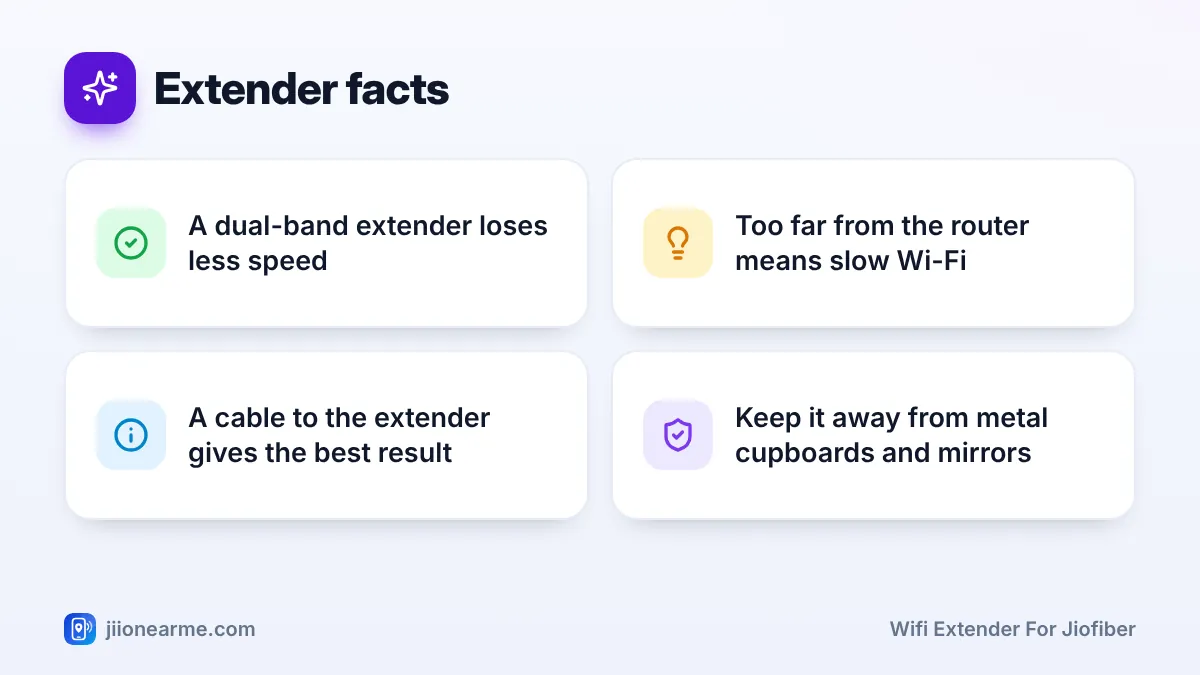
Basic single-band extenders also use the same radio to receive and resend data, which can noticeably cut speed. Dual-band models handle this better. Some extenders also have an Ethernet port and an access point mode, which lets you connect them to the router by cable for the best result.
Extender, mesh or access point?
| Option | How it connects | Best for | Trade-off |
|---|---|---|---|
| Wi-Fi extender | Wirelessly to the router | One weak room nearby | Some speed loss, often a separate network name |
| Mesh system | Nodes link to each other under one name | Large homes or several floors | Nodes usually need to be from the same mesh system |
| Wired access point | LAN cable from the router | Rooms you can reach with a cable | Needs a cable run through the home |
Choosing a WiFi Extender for JioFiber
JioFiber routers use standard Wi-Fi, so most regular extenders work with them. There is no special Jio-only requirement. When choosing one, look for:
- Dual-band support: both 2.4 GHz and 5 GHz, so it can serve newer phones and laptops at better speeds.
- A modern Wi-Fi standard: Wi-Fi 5 (802.11ac) or Wi-Fi 6 (802.11ax).
- An Ethernet port: useful for wiring a TV or for running the extender as an access point later.
- Easy setup: a WPS button, or a clear app or browser-based setup.
- WPA2 or WPA3 security: avoid older security options.
Step-by-Step: Setting Up the Extender
Here is the general process. Your extender’s manual may change the order slightly, especially for the WPS step.
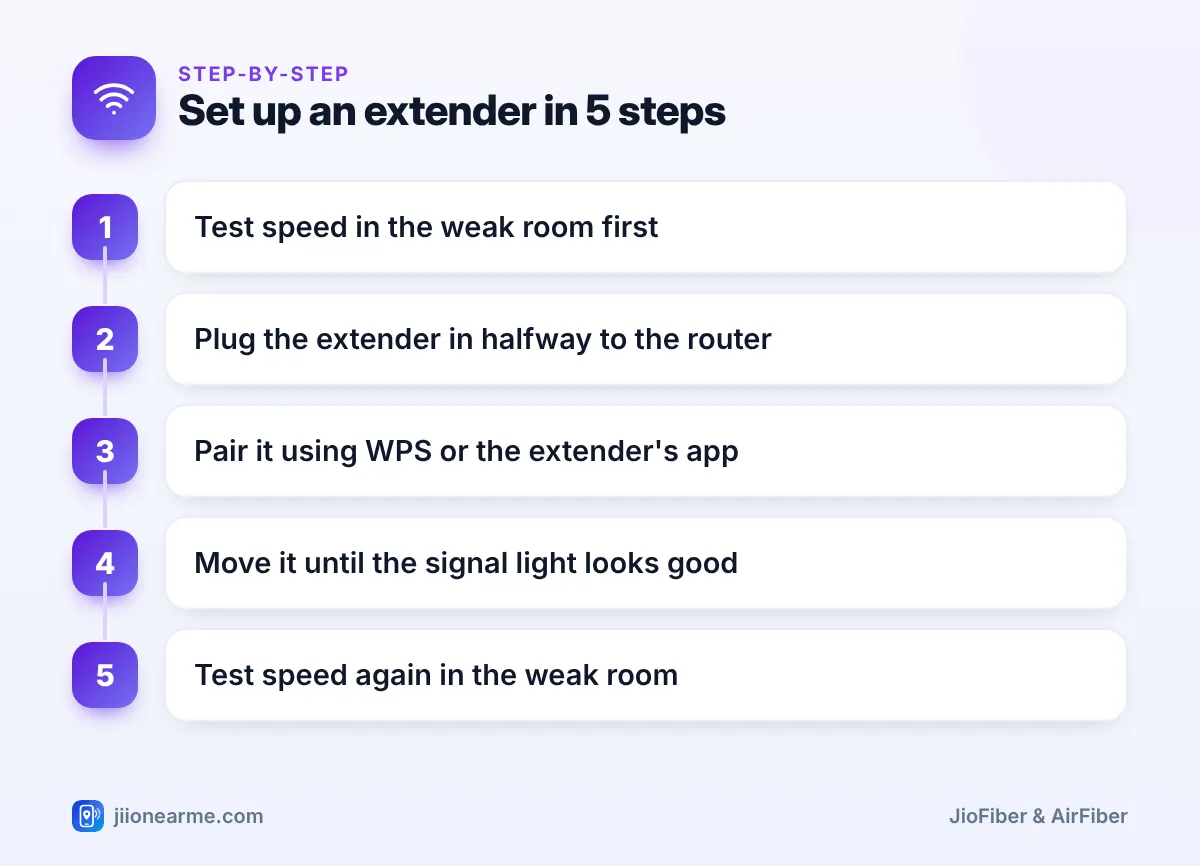
- Note your starting speed. Run a speed test in the weak room and take a screenshot.
- Find the halfway spot. Walk towards the router with your phone until the JioFiber signal looks strong again, usually three or four bars. The spot just before that, on the way to the weak room, is a good place to start.
- Plug in the extender. Use a wall socket in the open, not behind a TV or inside a cupboard. Wait a minute or two for the power light to turn steady.
- Pair it with the router. If both devices have WPS, press the WPS button on the JioFiber router and then press WPS on the extender within about two minutes. If your router has no WPS button, use the app or setup page method below.
- Or pair using the app or setup page. Connect your phone to the extender’s default network, which is printed on its label. Open the extender’s app or setup page, choose your JioFiber network and enter its Wi-Fi password. Repeat for the 5 GHz network if asked.
- Pick the network name. Keep the same name as your router, or use a separate name such as “Home_EXT” so you can choose which one to join.
- Check the signal light. If it shows a weak signal, move the extender a little closer to the router and check again.
Your current Wi-Fi names and password are shown in the MyJio app under your JioFiber connection, usually in a Wi-Fi or router settings section. Labels can differ by app version. Type the names exactly, as they are case-sensitive.
Check That Speeds Actually Improve
Now repeat the speed test in the weak room. Use the same phone or laptop, stand in the same place and test at a similar time of day, so the comparison is fair. Make sure the device is connected to the extender and not to the far-away router.
Compare download speed, upload speed and ping. Then do a real check too: join a video call, stream a video or load a few heavy pages in that room.
If speed has not improved or has got worse:
- Move the extender one or two metres closer to the router and test again.
- Check that it links to the router on 5 GHz, if your model allows a choice.
- If you used one network name, your phone may be staying on the weaker signal. Turn Wi-Fi off and on, or use separate names.
The goal is a steady, usable connection in the weak room, not full plan speed everywhere. Speeds through an extender are usually lower than next to the router. If video calls stop freezing and pages load quickly, the extender is doing its job.
Common Mistakes to Avoid
- Placing the extender in the dead zone itself. It needs a good signal to pass on.
- Hiding it behind metal or glass. Steel cupboards, mirrors and aquariums block Wi-Fi.
- Chaining several extenders. Each hop adds delay and cuts speed. Use mesh or a cable instead.
- Leaving default settings. Change the extender’s admin password, keep its firmware updated and protect its network with WPA2 or WPA3.
The thin fibre cable running to your JioFiber router is fragile and can break if bent sharply. If the router is badly placed, ask Jio for help through the MyJio app or by calling 198 from a Jio number.
Frequently Asked Questions
Will any Wi-Fi extender work with a JioFiber router?
Most standard extenders work because they connect over normal Wi-Fi. Choose a dual-band model that supports WPA2 or WPA3 security.
Why is my speed lower on the extender than near the router?
An extender has to receive data and then resend it, so some speed loss is normal. If it is very slow, the extender is probably too far from the router.
Should the extender use the same Wi-Fi name as my router?
Either works. One name is convenient, but some phones cling to the weaker signal. Separate names let you choose the stronger network yourself.
Can I connect my smart TV to the extender by cable?
Yes, if the extender has an Ethernet port. The TV still depends on the extender’s wireless link, so place the extender where it gets a strong signal.
When should I choose mesh instead of an extender?
If several rooms or floors have weak Wi-Fi, a mesh system or a wired access point usually performs better than a single extender.
Final Thoughts
A Wi-Fi extender for JioFiber works well when it sits in the right place: close enough to the router to get a strong signal, and close enough to the weak room to cover it. Measure speed before and after, adjust the position if needed, and contact Jio if speeds are low even next to the router.
JIo Near me is an independent guide and is not affiliated with Reliance Jio. App menus, plans and policies can change – always confirm current details in the official MyJio app or on jio.com. We will never ask for your OTP, PIN or passwords.
